 Signify.ink

A business card is a snapshot of a moment. It carries the name, title, company, and contact details of the person who handed it over — as they were on the day it was printed. When the person changes roles, or the company rebrands, or the phone number changes, the card does not update with them. It slowly becomes wrong. The person holding it usually does not know that, and the person who handed it over has no way to correct it. That is the problem a Signify digital business card is designed to solve — and it is the reason the shift away from paper is not really about sustainability or fashion. It is about the fact that a static object cannot track a moving professional.
This article sets out what “Business Cards 2.0” actually means in practice: the four capabilities that a live profile has and a printed card cannot, the numbers on what paper cards actually cost, the environmental case with real figures behind it, and what to check before choosing a provider. It is a general overview for anyone evaluating the category — individuals, freelancers, or teams — and it points to the online business card page if you want the product-specific version first.
- Roughly 88% of paper cards are thrown away within a week, and around 10 billion cards are printed in the U.S. each year — cited by the American Bar Association.
- A digital card is not a PDF of a paper card — it is a live profile that updates in place and stays shared through the same link.
- Four capabilities matter: live updates, analytics, CRM capture, and multiple sharing modes.
- The honest sustainability claim is narrower than “zero waste”: it is no print, no reprint, no shipping.
The paper problem, in numbers
The figures on paper cards are unusually consistent, and they are worth laying out because they anchor the entire argument. The American Bar Association reports that roughly 10 billion business cards are printed in the U.S. each year, and that 88% are thrown away within a week. UPrinting cites the same 88% figure independently, and traces it to a 2017 Statistic Brain study.
Sources: American Bar Association (10 billion cards, 88% discard); UPrinting (88%, traced to 2017 Statistic Brain); HiHello (20,000 cards per tree).
The discard rate is the number most often quoted, but the more relevant number for a professional is what happens to the 12% that survive. A card that is saved in a drawer goes stale within a year — a title change, a new company, a new phone number, and the card is now wrong. The card the recipient is holding is a snapshot, and the professional it was meant to represent has moved on. The smart business card page frames the same problem in terms of what a business card is supposed to do: identify a person and make the follow-up easy.
What “Business Cards 2.0” actually means
The “2.0” framing is a useful shorthand but it obscures a real distinction. A digital card is not simply a paper card rendered on a screen. It is a different kind of object, and the difference is not cosmetic.
A live profile, not a document
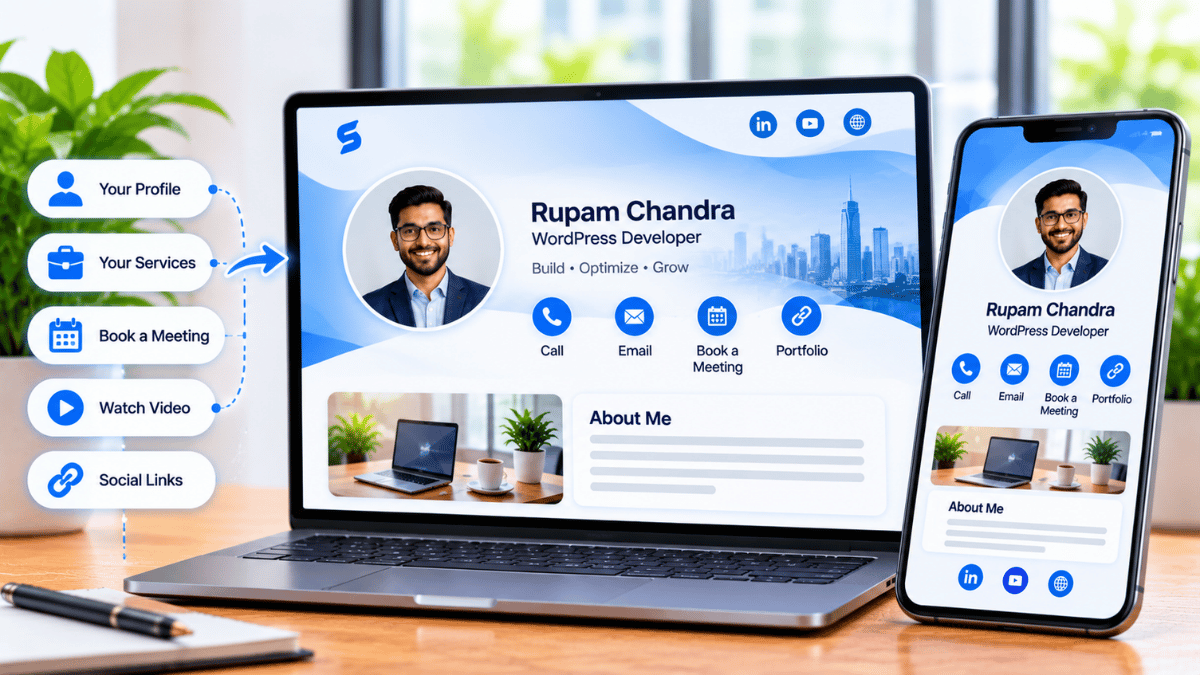
A paper card is a document — it says what it says and nothing else. A digital card is a profile at a stable URL. The URL does not change when the contents do. Update the profile once, and every recipient who saved the link sees the new version the next time they open it. There is no reprint, no redistribution, and no version drift.
A richer surface than 90 × 50 mm
A paper card has room for a name, a title, and a phone number. A digital profile can carry the same fields plus a portfolio link, a calendar booking, a video introduction, and any other surface the professional wants to include. The electronic business card page covers the link fields in more detail, and the online business card page covers the design options.
A trackable artifact, not a black box
When you hand over a paper card, you have no idea whether the recipient saved it, threw it away, or put it in a drawer. A digital card tracks views, saves, and link clicks — so the professional can see which parts of the profile are actually being read, and adjust the design accordingly. That is a new capability, not an incremental improvement.
A shared asset, not a personal object
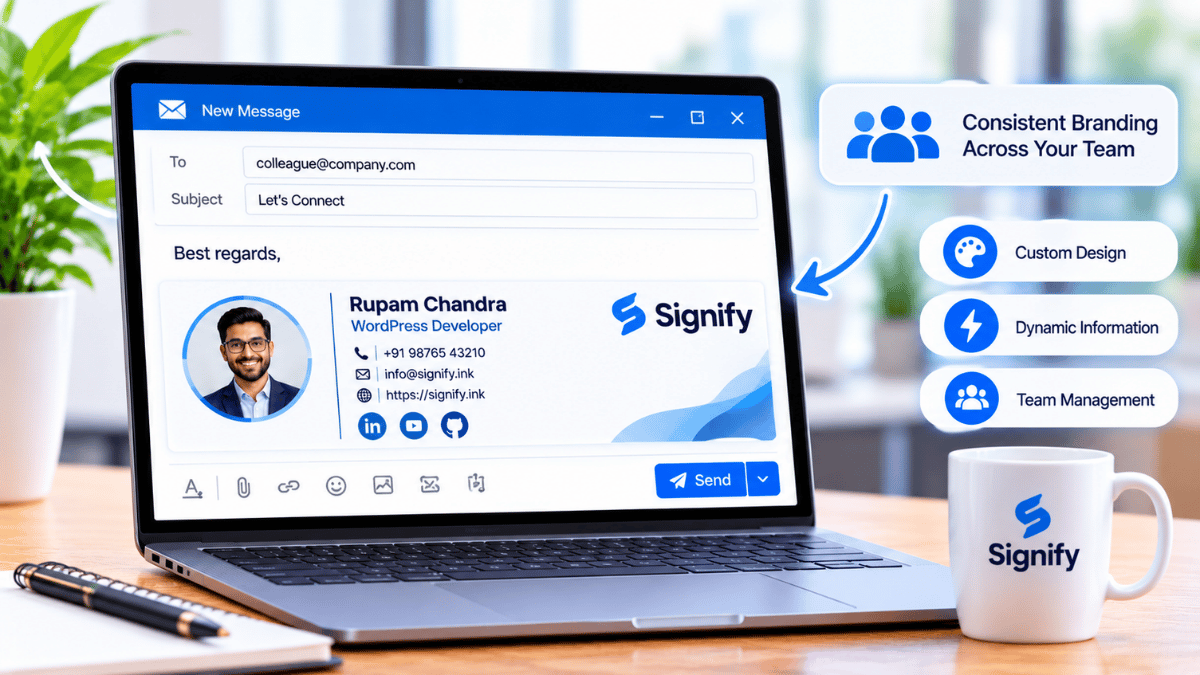
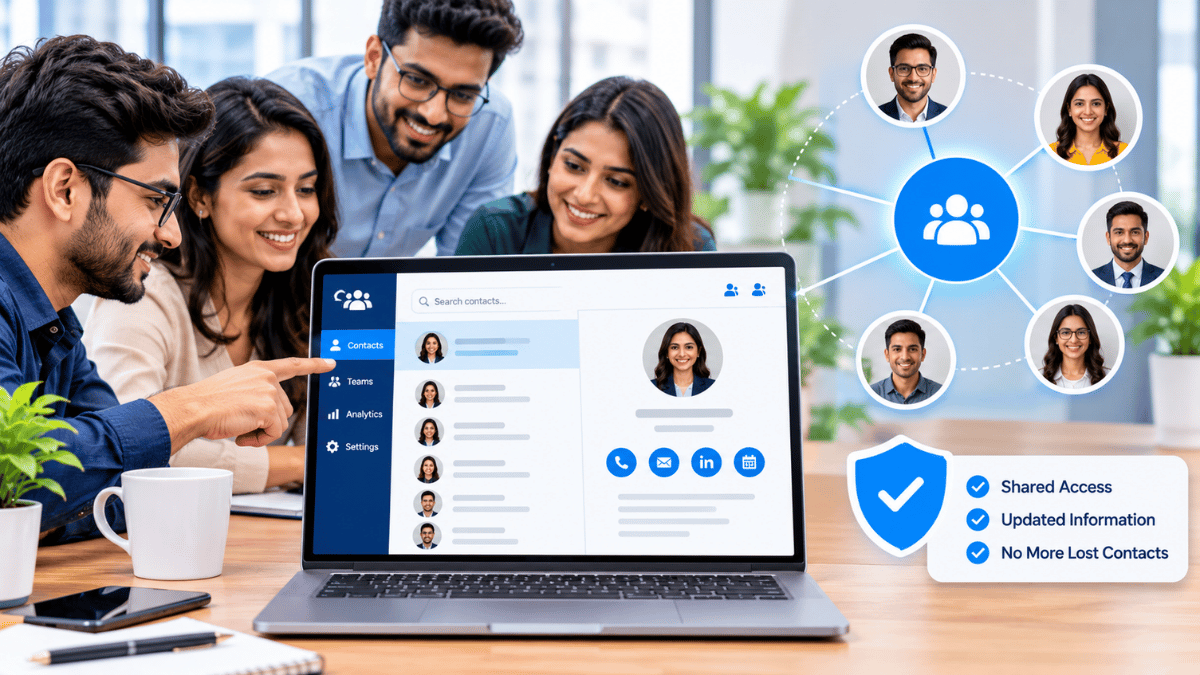
A paper card belongs to the person who handed it over. A digital card can be managed centrally by a team: Signify Teams gives an administrator a single view of every team member’s card, shared brand templates, and the ability to deactivate a departing employee’s card rather than leaving it in circulation. A paper card cannot be recalled.
The four capabilities that change the equation
The four capabilities below are the ones that actually distinguish a digital card from a paper card in practice. They are not all available on every platform, but they are the criteria that matter when you are comparing providers.
Updates in place
The single most useful feature. Change your role, your company, your phone number, or your portfolio — once — and every saved card reflects the change. No reprint, no redistribution, no stale copies.
Real analytics
Views, saves, and link clicks. A paper card has no equivalent — you cannot tell whether the card was looked at, saved, or thrown away. The online business card page covers what the tracking looks like.
Lead capture and CRM
A shared card can route the contact into a CRM rather than a personal address book, so the lead becomes a company asset rather than an individual’s. The leads integration page covers the CRM sync options.
Multiple sharing modes
A QR code for events and slides, an NFC tap for in-person, a link or VCF by email for follow-up. The same profile, delivered the way the moment requires.
Paper vs digital, side by side
The comparison is often framed as a preference. It is more useful to frame it as a set of differences in what the two formats can and cannot do. This is the table a prospective buyer would want, regardless of which provider they choose.
| Dimension | Paper card | Digital card |
|---|---|---|
| Stays current | Frozen on print date | Updates in place when you edit the profile |
| What it can carry | Name, title, phone, email — roughly 90 × 50 mm of space | All of those plus portfolio, calendar, social, video, custom links |
| Analytics | None | Views, saves, and link clicks |
| Recipient action | Manual data entry, or the card is discarded | One-tap save, no app required |
| Team deployment | Per-office reprint, shipping, inventory | Central seat management, shared templates |
| Revocation | Impossible — the printed card stays in circulation | Link can be changed or the card deactivated centrally |
The digital card is not strictly better at everything. A paper card has the advantage of working without a device, of surviving a dead phone battery, and of being the format many people still expect at a formal meeting. The comparison that matters is whether the specific advantages of a digital card outweigh those costs for the specific use case. For most professionals in most situations, they do — but that is a judgment the table supports, not a conclusion the table forces.
The environmental case, honestly
The sustainability argument for digital cards is real, but it is narrower than most marketing suggests. The claim that survives scrutiny is “no print, no reprint, no shipping”, not “zero waste” or “carbon neutral”.
HiHello’s environmental research provides the numbers that matter: one tree produces roughly 20,000 average-weight business cards, and a company of 100 employees printing 250 cards per employee per year consumes one tree, 500 gallons of water, and 74 pounds of waste before a single card is handed out. Scale that to a national number — 10 billion cards per year in the U.S. — and the environmental cost is substantial. The virtual business card page frames the same argument in the sustainability terms that most procurement teams can actually use.
The honest caveat is that a digital card is not waste-free. It runs on a hosting infrastructure that consumes electricity. It depends on a phone the recipient already owns, which itself was manufactured using extractive supply chains. And its environmental benefit depends on the volume of paper it actually displaces — for a single professional, the benefit is modest; for a team reprinting cards after every role change, it is larger and more measurable. The Signify security page covers the hosting arrangements, which is where a procurement team would verify the infrastructure side if they wanted to run their own assessment.
The broader point is that a sustainability claim that names its own limits is more useful than one that does not. A team reporting on environmental impact can put “we eliminated the recurring business card reprint cycle” in a disclosure. It cannot credibly put “we are carbon neutral because we use digital cards”.
Who this matters most for
The digital card is not equally valuable for every professional. It is most valuable for people who meet many new contacts, whose details change often, and who rely on follow-up for their work.
Sales and business development
High volume of new contacts, frequent follow-up, and a direct line from a card to a CRM. The leads integration is the feature that matters here.
Freelancers and consultants
A portfolio is a large part of the value proposition, and a paper card has no room for one. A profile with a portfolio link is a different class of introduction.
Team deployments
Any organisation that reprints cards after a rebrand, a promotion, or a new hire is a candidate for Signify Teams. The reprint cycle is where the paper cost compounds.
Founders and early teams
Role changes, company rebrands, and rapid team growth make a paper card go stale within months. A digital card is a small operational saving that adds up.
What to check before choosing a provider
If you are evaluating a digital card platform — Signify or otherwise — these are the criteria that separate a useful tool from one you will abandon after a month.
-
Recipients do not need an app. The card should open in a browser. If the recipient has to install something, the card will not be saved. This is the single most important criterion.
-
Updates happen in place. The shared link should not change when the profile does. Otherwise the card is just a hosted PDF and the whole advantage disappears.
-
Field-level privacy controls. You should be able to share a role and a portfolio without exposing a personal mobile number. The paid plans are where this normally lives.
-
Analytics that mean something. Views, saves, and link clicks are the minimum useful set. Vanity metrics without action are not enough.
-
A path for a team, not just an individual. If your organisation might deploy at scale, check whether there is a team plan before you commit to a per-individual subscription.
Frequently asked questions
What is a digital business card?
A digital business card is a live online profile that carries your professional details and links, shared by a URL, a QR code, or an NFC tap. Unlike a paper card, it updates in place when you edit the profile, and recipients do not need an app to view it.
Is the “88% of business cards are thrown away” statistic accurate?
It is the most widely cited figure in the category, traced to a 2017 Statistic Brain study and cited by both the American Bar Association and UPrinting. As with any single-source survey, the exact number should be treated as directional rather than precise, but the direction is consistent across sources.
How many trees does a business card use?
HiHello’s environmental research estimates one tree produces roughly 20,000 average-weight business cards, and that a 100-person company printing 250 cards per employee per year consumes one tree, 500 gallons of water, and 74 pounds of waste before a single card is handed out. The virtual business card page covers the sustainability angle in more detail.
Are digital business cards actually more sustainable?
They are more circular in a specific sense: they eliminate the print, reprint, and shipping cycles. But they are not waste-free — hosting and device manufacturing carry their own footprints. The honest claim is “we removed the recurring reprint cycle”, not “we are carbon neutral”.
Do recipients need the Signify app to view a card?
No. The card opens in a browser, and the recipient can save the contact as a VCF file without downloading anything. The send-a-card feature attaches the VCF directly to the email.
Can I still use a paper card in some situations?
Yes. A paper card is still useful for a formal meeting, a ceremony, or a situation where a physical gesture is expected. Most professionals do both: they accept a paper card when offered, and follow up with their digital card so the contact is saved in a form that stays current.
Does Signify work for teams?
Yes. Signify Teams provides central seat management, shared brand templates, role-based access, and central deactivation. The pricing page compares the individual and team plans.
How do I get started?
Open Create a Card in Signify, add your professional details and the links you want to be found from, customise the design, and save. Share the card by link, QR code, or NFC tap. For a team deployment, start at the Signify Teams page.
A card that stays current with you
One profile, one link, updated in place — no reprints, no stale copies, and real analytics on who actually read it.
Create your Signify card