Share Your Card
With Anyone, Anywhere

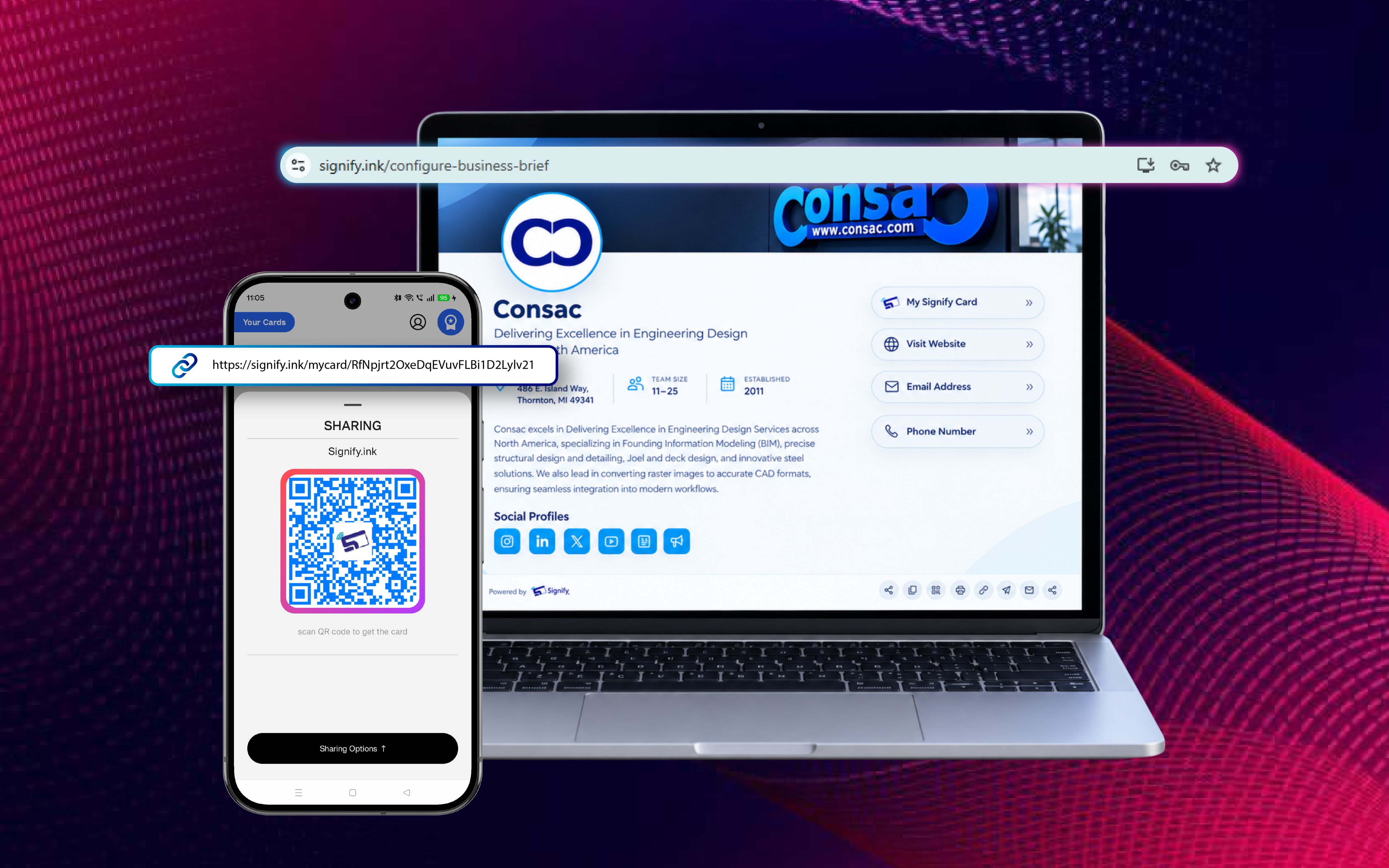
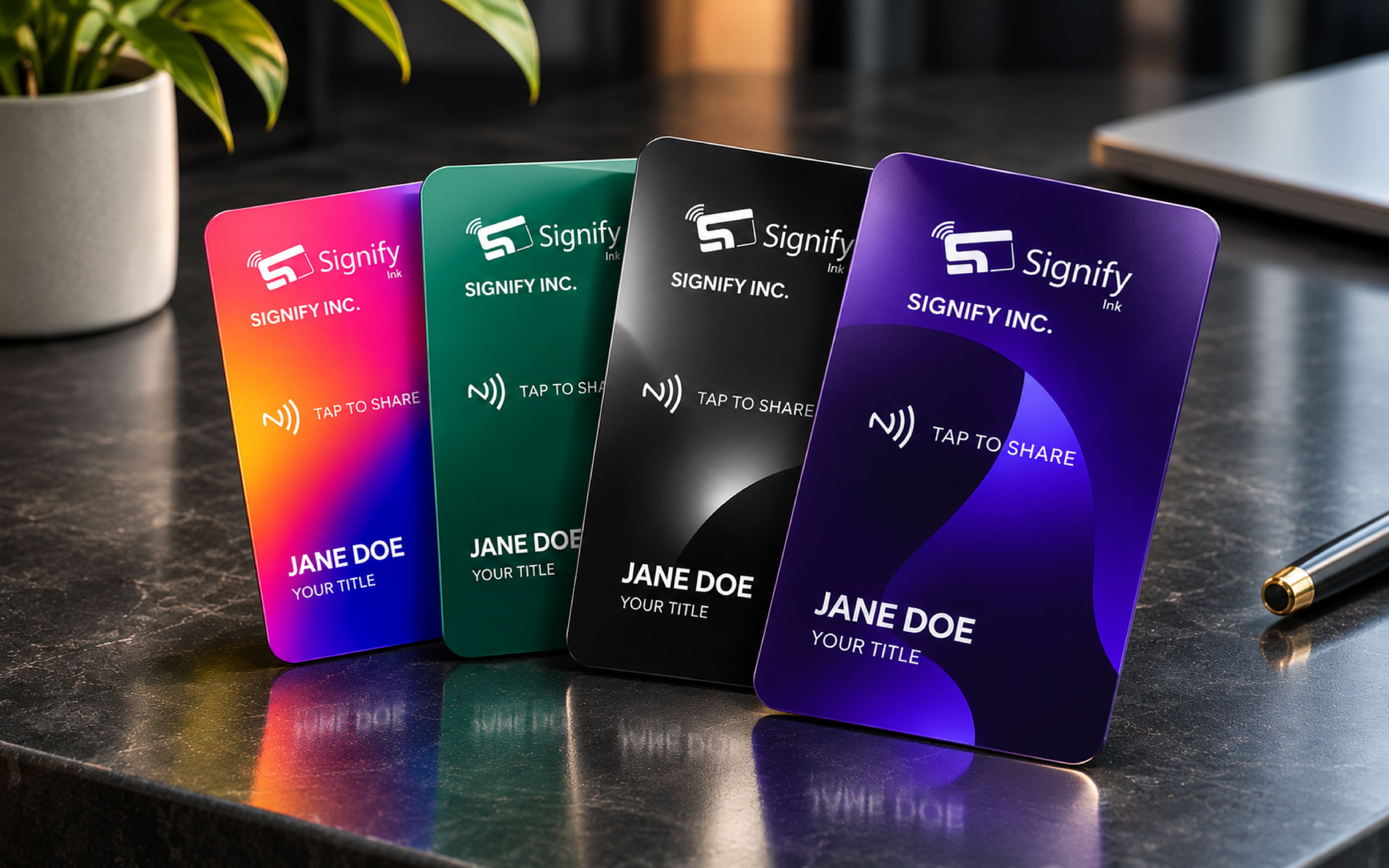
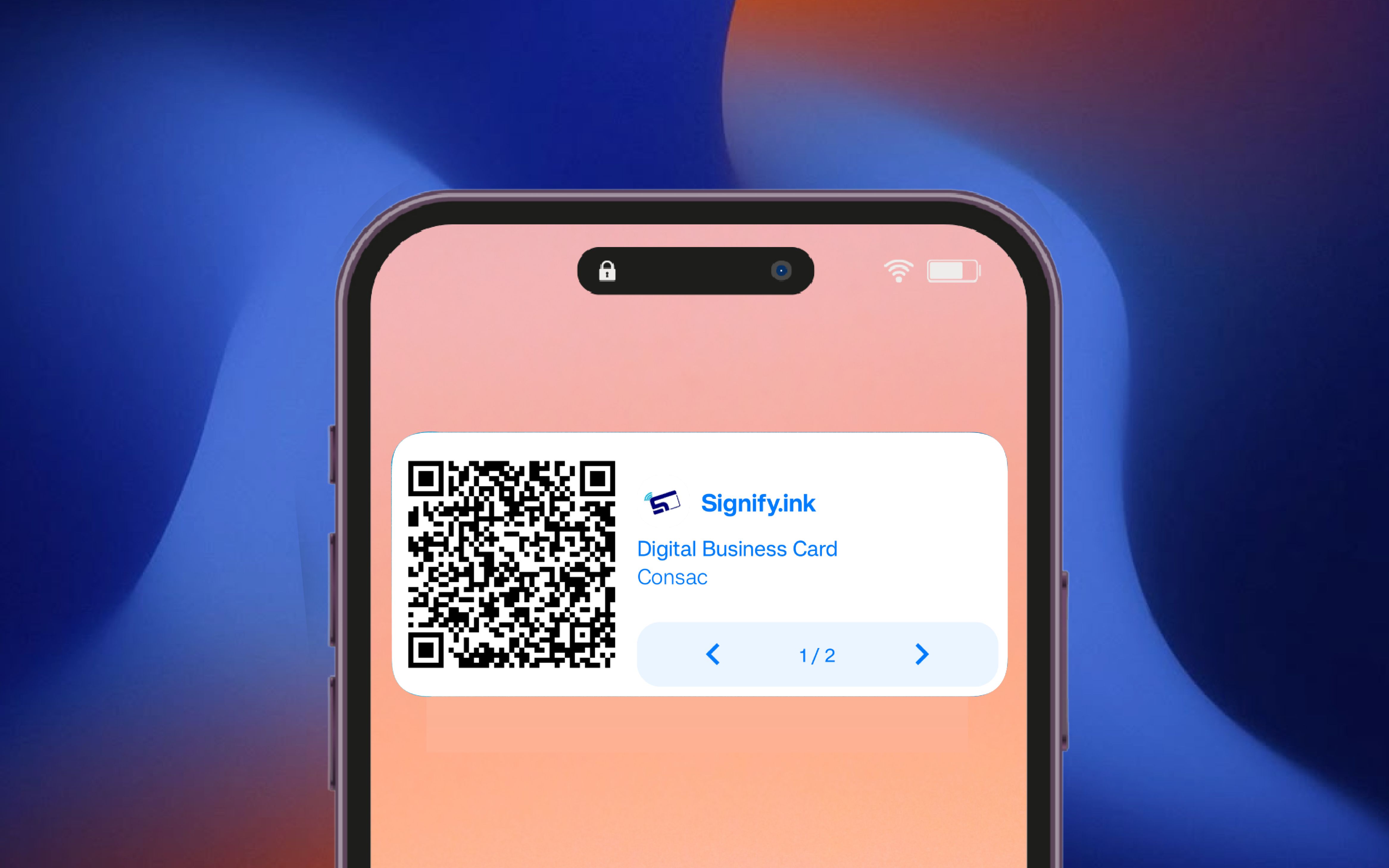
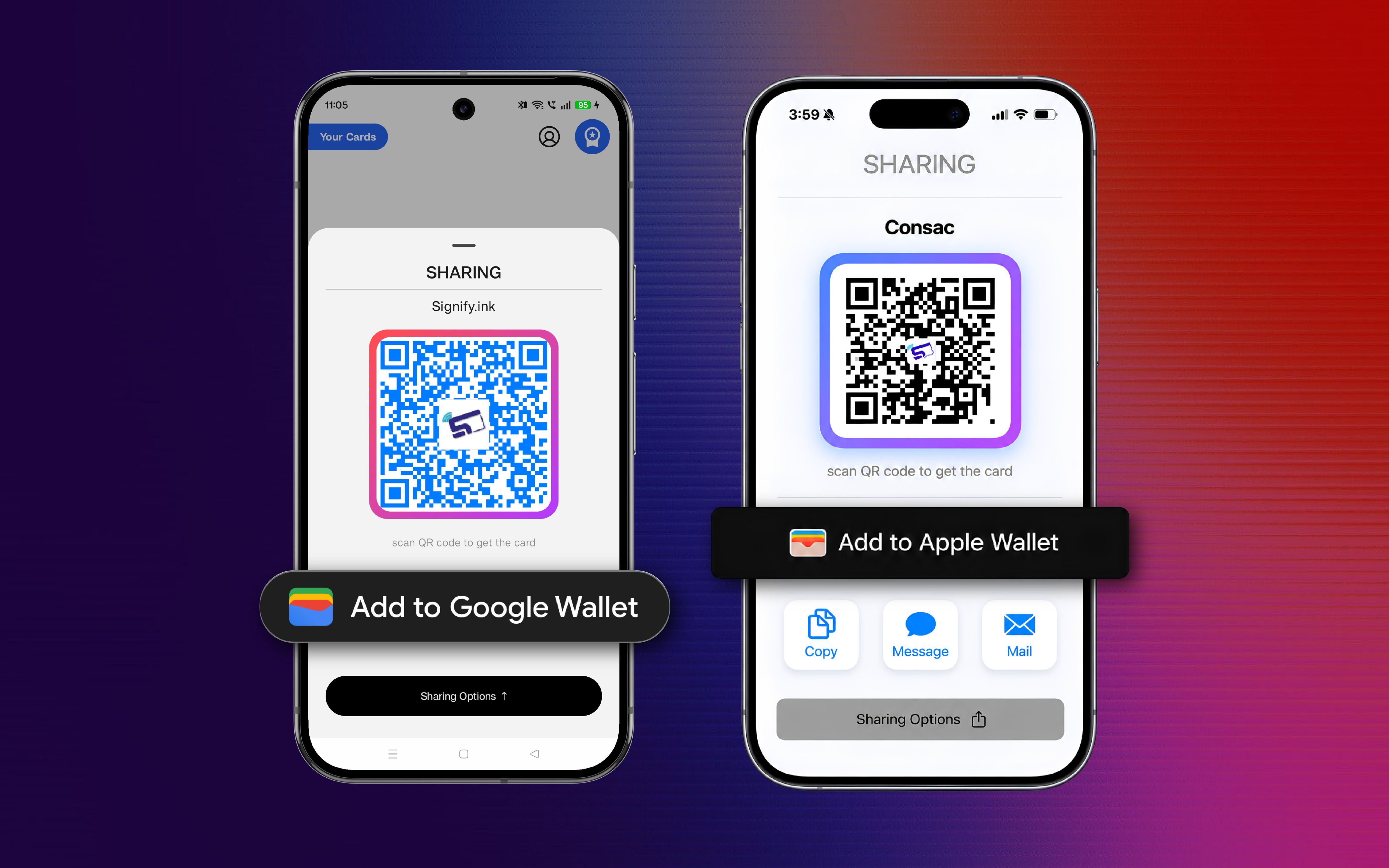
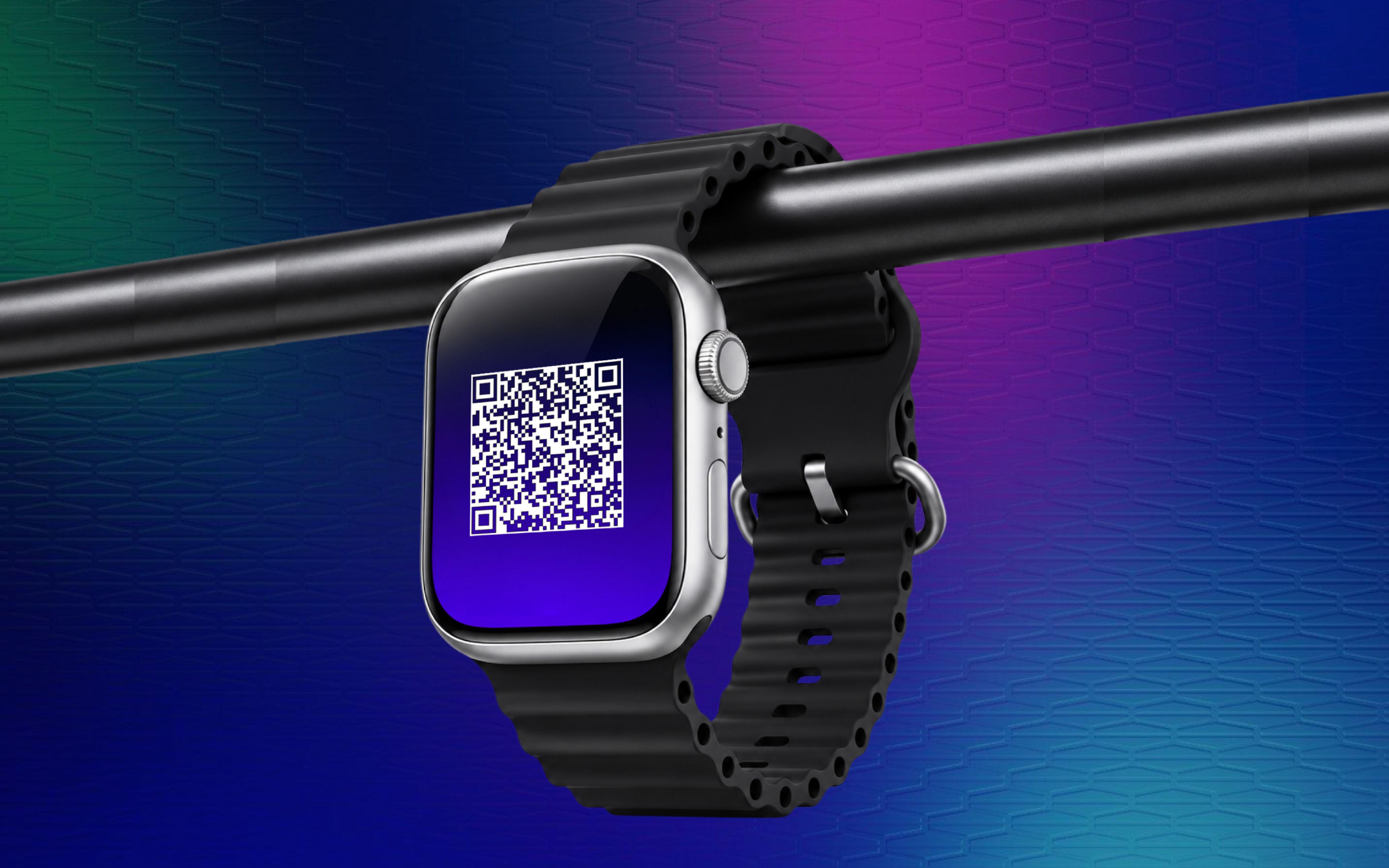
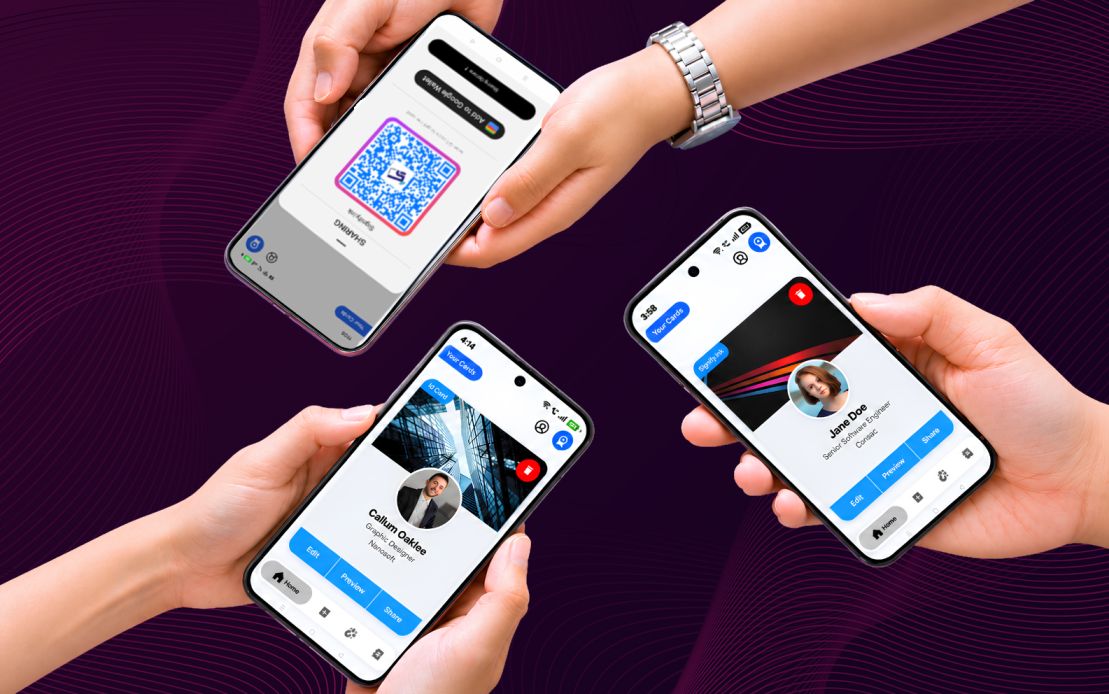
One dynamic digital business card, six powerful ways to share it. Send it by link, scan it with a QR code, tap it from an NFC card, share it from a home screen widget, store it in Google or Apple Wallet, or switch between QR codes from your smartwatch. No app required for the recipient.

Signify Send Card sharing methods: link, QR code, NFC card, home screen widget, digital wallet, and smartwatch on mobile and web

Six Powerful Ways to Share Your Card

Pick the method that fits the moment. Every option works seamlessly from your phone, browser, or pocket, and the recipient never needs to install anything.

Share in Three Simple Steps

Designed to be the most intuitive way to share your professional identity.

Choose Your Card

Open the Signify mobile app or web dashboard and select the card you want to share.

Pick a Sharing Method

Tap Share to use link, QR code, wallet, or widget. Or tap your NFC card on any compatible device.

Share Instantly

Your recipient opens your live card in any browser. No app, no sign-up, no friction.

More Than a Card. It's a Complete Sharing Toolkit

Every sharing option you need to make a professional first impression, in one app.

Every Sharing Option in One App

Link, QR code, NFC card, widgets, wallet, and smartwatch. Choose the online business card method that fits the moment.

Always Live, Always Updated

Update your card once and every link, QR code, wallet pass, and NFC tap shows the latest version instantly.

No App Needed for Recipients

Anyone who opens your card link or scans your QR code uses their normal web browser. Nothing to install.

Mobile and Web, In Sync

Share from the Android or iOS app, or from your web dashboard. Your cards stay in sync across every device.

Physical and Digital, Together

Pair your live card with a Signify NFC card for a premium in-person impression.

Eco-Friendly Networking

Replace disposable paper cards with one durable NFC card or a permanent digital link, and cut your paper waste.

Leave Outdated Networking Behind

Traditional business cards are static, wasteful, and often end up lost. Your professional identity deserves a dynamic, intelligent solution.

The Old Way

  • Constantly reprinting for every new update
  • Limited space for information
  • 88 percent of paper cards are thrown out within a week
  • High printing costs and environmental waste
  • Static content that ages the moment it is printed

The Signify Way

  • One live card shared through six methods, always up to date
  • Recipient opens your card instantly in any browser
  • Tap to share with a Signify NFC card, no app on the other side
  • One durable NFC card for life, or a permanent link
  • Sustainable, paper-free networking

Trusted by forward-thinking teams across the world

Companies that build strong products trust us. Explore our company story or browse customer stories.

Frequently Asked Questions

No. Every sharing method, whether a link, QR code, NFC tap, widget, wallet pass, or smartwatch, opens your virtual business card in any web browser on any device. The recipient never needs to install anything.
Link Sharing lets you copy your card URL and send it through any messaging app, email, or social platform. QR Sharing generates a scannable code you can open from the Signify mobile app, or download as an image from web, so someone in person can scan it with their phone camera.
Google Wallet support for the Signify Android app is rolling out soon. Apple Wallet is available today on iOS through the sharing modal.
Signify NFC cards are physical cards available in Canvas and Slate formats with plastic, wood, or metal finishes. Each card uses an NTAG213 chip, letting you tap any NFC-supported device to open your live digital card instantly. A QR code is engraved on the back for devices without NFC. Explore the NFC cards.
Yes. Signify widgets are available on both Android and iOS home screens. You can switch between your cards, view a QR code, profile photo, name, job title, and company, and share your card without opening the app.
Smartwatch integration is coming soon. Apple Watch and Android smartwatches will connect to your Signify app so you can switch between the QR codes of all your cards and share them instantly without taking out your phone.
Yes. Your shared link always shows the latest version of your card. Update once, and everyone who has your link, QR code, or NFC card sees the new details instantly. If you have further questions, reach out to our team.

Ready to Share Your Card Everywhere?

Create your free Signify card and start sharing it through links, QR codes, widgets, wallets, NFC cards, or your smartwatch.

No credit card required. Upgrade anytime. Visit our teams page for team plans.