 Digital Card

Make Every Trade Show Connection Count
For exhibitors, business owners, and sales professionals, every trade show represents a window of opportunity — and how efficiently you capture and convert connections determines your ROI. Digital business cards eliminate the friction of traditional paper cards, giving you a faster, smarter way to share, store, and follow up on every lead you meet on the floor.
Networking That Moves Beyond Paper
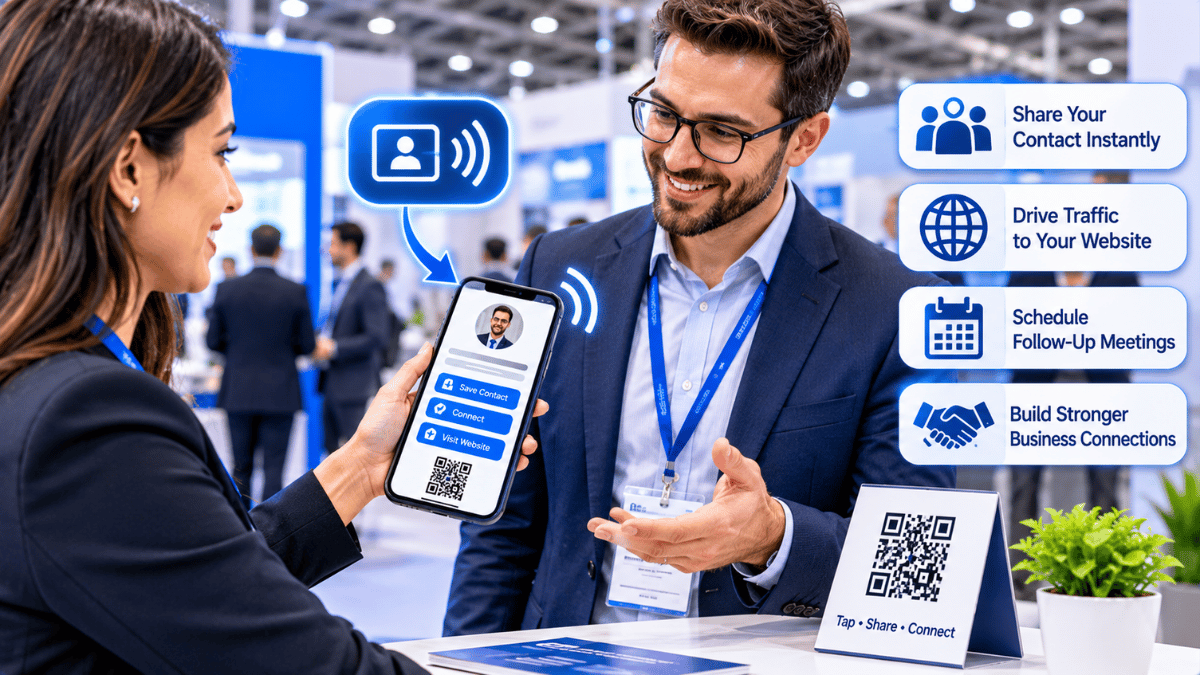
Trade shows bring together potential customers, partners, suppliers, and industry professionals. A digital business card makes it easier to exchange contact information and provide useful company resources during these valuable conversations.
Common Networking Challenges
Paper cards get lost, become outdated, and create manual data entry headaches after the event. At busy trade shows, professionals meet dozens of people in hours — without a digital system, most contacts fall through the cracks.
- Paper cards can be misplaced after the event
- Manual contact entry takes additional time
- Static details cannot reflect last-minute changes
- Scattered information makes follow-up difficult
A Smarter Way to Connect
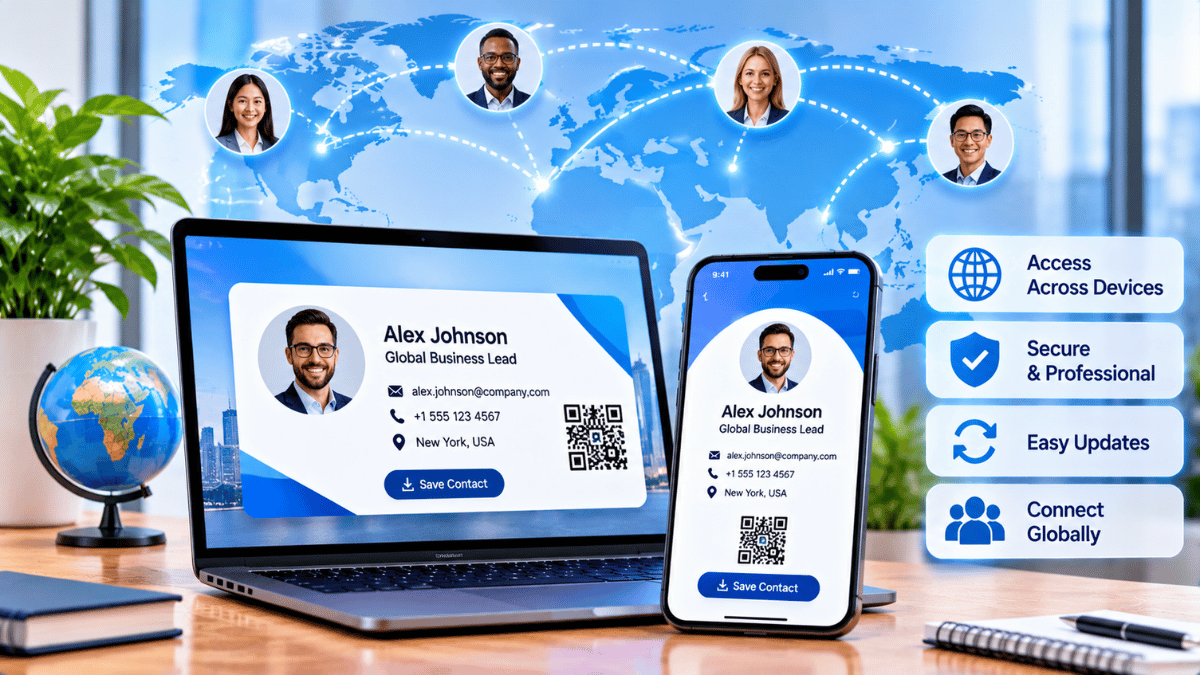
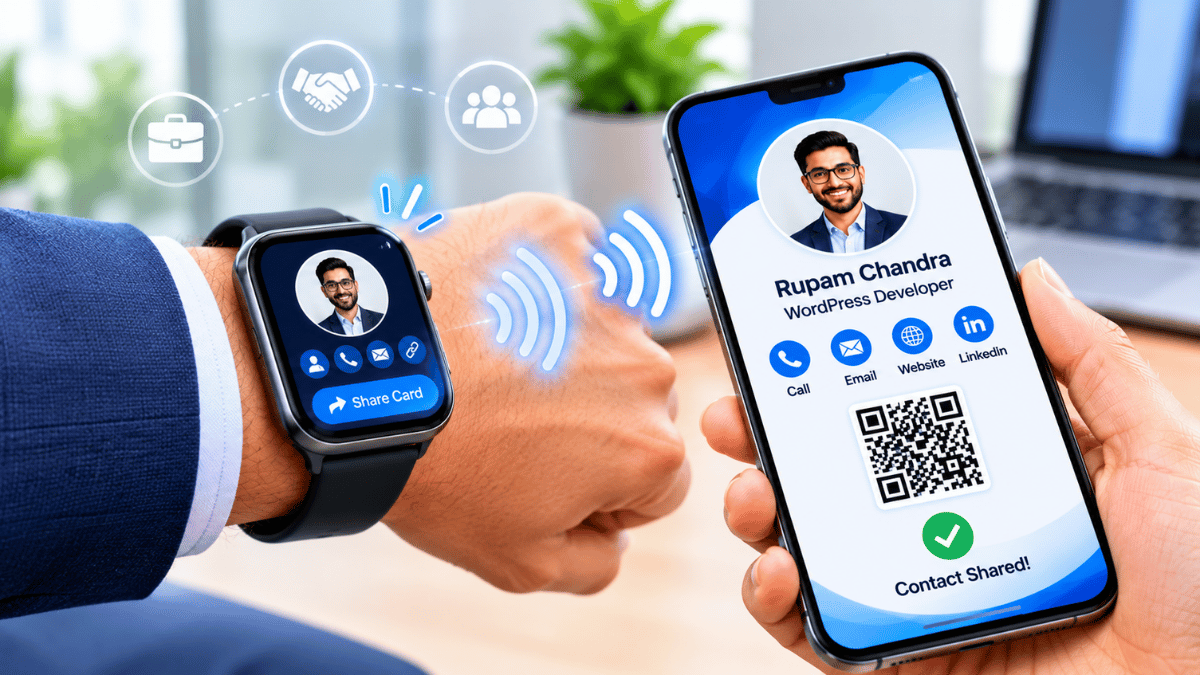
Digital business cards give exhibitors a central, shareable professional profile. Visitors can access contact details and relevant business information through a QR scan or compatible NFC interaction.
- Share contact details digitally
- Make company resources easy to access
- Update profile information when needed
- Make post-event organization easier
Prepare Before the Exhibition
Build your digital card in advance. Include the details visitors need to identify you, understand your business, and get in touch after the exhibition.
Complete Your Profile
Add your name, title, company logo, phone, email, LinkedIn, website, and a short bio or pitch.
Add a Professional Photo
Include a professional headshot so contacts can remember who they met during the event.
Test Your Sharing Options
Test your QR code and NFC tap on multiple devices before the exhibition begins.
Keep Branding Consistent
Use a clean design that reflects your company's visual identity and remains easy to read on mobile screens.
Display Your Digital Card at the Booth
Place a large, printed QR code prominently at eye level on your booth display or banner. Use a tablet or screen cycling through your digital profile so visitors can browse your company information independently.
This keeps your team free to have deeper conversations while visitors explore your business information at their own pace.
Make Company Information Accessible
Link your digital card directly to your product catalog, service deck, pricing page, or demo video. Instead of handing out paper brochures that get discarded, give contacts a live, clickable hub they can revisit after the show.
Keep information current: Update your digital profile in real time if company details, product information, or contact details change during the event.
Organize New Connections
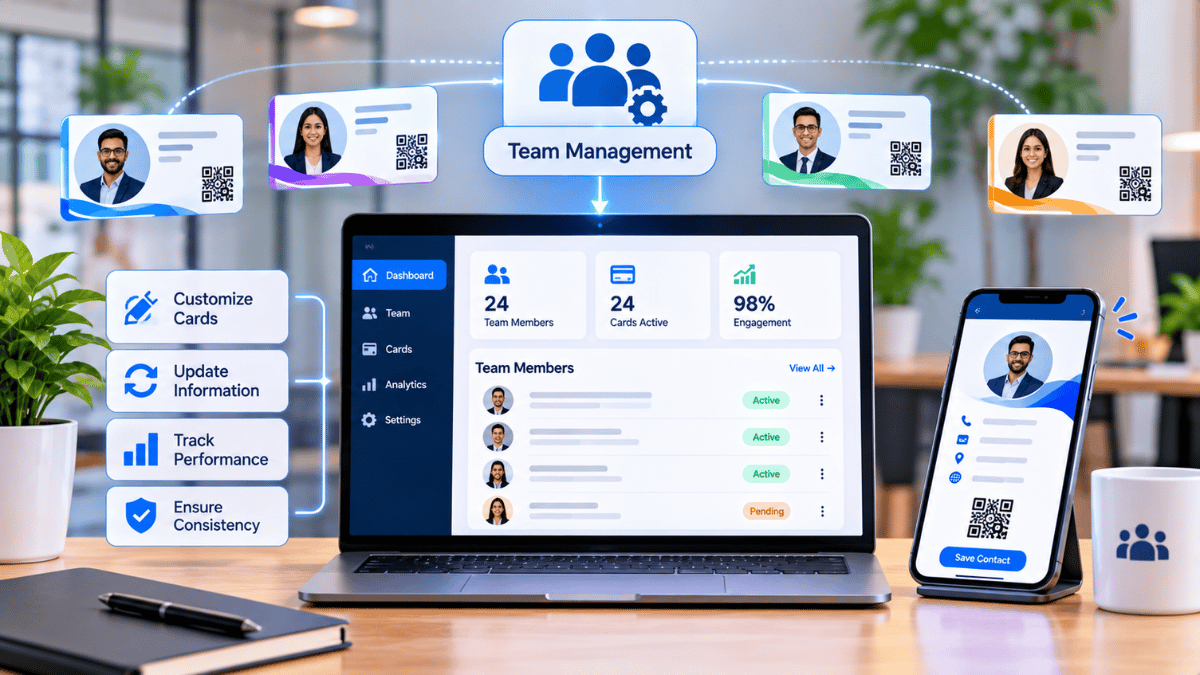
After collecting contacts, use your digital card platform's tagging or note features to categorize leads by interest level, product interest, or follow-up urgency — right on the show floor.
Categorize Leads
Group contacts by their interests, product requirements, or potential business opportunities.
Add Conversation Notes
Record important discussion points while the conversation is still fresh.
Connect with Your CRM
Where supported, sync contacts with tools such as HubSpot or Salesforce to reduce manual entry.
Export Contact Data
Use available export options to organize collected information after the exhibition closes.
Improve Post-Event Follow-Up
Speed is critical after exhibitions. Use the contact data captured through your digital card to send personalized emails within 24–48 hours. Reference where you met, what you discussed, and include a link back to your digital profile or booking page.
Structured contact information can make it easier to prepare relevant follow-up messages instead of relying on memory or scattered paper notes.
Exchange contact details, record conversation notes, and identify each visitor's interests.
Review your new connections and prepare personalized messages based on your conversations.
Continue outreach, share relevant resources, and arrange suitable next steps with interested contacts.
Professionals who follow up within 48 hours of a trade show are 5x more likely to convert a new contact into a qualified opportunity.
Statistic supplied in the original article. Add a supporting source before publishing this claim.Key Benefits for Trade Show Professionals
Instant Sharing
One scan or tap — no apps, no typing, no delays. Your full contact profile reaches a new connection in under three seconds.
Organized Leads
Tag, sort, and sync every new contact to your CRM in real time where supported. Never lose a lead to a forgotten stack of paper cards again.
Faster Follow-Up
Launch personalized post-show outreach within hours of the event using structured contact data.
Always Up to Date
Changed your number or title mid-show? Update your digital card once and future visitors can access the latest version — no reprinting required.
Turn Every Exhibition Introduction Into an Opportunity
A successful trade show is about more than meeting people. It is about making meaningful connections, keeping contact information organized, and following up with purpose. Digital business cards help make every stage of that process more convenient — from the first introduction to the next business conversation.
Visit Signify