Share Your Card
With a Single Scan

The Signify digital business card QR code is the fastest, most reliable way to hand off your professional identity. One scan opens your live card in any browser, on any device, with nothing to install. And with a static, tamper-proof design, every code you share is permanent.

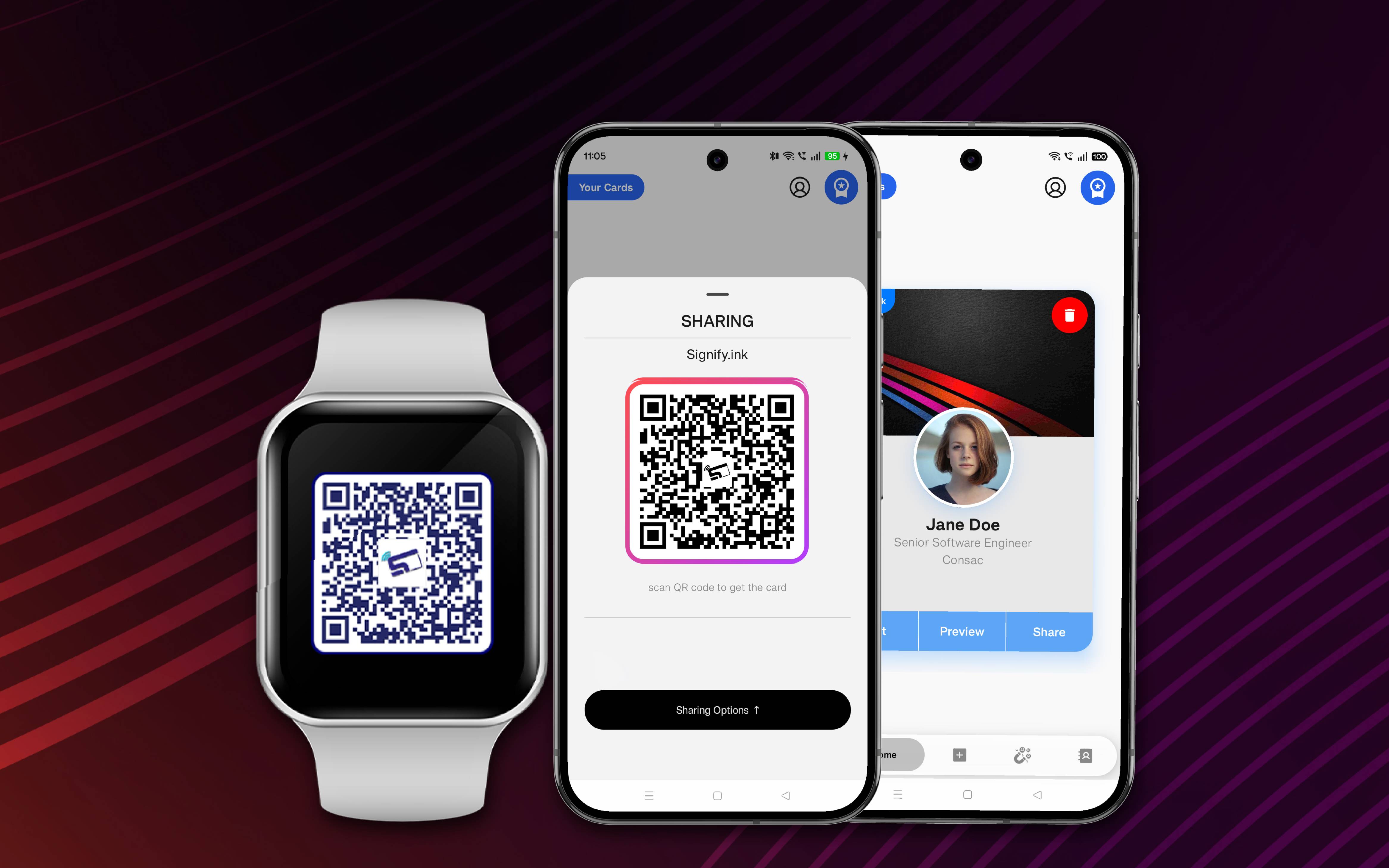
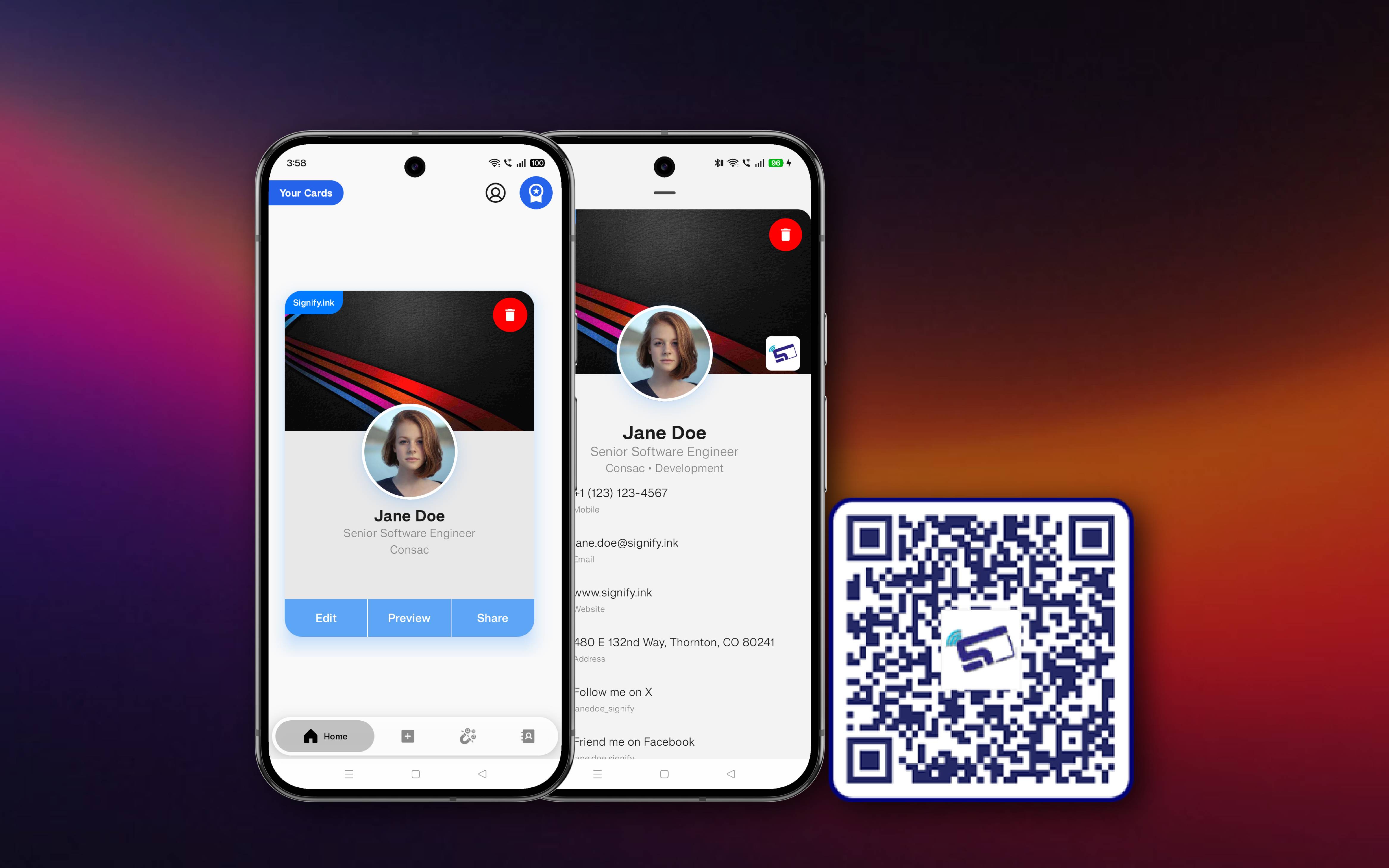
Signify digital business card QR code displayed on a phone screen, scanned by a second phone camera

What Makes a Signify QR Code Different

Every Signify card generates its own permanent QR code. It is the quickest way to share a digital business card, and it is built to be reliable in the moments that matter.

Technical Specifications of Signify QR Codes

Signify QR codes are built to a documented standard. Here is exactly how they are constructed, how they scan, and how they stay secure.

QR Version and Module Count

Version 4 or 5 by default, which means a 33 by 33 or 37 by 37 module grid for card sharing. The version scales dynamically with the length of the specific card URL payload.

Encoding Mode

Byte encoding using ISO-8859-1, so the full character set of the URL, including specialized parameters, is preserved with no data loss.

Error Correction Level

Level M by default, which allows approximately 15 percent of the code to be recovered if it is partially damaged, smudged, or obscured. This balances scan reliability with module density.

Quiet Zone

The app enforces a standard four-module quiet zone on all sides of every QR code. This prevents background interference and ensures consistent recognition by mobile scanners.

Static QR, No Redirect

Signify generates a static QR code that encodes the destination URL directly. There is no redirect service in between, which improves both privacy and scan speed.

Scanning Distance Range

At a standard print size of 2 centimeters, scanning works from about 15 to 20 centimeters. At 5 centimeters, the range extends to 40 to 50 centimeters. At 10 centimeters, the code is scannable from up to 1 meter away.

Maximum Scanning Angle

Signify QR codes remain reliably scannable at an off-axis angle of up to 45 degrees, thanks to the three large square position detection patterns in the corners.

Contrast Ratio

Signify enforces a high contrast ratio, typically 4:1 or higher, between the foreground and background colors. This ensures the code stays readable even in low-light environments.

Cross-Platform Consistency

The Signify mobile app and the web dashboard generate QR codes with the same payload for the same card. This eliminates the risk of mismatch and improves security.

Tamper-Proof Destination

The destination URL cannot be edited after the QR code has been generated or printed. That makes each code tamper-proof and reduces the risk of fake Signify QR codes being spread for phishing.

No Scan Rate Limits

Signify does not rate-limit scans. A code can be scanned as many times as needed, from as many devices as needed, with no throttling or cap.

App-to-App Instant Contact Save

If the recipient has the Signify app installed, they can scan any Signify QR from inside the app and add the contact instantly. No third-party scanner is required.

HTTPS Protocol

Every Signify QR code uses HTTPS for its redirect or destination URL. Recipients see the padlock and get the standard transport security of the modern web.

Native Camera Support

Signify QR codes work with the native iOS Camera app, the native Android camera and Google Lens, and the Signify iOS and Android apps. No third-party scanning app is needed.

Practical recommendations for the sharpest, most reliable print results on business cards and physical media.

Minimum Resolution

300 DPI

At least 300 DPI for standard business card printing. Use 600 DPI for extra crispness on glossy, matte, or metal surfaces.

Recommended Print Size

25 to 30 mm

25 to 30 millimeters per side is recommended for reliable scanning. The absolute minimum is 20 by 20 millimeters.

These are practical print recommendations. They are not settings currently enforced or specified by the Signify app itself. For related cards, explore our Signify NFC cards and other sharing methods.

Share in Three Simple Steps

From opening your app to a saved contact in under thirty seconds.

Open Your Card

Launch the Signify mobile app or web dashboard and select the card you want to share.

Show the QR Code

Tap Share in the app, glance at your home screen widget, or let them tap your Signify NFC card.

They Scan and Connect

Their phone camera opens your live card in any browser. No app, no sign-up, no friction.

Trusted by forward-thinking teams across the world

Companies that build strong products trust us. Explore our company story or browse customer stories.

Frequently Asked Questions

No. Signify QR codes work with the native iOS Camera app, the native Android camera and Google Lens, and the Signify app if it happens to be installed. Any of these scans opens your card in a standard web browser on any device.
No. Signify QR codes are static and encode the destination URL directly. This is by design. It makes every code tamper-proof and closes the door on fake Signify QR codes being spread for phishing. What you can update is the content of the Signify card itself, and the QR code will always show the recipient the latest details of that card. Read more about the electronic business card behind the code.
No. Every Signify QR code is permanently bound to one specific card and never expires. Once a code has been shared or printed, it will keep working for the life of that card.
Yes. In the Signify mobile app, QR codes are generated locally on the device. Even if you lose connectivity, you can still open the sharing modal and show your QR code for your cards.
Signify QR codes are static and encode the URL of your live card directly, with no redirect service in between. That gives three advantages: faster scans, no privacy exposure from a redirect intermediary, and tamper-proof security because the destination URL cannot be swapped out after the code is generated.
None, and that is the point. Both the Signify mobile app and the web dashboard generate QR codes with the exact same payload for the same card, so the code you print from web is identical to the one shown in your app. This reduces any chance of inconsistency and improves security.
From the Signify iOS or Android app sharing modal, from the web dashboard where you can also download the QR as an image, from your home screen widget, from the smartwatch companion app as it rolls out, and from the back of your Signify NFC card where a matching QR is engraved. Explore the NFC cards page for detail on materials and finishes.
For business card printing, use at least 300 DPI, with 600 DPI for extra crispness. The minimum printed size is 20 by 20 millimeters, and 25 to 30 millimeters is recommended for the most reliable scans, especially on glossy or metal surfaces. For more guidance, reach out to our team.

One Scan. One Card. Zero Friction.

Create your free Signify card and get a permanent QR code that works on every phone, in every browser, from anywhere.

No credit card required. Upgrade anytime. Visit our teams page for team plans.