 Digital Card

Digital Business Cards for Global Teams: Manage Identity Across Devices
As workforces grow across time zones, languages, and devices, maintaining a consistent professional identity becomes a growing challenge. Digital business cards give organizations a way to manage employee profiles centrally while supporting teams working across different locations.
From Tokyo to Toronto, employees can present an up-to-date professional identity through compatible web, Android, and iOS experiences.
The Identity Management Challenge
Distributed teams often struggle with outdated printed cards, inconsistent formats, and the lack of a reliable way to distribute updates. When an employee changes roles, phone numbers, or regions, previously printed cards cannot be updated or recalled easily.
Digital business cards separate professional identity from physical media. When a profile is updated, people accessing its digital link can view the latest information instead of relying on an old printed version.
Traditional Identity Management
Printed cards become outdated, regional formats vary, and employee changes can require repeated manual work.
Connected Digital Identity
Centrally managed digital profiles make it easier to maintain current employee information and consistent brand presentation.
Consistent Cards Across All Devices
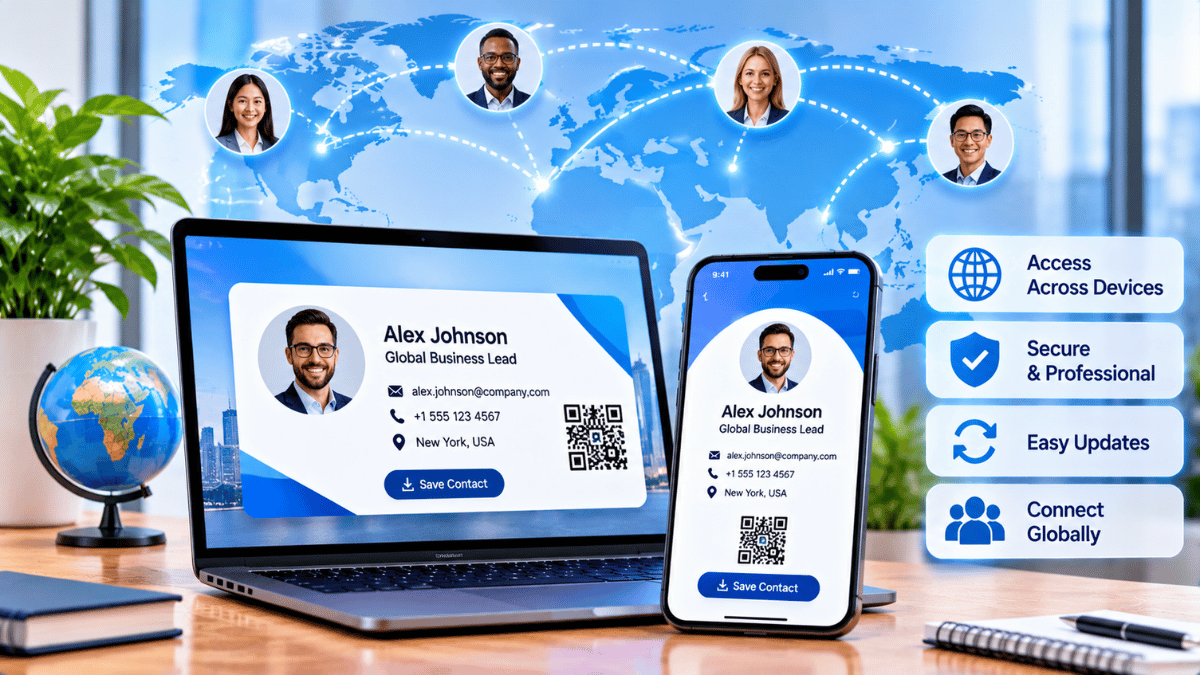
Employees may access their business cards through corporate laptops, personal Android devices, or iPhones. A responsive digital profile helps maintain a professional appearance across supported screens.
One Professional Identity, Multiple Screens
Administrators can establish organizational templates for logos, color palettes, job title formats, and approved contact fields. Employees can personalize permitted details while staying within company brand guidelines.
Corporate Laptop
Web-based profile accessAndroid
Mobile-friendly card sharingiOS Devices
Convenient profile accessCentralized Team Management
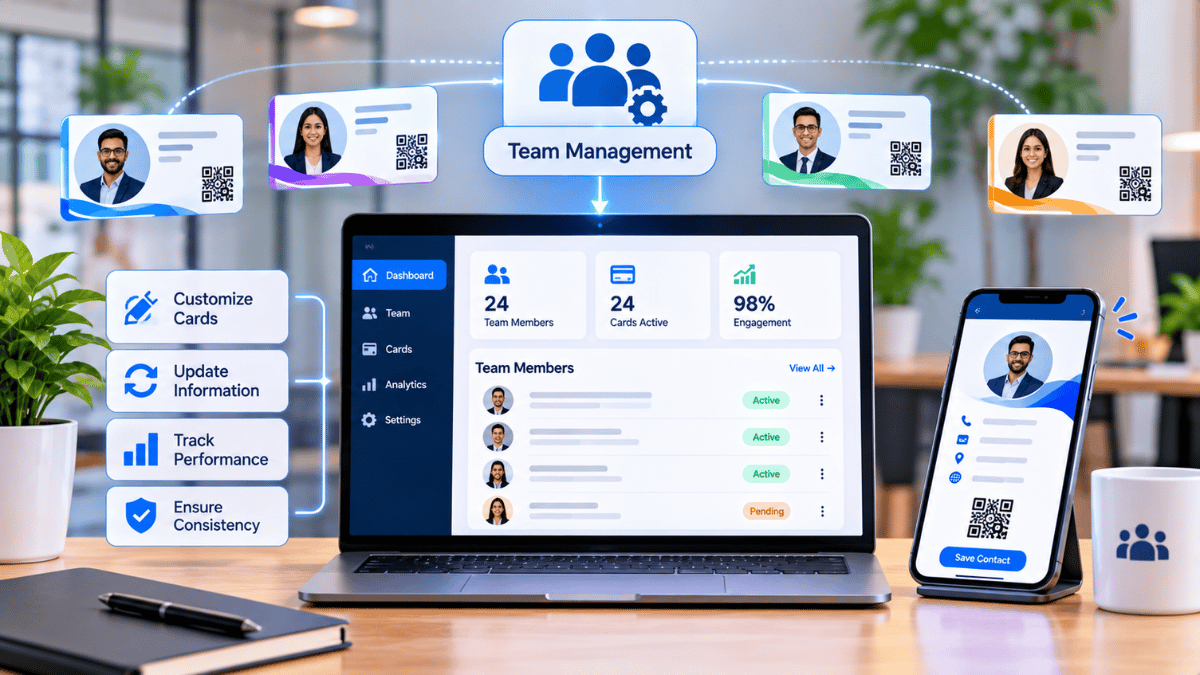
IT and HR leaders can use centralized administration to provision, update, and deactivate employee cards. Bulk imports and supported HRIS integrations can simplify onboarding, while role-based permissions help control who can edit different profile fields.
Multi-Channel Sharing Methods
Digital business cards can meet contacts wherever an interaction happens. Different sharing methods support in-person introductions, remote conversations, and everyday business communication.
QR Codes
Display a QR code on a screen or printed event badge so contacts can scan and open the digital profile.
NFC Tap
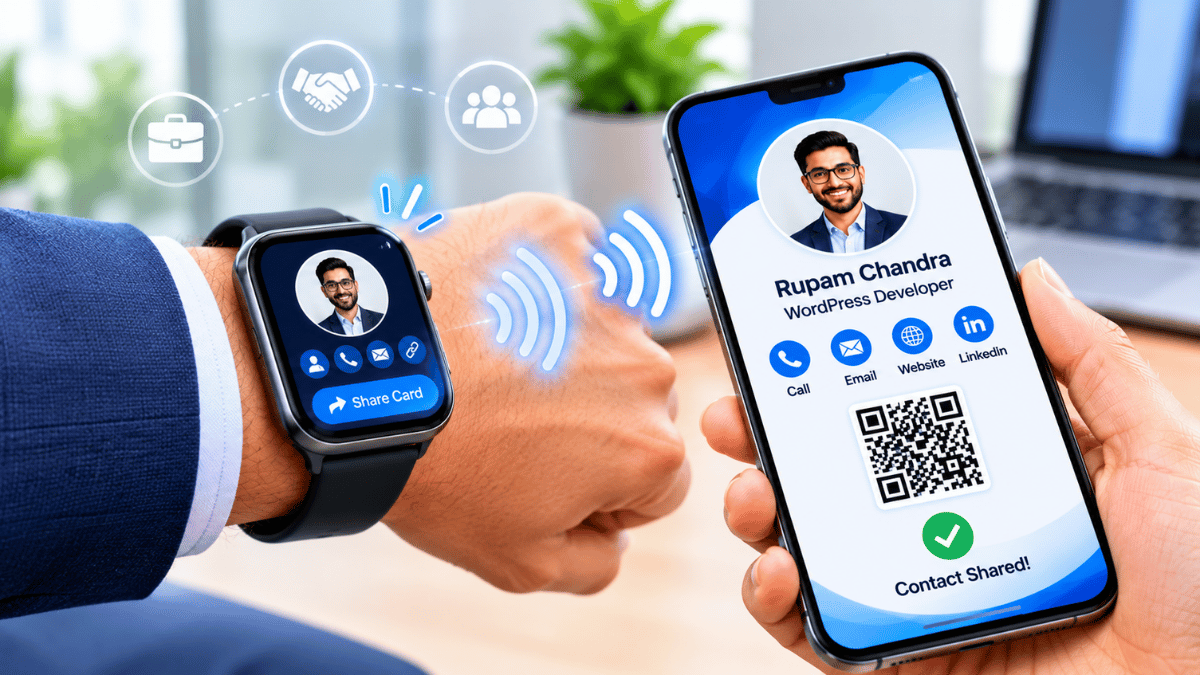
Use compatible NFC-enabled devices and cards to make contact exchange convenient with a tap.
Email Signatures
Add profile links or signature banners to outbound emails, creating another opportunity to connect.
Direct Links
Share unique profile URLs through Slack, WhatsApp, SMS, LinkedIn, or other communication channels.
Global Language & Regional Support
For multinational organizations, localization is important. Digital business card platforms may support multiple language versions, allowing employees to maintain a primary profile and region-specific alternatives.
These versions can reflect local scripts, regional phone formats, and relevant social profiles. Organizations can define language preferences by country or business unit where the platform supports those settings.
Maintaining Always-Current Information
Digital cards can be updated when employee details change. Integrations with supported HR systems or identity providers can help synchronize approved changes such as promotions, office relocations, and contact information updates.
This reduces dependence on manual corrections and helps people accessing an employee's digital profile see current information.
- Update employee roles and job titles
- Maintain current phone numbers and email addresses
- Reflect office and regional changes
- Reduce outdated printed contact information
Global Brand Consistency
Brand guidelines should remain recognizable across regions. Organizations can define approved fonts, colors, logo placement, and social links for employee cards, reducing inconsistent formatting across departments and markets.
Review and approval workflows can also help brand managers check templates before they are deployed to particular business units or geographical locations.
Privacy & Compliance Controls
Field-level visibility controls can help administrators decide which contact details are public and which are available only to authenticated recipients. Organizations should also review applicable privacy laws, data retention rules, and regional compliance requirements.
Expiration settings for contractor profiles and timely deactivation during employee offboarding can support better corporate data management. GDPR compliance depends on the platform's actual practices and the organization's configuration.
Engagement Analytics
Where analytics are supported, organizations can review profile views, link clicks, and sharing activity. Aggregate insights may help HR and business leaders understand adoption across teams, while individual employees can use their own engagement data to improve professional outreach.
HRIS & SSO Integration
Integrations with supported HR platforms and identity providers can reduce duplicate data entry and simplify employee management. Single Sign-On can also let employees access a card management portal using existing corporate credentials, helping align the experience with established identity governance processes.
One Organization. Many Locations. One Consistent Identity.
Digital business cards are more than a modern replacement for paper. They can serve as a strategic identity management tool that helps HR and IT leaders maintain brand consistency, reduce administrative overhead, and keep employee profiles accurate across devices and regions. With appropriate privacy and access controls, global teams can present a professional identity wherever business happens.
Give Every Employee a Consistent Digital Identity
Explore Signify and discover digital business card solutions for creating and sharing professional identities across business interactions.
Explore Signify Discover Business Solutions Visit Signify Teams