 Digital Card

Smartphone Widgets & Lock-Screen Sharing
In today's fast-paced networking environment, every second counts. Digital business card widgets and lock-screen access eliminate the friction of traditional contact sharing — no fumbling through apps, no paper cards, no missed connections. Here's everything busy professionals need to know about making their digital card instantly accessible, every time.
Your smartphone can do more than store contacts. With a properly configured digital business card widget, it becomes an instant networking companion that keeps your professional identity within easy reach.
What Are Digital Business Card Widgets?
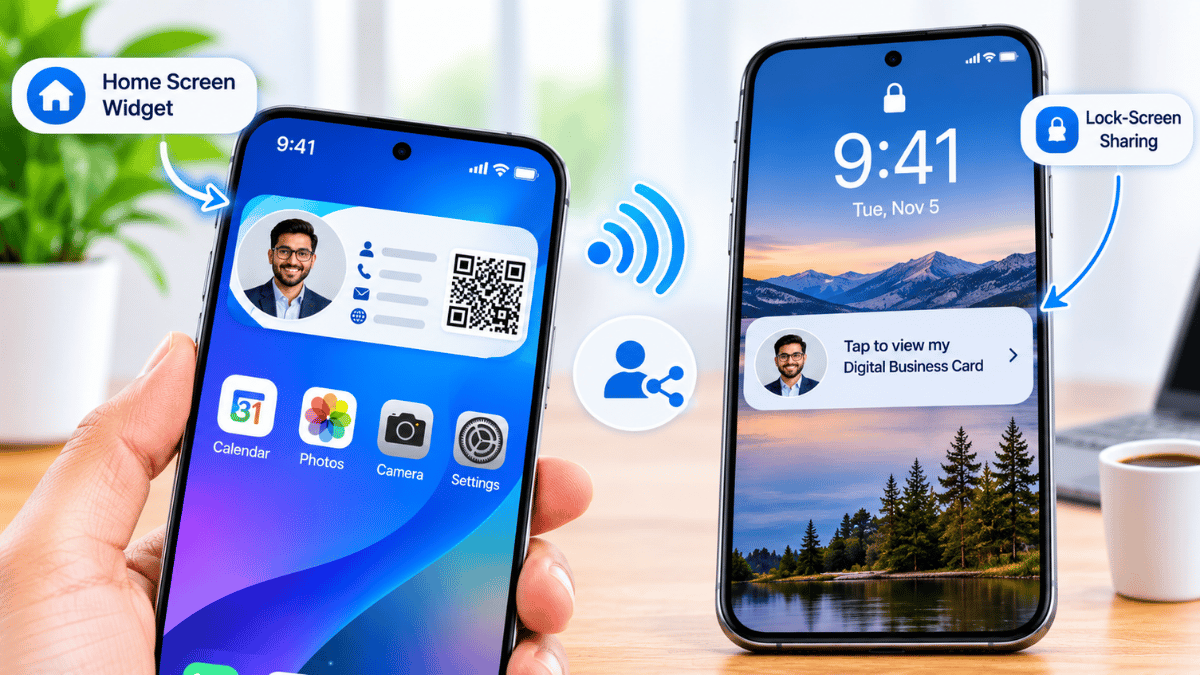
Smartphone widgets are interactive panels that live on your home screen or lock screen — no app-opening required. A digital business card widget places your name, role, QR code, and contact link directly on your phone's surface. With a single glance or tap, your full profile is ready to share. Platforms like Signify make it effortless to configure and customize your widget so it reflects your brand identity in seconds.
How Lock-Screen Sharing Works
Your Professional Identity, One Glance Away
Modern iOS and Android devices offer different ways to access shortcuts and widgets from the lock screen, depending on the device, operating system version, and settings. This means your digital card can be made easier to access without navigating through multiple apps. At a conference or during a quick hallway introduction, you can bring up your contact profile quickly and let someone scan or open it.
Make Every Interaction Faster and Easier
One-Swipe Access
Configure your widget so a single swipe from your home screen surfaces your full digital profile — QR code, LinkedIn, phone, and email — all in one tap-ready view. No digging through apps mid-conversation.
Sharing During Meetings
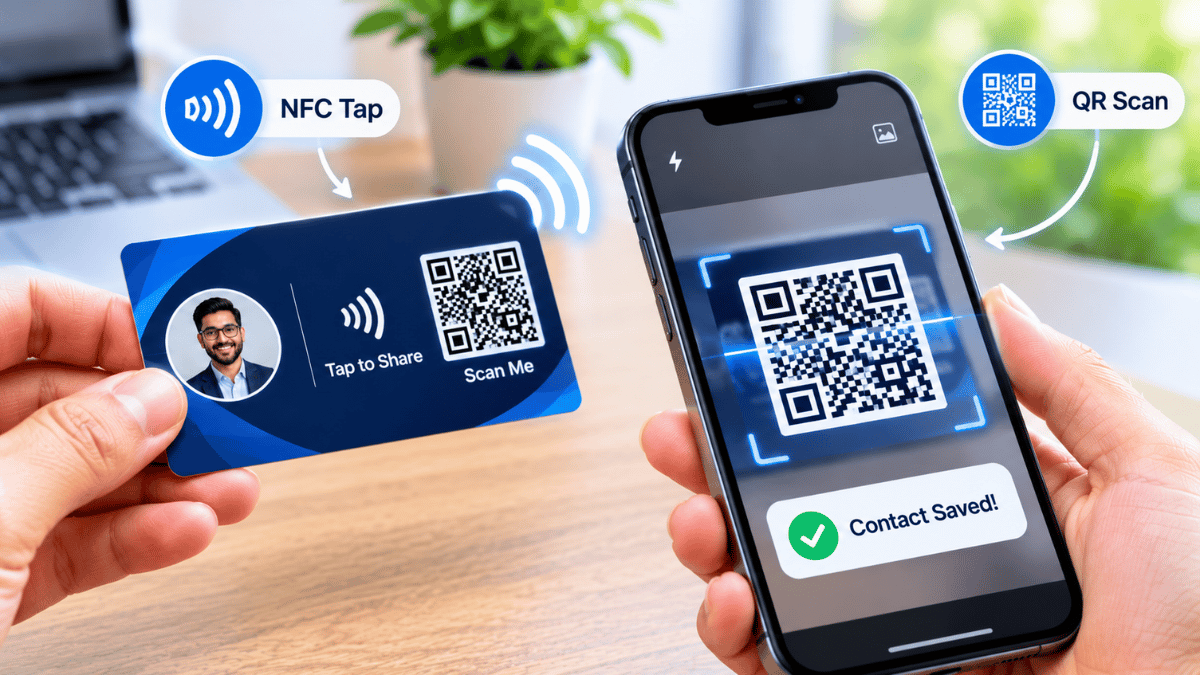
Whether you're in a boardroom or a coffee chat, widget-based sharing lets you pass your contact details instantly. Attendees scan your QR code or open an NFC-enabled link — your info can be saved directly to their contacts.
Fewer Steps, More Connections
Traditional digital card sharing can require 4–6 steps. Widgets can reduce that to 1–2 when configured correctly. Fewer friction points mean more convenient exchanges, especially in fast-moving networking environments.
Widgets + QR Codes + Profiles
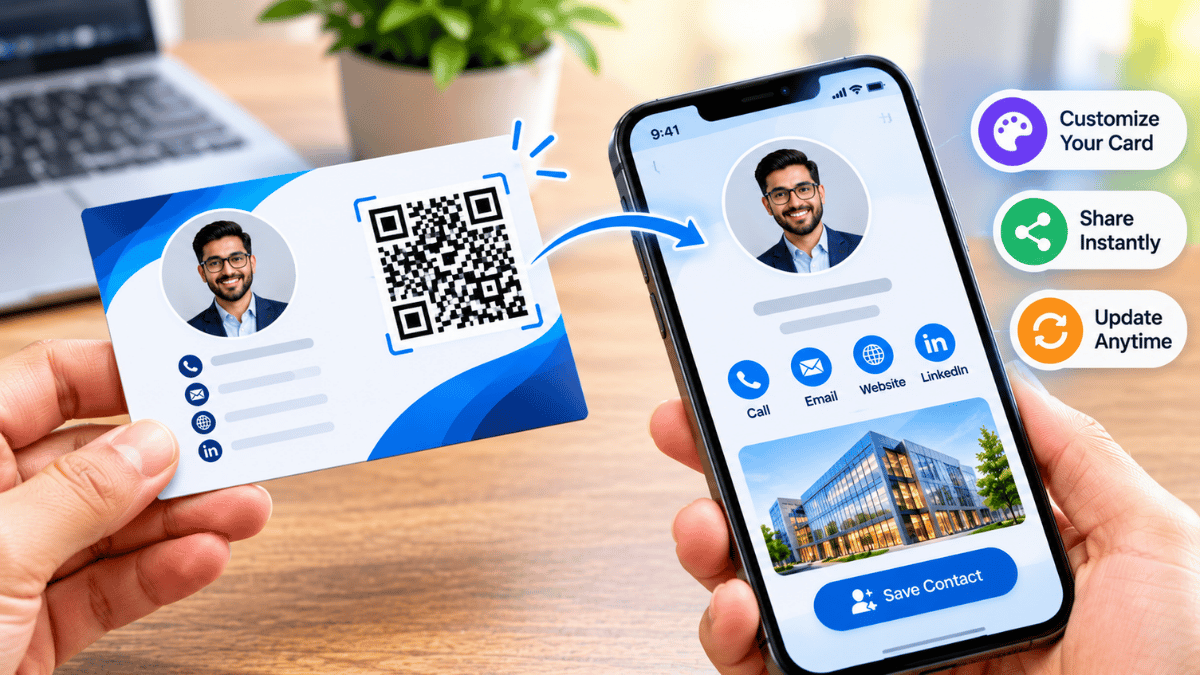
Pair your widget with a dynamic QR code that links to a full Signify digital profile — complete with your bio, social links, portfolio, and contact form. One scan gives the recipient everything they need, while your widget keeps sharing frictionless on your end.
A Simpler Networking Workflow
Access Your Widget
Open your configured digital business card widget from your available phone shortcut or screen.
Show Your Digital Card
Present your QR code or sharing link to the person you are meeting.
Build the Connection
Let them explore your profile, save your details, and connect through your preferred channels.
Built for Busy Professionals
Executives, sales reps, recruiters, and consultants average dozens of introductions per week. Smartphone-based networking via widgets means your digital card is always charged, always current, and always one motion away. Update your details once inside your platform, and every connected widget and QR code can reflect the change — no reprinting, no outdated info, no missed follow-ups.
Designed for Professionals Who Connect Every Day
Getting Started With Signify
Ready to make every introduction count? Create your Signify card, configure your widget, and pin it to your lock screen in minutes, where your device and supported widget options allow it. Explore flexible plans at Signify Pricing to find the right tier for individuals, teams, or enterprise networking at scale.
Explore Signify ↗Set up and test your lock-screen shortcut or widget before your next networking event. Make sure your QR code is easy to scan and your digital profile opens correctly. The professionals who share their card quickly make it easier for new contacts to remember and follow up with them.