 Digital Card

How to Create a Custom Digital Business Card for Your Brand
In today's fast-paced digital networking landscape, a well-crafted digital business card is a powerful tool for personal branding. Platforms like Signify.ink make it easier to design, customize, and share a professional digital card that reflects your identity — without printing paper cards or repeatedly distributing outdated contact details.
What Is a Customizable Digital Business Card?
A customizable digital business card is an interactive, shareable online profile that provides an alternative to the traditional paper card. Instead of relying on a printed design or static image, a digital card can bring professional information together on a clickable page.
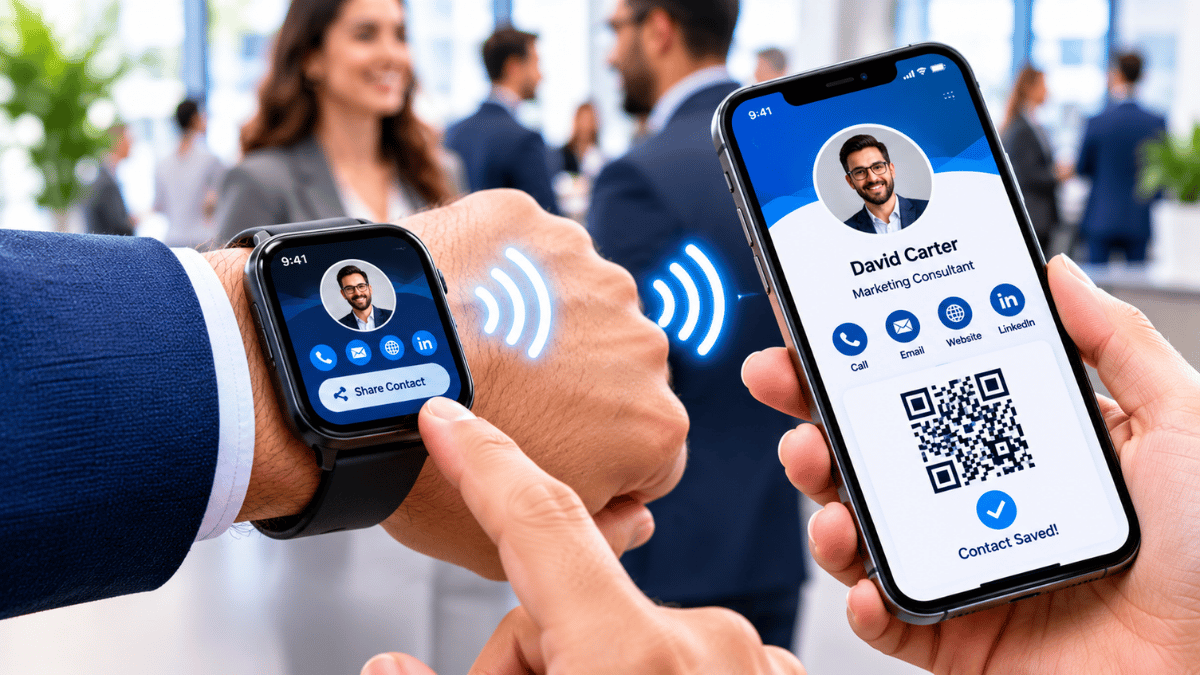
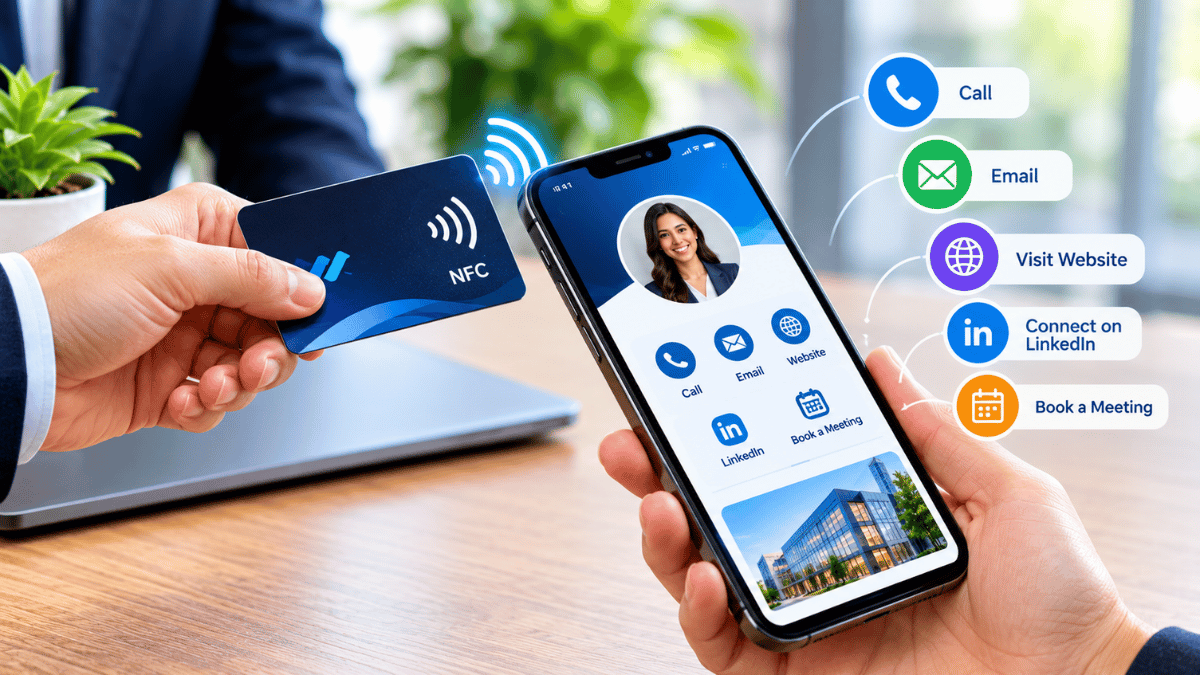
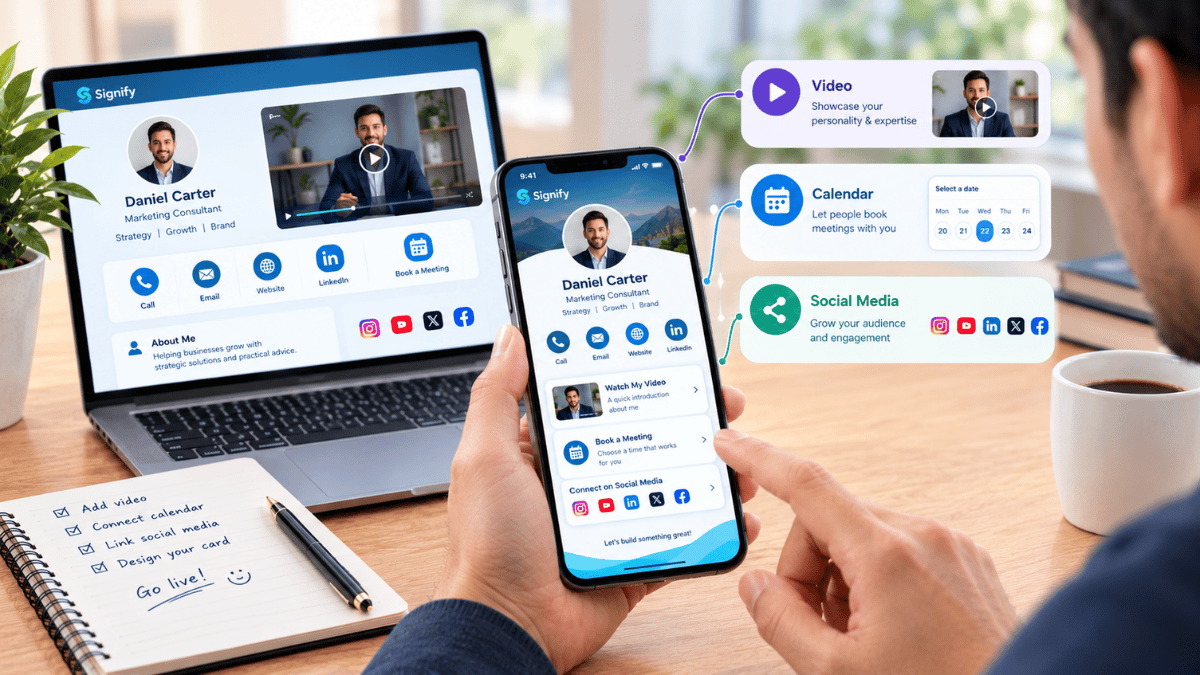
A profile may include your photo, company logo, contact details, social media links, website, and other relevant professional resources. You can share it through a link or, where supported, a QR code or NFC-enabled experience. This makes it useful at conferences, client meetings, networking events, and online introductions.
The key advantage is personalization: the design and information can be arranged to communicate your professional identity and brand more clearly.
Why Personal Branding Matters in Digital Networking
Your brand is closely connected to your reputation: what people recognize, remember, and expect when they interact with you. In a digital-first environment, that impression often begins on a screen before a conversation takes place.
A polished digital card can communicate professionalism, attention to detail, and a clear sense of identity. For freelancers, business owners, job seekers, consultants, and creators, it can help potential clients, employers, and collaborators discover relevant information without searching across multiple platforms.
Consistent branding across your digital card, website, email signature, and social profiles helps reinforce recognition. When your visual identity and message work together, people have a clearer picture of who you are and what you offer.
Build Recognition
Repeat your visual identity consistently so people can associate your colors, logo, and presentation with your work.
Communicate Professionalism
Present clear information in a structured format that reflects the care you put into your professional presence.
Make Connections Easier
Bring relevant contact details and professional links together so visitors can choose the next step.
Stand Out Authentically
Use a design that reflects your work and personality without sacrificing readability or clarity.
Adding Your Profile Photo, Company Logo & Contact Details
Your photo and logo are important visual elements of a digital business card. Pair them with accurate contact information to help recipients identify you and get in touch easily.
Signify.ink's card-building workflow can be used to bring your professional identity and relevant information into one profile. Choose clear images and review how the finished card appears on different screen sizes.
Use a well-lit, recognizable image that fits the professional impression you want to communicate.
Use an approved, high-quality logo that remains legible at the size displayed on your card.
Include your name, current job title, business phone number, email address, and website where relevant.
Check spelling, image quality, contact accuracy, and whether each link opens the correct destination.
Customizing Colors, Themes & Card Layouts
Your digital card should feel like a natural extension of your brand. Design choices such as colors, spacing, typography, and layout influence how people experience your profile.
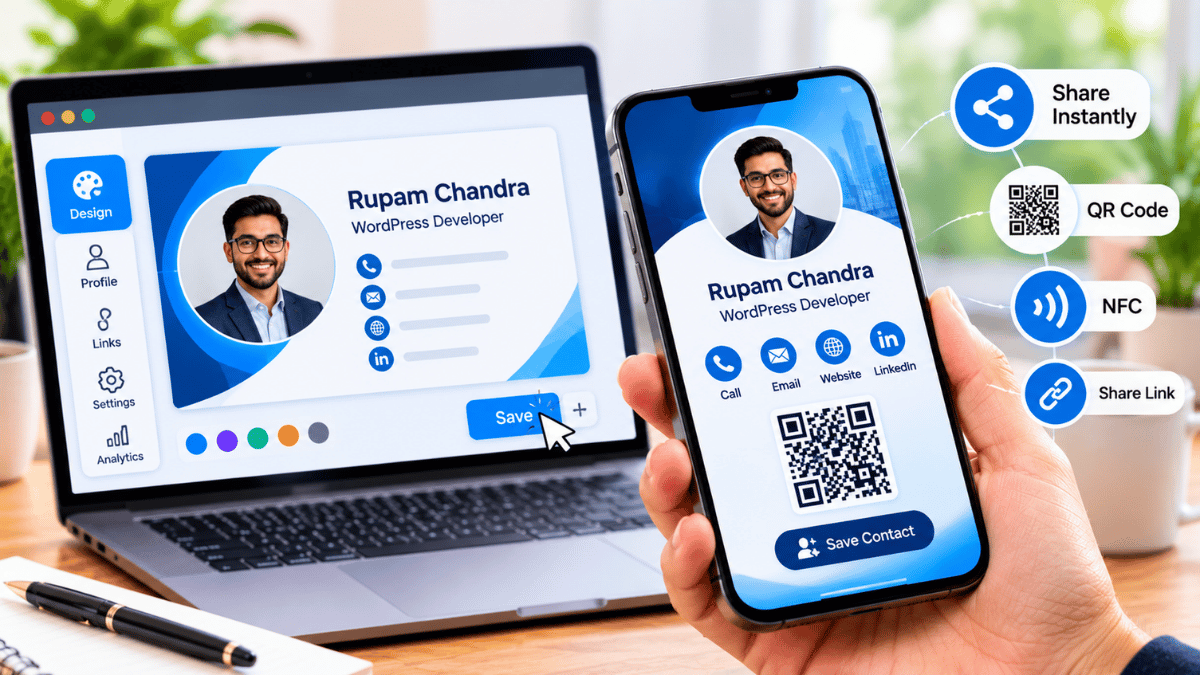
Signify.ink provides a place to build a digital business card around your professional identity. Where the available editor supports these options, choose a layout and theme that complement your brand assets and make essential information easy to find.
Match your brand colors. Use a consistent palette rather than introducing too many unrelated shades.
Choose readable typography. Make names, titles, and contact links clear on both desktop and mobile screens.
Select a suitable layout. Keep the most important information visible without overwhelming visitors.
Reflect your professional style. Choose a minimal, creative, formal, or vibrant look that fits your audience.
Organizing Contact Info & Social Media Links
A useful digital card offers more than a name and phone number. It can provide a direct path to the places where people can learn about your work, follow your updates, or contact you.
With Signify.ink, you can build a professional profile around your contact information and relevant online destinations. Add the social platforms that matter to your work, such as LinkedIn, Instagram, Facebook, or other supported services, and arrange them so visitors can navigate your profile easily.
Prioritize Important Destinations
Place your main contact options and most relevant professional links where visitors can find them quickly.
Use Clear Link Labels
Help people understand whether a link leads to a portfolio, social profile, booking page, or company website.
Keep Links Relevant and Current
Remove broken destinations and focus on profiles that support your professional goals and audience.
Creating a Consistent Professional Identity
Consistency is a cornerstone of effective personal branding. When your digital card uses visual elements and language that align with your website, email signature, and social profiles, people encounter a more coherent version of your professional identity.
Signify.ink can serve as one part of that wider identity by bringing your selected professional details and brand assets into a shareable digital profile. Review every touchpoint to make sure your information remains accurate and your presentation feels connected.
Use consistent brand colors across your digital card, website, and other professional channels.
Match your card's tone to your overall brand voice and the audience you want to reach.
Align your logo, photo, and design style with your website and professional materials.
Keep contact details consistent wherever they appear, and update any outdated information promptly.
How to Update Your Digital Card Anytime
One important advantage of a digital business card is that its information can be edited without printing a new batch of cards. When your role changes, you launch a new website, or your contact details are updated, you can revise your profile instead of replacing paper copies.
Signify.ink's account-based card workflow gives users a place to manage their digital card. After making changes, review the published profile and confirm how the shared link behaves.
Keep your shared link useful. A digital card's URL and QR behavior depend on the platform and how the card is configured. If your card uses a persistent link, recipients can revisit that destination to see current information after updates. Confirm your card's link behavior in your Signify.ink account.
Ready to Build Your Brand?
Create a digital business card that brings your professional details, brand identity, and relevant links together in one shareable profile. Explore Signify.ink to get started and shape a card that reflects the way you want people to remember your brand.
Create Your Card at Signify.ink ↗