 Digital Card

How to Build a Digital Business Card With Video, Calendar, and Social Media Integration
Turn a simple contact profile into an interactive professional destination. Combine video introductions, convenient meeting scheduling, and social media connections to help visitors understand who you are and take the next step.
Introduction: Move Beyond Basic Contact Information
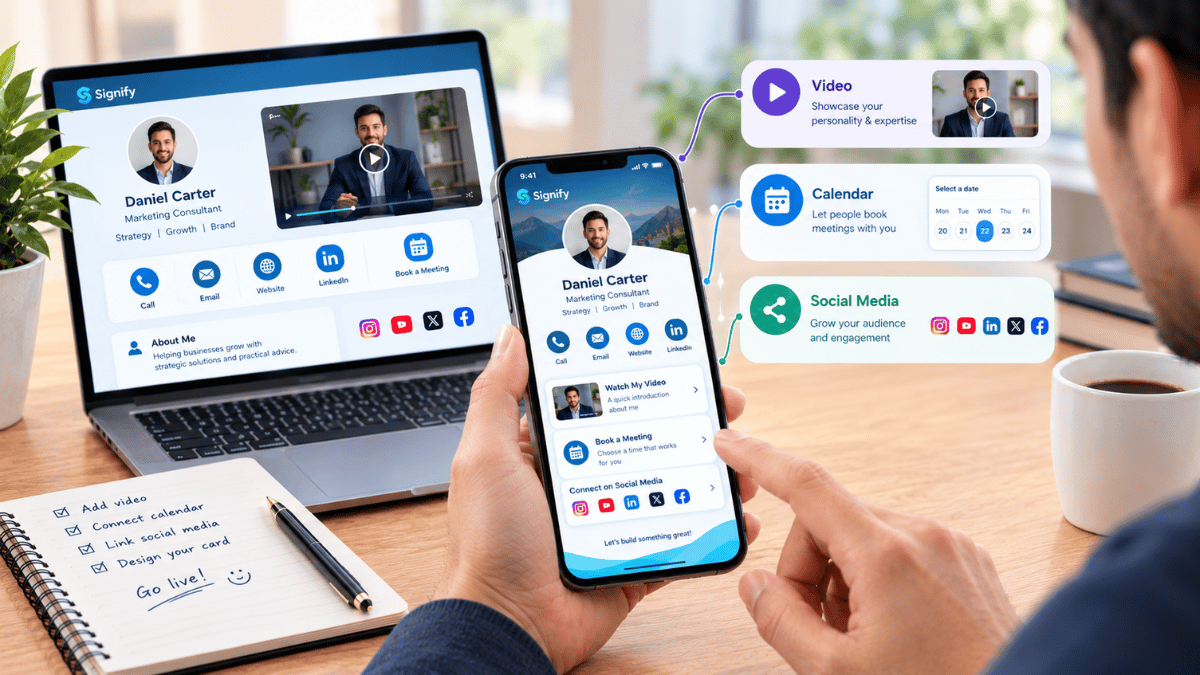
A digital business card can become an interactive professional landing page. Instead of displaying only a name, phone number, and email address, it can introduce a professional through video, social links, and scheduling options.
These integrations make it easier for visitors to explore a person's work, understand their services, and connect through their preferred communication channel. A well-organized card brings important professional information together in one accessible destination.
What Makes an Interactive Business Card Different?
A traditional contact card mainly shares basic details. An interactive digital business card can connect those details to useful actions and professional content. Visitors do not have to search across several platforms to learn more about a person or business.
Contact Information
Names, phone numbers, email addresses, and other essential details.
Visual Introduction
Video content that communicates personality, services, and expertise.
Direct Scheduling
Meeting links that help visitors explore available appointment times.
Adding Video to Your Digital Card
Video can make a professional profile more engaging by adding a human introduction to the contact information. A short, relevant video can help visitors understand what someone does before deciding to make contact.
Choose Video Content That Adds Value
- Personal introduction videos: Introduce yourself, your role, and your professional interests.
- Company introduction videos: Explain what your business does and whom it serves.
- Product demonstrations: Show how a product works and what makes it useful.
- Service presentations: Describe your services and the problems they address.
- Portfolio highlights: Present selected projects, creative work, or completed assignments.
Keep videos focused and reasonably short. Choose a clear thumbnail, check that the video works on mobile devices, and make sure it supports the purpose of your profile rather than distracting from it.
Calendar Integration for Easier Meetings
Calendar integration gives visitors a convenient way to move from discovering a professional profile to arranging a conversation. Rather than exchanging several messages to find a suitable time, visitors can open a scheduling page and explore available appointments.
Make Scheduling Simple
Tools such as Calendly and SavvyCal allow professionals to share scheduling links. Visitors can review available meeting times and select an option that works for them.
Add a clear scheduling action such as "Book a Meeting" or "Schedule a Consultation." Use a suitable meeting duration and explain what visitors can expect from the appointment.
Connecting Social Media and Professional Platforms
Social media and professional platform links help visitors explore more of your work and understand your professional identity. Instead of adding every available profile, select the platforms that support your goals and are regularly maintained.
For example, a consultant may prioritize LinkedIn and a booking page, while a photographer may give more visibility to Instagram and a portfolio. A business owner may focus on a company website, YouTube demonstrations, and a newsletter subscription.
Creating a Better Visitor Experience
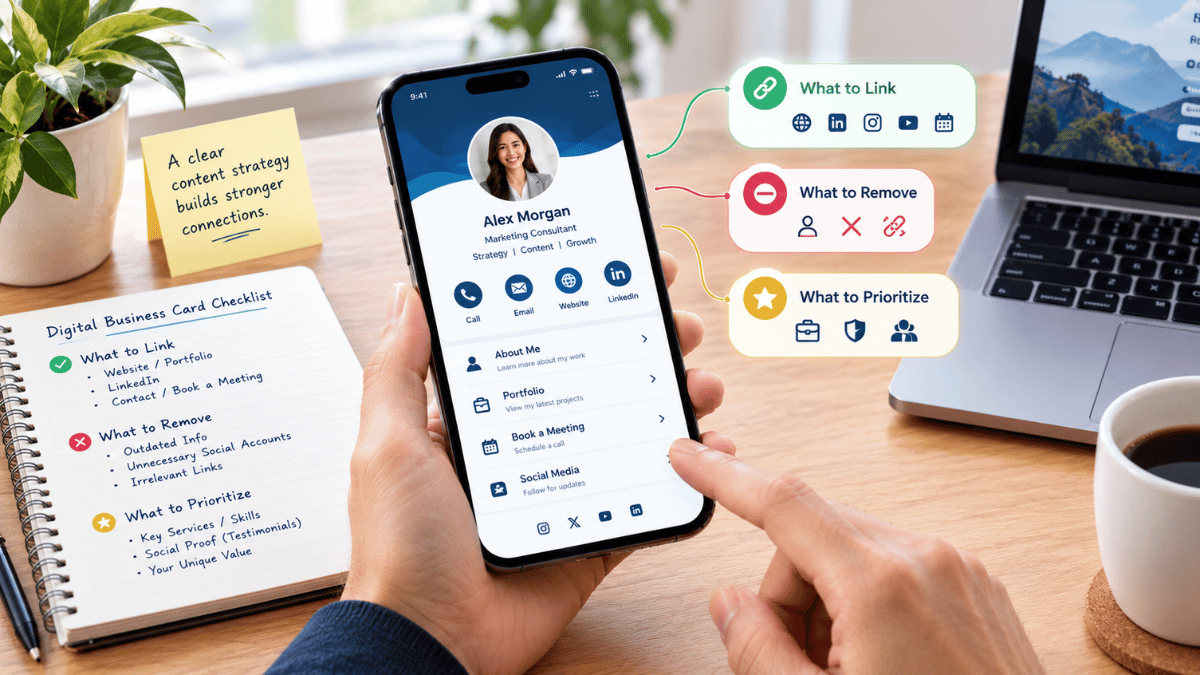
Adding more features does not automatically create a better digital business card. Visitors should be able to understand the profile quickly and identify the most useful next action without navigating through an overwhelming list of links.
Prioritize Important Information
Place your name, role, main contact details, and primary action where visitors can find them easily.
Avoid Excessive Links
Include only relevant platforms and resources. Remove outdated or rarely used destinations.
Make the Main Action Clear
Use direct labels such as "Call Now," "View Portfolio," or "Book a Meeting."
Check Mobile Usability
Test videos, buttons, links, and scheduling pages on different screen sizes.
How Signify Supports Interactive Profiles
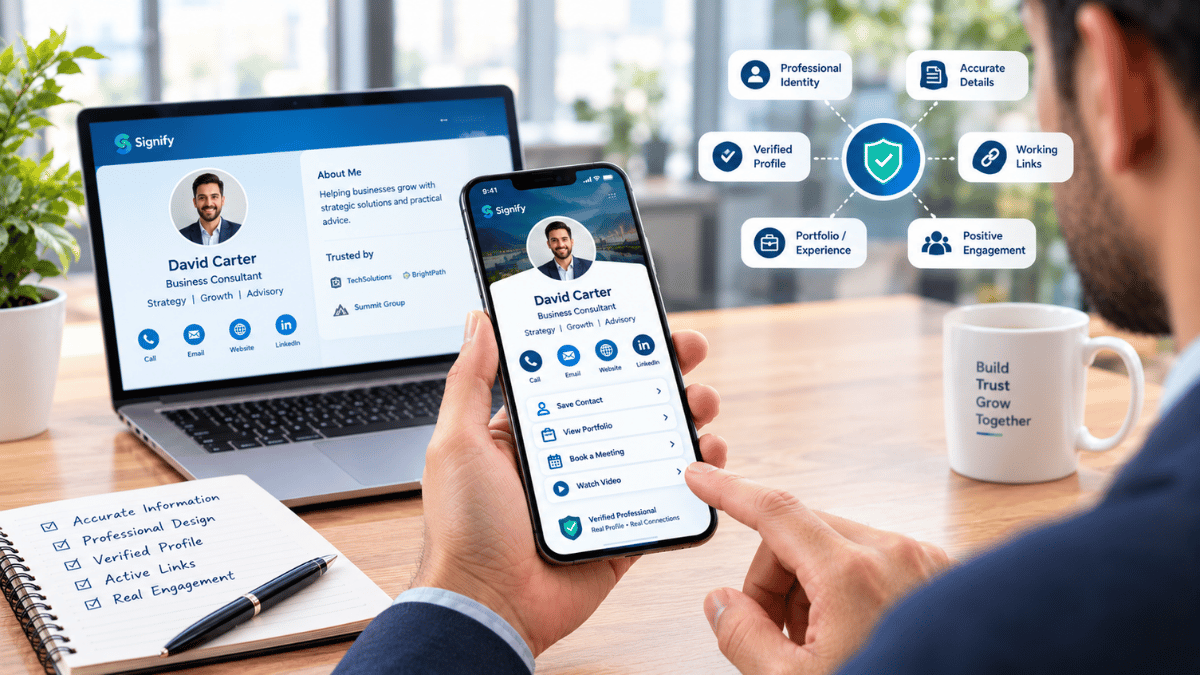
Signify provides a platform for creating and sharing digital business cards. An interactive profile can bring professional information and useful destinations together, helping visitors explore a person's work and connect through relevant channels.
Include video content to introduce yourself, your company, products, or services.
Connect scheduling options so visitors can access your meeting-booking page.
Bring professional and social profiles together in one accessible destination.
Add relevant websites, portfolios, resources, and other useful destinations.
By combining these elements thoughtfully, professionals can create a profile that does more than exchange contact information. It can introduce their work, support communication, and guide visitors toward meaningful next steps.
Visit Signify Website →Conclusion
An interactive digital business card can bring professional identity, visual
communication, and appointment scheduling together in one accessible
destination. Video helps introduce your work, calendar links simplify
meeting arrangements, and social media connections give visitors more ways
to explore your professional presence.
The key is to keep the experience focused, useful, and easy to navigate.
With thoughtful integration of video, scheduling tools, and relevant links,
a digital business card can become a practical hub for professional
communication and networking.