 Digital Card

NFC Business Cards Explained: How Tap-to-Share Technology Works Without an App
NFC business cards connect a physical networking accessory with a digital professional profile. With a compatible smartphone, a simple tap can take someone to your contact details, website, portfolio, or other online destinations—without requiring a dedicated app in typical web-link setups.
Introduction: The Technology Behind a Simple Tap
NFC technology allows compatible devices to exchange information over very short distances. In professional networking, an NFC-enabled card can direct someone to a digital business profile with a simple tap.
This approach combines the familiarity of a physical card with the flexibility of online information. Instead of printing every contact detail on the card, professionals can use it to share a digital destination that brings their important information together.
What Is NFC Technology?
NFC stands for Near Field Communication. It is a short-range wireless technology that enables compatible devices to exchange small amounts of information when brought very close together. NFC is used in many everyday applications, including contactless payments, access systems, and digital information sharing.
Short-Range Communication
NFC works over a very short distance, so a phone generally needs to be brought close to the NFC tag to read it.
NFC Tags and Chips
An NFC tag can store a small record, such as a web address, that a compatible device can read.
Smartphone Compatibility
Many modern smartphones support NFC, but availability, settings, tag placement, and reading behavior vary by device.
Browser-Based Sharing
When a tag contains a web address, a compatible phone can offer to open that destination in its browser without a dedicated card app.
How NFC Business Cards Work
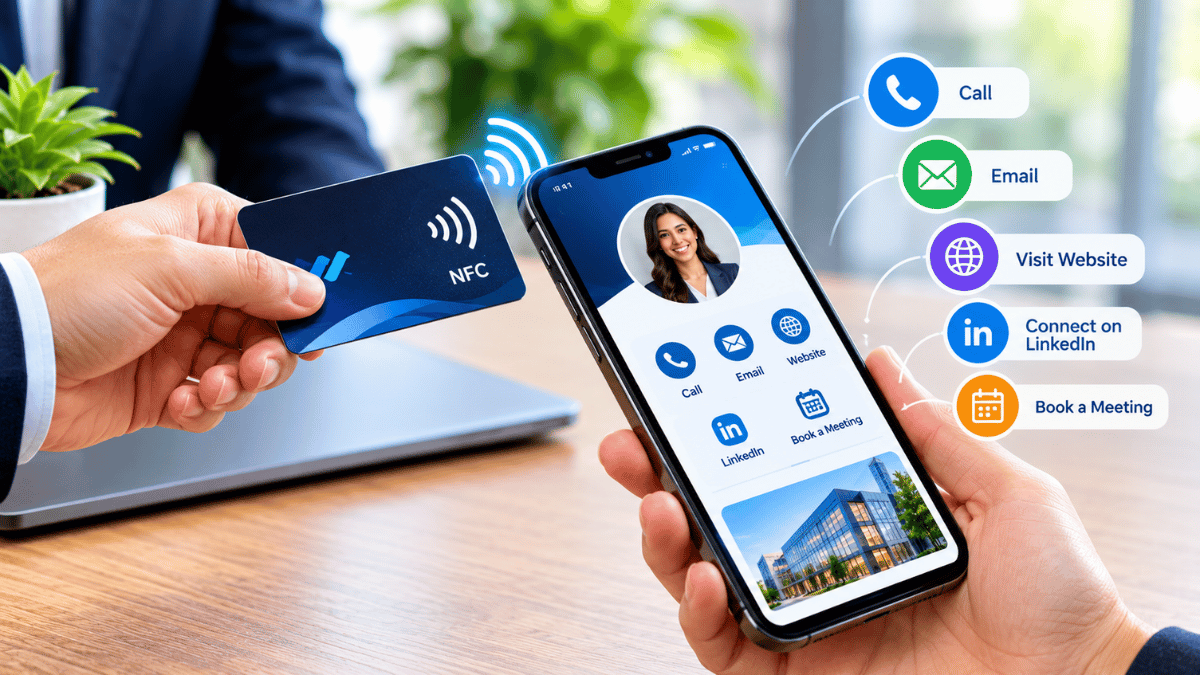
The process is straightforward. An NFC card provides the link, while the smartphone reads that information and opens the corresponding online destination when supported.
Information Is Stored
An NFC chip stores a small record, commonly a web address for the digital profile.
Bring the Phone Close
The user places a compatible smartphone near the card's NFC tag.
The Tag Is Read
The phone detects and reads the supported information from the NFC tag.
The Profile Opens
The phone may show a prompt or notification to open the linked profile in a browser.
Important: NFC does not automatically transfer every contact detail into a phone's address book. The tag commonly opens a profile or contact destination, where the visitor can choose to save the information.
NFC vs Traditional Business Cards
Both formats can support professional introductions, but they differ in how information is shared and maintained. An NFC card adds a digital connection to a physical networking accessory.
| Feature | NFC Business Card | Traditional Business Card |
|---|---|---|
| Sharing method | Tap a compatible phone near the NFC tag. | Hand over the printed card. |
| Information updates | Online profile details can be updated without reprinting when the card points to a maintained profile. | Printed details generally require a new print run to change. |
| Digital destinations | Can direct visitors to a profile, website, portfolio, or other supported link. | Usually relies on printed details unless a QR code or link is included. |
| Physical printing | The NFC card itself is physical, but linked profile changes may not require a new card. | New cards are typically printed when details change. |
| Device dependency | Requires compatible NFC reading and a usable destination. | Can be read without a phone or digital connection. |
NFC vs QR Code Sharing
NFC and QR codes can both connect people to digital profiles. The best option depends on the devices available, the setting, and how visitors prefer to access the information.
NFC Cards
Tapping can feel quick and natural during face-to-face introductions. Visitors do not need to open a camera and frame a code, although the phone must support NFC and be positioned correctly.
QR Codes
QR codes work with many smartphone cameras and are useful on printed materials, screens, event displays, and remote presentations. They also provide an alternative when NFC is unavailable or inconvenient.
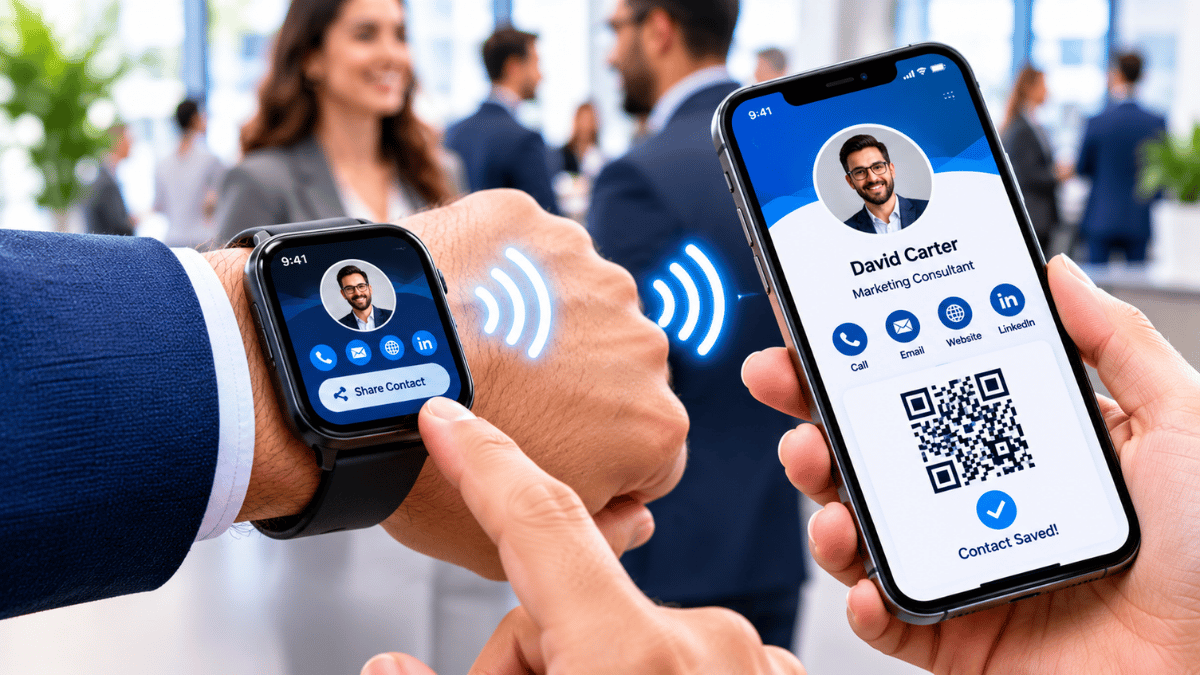
A flexible approach: Including both NFC and a QR code can give visitors two ways to access the same digital profile.
NFC Security and Compatibility
NFC's short operating range is useful for intentional interactions, but it should not be treated as a guarantee that every tag or linked website is safe. As with any link, visitors should check where it leads before sharing information or taking further action.
- Check device compatibility: NFC availability and tag-reading behavior can differ between smartphone models and operating systems.
- Use a trusted destination: Choose a legitimate profile URL and use HTTPS where available.
- Verify unexpected links: Review the displayed address before opening it, especially if the card or source is unfamiliar.
- Configure tags carefully: Confirm that the tag points to the intended profile and test it on compatible devices.
- Keep the profile updated: Check that the destination remains accessible and that its contact information is accurate.
Remember: NFC is a communication method, not a security certification. A tag can point to an unwanted destination, so sensible link-checking habits remain important.
How Signify NFC Cards Simplify Networking
Signify brings physical NFC business cards together with digital profiles. This approach lets professionals keep a physical networking accessory while directing new contacts to online information that can be maintained as their professional details and resources evolve.
Use a physical NFC card as a convenient starting point for a digital introduction.
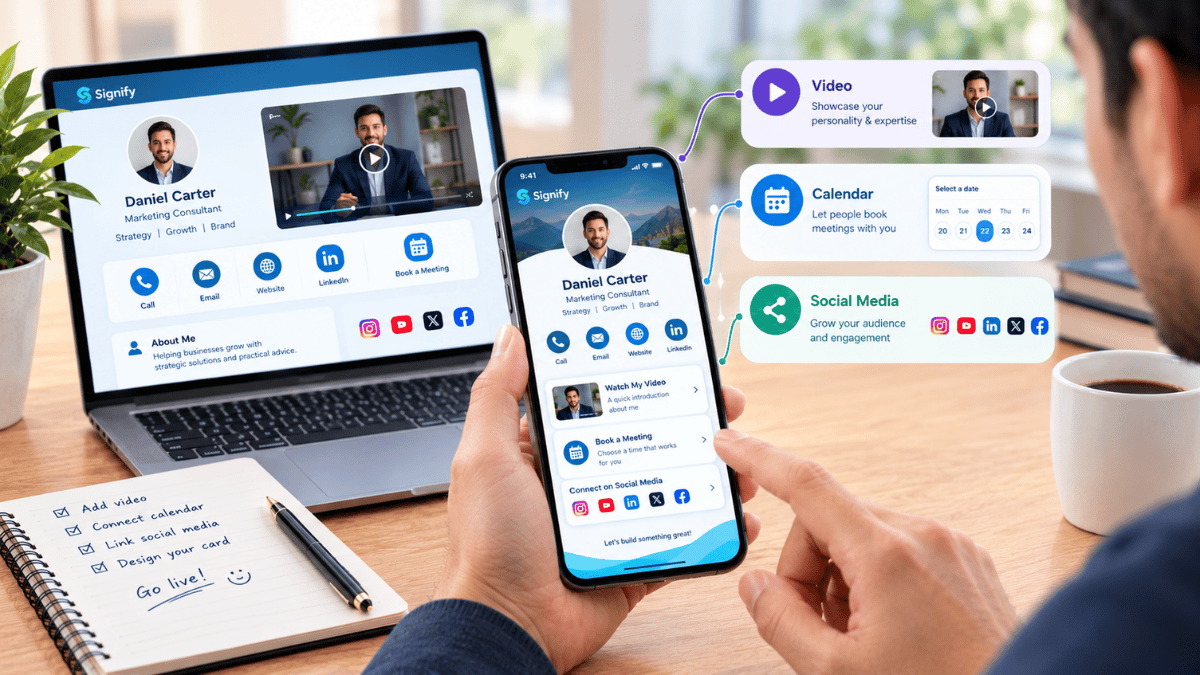
Bring relevant contact details and professional links together in one online profile.
Update information on the linked profile without reprinting the card, provided the card continues to point to that profile.
Give contacts a straightforward way to reach your online professional presence.
For freelancers, consultants, business owners, and sales professionals, this combination can help connect an in-person introduction with the next step: saving contact details, visiting a portfolio, exploring services, or getting in touch.
Visit Signify Website →Conclusion
NFC business cards combine physical networking with digital convenience,
making professional contact sharing faster and more flexible. By using a
short-range NFC tag to direct compatible smartphones to an online profile,
professionals can share useful information without requiring visitors to
install a dedicated app in typical browser-based setups.
Understanding device compatibility, maintaining a reliable profile, and
checking linked destinations help create a better experience. When paired
with QR codes as an alternative, NFC can be a practical addition to a modern
professional networking toolkit.