 Signify.ink

Dynamic Email Signatures for Teams: Maintain Consistent Branding
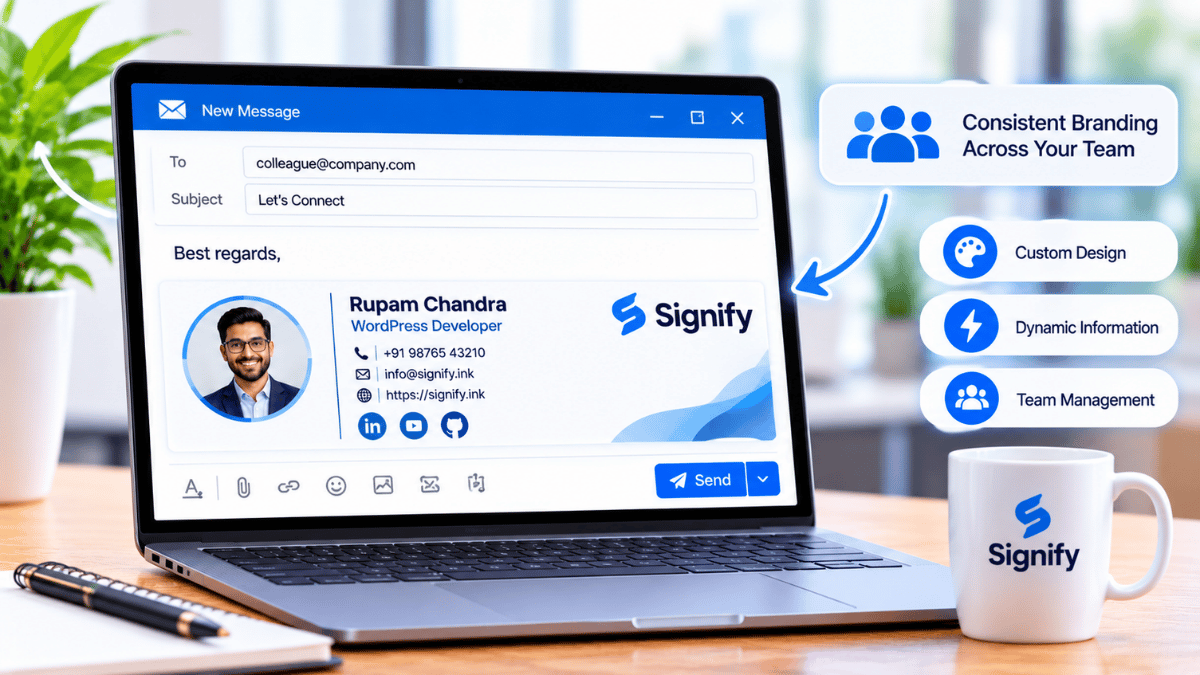
Every email your team sends is a brand touchpoint. Dynamic email signatures help every message — from sales outreach to customer support — project a unified, professional identity.
Discover how marketing and IT managers can manage team signatures centrally, keep employee information current, and maintain brand consistency at scale.
What Are Dynamic Email Signatures?
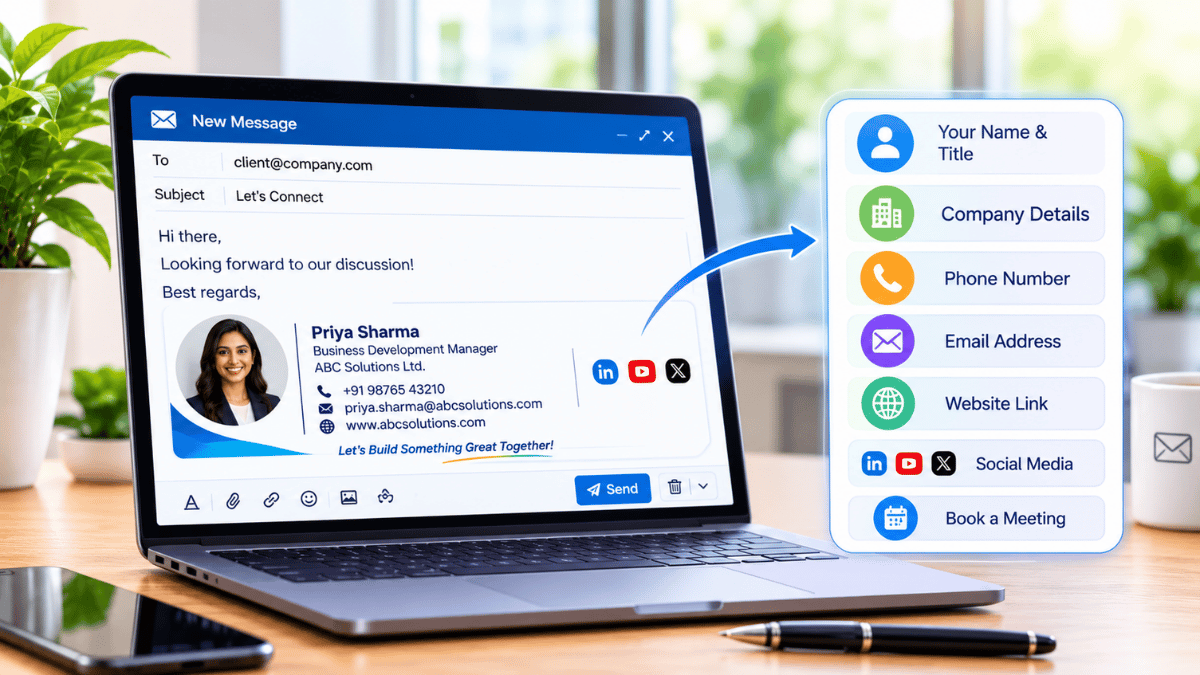
Dynamic email signatures are centrally managed templates that can automatically display employee information such as names, roles, phone numbers, headshots, and social links. They use information maintained in a central directory or connected data source.
Unlike static signatures that employees create and update manually, dynamic signatures can be refreshed across an organization when employee details or brand requirements change.
Static Email Signatures
Individually created signatures that may vary between employees and require manual changes when information becomes outdated.
Dynamic Email Signatures
Centrally managed templates that can apply consistent branding and synchronize employee details from approved data sources.
Why Consistent Email Branding Matters
Inconsistent signatures can weaken brand trust. Different fonts, logos, colors, and outdated contact details may make an organization appear disorganized.
Consistent branding helps customers recognize your organization across multiple interactions. Since employees send emails throughout the day, signatures provide a recurring opportunity to reinforce your brand identity.
Centralized Signature Management
IT and marketing teams can deploy, update, and maintain signature standards through a central management system. Instead of contacting employees individually, administrators can manage templates and approved brand elements from one place.
Managing Employee Contact Details
Dynamic signature solutions can connect with HR systems, employee directories, and supported platforms such as Microsoft 365 or Google Workspace. When an employee changes roles, receives a new phone number, or moves to another department, approved directory updates can flow into their signature.
- Auto-sync with supported directories and HR platforms
- Updates across supported devices and email clients
- Role-specific templates for different departments
- Fewer manual requests for routine contact changes
Updating Team Signatures at Scale
Launching a rebrand or preparing a seasonal campaign? Centralized signature management can help administrators distribute approved changes across many employee signatures without editing every individual inbox.
Marketing teams can use signature banners, campaign calls to action, compliance disclaimers, or event invitations to keep email communications aligned with current business priorities.
- Push approved global updates from one place
- Schedule promotional banners and campaign CTAs
- Apply legal disclaimers and compliance language consistently
- Test different signature designs to evaluate engagement
Unified Corporate Identity
Every employee signature can follow the same logo placement, typography, color palette, and visual guidelines. Whether an email comes from the CEO or a junior account manager, recipients encounter a recognizable corporate identity.
Connecting Email Signatures With Digital Business Cards
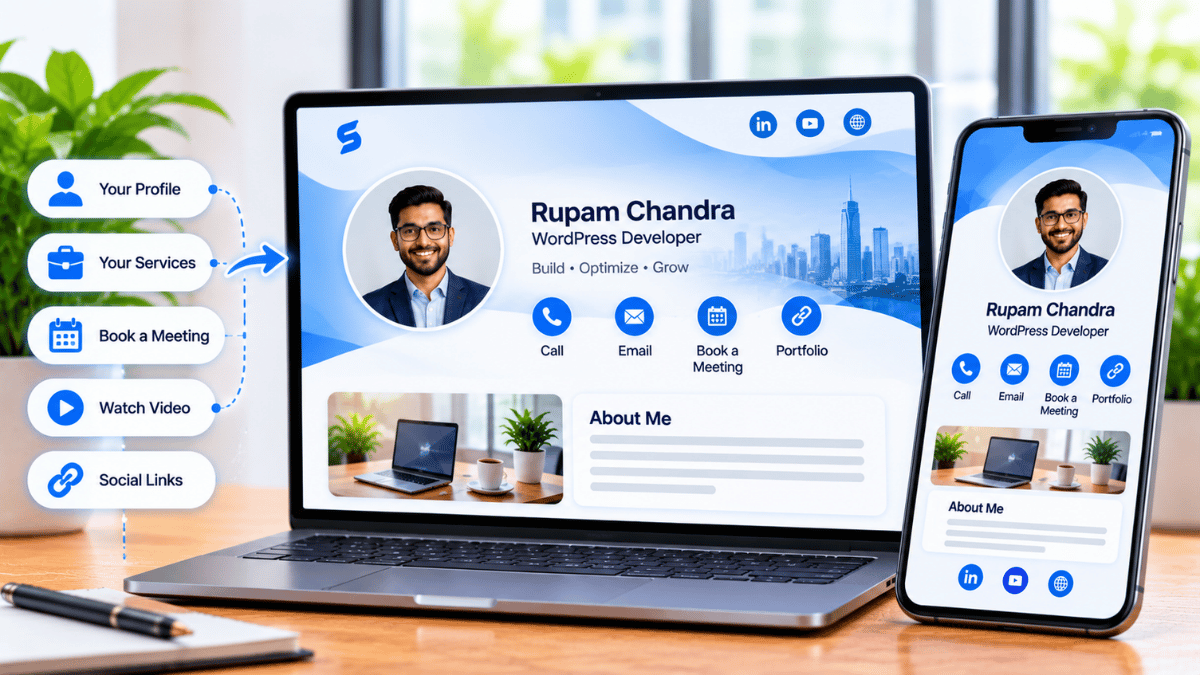
Dynamic signatures can work alongside digital business cards to extend your brand touchpoint beyond the inbox. A recipient can follow a link to view a professional profile, save contact details, connect on LinkedIn, or schedule a meeting.
This turns an email signature into a useful networking destination and gives employees a convenient alternative to sharing printed business cards.
IT-Friendly Administration
Signature management platforms can integrate with existing identity providers and email infrastructure, helping reduce repetitive administrative work. Granular permissions can also separate responsibilities between marketing and IT.
Manages signature design, brand messaging, promotional content, and approved campaign assets.
Oversees integrations, data sources, permissions, security, and technical governance.
A Small Detail With Organization-Wide Impact
Dynamic email signatures are a practical, high-visibility way to maintain brand consistency across team communications. Deployed centrally, they can help keep employee details current, support marketing campaigns, and give every message a more professional appearance.
Bring Consistency to Every Team Email
Ready to bring consistency and professionalism to every team email? Explore Signify and discover digital identity solutions that can support more connected professional interactions.
Explore Signify Team Solutions Discover Signify Solutions Visit Signify Homepage