 Digital Card

A digital business card is a live online profile that replaces the paper card. It carries the same information a paper card does — your name, role, company, and contact details — but it adds the links, portfolios, and social profiles a paper card has no room for, and it stays current when you update it. The recipient does not need an app: they open a link, scan a QR code, or tap an NFC card, and the profile opens in a browser.
If you have ever fumbled for a paper card that was bent, out of date, or in the wrong jacket, the problem is not the card itself. It is that a printed card freezes a moment in time. A digital card is the same idea with the freezing removed. This guide covers what a digital business card is, how it works in practice, what it costs, and where it fits into a professional workflow. If you want the product overview first, the Signify digital business card page is the place to start.
- A digital business card is a live profile, not a PDF of a paper card.
- It is shared by link, QR code, or NFC tap — and it updates when you update it.
- Recipients do not need the Signify app to view or save the contact.
- The 88% paper-card discard rate is the most-cited figure in the industry, and it is consistent across sources.
What a digital business card actually is
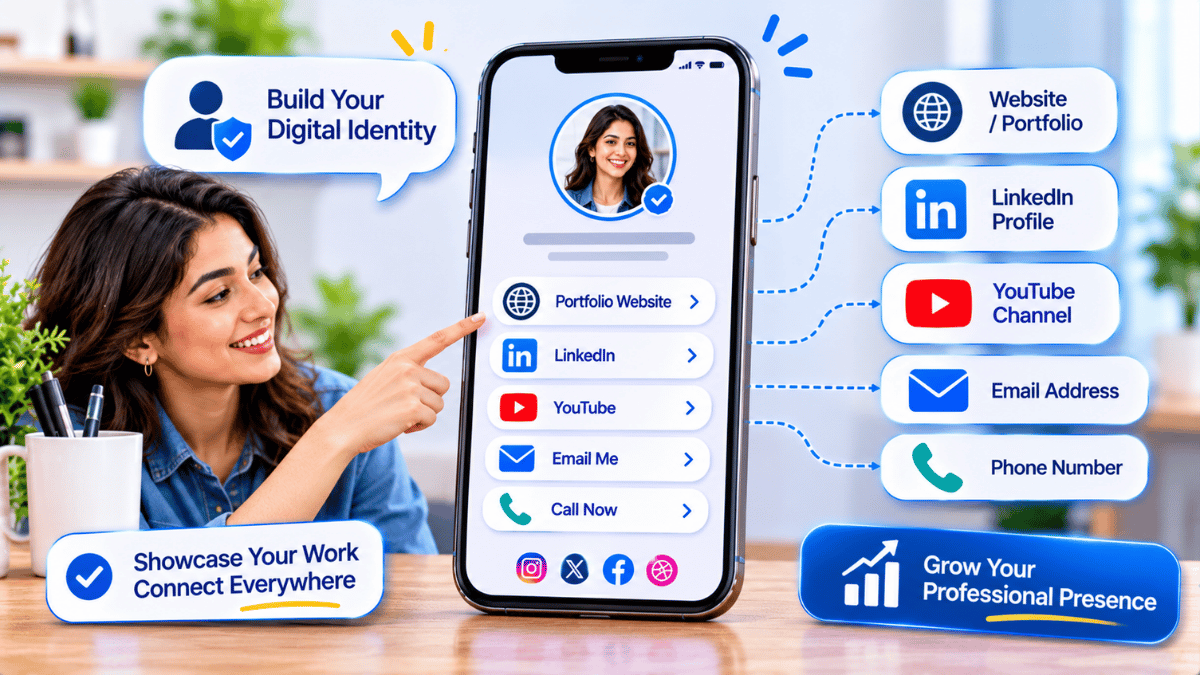
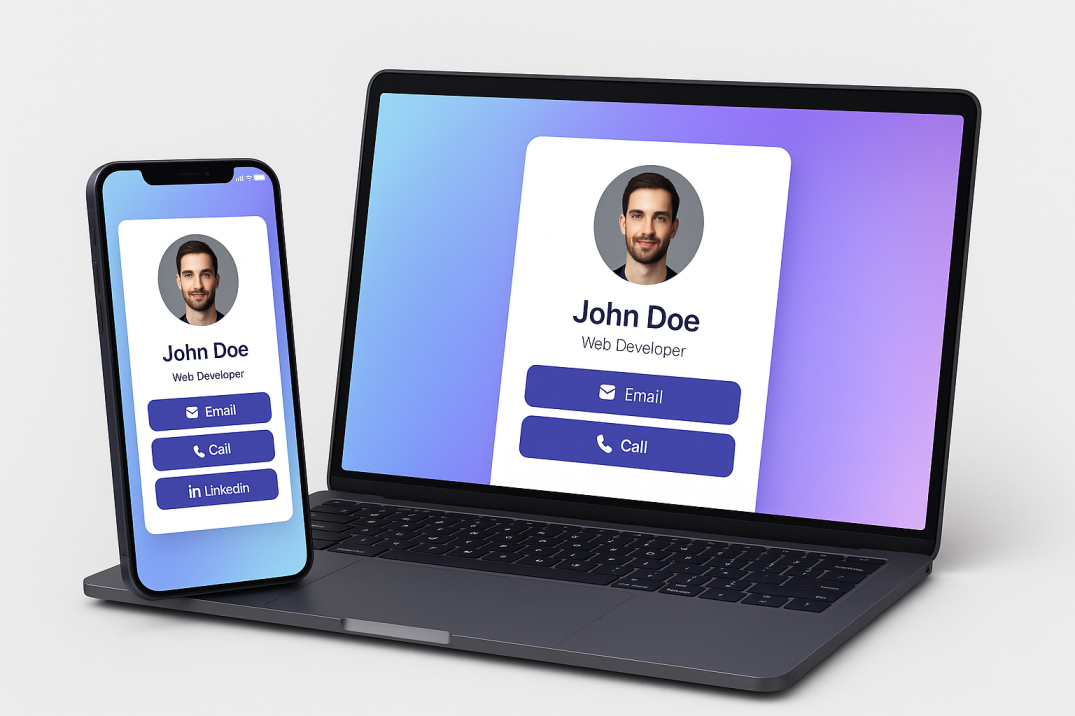
The term is used loosely, so it helps to be precise. A digital business card is not a scanned image of a paper card, and it is not a PDF attachment. It is a hosted profile at a URL, designed to be opened on a phone. The profile carries the fields you choose: name, role, company, photo, contact methods, website, social links, and any other professional links you want to surface.
The Wikipedia entry on digital business cards describes the category accurately: an electronic version of a business card that contains the same information but can include additional material — links to social media, a portfolio, or a booking page. The important difference is not the format. It is that the profile is live. When you change your role, the card changes with you. When you change your phone number, the people who saved the card see the new number the next time they open it.
That sounds like a small thing. In practice it is the reason the category exists. A paper card is accurate on the day it is printed and slowly wrong from then on. A digital card is accurate as long as you keep it accurate, and keeping it accurate takes a minute.
How it works, step by step
The workflow has four stages. Each one is simple, and the whole cycle takes under ten minutes for a first card.
Create the card
You start by opening the card editor — in Signify, that is Create a Card — and filling in the fields that matter for your role. Name, title, company, photo, contact methods. You can also add the links you want people to find: a portfolio, a calendar, a website, a social profile. The editor previews the card as the recipient will see it.
Host the profile
The card is stored on Signify’s servers at a URL. You do not host anything yourself, and you do not need a domain. The profile is the destination that every sharing method — link, QR code, NFC tap — points to. When you update the card, the destination stays the same and the content changes.
Share it
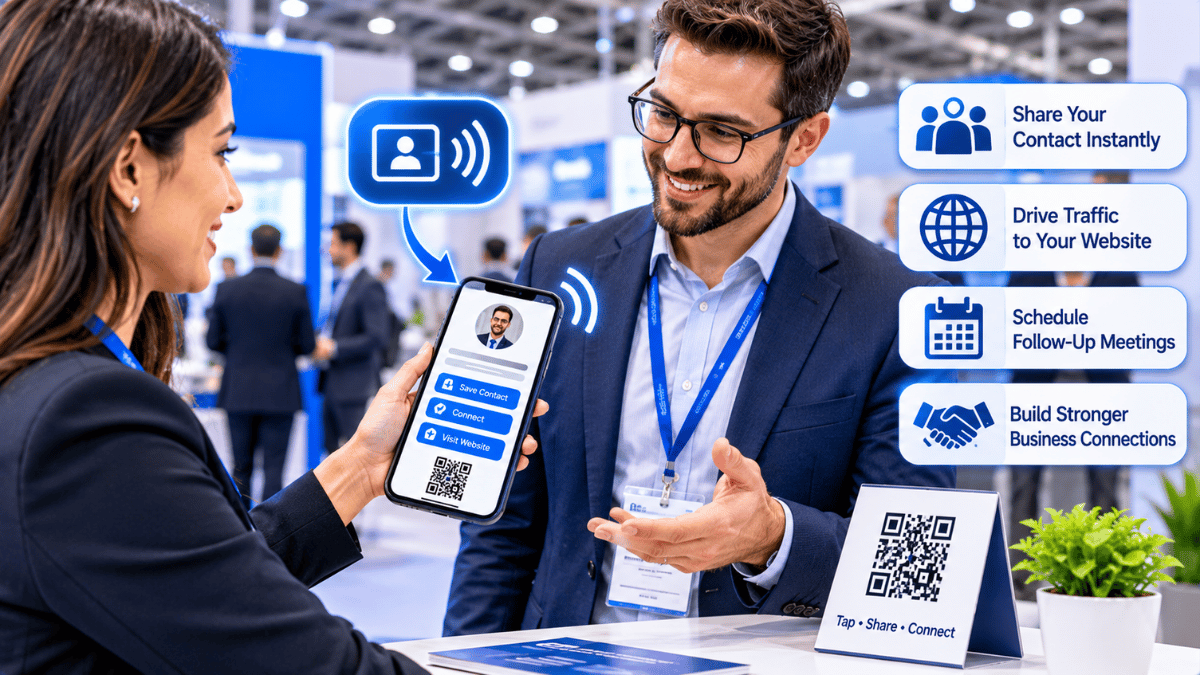
There are three primary sharing modes, and each fits a different moment. A QR code is fastest at a conference or on a slide. An NFC tap is fastest in a one-to-one meeting. A link works in email, messaging, and social profiles. The send-a-card feature puts the card in the recipient’s inbox with a VCF file attached, so the contact can be saved in one tap.
Update it when things change
This is the part that makes the digital card different. When your role or contact details change, you update the card once. Everyone who saved the link sees the new version. There is no reprint, no redistribution, and no stale version in circulation. The online business card page covers the tracking and analytics that come with the live profile.
Paper vs digital, side by side
The comparison is often framed as a format preference. It is not. The two formats fail in different ways, and understanding the failure modes is what makes the choice clear.
| Dimension | Paper card | Digital business card |
|---|---|---|
| Stays current | Frozen on print date | Updates when you update it |
| Recipient action | Must type details manually, or never save them | One tap to save a VCF |
| Fields it can carry | Name, title, phone, email | All of those, plus portfolio, calendar, social, links |
| Discard rate | Roughly 88% within a week, per industry estimates | Not discardable — the link stays in the recipient’s history |
| Cost per reprint | Real, and paid again after every role change | Zero — update once, no reprint |
| Privacy controls | All printed details are visible to anyone | Field-level visibility on paid plans |
None of that makes paper cards useless. There are contexts — a formal meeting, a ceremony, a specific cultural expectation — where a physical card still makes sense. The argument is narrower: for the moments where the card is meant to be saved and used later, the digital version is the one that survives.
What it costs
Pricing is where a lot of digital card guides go vague. Here is the honest version, using Signify’s own published plans as the reference.
There is a free tier that covers a single card with the core fields and standard sharing modes. The Professional plan adds additional themes, custom colour controls, and the field-level visibility settings that let you decide which contact details are public. The Teams plan adds centralised management, shared templates, role-based access, and integrations such as Zoho CRM, priced per seat. The Signify pricing page has the current numbers, because pricing changes and a blog post does not.
The comparison that matters is not the subscription against the price of a box of paper cards. It is the subscription against the cost of reprinting every time someone in the organisation changes role, plus the cost of the contacts that were never saved because the recipient had to type them in. The second number is harder to measure and usually larger.
The environmental case
The paper card industry has a measurable footprint, and the figures are not marketing claims. According to HiHello’s environmental research, one tree produces roughly 20,000 average-weight business cards. A company of 100 employees printing 250 cards each per year consumes one tree, 500 gallons of water, and 74 pounds of waste before a single card is handed out. Globally, the annual business card print run accounts for approximately 5 million trees, 2.5 billion gallons of water, and 261 million pounds of waste.
Those figures are corroborated by the American Bar Association, which reports that roughly 10 billion cards are printed annually in the U.S. alone, equating to over seven million trees cut down. The virtual business card page covers the sustainability angle in more detail, and the Signify company page describes the Consac group’s operational footprint.
For a team that reports on ESG metrics, the transition is a measurable line item: no reprints after a role change, no shipping, no disposal. The case is not a vague appeal to sustainability. It is a set of figures you can put in a report.
Sources: American Bar Association and UPrinting (88%); HiHello (20,000 cards per tree); MarketGlass (12.4% CAGR, 2025–2032).
Security and privacy
A digital card carries professional contact information, so the question of who can see it matters. The Consac support knowledgebase confirms that Signify encrypts data in transit and at rest, that the platform is GDPR compliant, that users can hide individual fields from public view, and that two-factor authentication is available via SMS or an authenticator app.
The field-level controls are the feature that matters most in practice. A professional who wants to share a portfolio and a role but not a personal phone number can do that. The Professional and Teams plans are where those controls live. The Signify security page covers the broader architecture, including access controls and data handling. For teams, Signify Teams adds centralised management so that a departing employee’s card can be deactivated rather than left live.
What to look for in a provider
If you are evaluating a digital business card platform — Signify or otherwise — these are the six criteria that separate a tool you will keep using from one you will abandon.
-
Recipients do not need an app. The card must open in a browser. If the recipient is required to install something, the card will not be saved. This is the most important criterion and the one most often missed.
-
The card updates in place. Updating the profile must be possible without changing the shared link. Otherwise the card is just a hosted PDF.
-
Field-level privacy controls. You should be able to share a role and a portfolio without exposing a personal phone number. The paid plans are where this usually lives.
-
Multiple sharing modes. QR for events, NFC for in-person, link for email. A provider that offers only one mode will not fit every situation.
-
Analytics that mean something. Views, saves, and link clicks are the minimum. The online business card page covers what the tracking looks like in practice.
-
Compliance and security you can verify. GDPR, encryption in transit and at rest, and 2FA are table stakes for any card that carries contact information. The security page and the Consac knowledgebase are where to check.
Frequently asked questions
What is a digital business card?
A digital business card is a hosted online profile that carries your professional details and links, shared by a URL, a QR code, or an NFC tap. Unlike a paper card, it stays current when you update it, and recipients do not need an app to view it.
Do recipients need an app to view a digital business card?
No. The card opens in a browser, and the recipient can save the contact as a VCF file without downloading anything. This is the feature that makes digital cards practical at scale — the barrier to receiving your details is essentially zero.
How does a digital business card work with NFC?
An NFC card contains a passive chip that is powered by the recipient’s phone when they hold it close. The chip transmits a URL, and the browser opens your profile. No pairing, no app, and no battery in the card. It is the fastest option in person, and the least useful option over email.
Is the “88% of paper cards are thrown away” statistic reliable?
It is the most widely cited figure in the industry and is consistently traced to a 2017 Statistic Brain study. It is cited by the American Bar Association and by commercial printers such as UPrinting. As with any single-source survey, the exact number should be treated as directional rather than precise, but the direction is consistent across sources.
How much does a digital business card cost?
Signify has a free tier for a single card, a Professional plan for individuals that adds themes and visibility controls, and a Teams plan priced per seat for centralised management. The pricing page has the current numbers, because pricing changes and articles do not.
Does a digital card replace a paper card entirely?
Not in every context. A physical card still makes sense for formal meetings and ceremonies. The practical approach most professionals take is to accept paper cards when offered and follow up with a digital card link by email, so the contact is saved in a form that stays current.
How do I get started?
Open Create a Card in Signify, add your professional details and the links you want people to see, customise the design, and save. Share the card by link, QR code, or NFC tap. If you are running a team, Signify Teams handles the centralised management.
Build a card that stays current
One live profile, shared by link, QR code, or NFC tap — and updated in one place when your details change.
Create your Signify card