 Signify.ink

Most people walk into a networking event worried about one thing: what the person in front of them will think. That fear is real, but it is also miscalibrated. Research published in Psychological Science on the “liking gap” in first conversations found that people consistently rate the person they just spoke with more positively than they believe that person rated them — and the gap persists even after the conversation ends. In other words, the stranger you are anxious about probably likes you more than you think.
If the interpersonal fear is overstated, what actually makes networking feel so difficult? In practice, most of the friction is not the conversation. It is everything around it: fumbling for a paper card, hoping it does not get thrown away, dreading the manual data entry afterward, and worrying that your details will be stale by the time the other person follows up. A Signify digital business card does not remove social anxiety, but it removes the mechanical friction that makes anxiety worse. This guide looks at what the research actually says, and what changes when the card is digital.
- People systematically underestimate how much a conversation partner likes them — the “liking gap” is documented in peer-reviewed research.
- Roughly 88% of paper business cards are thrown away within a week, so the fear of being forgotten is grounded in reality.
- A digital card removes three specific friction points: the exchange, the follow-up, and the accuracy of stored details.
- The confidence gain comes from preparation, not personality — and a digital card makes preparation easier.
What the research says about networking anxiety
The clinical term closest to “networking anxiety” is social anxiety, and it is more common than most people assume. The National Institute of Mental Health estimates that 7% of U.S. adults experience social anxiety disorder at some point in their lives, and the condition is defined in part by a persistent fear of negative evaluation in social situations. Subclinical networking nerves sit on the same spectrum — most professionals report some version of “I don’t know what to say” or “I worry about being judged,” even if it never rises to a diagnosis.
But the research on first conversations suggests the fear is often worse than the reality. The same Boothby et al. (2018) study that identified the liking gap also found that the miscalibration is systematic: people believe their conversation partners noticed more of their awkwardness than they actually did, and rated the interaction less favourably than they actually did. A related study by Epley and Schroeder (2014) found that commuters who talked to strangers on their train reported a more positive commute than they expected — even though most commuters assumed the interaction would be unpleasant and avoided it.
The practical implication is that the “I’m bad at networking” story is often a prediction error. The conversation is usually fine. What makes networking feel difficult is the sequence of mechanical tasks around it: the exchange, the follow-up, and the fear that details will be lost. Those are the parts a digital business card can actually improve.
The four friction points that make it worse
If the conversation is not the problem, what is? In hundreds of conversations with professionals about networking, four friction points come up consistently. Each one is a place where a physical paper card makes an already anxious moment harder.
The exchange itself
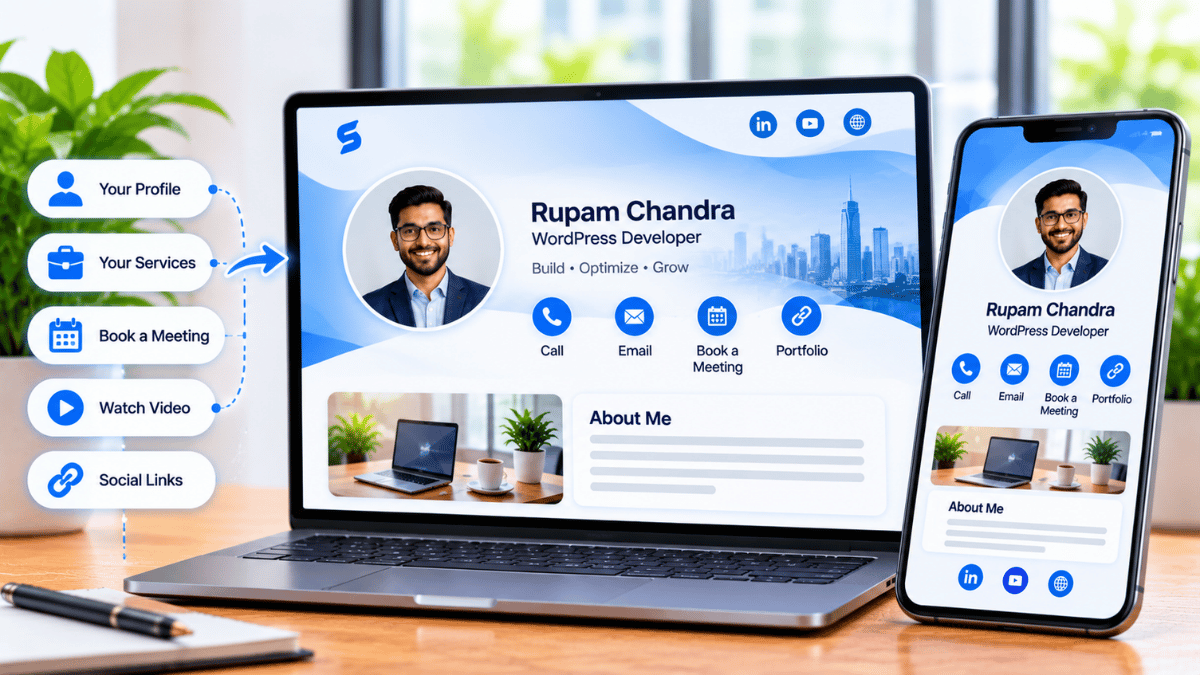
Handing over a paper card is a small physical performance: finding the card in a pocket, checking that it is not bent, deciding whether to offer it first, and hoping the other person does not fumble theirs. For someone already nervous about the interaction, this is one more thing to get right. A tap-to-share NFC card or a quick QR scan collapses the ritual into a single gesture.
The fear of being discarded
The fear that your card will end up in a drawer is not irrational. The American Bar Association and UPrinting both cite the widely used figure that roughly 88% of business cards are thrown away within a week. A digital card is not discardable in the same way — the link stays in the recipient’s history, and the profile stays current.
The post-event dread
The follow-up is where most networking intentions die. A paper card requires typing the details into a phone or CRM, which is exactly the kind of task that gets postponed until it never happens. A card sent by email with a VCF attachment removes that step entirely — the recipient saves the contact in one tap, during or after the conversation.
The stale-detail worry
There is a low-grade anxiety in handing over a card that carries a job title you might not have in six months, or a phone number you might change. A paper card freezes that information on the day it was printed. A live online business card updates when you update it, so the person you met last year sees your current role, not the one you had when you printed the card.
How a digital identity addresses each one
A digital card is not a personality transplant. It is a set of small advantages that compound: less to do in the moment, less to worry about afterward, and fewer opportunities for the interaction to go wrong. These are the four that matter most for anxiety.
One gesture, no fumbling
A QR code, a tap, or a link replaces the paper-card ritual. There is nothing to find in a pocket and nothing to bend.
A profile that carries context
Portfolio, role, and the links you actually want people to see. It gives a nervous first conversation something concrete to be about.
Follow-up that happens
One-tap save and an optional VCF attachment remove the manual step that kills most post-event follow-ups.
Control over what is public
Field-level visibility settings let you decide which details are visible. That is the difference between “I have to share everything” and “I choose what to share.”
The field-level controls matter more than they look. One of the under-recognised drivers of networking anxiety is the fear of oversharing — giving out a personal phone number or email to someone you have just met. The Pro and Teams plans allow you to hide specific fields, so the card can show your role and portfolio without exposing your mobile number to a stranger. The Signify security page and the Consac support knowledgebase cover the encryption, GDPR compliance, and 2FA options that back that up.
Paper card vs digital card, for anxiety
The differences are easiest to see in a direct comparison. Every row is a moment where a nervous networker either has a small task to manage or does not.
| Moment | Paper card | Digital card |
|---|---|---|
| Handing over details | Find card, hand it over, hope it is not bent | QR scan, NFC tap, or send a link |
| Saving the contact | Recipient types it in manually, or does not | One-tap VCF save on the recipient’s phone |
| Follow-up | Depends on the recipient remembering | Card sent by email with contact attached |
| Detail accuracy | Frozen on print date | Live profile, updates when you do |
| Oversharing risk | All printed details are visible to anyone | Field-level visibility controls on paid plans |
| Career changes | Reprint needed | Update once, everyone who saved the card sees it |
The table is not an argument that paper cards are useless. There are contexts where a physical card still makes sense — a formal meeting, a ceremony, a specific cultural expectation. But the moments where anxiety is highest — a crowded event, a first introduction, a cold follow-up — are exactly the moments where the digital version removes the most friction.
A pre-event confidence checklist
Confidence in networking is largely a function of preparation, not personality. Most of the anxiety people describe before an event is really the anxiety of walking in unprepared. These are the six things that make the biggest difference, and all of them can be done in the ten minutes before you leave.
-
Update your card the night before. Role, company, and links. A current profile removes the low-grade worry that your details are wrong. If you have not created one yet, Create a Card takes a few minutes.
-
Test the QR code with a friend’s phone. Scan it once from a device that is not yours. It is the single highest-leverage preparation step, and almost nobody does it.
-
Decide what is public. If your phone number or personal email should stay private, hide those fields before the event. The Pro plan covers the visibility controls.
-
Prepare two open questions. The “liking gap” research found that people are rated more positively than they expect when they simply ask their partner questions. A pair of prepared questions is enough to carry a conversation.
-
Set a follow-up reminder for the next morning. The card can be saved in the moment, but the message still has to be sent. One calendar reminder the morning after is enough.
-
Keep the card on your home screen. The Signify widget puts your QR code one tap away, so you do not have to open an app when someone asks for your details.
The numbers behind the shift
Three figures that frame the practical case. None of them require you to be anxious to be relevant — the shift is happening regardless of how any individual feels about networking.
Sources: American Bar Association and UPrinting (88%); NIMH (7%); MarketGlass (12.4% CAGR, 2025–2032).
The market growth is a signal that the shift is not a niche preference. Professionals are moving to digital cards because the friction is real and the fix is cheap. For teams managing a client-facing workforce, Signify Teams adds centralised card management with shared templates, and the pricing page compares the individual and team plans.
Frequently asked questions
Does a digital business card actually reduce networking anxiety?
It removes the mechanical friction that makes anxiety worse: the fumble of handing over a paper card, the fear that it will be discarded, the post-event chore of manual data entry, and the worry that your details are out of date. It does not remove social anxiety itself, but it removes four specific triggers that compound it.
Is the “liking gap” research reliable?
The Boothby et al. (2018) study was published in Psychological Science, one of the most selective journals in the field. It has been replicated across multiple settings, and the finding is consistent: people rate their conversation partners more positively than they believe the partners rated them.
Do I have to share my phone number on a digital card?
No. The card editor lets you decide which fields are visible. Field-level visibility controls are available on the Pro and Teams plans. The security page covers the encryption and access controls behind that.
How is a digital card different from a paper card in practice?
A paper card is a snapshot of your details on the day it was printed. A Signify card is a live profile that updates when you update it, can be shared by QR code or NFC tap, and stays accessible to anyone who saved the link — even after your role changes.
What if the person I’m meeting prefers paper cards?
The digital card does not prevent you from also accepting a paper card. Most professionals do both: they accept the paper card and follow up by email with a link to their digital card. That way the contact is saved in the recipient’s inbox, and the details stay current.
Does Signify work for teams, not just individuals?
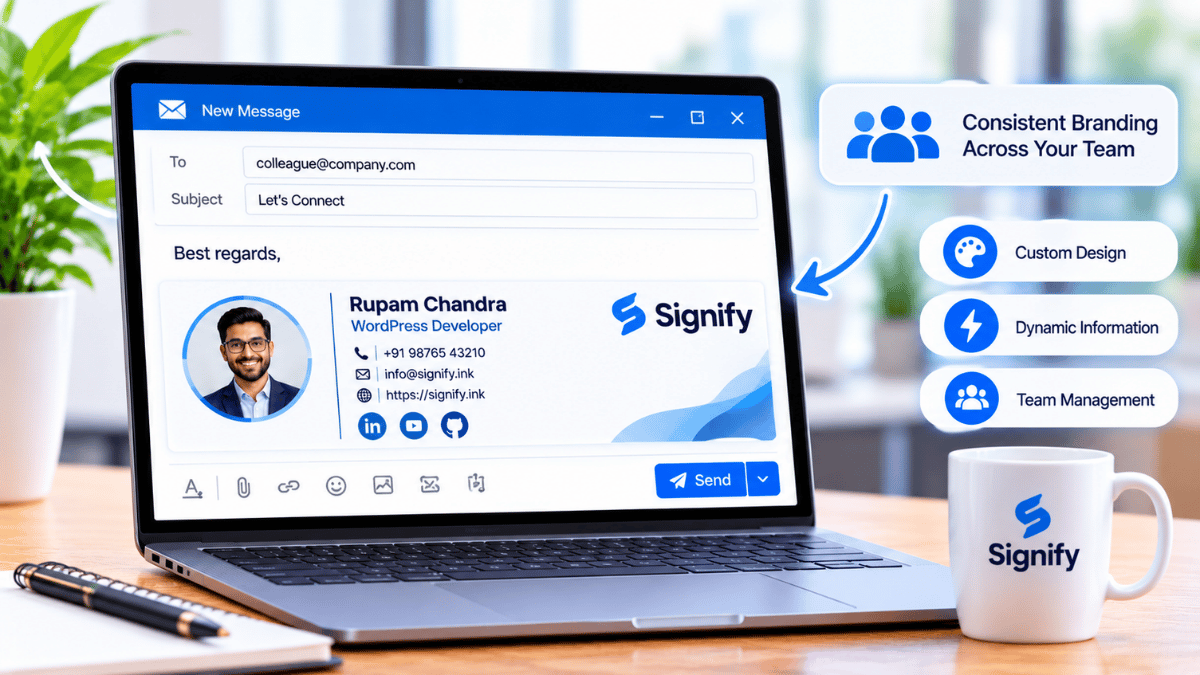
Yes. Signify Teams provides centralised card management, shared templates, and role-based access, so every team member’s card reflects the same brand without losing individual details.
How do I get started?
Open Create a Card in Signify, add your details and the links you want people to see, customise the design, and save. Then test the QR code with a phone that is not yours before you use it at an event.
Walk in prepared, not anxious
Build a card that is ready before you are — one tap to share, one tap for the recipient to save, and no fear that your details are out of date.
Create your Signify card