 Digital Card

Digital Business Cards for Multi-Department Organizations
Discover how companies with multiple departments can use digital business cards to organize employee identities, maintain consistent branding, and simplify professional contact sharing across their entire organization — from the C-suite to frontline teams.
Building a connected organization
Contact Management Challenges
Large organizations routinely struggle with outdated contact information, inconsistent employee profiles, and fragmented systems that make it difficult to keep directories current. When staff changes occur — new hires, promotions, departures — manually updating paper or PDF business cards across dozens of departments creates bottlenecks and costly reprints. Digital business cards solve this by enabling real-time updates that propagate instantly to every recipient who has saved an employee's card.
Department-Specific Employee Profiles
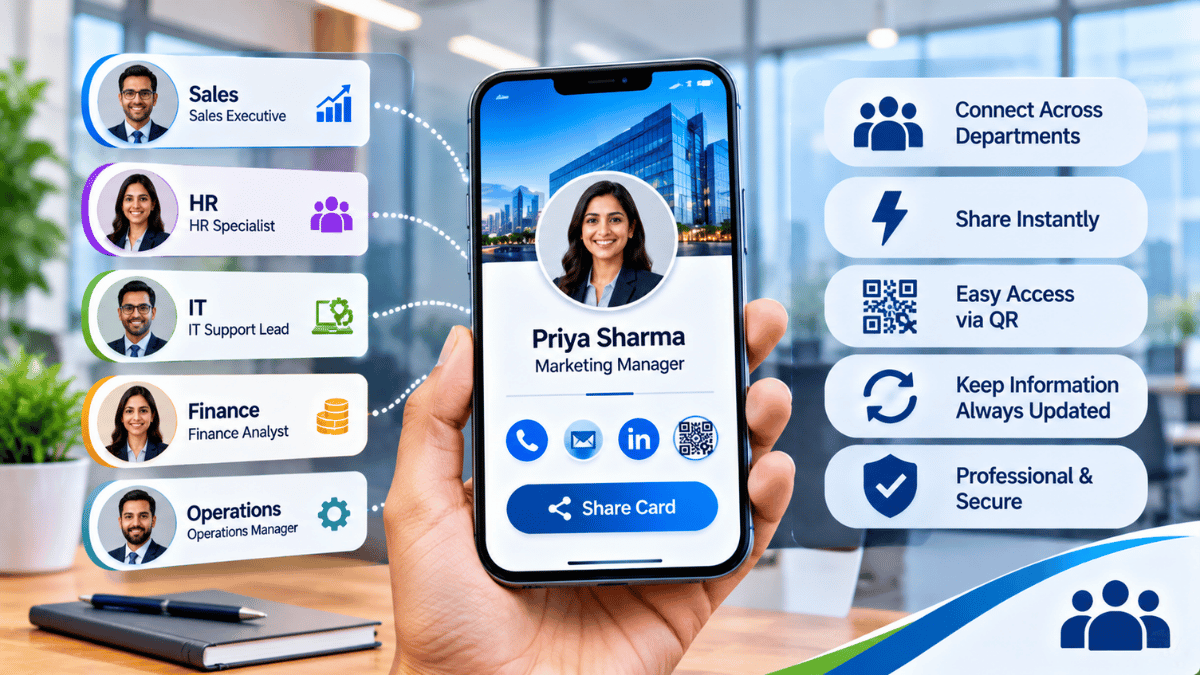
Each department has unique identity needs. Sales teams may highlight CRM links and meeting schedulers; HR teams may surface benefits portals; IT teams may include ticketing system shortcuts. Digital card platforms allow administrators to build department-specific templates — custom fields, role-appropriate CTAs, and tailored layouts — while still inheriting organization-wide branding and compliance standards from a master profile structure.
Consistent Company Branding
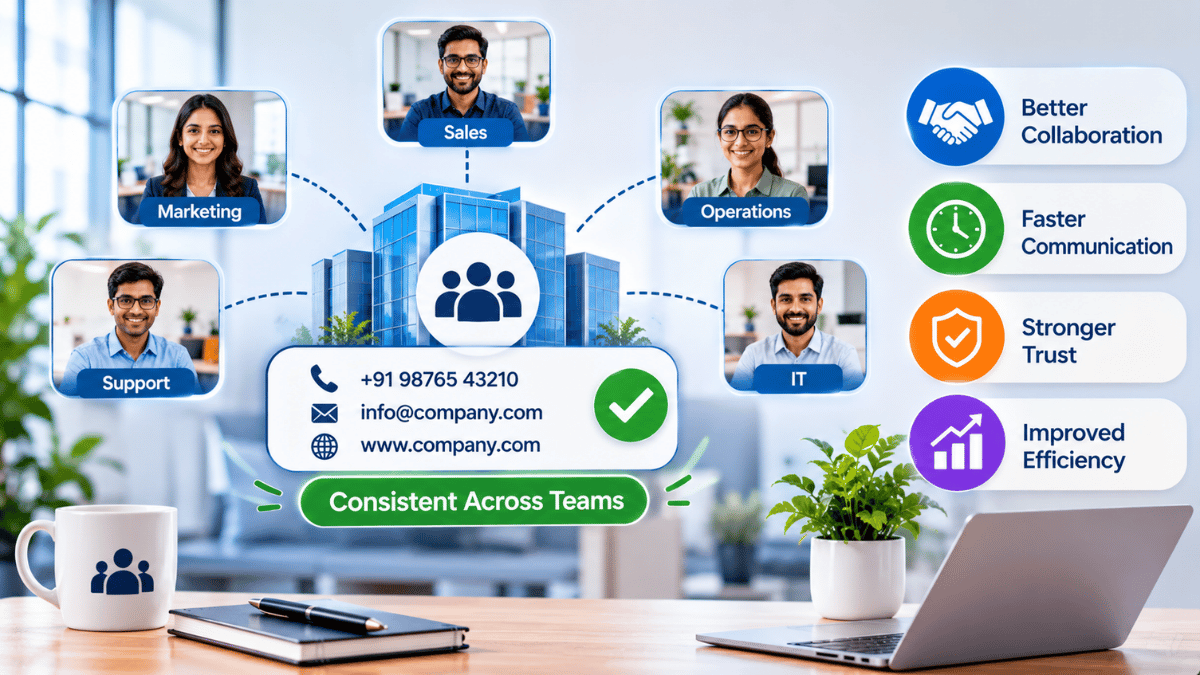
Brand consistency across hundreds or thousands of employee-facing touchpoints is a persistent challenge. Digital business card platforms allow IT and marketing teams to lock brand elements — logos, color palettes, approved fonts, and legal disclaimers — at the template level, so individual employees customize only the fields they're permitted to edit. The result is a unified brand presence regardless of department, geography, or seniority level.
04. Centralized Administration
A centralized admin dashboard gives IT and HR managers a single pane of glass to provision, audit, and deactivate digital cards across the entire organization. Role-based access controls ensure department managers can update their own teams without touching other groups' records. Bulk import tools integrate with existing HR systems — Workday, BambooHR, ADP — so new employee cards can be provisioned automatically on day one, eliminating manual onboarding bottlenecks and reducing administrative overhead significantly.
Role-Based Card Configurations
Not all employees share the same contact-sharing needs. Field sales representatives benefit from one-tap meeting booking links and LinkedIn integration, while operations staff may need to surface internal escalation contacts. Customer-facing roles can be configured with public-facing profiles, while back-office staff maintain internal-only cards. Digital platforms support multiple card "modes" per employee, letting individuals switch context — from internal networking to external client meetings — without maintaining separate physical cards for each scenario.
External-Facing Profiles
Useful for sales, client relations, leadership, and other customer-facing roles.
Internal-Facing Profiles
Designed for internal contacts, operational teams, and employee collaboration.
Real-Time Information Updates
When an employee earns a promotion, moves to a new office, or changes their direct line, the update is made once in the central system and reflected immediately across every digital card instance already shared. Recipients who saved the card see updated details the next time they view it — no chasing down old contacts, no bounced emails to defunct addresses. This "living card" model is especially powerful in fast-growing organizations where roles and reporting structures shift frequently throughout the year.
Employee information changes
A new role, phone number, office location, or reporting structure is recorded.
Central system is updated
The authorized administrator updates the employee's digital profile.
Shared card reflects the change
Updated information becomes available to recipients viewing the digital card.
Scalable Identity Management
As organizations grow through hiring, acquisitions, or geographic expansion, digital card infrastructure scales without proportional cost increases. Adding a new department means cloning an existing template and adjusting a handful of fields. Onboarding an acquired company's workforce can be accomplished through bulk migration tools that map legacy contact data to the organization's established card schema. Enterprise-tier platforms also offer SSO integration, audit logs, and compliance reporting — essentials for regulated industries managing digital identity at scale across hundreds of locations and thousands of employees.