 Digital Card

Digital Business Cards for Freelancers: Present Your Services Professionally
In today's competitive freelance economy, first impressions happen online — often before a single conversation takes place. A well-crafted digital business card gives you a polished, always-available professional identity that works as hard as you do. From sharing portfolio links to enabling one-tap contact saves, your digital card can become your most powerful client acquisition tool.
Why You Need a Digital Identity
Freelancers without a cohesive professional presence leave money on the table. A digital business card consolidates your name, role, niche, and contact details in one shareable link — no printing costs, no outdated info, and no fumbling for a card at networking events.
It signals credibility and signals that you take your brand seriously. Clients who can instantly see who you are and what you offer are far more likely to follow up.
Your Work. Your Brand. One Link.
Bring your professional identity, services, portfolio, and contact details together in one convenient digital destination.
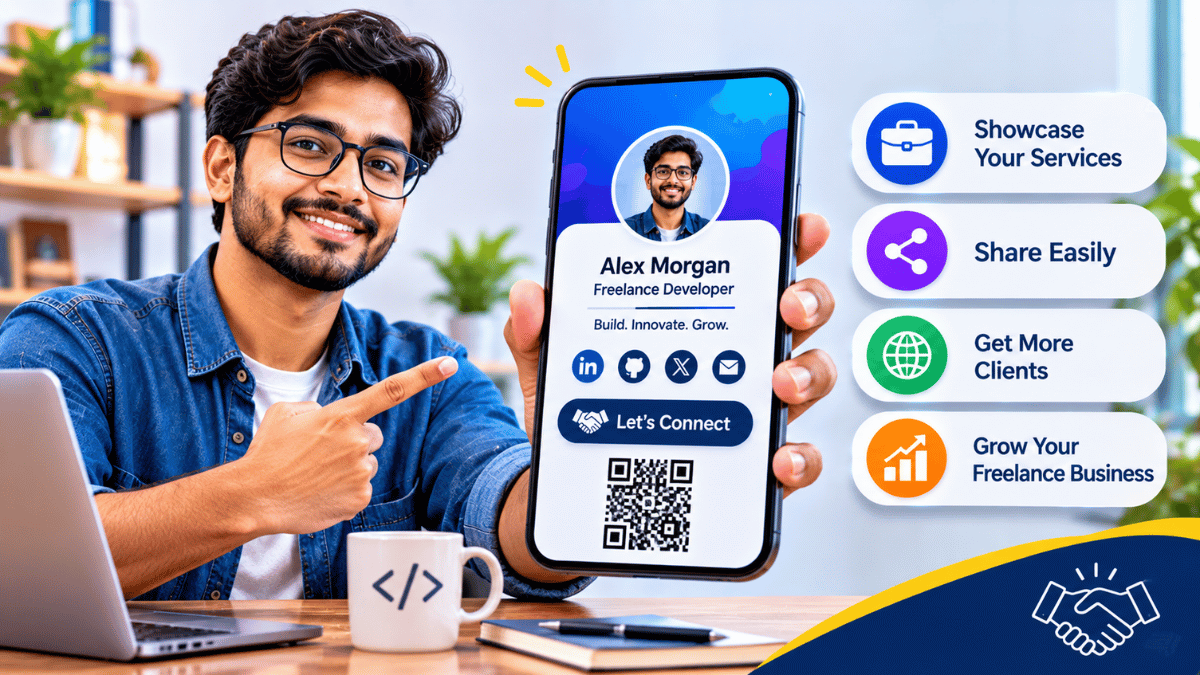
Name, Role & Services
Clarity is everything. Your card should lead with your full name, your professional title (e.g., "Brand Strategist," "Full-Stack Developer," "UX/UI Designer"), and a concise description of your core services.
Avoid vague labels — instead of "Creative Professional," say "Logo & Brand Identity Designer for Startups." This precision helps prospective clients immediately understand your value and self-qualify before reaching out.
Creative Design
Showcase branding, visual identity, illustration, and creative projects.
Development
Highlight web development, software, and technical expertise.
Consulting
Present strategy, marketing, business, and professional services.
Portfolio & Website Links
Turn Your Digital Card Into a Mini Portfolio
Your digital card should do more than display contact info — it should actively drive traffic to your work. Include direct links to your portfolio site, a Behance or Dribbble profile, a GitHub repo, or any platform that showcases your best projects.
Use descriptive anchor text ("View My Work" rather than a raw URL) to encourage clicks. This turns every share of your card into a mini sales funnel.
Brand Identity
Web Projects
Creative Work
Case Studies
Connecting Social Media Profiles
Linking your LinkedIn, Twitter/X, Instagram, or YouTube directly on your card lets prospective clients do their due diligence effortlessly. Choose platforms strategically — only include those where your content reinforces your professional brand.
A graphic designer might highlight Instagram and Behance; a consultant might prioritize LinkedIn. Consistent, active profiles signal reliability and expertise, giving clients more reasons to trust you before the first call.
Sharing With Potential Clients
Unlike paper cards, digital cards can be shared in seconds via email signature, iMessage, WhatsApp, LinkedIn DM, or a simple link in your email footer. Add your card link to your social media bios, your Calendly booking page, and your proposal documents.
Every touchpoint becomes an opportunity to reinforce your brand and make it effortless for clients to save your details and reach out on their own terms.
One Digital Card. Multiple Sharing Channels.
Reach potential clients wherever they discover you.
QR Codes & NFC at Meetings
Instant digital contact sharing
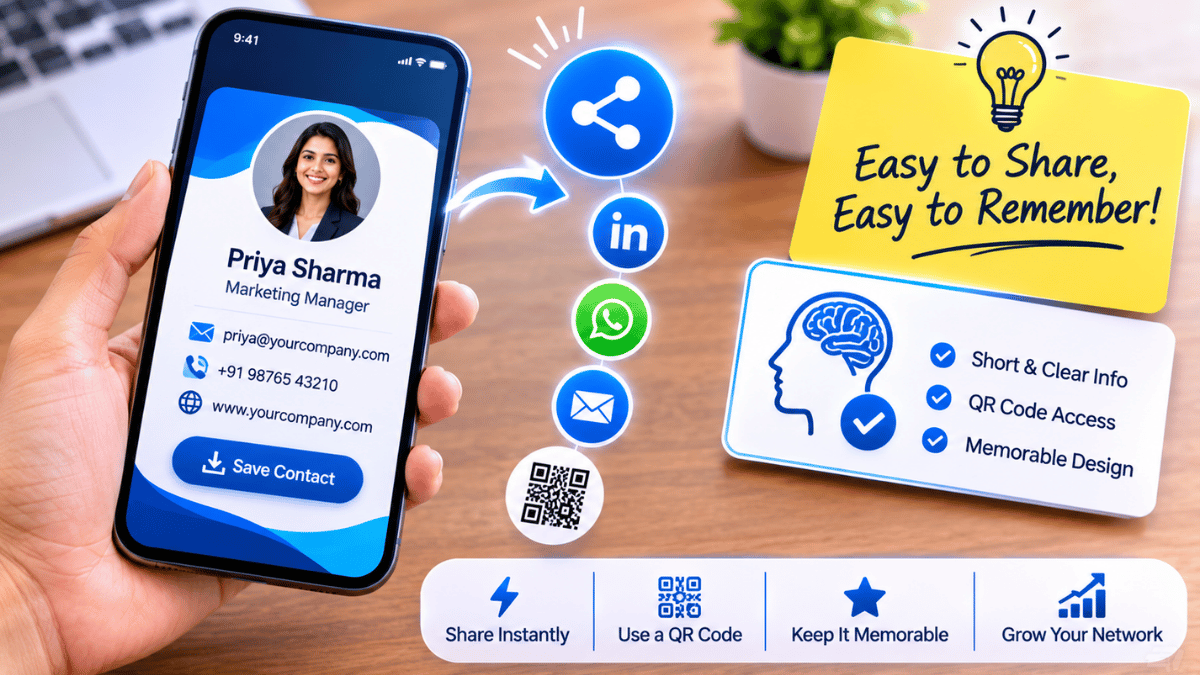
In-person networking is far from dead. Display your digital card's QR code on your laptop screen, a printed handout, or a custom NFC card — a prospect simply taps or scans to instantly save your contact.
This frictionless exchange is far more memorable than handing over a paper card. Some freelancers even add a QR code to the bottom of their email signature for seamless in-person-to-digital continuity.
Keeping Information Current
One Update. Every Shared Link Stays Current.
One of the greatest advantages of a digital card over its paper counterpart is real-time editability. Changed your rate? Launched a new service? Rebranded? Update once and every link you've ever shared instantly reflects the change — no reprinting, no mass emails, no outdated info floating around inboxes.
Build a habit of reviewing your card every quarter to ensure it accurately represents your current offerings, pricing, and contact preferences.
Make Every Introduction a New Opportunity
Present your services professionally, showcase your best work, and make it easier for potential clients to connect with you. Create your digital business card with Signify.ink.
Create Your Digital Business Card →