 Signify.ink

Remote hiring has a handshake problem. In a physical interview, the exchange of a business card closes the loop: the candidate leaves with a contact, the recruiter leaves with a name and a number, and both sides know exactly who to follow up with. In a virtual interview, that loop rarely closes cleanly. Links get pasted into a chat, portfolios get lost in a follow-up email, and the candidate’s professional identity is scattered across five different tabs. A Signify digital business card replaces that missing handshake with a single, shareable link that carries the candidate’s complete professional identity — and it solves several of the specific friction points that recruiters and candidates report about virtual hiring.
This article looks at what the data actually says about virtual interviews, where the process breaks down, and how a digital business card fits into a remote hiring workflow. It is written for recruiters who want a cleaner process and for candidates who want to be remembered after the call ends. If you want the product overview first, the online business card page covers the core features.
The remote hiring reality, in numbers
Remote and hybrid work did not disappear after the pandemic; it stabilised into a permanent share of the workforce. According to the U.S. Bureau of Labor Statistics, 35% of employed people worked from home at least part of the day in 2025, and Pew Research found that among remote-capable roles, 75% of workers are remote at least some of the time, with hybrid arrangements now the default at 43%[reference:0]. A separate survey from Stanford’s WFH Research puts the U.S. fully-remote share at roughly 14% and hybrid at roughly 26%, with hybrid growing faster than fully-remote[reference:1].
The hiring process has followed the workforce. A Robert Walters survey of employers found that 39% would now hire a professional without meeting them face-to-face, and only 20% agreed that virtual interviews were the most effective way to identify the best person for a job — a clear signal that employers are using virtual hiring while simultaneously acknowledging its limits[reference:2].
Those limits are specific, and they matter for the digital business card argument. The same Robert Walters research found that 36–39% of employers cited difficulty reading body language as the main drawback of virtual interviews, followed by 35% who said virtual interviews gave them a limited view of cultural fit. Among candidates, 41% reported difficulty reading body language, 29% struggled to build rapport, and 18% experienced technical problems[reference:3][reference:4].
In other words, the problem with virtual hiring is not that it happens remotely. It is that the remote format strips out the informal, non-verbal and tangible cues that used to carry part of the assessment. A digital business card does not restore body language, but it does restore one of the other things a physical handshake used to deliver: a clean, reliable record of who the person is and how to reach them.
Where the virtual interview process breaks down
The friction in remote hiring is concentrated in a few recurring moments. Each one is a place where a physical card would have helped, and where a digital card can help now.
Portfolio and link sharing is fragmented
In a physical interview, a candidate can hand over a portfolio, a CV, and a card in one motion. In a virtual interview, the equivalent is a sequence of chat messages, screen shares, and follow-up emails. The recruiter ends up with a LinkedIn URL in one place, a portfolio link in another, and a phone number in a third. A digital business card consolidates those into one profile, so the recruiter saves one link instead of collecting five.
The follow-up depends on the candidate remembering to send it
After the call, the candidate is expected to send a thank-you email with their details attached. Sometimes they do; often they do not, or they send it days later when the recruiter has already moved on. A card shared during the call — or included in the interview confirmation — removes that dependency. The send-a-card feature puts the card in the recruiter’s inbox with the contact file attached, so the follow-up happens while the conversation is still fresh.
Details go stale between the interview and the hire
A paper CV is a snapshot. If a candidate changes roles, updates a portfolio, or moves to a new city between the first interview and the offer, the document the recruiter saved no longer reflects the person. A digital card is live: when the candidate updates it, everyone who has the link sees the change. That matters in a hiring process that can stretch across weeks.
Trust is harder to establish remotely
The rise of AI-assisted applications has made verification a bigger concern in virtual hiring. A candidate whose card links to a consistent, verifiable set of professional profiles — a portfolio, a GitHub, a published writing archive — gives the recruiter a way to cross-check the person they interviewed against the person they are hiring. The card is not a background check, but it is a coherent identity surface.
How a digital business card fixes it
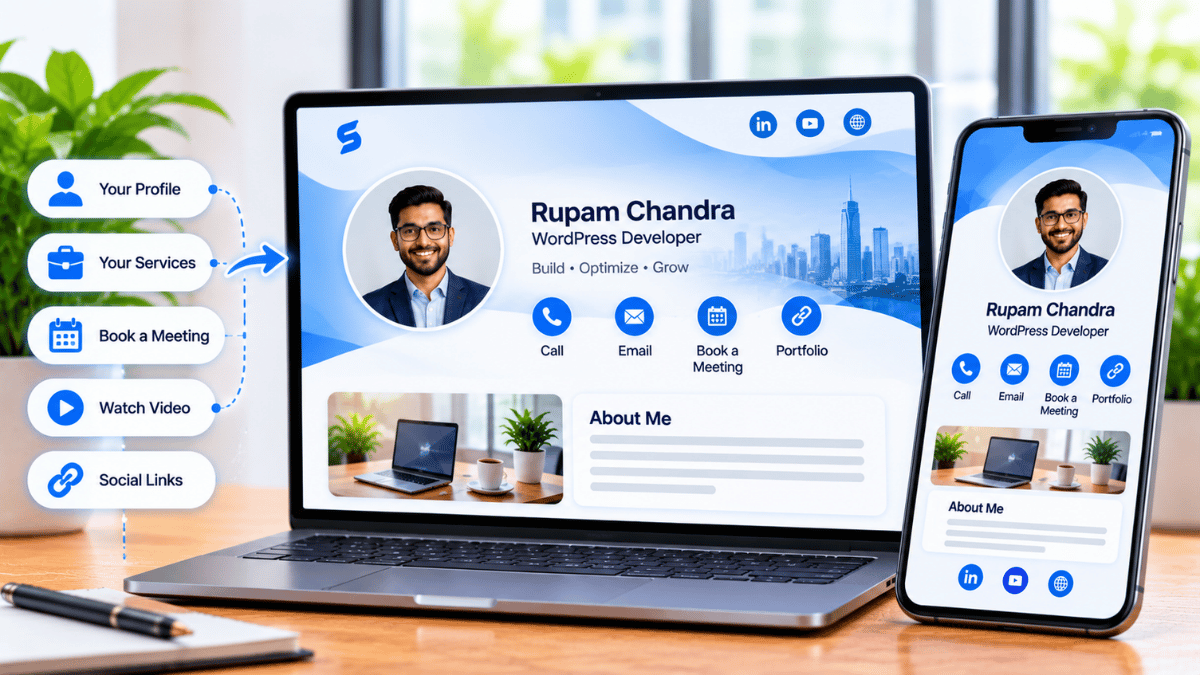
A digital business card is not a replacement for a CV, a portfolio, or an interview. It is the connective layer between them. It gives the candidate one link to share and the recruiter one link to save — and it keeps that link current after the call ends.
The market for these tools is growing for exactly this reason. The global digital business card market was estimated at US$167.0 million in 2025 and is projected to reach US$378.4 million by 2032, a 12.4% compound annual growth rate, according to MarketGlass[reference:5]. The report attributes that growth to “remote work culture, contactless networking preferences, and eco-conscious business practices,” and notes that digital cards function as “interactive identity hubs” that support embedded videos, appointment links, and CRM integration[reference:6][reference:7].
That last point is the one that matters most for recruiting. A card that carries an appointment link, a portfolio, a LinkedIn profile, and a downloadable contact file is a more complete representation of a candidate than a PDF CV and a separate email thread. The smart QR code and NFC tap sharing modes make it easy to deliver that profile in the moment, whether the interaction is on a video call or at a career fair.
| What the recruiter needs | Traditional virtual hiring | With a Signify digital card |
|---|---|---|
| Portfolio | Pasted link in chat, often truncated or broken | One card link that opens the full profile |
| Contact details | Manual copy-paste from email or LinkedIn | VCF download from the card |
| Up-to-date role and company | Depends on the CV version the candidate sent | Reflects the candidate’s current profile |
| Follow-up path | Candidate has to remember to send details | Card is already saved with the recruiter |
| Consistency check | Multiple profiles to compare manually | One profile linking to verifiable work |
The remote hiring workflow, with and without a card
The difference is easiest to see side by side.
Without a digital card
- Recruiter and candidate join the video call.
- Candidate screen-shares a portfolio and pastes a LinkedIn link into chat.
- Recruiter writes down the name and role, then opens three tabs to review the candidate after the call.
- Candidate sends a follow-up email with a CV attached, sometimes a day later.
- Recruiter manually enters the candidate into the ATS and hopes the details are current.
With a Signify digital card
- Candidate includes their card link in the interview confirmation or shares it at the start of the call.
- Recruiter opens one profile: portfolio, role, contact, and the links the candidate chose to share.
- Recruiter saves the contact as a VCF file with one tap — no manual transcription.
- When the candidate updates their card later, the saved link reflects the new details.
- Recruiter can pass the same card link to a colleague or hiring manager without forwarding five separate URLs.
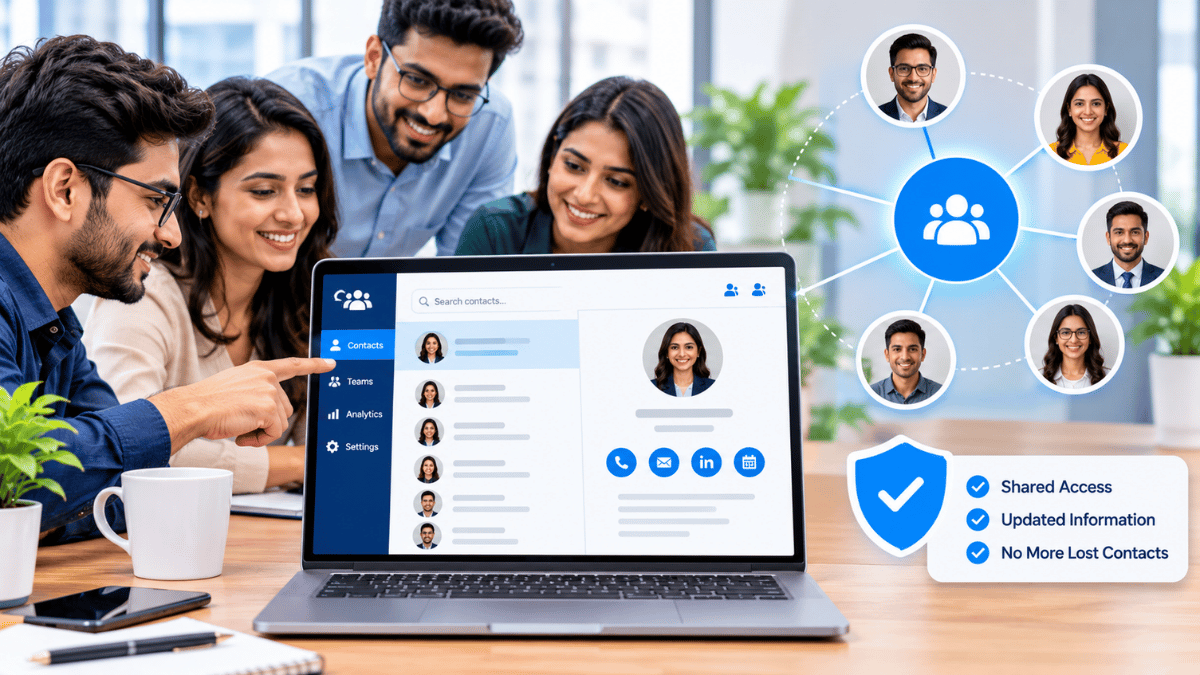
For teams that run high-volume hiring, the Signify Teams option adds centralised card management and shared templates. That is less relevant to the candidate experience and more relevant to the recruiter’s own team identity: a recruiter’s card should reflect the employer brand, and Teams keeps that consistent across everyone in the hiring function. The pricing page compares the individual and team plans.
Verification and trust in an AI-saturated market
The verification problem in remote hiring is real and growing. A 2026 survey cited by HR Executive found that 60% of respondents said AI has made it harder to trust a candidate in a virtual interview, up nine percentage points from the previous year, and about a quarter of hiring managers reported that 25% of the applicants they reviewed had used AI to misrepresent themselves on their resume[reference:8].
A digital card does not solve that problem on its own. But it does give the recruiter a single, stable identity surface to check against. A candidate who links their card to a GitHub repository, a published portfolio, and a consistent set of social profiles is easier to verify than one whose only presence is a PDF and a LinkedIn page. The Signify security page covers the TLS encryption, zero-trust architecture, and role-based access controls that protect the card data itself — which matters when the card carries professional contact information.
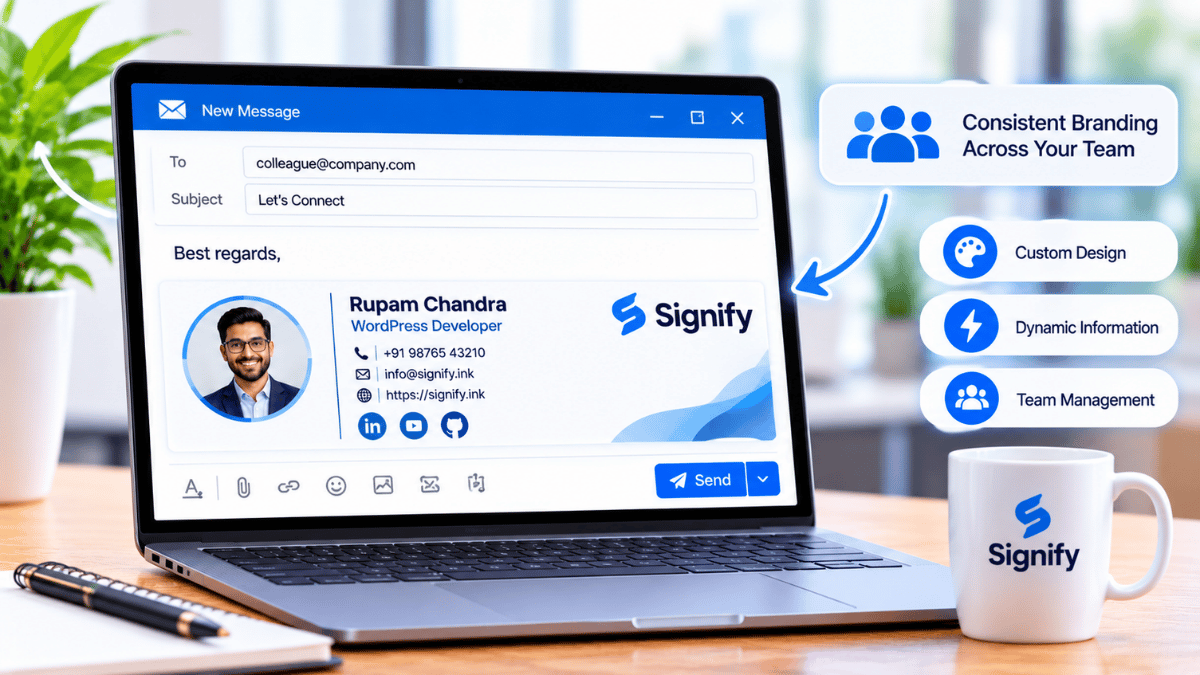
For recruiters who want to go further, the email signature feature puts the recruiter’s own card in every outgoing message, so candidates have a consistent contact from the first interaction. The widgets page covers the option of embedding a team of recruiter cards on a careers page.
Best practices for recruiters and candidates
The card is only as useful as the workflow around it. These are the habits that make the difference.
For recruiters
- Ask for a card, not a CV. A card link gives you a live profile; a CV gives you a snapshot. You can still ask for a CV, but make the card the primary contact surface.
- Save the card during the call. Download the VCF while the candidate is still on screen. The follow-up is easier when the contact is already in your address book.
- Use a consistent recruiter card. Your own online business card should be in your email signature and on the careers page, so candidates know who they are talking to and how to reach you.
- Pass the card link, not a screenshot. When you hand a candidate to a hiring manager, send the card link. It is live, and it carries the full profile.
For candidates
- Put your card in the interview confirmation. A link in the calendar invite or the pre-interview email saves the recruiter from asking for it.
- Keep the card current. If your role or portfolio changes between interviews, update the card. The recruiter who saved it will see the new version.
- Link to verifiable work. A portfolio, a repository, or a published article is more useful to a recruiter than a list of skills. The electronic business card page covers the link fields.
- Use the sharing mode that fits the moment. A QR code works on a video call if you share your screen; a link works in chat; an NFC tap works at an in-person career fair.
The single highest-leverage habit is the simplest one: put the card in the interview confirmation. It costs the candidate nothing, and it saves the recruiter the manual work of reconstructing a candidate’s identity from five different sources after the call.
Frequently asked questions
How does a digital business card help in a virtual interview?
It replaces the fragmented exchange of portfolio links, CVs, and contact details with one shareable profile. The recruiter saves one link, can revisit it after the call, and sees updates if the candidate changes their details. The digital business card page covers the features.
Do recruiters need a special app to view a candidate’s card?
No. The card opens in a browser, and the recruiter can save the contact as a VCF file without downloading anything. This is what makes it practical for a recruiting workflow that already runs across email, video, and an ATS.
What does the research say about virtual interviews?
A Robert Walters survey found that 39% of employers would hire without meeting face-to-face, but only 20% thought virtual interviews were the most effective way to identify the best person. The main drawbacks cited were difficulty reading body language (36–39%) and a limited view of cultural fit (35%)[reference:9].
Is remote work still common enough for this to matter?
Yes. The U.S. Bureau of Labor Statistics found that 35% of employed people worked from home at least part of the day in 2025, and Pew Research found that 75% of remote-capable workers are remote at least some of the time[reference:10]. Hybrid arrangements in particular have grown, not shrunk.
Can a digital card help with candidate verification?
It gives the recruiter a single identity surface to check against. A candidate who links their card to a portfolio, a repository, or published work is easier to verify than one whose only presence is a PDF. It is not a background check, but it is a coherent profile that links to verifiable output.
Does Signify work for recruiting teams, not just candidates?
Yes. Signify Teams provides centralised card management and shared templates, so every recruiter’s card reflects the same employer brand. The pricing page covers the team plans.
How do I get started?
Open Create a Card in Signify, add your professional details and the links you want recruiters to see, customise the design, and save. Share the card link in your next interview confirmation. For the broader product context, start at the online business card page.
Make the virtual handshake count
Share one link that carries your portfolio, your role, and your contact details — and stay findable after the call ends.
Create your Signify card