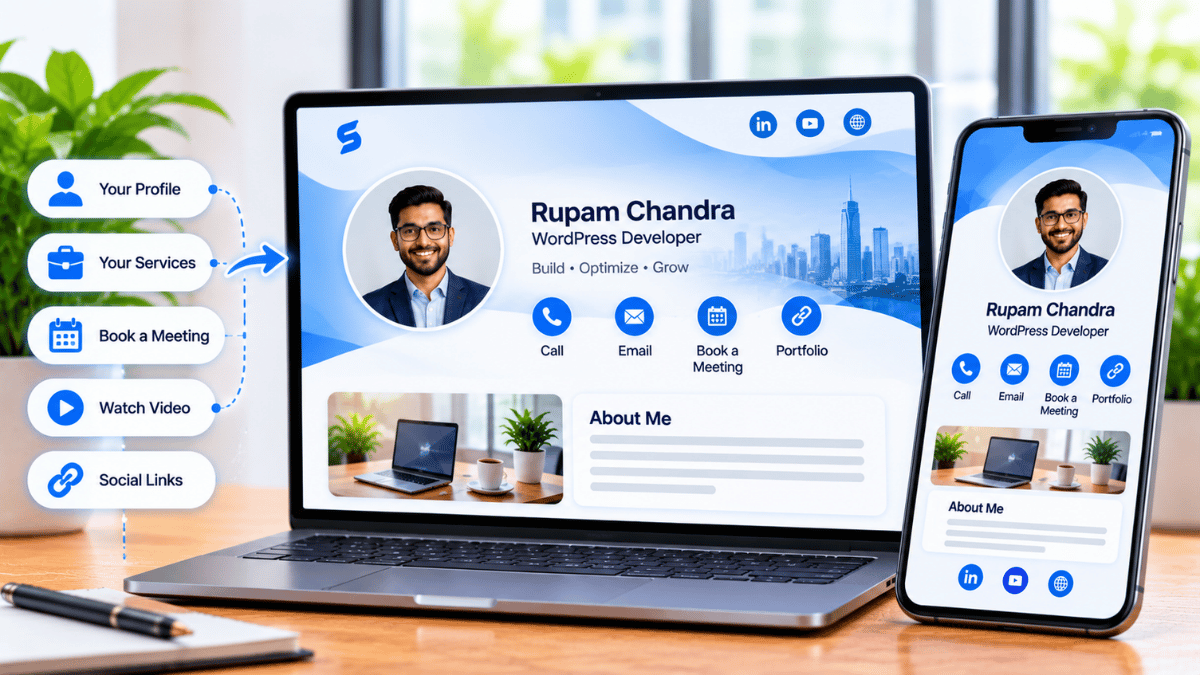
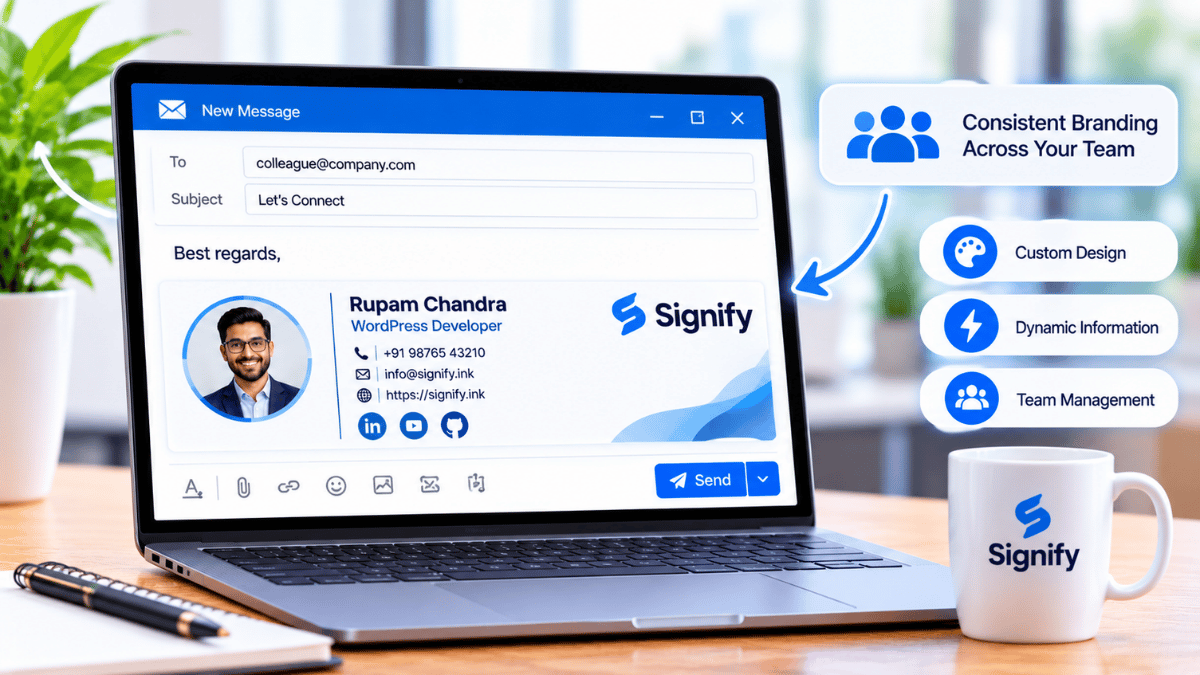
Signify.ink

Healthcare networking has a specific problem that most professional industries do not: every physical object that changes hands carries a hygiene question. A paper business card is handled by the person who prints it, the person who receives it, and everyone who later looks through a drawer. In a clinical environment where hand hygiene compliance is already a persistent challenge, adding one more shared object to the exchange is a cost that is easy to overlook and hard to justify. A Signify digital business card removes that object from the exchange entirely — but the way HIPAA applies to digital cards is widely misunderstood, and most articles on this topic get it wrong.
This guide covers what a digital business card actually is in a healthcare context, why the HIPAA framing is often mistaken, what the real benefits are for clinicians and practices, and what to look for if you are evaluating a provider. It is written for physicians, nurses, practice managers, and healthcare administrators who need the accurate version, not the marketing version.
- A digital business card carries professional contact details — not Protected Health Information. HIPAA generally does not apply to a card that contains no patient data.
- Signify is not formally HIPAA-certified and does not sign Business Associate Agreements. It follows HIPAA-equivalent technical safeguards (encryption, access controls, audit logs), but formal certification is a separate matter.
- The real healthcare case is hygiene, credential currency, and privacy controls — not a compliance badge.
- Contactless sharing via QR code or NFC tap removes the paper-handling problem from the exchange.
The healthcare networking challenge
Healthcare professionals network constantly — at conferences, during patient handoffs, in interdisciplinary meetings, across referring relationships, and in the ordinary course of a hospital day. The volume of professional contact exchange is high, and the contexts are often time-pressured and clinically focused. A paper card is the default tool in most of those moments, and it is a poor fit for the environment in several concrete ways.
The first is the hygiene question. Paper is a fomite — an object that can carry pathogens between people. A 2011 laboratory study published in Infection Control & Hospital Epidemiology found that bacterial pathogens can survive on office paper and be transferred from paper back to hands, and the authors noted that paper is “omnipresent on hospital units” but had rarely been studied as a potential vector.[reference:0] That does not mean a business card is a major transmission route. It means that in a clinical environment, every shared physical object is one more thing to think about, and the infection-control logic points toward reducing them where it is easy to do so.
The second is the mismatch between paper cards and how credentials actually work in healthcare. A clinician’s professional identity is not static: board certifications are earned, fellowships are completed, practice locations change, and hospital affiliations shift. A paper card that says “Cardiology Fellow” becomes wrong the day the fellowship ends. The online business card model solves that by making the profile live.
The HIPAA myth: what a business card actually contains
This is the part most articles get wrong, and it matters because getting it wrong either overstates the risk or understates the protections. A digital business card is a contact-sharing tool, not a clinical record. It contains your name, role, credentials, office contact details, and the links you choose to surface. It does not contain patient names, diagnoses, treatment information, or any other element of Protected Health Information (PHI).
Because the card does not carry PHI, the HIPAA Privacy Rule and Security Rule generally do not apply to the card itself in the way they apply to an EHR or a clinical messaging app. An industry guide for healthcare digital cards puts the point directly: a well-built digital business card “is a contact-sharing tool … without touching Protected Health Information,” and “that changes how the rules apply.”[reference:1] Another provider states the same more bluntly: a digital business card for healthcare “does not need” HIPAA compliance claims because it “contains only your own professional contact details — name, role, credentials, clinic contacts. No patient information is collected, stored, or shared through it.”[reference:2]
That does not mean security is irrelevant. It means the compliance question is narrower than it first appears. The relevant questions are: is the data encrypted in transit and at rest? Can you control which fields are public? Is there two-factor authentication? Does the provider have a clear privacy policy? These are the questions that matter for a card that carries professional contact information, and they are the ones covered in the security section below.
For a healthcare organisation evaluating a digital card, that distinction matters. If the intended use is purely professional contact exchange — no patient data, no clinical notes, no scheduling that carries patient identifiers — then the absence of a BAA is not a barrier. If the intended use is anything that touches PHI, a different tool with a signed BAA is required. The Signify security page and the Consac support knowledgebase cover the safeguards in more detail.
Hygiene and infection control
Hand hygiene compliance in healthcare is a well-documented challenge. A 2026 clinical review in StatPearls reports that more than 60% of healthcare professionals fail to consistently follow established hand hygiene protocols, and the CDC identifies hand hygiene as the single most important practice for preventing infection transmission in healthcare settings.[reference:4][reference:5] That is not a reason to blame individual clinicians. It is a reason to design systems that reduce the number of shared objects in the exchange chain.
A paper business card is a shared object. It is handled by the person who orders it, the person who prints it, the person who carries it, the person who receives it, and anyone who later handles it — a drawer, a pocket, a stack on a desk. A digital card removes the object from that chain. The exchange becomes a QR scan, an NFC tap, or a link — none of which involve a surface that passes between hands.
The argument is not that paper cards are a major infection vector. It is that in a clinical environment, the default should be to reduce unnecessary shared surfaces where the alternative is equally convenient. A contactless card is equally convenient, and it eliminates the object. For practices that are already working to reduce paper in waiting rooms, menus, and intake forms, the business card is the same logic applied to the professional side of the practice.
Credential currency and reprint costs
Healthcare credentials move faster than printing cycles. A clinician who finishes a fellowship, earns a board certification, adds a new specialty, or moves to a new practice needs their card to reflect that change. With paper, that means a reprint — and a reprint means the old cards are now waste, the new cards take time to arrive, and the cards already in circulation are out of date.
A digital card updates in place. The card editor lets you change a role, add a certification, or update a practice address in minutes, and everyone who has the link sees the new version the next time they open it. A healthcare guide on the category describes the benefit precisely: “There is no lag between earning a board certification and having it visible on your card, and no need to reprint hundreds of cards when your practice moves to a new suite.”[reference:6]
For a multi-provider practice, the reprint cost is not trivial. Every clinician who changes a credential or a location triggers a new print run. A digital card eliminates that recurring expense, and it also eliminates the smaller cost that is harder to measure: the contacts that were lost because the card the recipient saved was already out of date. For teams managing this centrally, Signify Teams adds shared templates and role-based management so that a practice’s cards stay consistent without individual reprints.
Privacy and data controls
A healthcare professional’s contact details are not the same as a patient’s health information, but they are still personal data, and the same principles of data minimisation apply. A digital card gives you more control over what is visible than a paper card does, because a paper card is fully visible to anyone who picks it up.
Field-level visibility
You can choose which contact details are public and which stay private. A clinician who wants to share a practice email and a booking link, but not a personal mobile number, can do that. The Pro and Teams plans are where those controls live.
Encryption in transit and at rest
The Consac support knowledgebase confirms that data is encrypted in transit and at rest. That is the baseline for any professional contact tool, and it is the same standard the HIPAA Security Rule’s technical safeguards point toward.
Two-factor authentication
2FA is available via SMS or an authenticator app, so the account that controls the card is not protected by a password alone. This matters for any card that carries professional identity.
Centralised deactivation
For practices on Signify Teams, a departing clinician’s card can be deactivated centrally rather than left live. That is a security control that a paper card cannot provide at all.
One honest caveat: field-level visibility and 2FA are account-level controls, not compliance certifications. They are the practical safeguards that matter for a contact card, and they are the ones worth verifying before you deploy. For the broader architecture, the Signify security page covers the access controls and data-handling practices.
Paper vs digital, in a clinical context
The comparison is not a generic format preference. It is a specific set of trade-offs that matter in a healthcare setting, where hygiene, credential accuracy, and privacy carry different weight than they do in a general professional context.
| Dimension | Paper card | Digital card |
|---|---|---|
| Hygiene | A shared physical object that passes between hands | Contactless — QR scan, NFC tap, or link |
| Credential accuracy | Frozen on print date; reprint needed after every change | Updates in place; no reprint |
| What it contains | All printed details visible to anyone | Field-level visibility controls on paid plans |
| Reprint cost | Recurring, per clinician, per change | Zero after the card exists |
| HIPAA applicability | No PHI, so generally outside HIPAA — same as a digital card | No PHI, so generally outside HIPAA — provided the card is used for contact details only |
| Recipient action | Manual data entry, or the card is never saved | One-tap VCF save, no app required |
The HIPAA row is the one that surprises people. A paper business card has never been subject to HIPAA either, because it does not carry PHI. The digital card is not introducing a new compliance burden; it is replacing a paper object with a digital one that carries the same kind of information and adds privacy controls the paper version never had. The relevant question is not “is this HIPAA-compliant?” but “does this tool touch patient data, and if not, does it protect the professional data it does carry?” For a contact card, the answer to the second question is the one that matters.
Sources: American Bar Association and UPrinting (88%); StatPearls / NCBI Bookshelf (>60% hand hygiene non-compliance); Signify product scope (no PHI fields).
What to look for in a provider
If you are evaluating a digital business card for a healthcare practice, these are the criteria that matter. None of them is a compliance badge; all of them are practical.
-
The card contains no patient data. If a provider’s card asks for patient information, that is a different category of tool and needs a signed BAA. A contact card should not touch PHI. Confirm this before you deploy.
-
Recipients do not need an app. A colleague or referring physician should be able to open the card in a browser. If they need to install something, the card will not be saved. This is the most important criterion and the one most often missed.
-
Field-level visibility controls. You should be able to share a practice email and a booking link without exposing a personal mobile number. The paid plans are where this lives.
-
Multiple sharing modes. QR for conferences, NFC for in-person, link for email. A provider that offers only one mode will not fit every clinical context.
-
Encryption and 2FA. Confirm that data is encrypted in transit and at rest, and that two-factor authentication is available. The Consac knowledgebase is where to check for Signify.
-
Team management for practices. If you are deploying across a practice, Signify Teams adds centralised management and shared templates. It also allows a departing clinician’s card to be deactivated rather than left live.
Frequently asked questions
Is Signify HIPAA-compliant?
Signify is not formally HIPAA-certified and does not sign Business Associate Agreements. The company states publicly that it follows HIPAA-equivalent technical safeguards — encryption, access controls, audit logs, and authentication layers — but formal HIPAA compliance requires legal and administrative measures (a signed BAA, formal PHI audit processes) that Signify does not currently provide.[reference:7] For a contact card that carries no PHI, the absence of a BAA is not a barrier; for any tool that touches patient data, it would be.
Does a digital business card need to be HIPAA-compliant?
Generally, no. A digital business card carries professional contact details — name, role, credentials, practice address, booking link — not Protected Health Information. Because it does not touch PHI, the HIPAA Privacy and Security Rules generally do not apply to the card itself in the way they apply to a clinical record or a patient messaging tool. Industry guidance for healthcare digital cards makes the same point: a contact-sharing tool that routes colleagues and patients to a booking page “without touching PHI” is not subject to the same rules as a clinical system.[reference:8]
What about paper business cards — were those HIPAA-compliant?
Paper cards were never subject to HIPAA either, for the same reason: they do not carry PHI. The digital card is not introducing a new compliance category. It is replacing a paper object with a digital one that carries the same kind of information and adds privacy controls the paper version never had, such as field-level visibility and the ability to deactivate a card centrally.
Do recipients need an app to view a Signify card?
No. The card opens in a browser, and the recipient can save the contact as a VCF file without downloading anything. This is the feature that makes digital cards practical in a clinical context, where a colleague or referring physician may be using a shared device or a personal phone with no appetite for a new app.
How does a digital card help with infection control?
A paper business card is a shared physical object that passes between hands. A digital card is shared by QR code, NFC tap, or link, so there is no surface to handle. Given that more than 60% of healthcare professionals fail to consistently follow hand hygiene protocols, reducing unnecessary shared objects is a small but sensible design choice.[reference:9]
Can a practice manage cards centrally?
Yes. Signify Teams provides centralised card management, shared templates, and role-based access, so a practice can keep every clinician’s card consistent and deactivate a departing clinician’s card rather than leaving it live. The pricing page covers the team plans.
How do I get started?
Open Create a Card in Signify, add your professional details and the links you want colleagues and patients to see, customise the design, and save. Share the card by link, QR code, or NFC tap. For a practice deployment, Signify Teams handles the centralised management.
A contact card that fits a clinical environment
No paper to handle, no PHI to worry about, and a live profile that updates when your credentials do.
Create your Signify card