 Signify.ink

A business card is a simple object in a single-office company. Someone orders a box of 500, they arrive in three days, and the receptionist hands them out as needed. Distribute the same team across four countries and three time zones, and the same object becomes a small logistics problem: shipping, customs, per-country reprints, and the recurring question of whose office is holding the last box. The cost is not just financial. It is the days between someone joining and having a card to hand out, the mismatched brand across regional offices, and the fact that every reprint produces cards that are already slightly out of date.
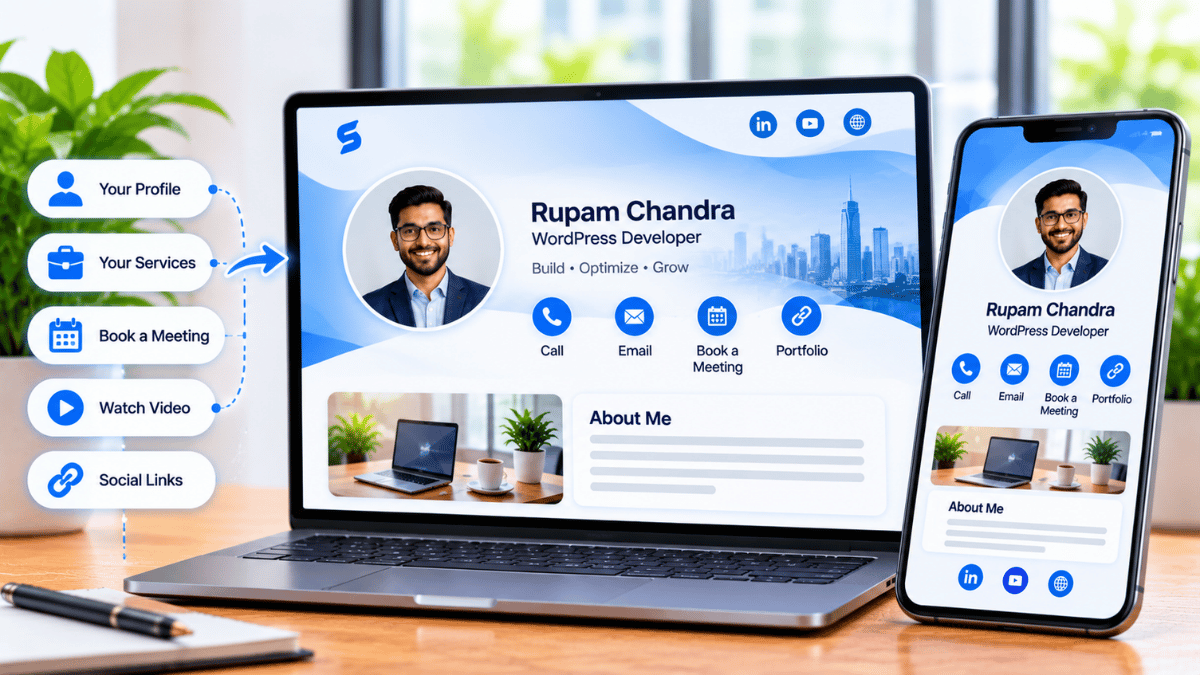
A Signify digital business card removes most of that. The card is a live profile, updated centrally, shared by link, QR code, or NFC tap. There is nothing to ship, nothing to reprint, and no per-office inventory. For a distributed team, that changes the economics of professional identity in a way a single-office team never has to think about. This guide covers where the friction is, how distributed teams manage it, and what to look for in a provider.
- Paper cards are a logistics problem for distributed teams: shipping, customs, per-country reprints, and inventory across offices.
- Roughly 88% of paper business cards are thrown away within a week, so the object that was shipped is usually discarded.
- A digital card updates centrally, so a new hire in Singapore and a new hire in São Paulo are network-ready on day one.
- Signify Teams handles the central management, shared templates, and role-based access this requires.
The friction of paper across borders
Distributed teams have become the norm rather than the exception. The U.S. Bureau of Labor Statistics reports that 35% of employed Americans worked from home at least part of the day in 2025, and Pew Research finds that 75% of remote-capable workers are remote at least some of the time, with hybrid arrangements now the default at 43%. For a company with offices in multiple countries, the working team is almost never co-located even if the company is.
That geographic spread creates four specific paper-card problems, and each one is a place where a digital card changes the answer.
Shipping and customs
Every physical card order has to be shipped to wherever the employee sits, and cross-border shipments can be held in customs. A digital card is delivered as a URL — instant, and no customs.
Per-country reprints
A reprint is triggered by a role change, a phone number change, a new office address, or a rebrand. For a distributed team, those happen on different schedules in different countries — so the reprint cost multiplies.
Inventory across offices
Who holds the last box in Singapore? The receptionist who left six months ago. Physical cards are inventory, and inventory has to be tracked. A digital card has no inventory.
Time-to-productivity for new hires
A new hire who needs a physical card may wait days or weeks before they can hand out contact details. With a digital card, the profile exists on day one — the new hire is network-ready from their first meeting.
Shipping, customs, and reprint costs
The cost of shipping a small box of cards across borders is not large in absolute terms, but the operational overhead is real. A shipment from a printer in one country to an employee in another involves customs paperwork, tracking, and an expected delivery window that is often days or weeks. If the shipment is held, the employee waits. If the shipment arrives but the employee has already changed roles, the cards are wrong.
The reprint problem compounds this. In a single-office company, a rebrand means one reprint order. In a distributed team, it means one per country — sometimes one per office — and each has its own budget, its own printer, and its own delivery timeline. The result is that different offices end up with different versions of the brand at different times, which is the opposite of what a rebrand is supposed to achieve.
A digital card collapses all of this into one profile per person, updated centrally. When the brand changes, the template changes. When a role changes, the profile changes. There is no shipment, no customs, and no per-office inventory. The Signify Teams page covers the shared-template model that makes this work.
The environmental case reinforces the same point. HiHello’s research estimates that a 100-person company printing 250 cards per employee annually consumes one tree, 500 gallons of water, and 74 pounds of waste — before any card is shipped. For a distributed team, that footprint is multiplied by the logistics cost of moving the printed cards across borders. A digital card eliminates both.
Time zones and response patterns
Digital body language — the way timing and formatting carry meaning on a screen — is amplified in a distributed team because the baseline timing expectations are already different. A reply that arrives in two hours from a colleague in the same time zone reads as prompt. The same two-hour reply from a colleague six time zones away may have been sent at 3 a.m. their time, which reads as either unusually responsive or unhealthily always-on.
The friction this creates is not about the card. It is about the workflow around it. A card sent by email with a VCF attachment gives the recipient a way to save the contact without needing to be online at the same moment as the sender. The recipient can open the card in their own time, save the contact in one tap, and the follow-up happens on their schedule rather than requiring a real-time exchange.
That is a smaller benefit than the shipping and reprint savings, but it is the one distributed teams notice first. The card becomes a way to close the loop on a meeting even when the participants are not on the same clock.
Compliance across jurisdictions
A distributed team means contact data crosses borders. A clinician in one country, a salesperson in another, a designer in a third — and each of them has professional contact details that are subject to the data protection laws of the jurisdiction they sit in. The EU GDPR, the UK GDPR, the California Consumer Privacy Act, and India’s Digital Personal Data Protection Act are all relevant, and they do not have identical requirements.
A digital card does not magically solve this, but it gives you a single place to reason about it. The Consac support knowledgebase confirms that Signify encrypts data in transit and at rest, that the platform is GDPR compliant, that users can hide individual fields from public view, and that two-factor authentication is available. For a distributed team, the field-level visibility controls are the feature that matters most: a salesperson in one country can hide their personal mobile number from recipients in another without having to maintain two different cards.
One honest caveat: GDPR compliance is not the same as compliance with every jurisdiction a distributed team operates in. The Signify security page covers the architecture and access controls, but if your team operates in a jurisdiction with specific requirements — sector-specific healthcare rules, financial services regulations, or a national data localisation law — you should confirm the specifics with your legal team before deploying. The card is a contact tool, and the compliance question is narrower than it is for a system that carries patient or client records.
Brand consistency vs. local identity
Distributed teams have a tension that single-office companies do not: the employer brand has to be consistent across offices, but the individual professional identity is often local. A senior associate in Tokyo and a senior associate in Toronto may share the same job title, but the way they introduce themselves, the languages they work in, and the channels they use are different. A single brand guideline pushed globally can flatten the local detail that makes a professional card useful.
A digital card handles this by separating the two layers. The brand layer — the visual identity, the logo, the theme, the core fields — is managed centrally through Signify Teams. The individual layer — the specific links, contact methods, languages, and any personal context — is managed by the person who owns the card. The result is a card that looks like the same organisation across offices, without making every card identical.
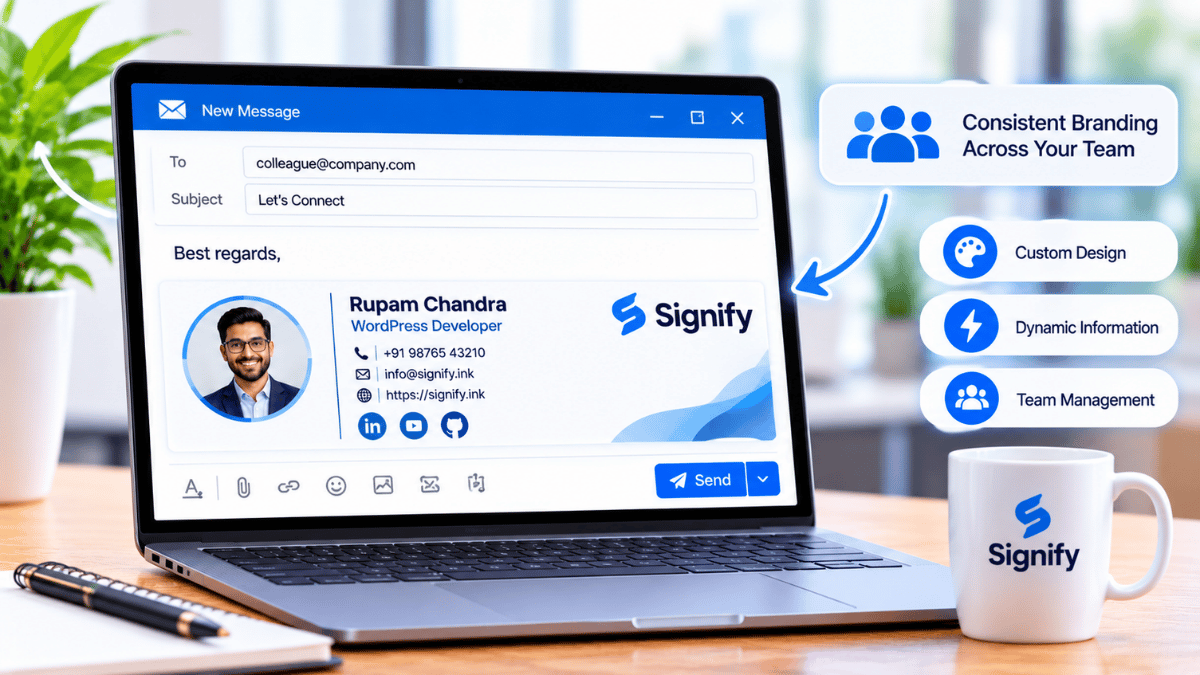
That separation is also what makes the card useful for email signatures and the home-screen widget. Both pull from the same underlying profile, so there is one source of truth for every surface. The business brief page covers the option of a one-link company profile alongside the individual cards.
Managing a team’s cards centrally
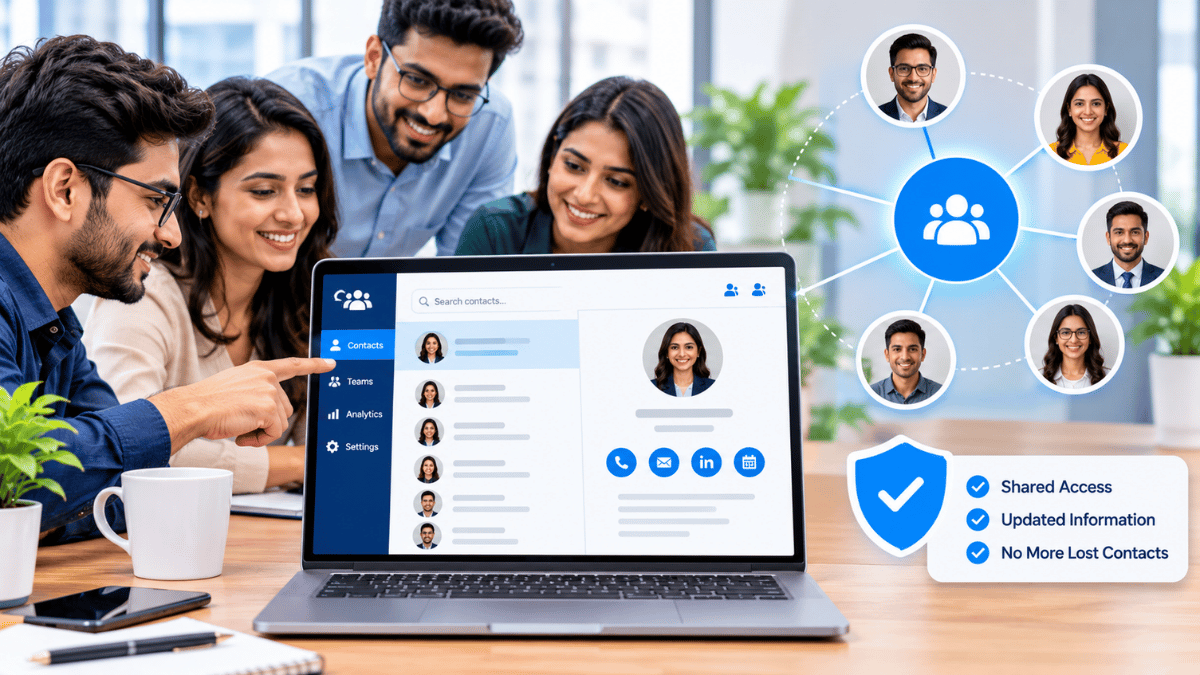
The reason Signify Teams exists is precisely the distributed-team case. A single card is easy to manage. Fifty cards across four countries is not. The team plan gives administrators a central dashboard for seat management, role assignment, brand templates, and shared contacts, so the operational overhead stays low as the team grows.
Central seat management
Each team member gets a seat on the account, and seats are added or removed from a single dashboard. A new hire in any country is added in the same place, and a departing employee is deactivated in the same place. There is no per-country invoicing, no shipping, and no reprint.
Shared brand templates
The template controls the visual identity of every card. When the brand changes, the template changes once, and every card in the organisation reflects the change. That is what makes a distributed team look consistent without requiring each office to run its own reprint.
Role-based access
An administrator can see and manage every card on the account. A member can manage their own card but not others. That separation matters for a distributed team where the IT admin, the HR lead, and the individual employee each need a different view. The Teams page covers the role hierarchy in more detail.
Deactivation as a security control
When a team member leaves, their card is deactivated centrally. A paper card, by contrast, stays in circulation — the person who received it has a physical object with the departed employee’s name and contact details, and there is nothing the organisation can do about that. The security page covers the access controls behind deactivation.
For the pricing side of this, the Signify pricing page has the per-seat costs and the plan comparison. The Teams plan includes a free trial, and the seat range is designed for small to mid-size teams.
Paper vs digital, for distributed teams
The comparison for a distributed team is different from the comparison for a single-office team. The cost of paper is not just the print cost; it is the logistics cost, the time-to-productivity cost, and the consistency cost across offices.
| Dimension | Paper card | Digital card |
|---|---|---|
| New hire in a different country | Ship, clear customs, wait days or weeks | Seat assigned, card live on day one |
| Reprint after a rebrand | One order per office, staggered timelines | Template updated once, all cards follow |
| Inventory | A box per office, tracked (or not) | No inventory |
| Departing employee | Cards stay in circulation after they leave | Card deactivated centrally |
| Time-zone friction | In-person exchange only | Saved by link or email, on the recipient’s schedule |
| Environmental footprint | Print plus international shipping | No print, no shipping |
The 88% discard rate is the same in every market, but the cost of producing the discarded card is higher for a distributed team because the card had to travel further to reach the person who threw it away. The American Bar Association and UPrinting both cite the figure, and it is consistent with the broader shift toward online business cards in distributed organisations.
Sources: American Bar Association and UPrinting (88%); U.S. Bureau of Labor Statistics (35%); MarketGlass (12.4% CAGR, 2025–2032).
What to look for in a provider
If you are evaluating a digital business card platform for a distributed team, these are the criteria that matter. They are specific to the multi-office case, and they are the ones that separate a tool that scales from one that does not.
-
Central seat management. Adding and removing team members has to happen in one place, not per country. Signify Teams provides this; a free plan does not.
-
Shared brand templates. The template should control the visual identity so a rebrand propagates to every card without a per-office update.
-
Role-based access. Admins, HR leads, and individuals each need a different view. Confirm the role hierarchy before you deploy.
-
Field-level visibility. A salesperson in one country should be able to hide a personal mobile number from recipients in another without maintaining two cards. The paid plans are where this lives.
-
No app for recipients. A recipient in a country where app installs are constrained still needs to save the contact. The card must open in a browser.
-
Central deactivation. When a team member leaves, their card should be deactivated centrally, not left in circulation. This is the security control a paper card cannot provide.
Frequently asked questions
Why are paper business cards a problem for distributed teams?
They introduce logistics costs that a single-office team does not have: shipping across borders, customs delays, per-country reprints, and inventory held across offices. The American Bar Association and UPrinting both cite the figure that roughly 88% of paper cards are thrown away within a week — so the object that travelled across a border is usually discarded.
Do recipients in other countries need the Signify app?
No. The card opens in a browser, and the recipient can save the contact as a VCF file without downloading anything. In markets where app installs are constrained — by storage, data cost, or habit — this is the design choice that makes the card usable.
How does Signify Teams handle a distributed team?
Signify Teams provides central seat management, shared brand templates, role-based access, and the ability to deactivate a departing employee’s card centrally. The pricing page has the per-seat costs and plan comparison.
Is Signify compliant with GDPR and other data protection laws?
The Consac support knowledgebase confirms GDPR compliance, encryption in transit and at rest, field-level visibility controls, and 2FA. If your team operates in a jurisdiction with specific requirements — sector-specific healthcare rules, financial services regulations, or a national data localisation law — confirm the specifics with your legal team before deploying.
How does a digital card handle time zones?
A card sent by email with a VCF attachment can be opened and saved on the recipient’s schedule, rather than requiring a real-time exchange. That reduces the friction of follow-up across time zones.
Can different offices have different brand identities?
The template is managed centrally, so the visual identity is consistent across offices. The individual layer — links, contact methods, languages, personal context — is managed by the person who owns the card. That separation gives you brand consistency without flattening local detail.
How do I get started?
Open Create a Card in Signify for an individual card, or visit the Signify Teams page to set up a team account. Share the card by link, QR code, or NFC tap. For the product overview, start at the digital business card page.
One team, one profile, no shipping
Assign a seat, share a link, and every team member is network-ready on day one — wherever they sit.
Set up Signify Teams