 Signify.ink

The next generation of networking is here. Create and customize a stunning digital business card that goes beyond contact info, embedding videos, calendars, and more to make a lasting impression.
In the modern digital era, a paper business card is a missed opportunity. It’s a static piece of cardstock that only tells someone your name and email address. It cannot show your portfolio, it cannot book a meeting, and it certainly cannot play a video introduction.
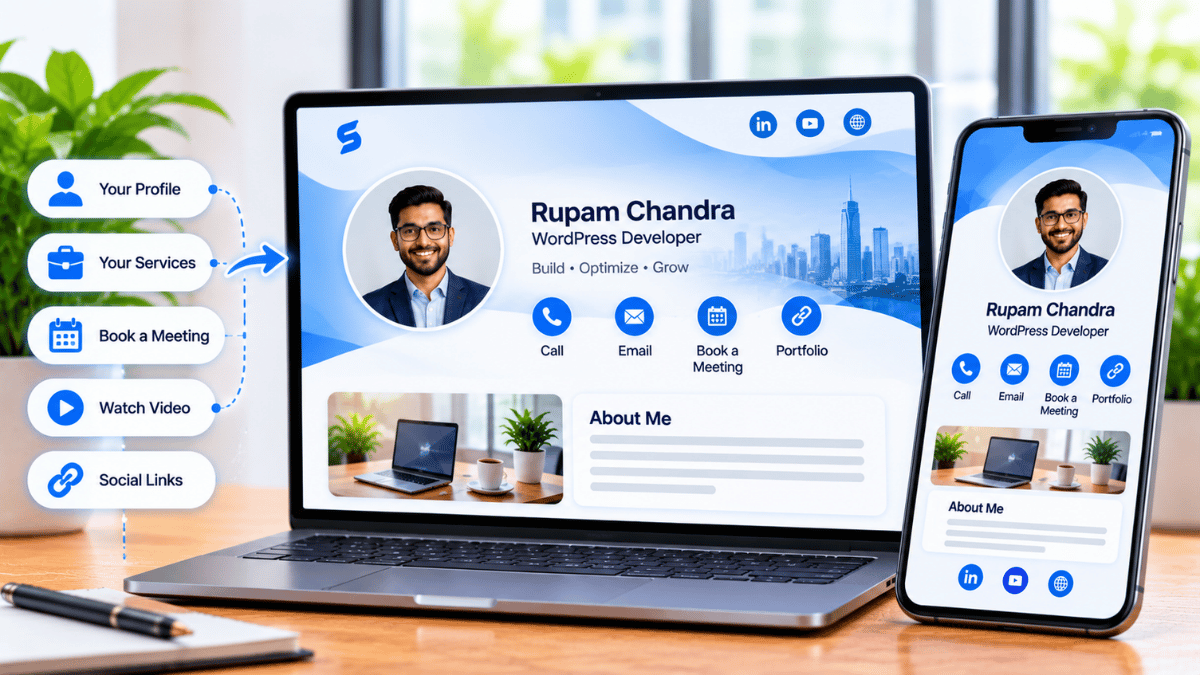
Signify introduces the interactive digital business card—a dynamic, living web page that represents your entire professional identity. Whether you are a founder pitching to investors, a freelancer showcasing your portfolio, or an executive looking to streamline your calendar, your digital card becomes a powerful conversion tool.
Why Go Digital?
Before diving into the features, it's important to understand why the shift to interactive digital cards is happening so rapidly.
| Feature | Traditional Paper Card | Signify Interactive Card |
|---|---|---|
| Eco-Friendly | Contributes to paper waste and deforestation. | 100% paperless. Save countless trees with one digital profile. |
| Up-to-Date | Static. If you change your number, you must reprint. | Dynamic. Update your details in seconds; your contacts see the updates instantly. |
| Impact | Bland, forgettable, and easily lost in a stack. | Memorable, interactive, and showcases your modern approach to business. |
Core Contact Info: Frictionless Connection
The foundation of any business card is contact information. However, manual data entry is a massive point of friction in networking. When you hand someone a paper card, you are relying on them to manually type your details into their phone later—a task that is rarely completed.
Your Signify digital card eliminates this friction entirely. When a user opens your profile, they are greeted with a clean, professional layout featuring:
- Name and Title: Clear, bold typography that establishes who you are immediately.
- Company Logo: Instant brand recognition.
- Contact Methods: Direct click-to-call, click-to-email, and location buttons.
- Save Contact Button: With a single tap, the viewer can download your contact details as a VCF file directly to their phone's address book. No typing required.
Embedded Videos: Make a Personal Introduction
Text and images are powerful, but video is the ultimate medium for building trust quickly. A paper card can never play a video. A PDF cannot play a video. An interactive Signify card can.
By embedding a video directly into your digital profile, you can create a personal, engaging introduction that stands out from every other connection. This feature is incredibly versatile:
- Founders: Embed a brand promo video or a pitch presentation so investors can instantly grasp your vision.
- Freelancers and Creatives: Share a reel of your recent work, a design showcase, or a client testimonial.
- Sales Professionals: Record a personalized 30-second video explaining how your product solves a specific problem.
When someone views your card, they don't just read about you—they watch you. This creates a much deeper, more memorable impression.
Scheduling Calendar: Book Meetings Instantly
How many emails are wasted in the back-and-forth of scheduling a meeting? "Are you free Tuesday?" "No, how about Thursday?" "Thursday works, what time?"
You can eliminate this friction entirely by embedding your scheduling calendar directly into your Signify card. Whether you use Calendly, SavvyCal, or another scheduling tool, you can link it directly to a prominent button on your profile.
When a prospect is interested, they can click "Book a Meeting" and view your real-time availability without ever leaving the card. They select a time, and the meeting is confirmed instantly. This "speed to lead" approach drastically increases your conversion rate.
Social & Custom Links: Your Entire Digital Presence
Your professional identity is rarely confined to a single platform. You have a LinkedIn profile, a portfolio website, a Twitter/X handle, maybe a newsletter or a podcast.
A Signify digital card acts as a centralized hub for all of these destinations. Instead of asking a prospect to find you on LinkedIn later, you can include direct buttons for:
- LinkedIn Profile: Drive professional connections to your social network.
- Portfolio Website: Give clients a direct path to your work.
- Social Media (Twitter/X, Instagram, Facebook): Build affinity and show your personality.
- Custom Resources: Link to a downloadable brochure, a case study, a pricing page, or a booking calendar.
By bringing all these destinations together, your card becomes a powerful, clickable summary of everything you do. It's a mini landing page that works 24/7.
Tracking Engagement with Signify Analytics
One of the biggest advantages of an interactive digital card is that it provides data. Paper cards offer zero insights—you never know who looked at them or what they did next.
With Signify Analytics, you can track exactly how people interact with your profile. You can see:
- Card Views: How many times your profile was viewed.
- Link Clicks: Which links (like your portfolio or website) are most popular.
- Leads and Saves: How many people saved your contact info or sent you a lead.
This data is invaluable. It allows you to see which networking channels are most effective, refine your messaging, and follow up with the warmest leads immediately.
Frequently asked questions
Do I need an app to use a Signify interactive card?
No. When you share your card via a QR code or link, it opens natively in the recipient's mobile web browser. They can view your videos, click your links, and save your contact info without installing anything.
Can I customize my card to match my brand?
Yes. Signify offers extensive customization options. You can upload your company logo, choose brand-specific colors, add a cover photo, and select from various themes to ensure your card perfectly represents your professional identity.
Is a digital business card better for the environment?
Yes. Paper business cards result in millions of trees being cut down each year. Switching to a digital card eliminates paper waste, reduces your carbon footprint, and signals to clients that you are a modern, eco-conscious professional.
What happens if my information changes?
With a paper card, you must throw away the old batch and reprint. With Signify, you simply update your details in the dashboard. Anyone who has your link will instantly see the updated information.
Can I manage digital cards for my whole team?
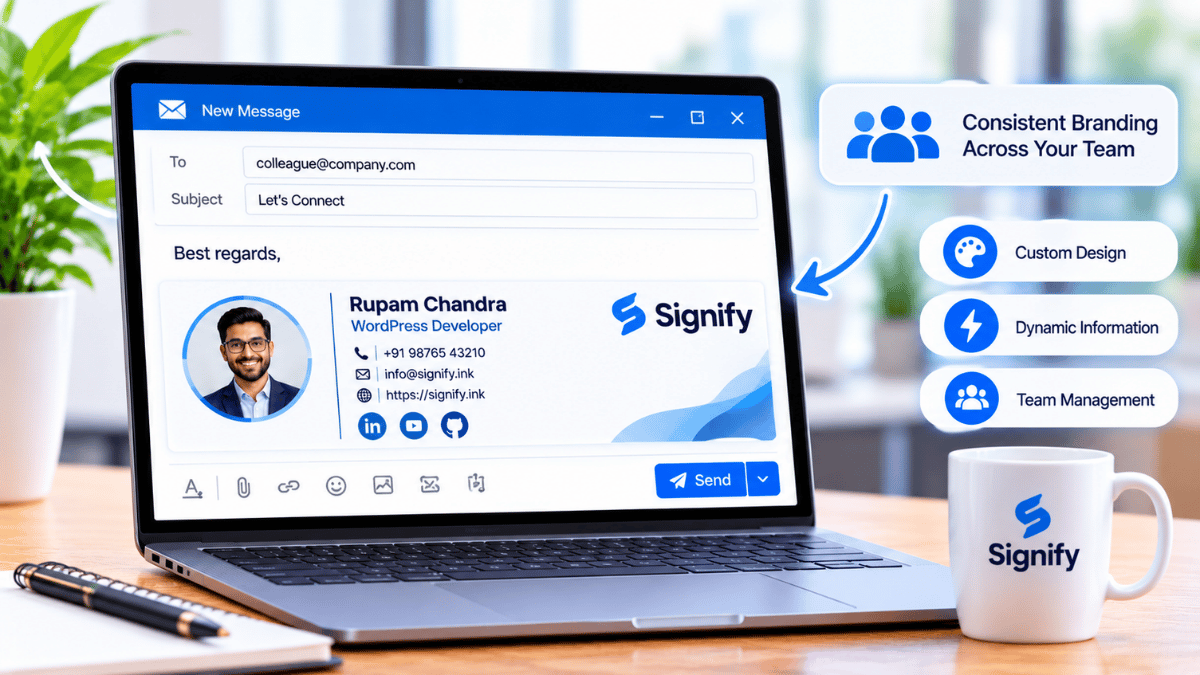
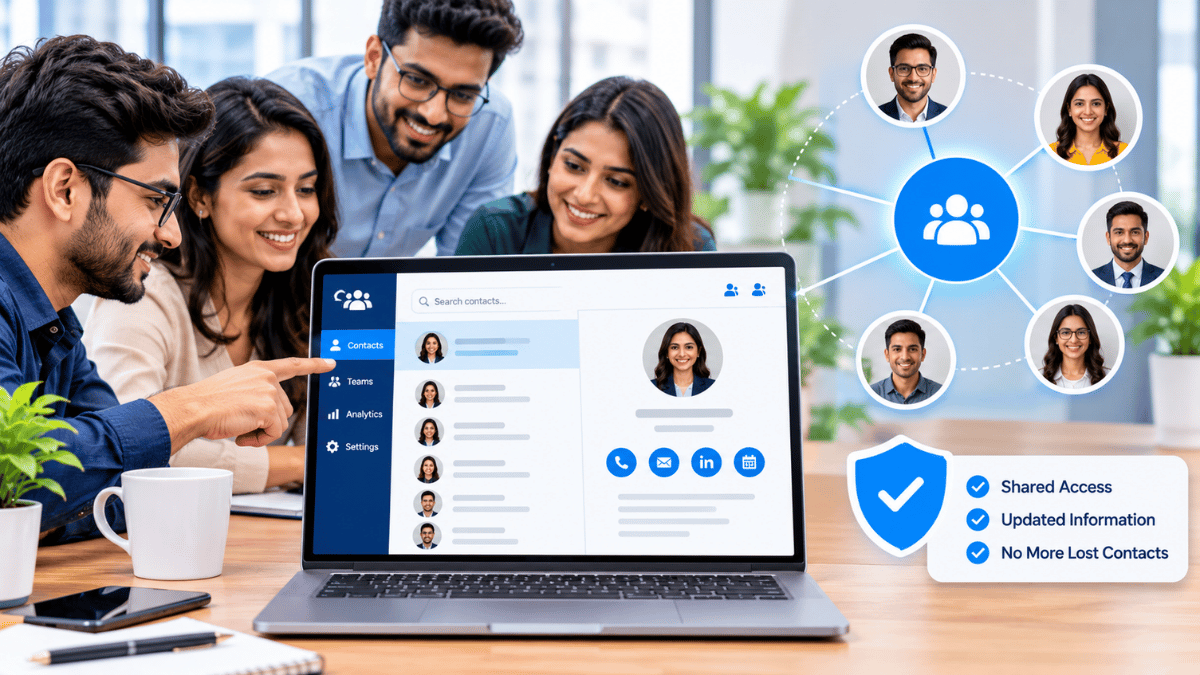
Absolutely. With Signify for Teams, you can centrally manage branding, ensure everyone's information is accurate, and provision new cards instantly. Explore our plans and pricing to find the right fit.
Ready to Elevate Your Network?
Join thousands of professionals who have made the switch. Create your Signify card today and start connecting in a more meaningful, interactive way.
Create Your Signify Card