Signify Teams: Digital Business Cards for Organizations
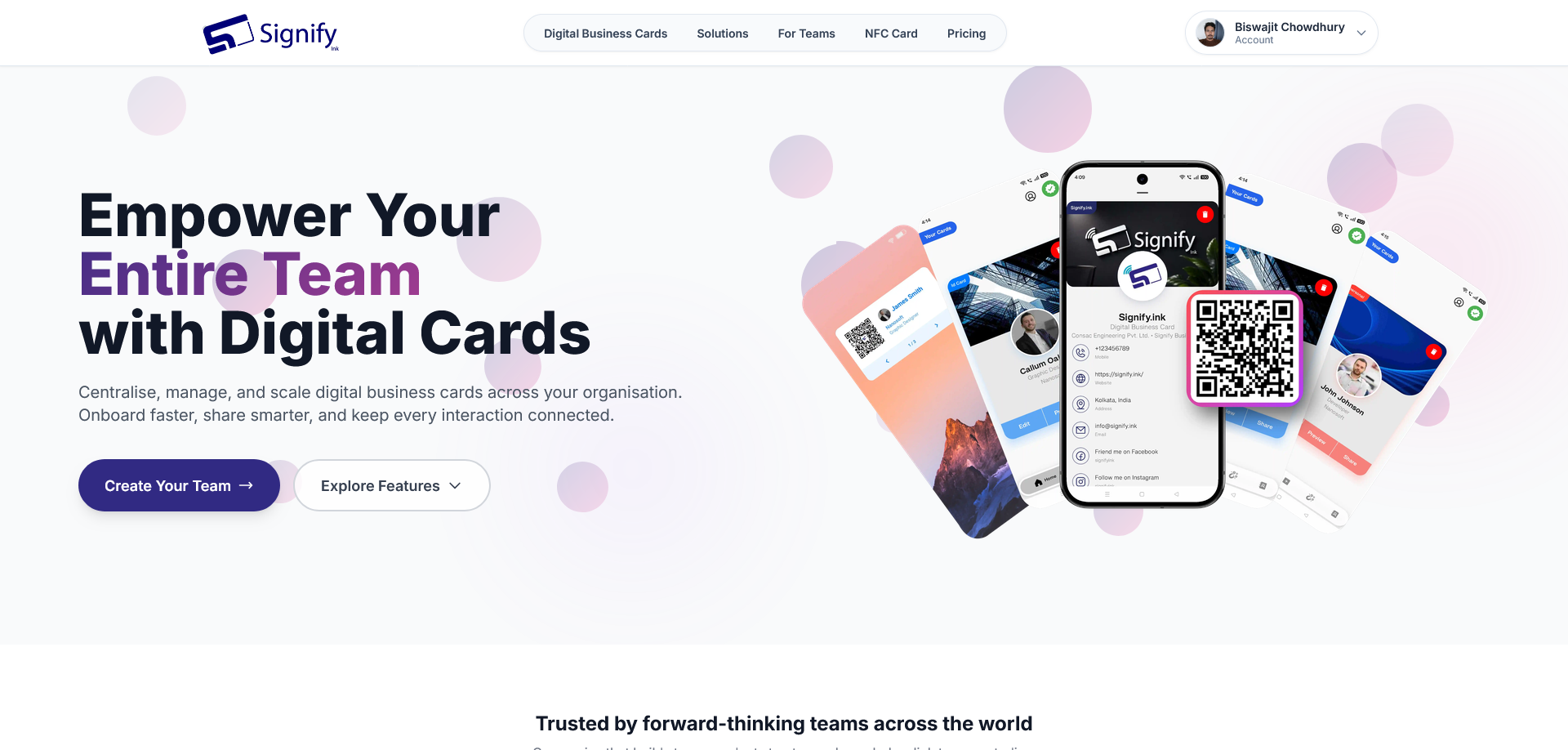
Signify Teams helps organizations create and manage digital business cards for their employees from a central dashboard. It brings together company branding, team contacts, networking analytics and contact management tools to help businesses maintain a consistent professional presence.
Whether you are onboarding employees, managing company-wide contact information or reviewing networking activity, Signify Teams gives your organization a shared workspace for its digital business card needs.
What Is Signify Teams?
Signify Teams is an organization-focused tier of Signify. Instead of managing every employee's digital business card independently, a company can create an organization, purchase seats, invite team members and manage access centrally.
Team members can create and share their digital business cards, while designated organization users manage seats, contacts, templates and analytics. This helps businesses coordinate their professional identity while giving team members a convenient way to share their details and connect with others.
What Does Signify Teams Offer?
Centralized Team Management
Create your organization, purchase seats, invite members and assign roles from a central dashboard. Manage team access in one place instead of handling every user separately.
Branded Digital Business Cards
Maintain a consistent company identity with company branding and role-based templates for digital business cards and email signatures. This helps employees present a more unified professional image.
Shared Company Contacts
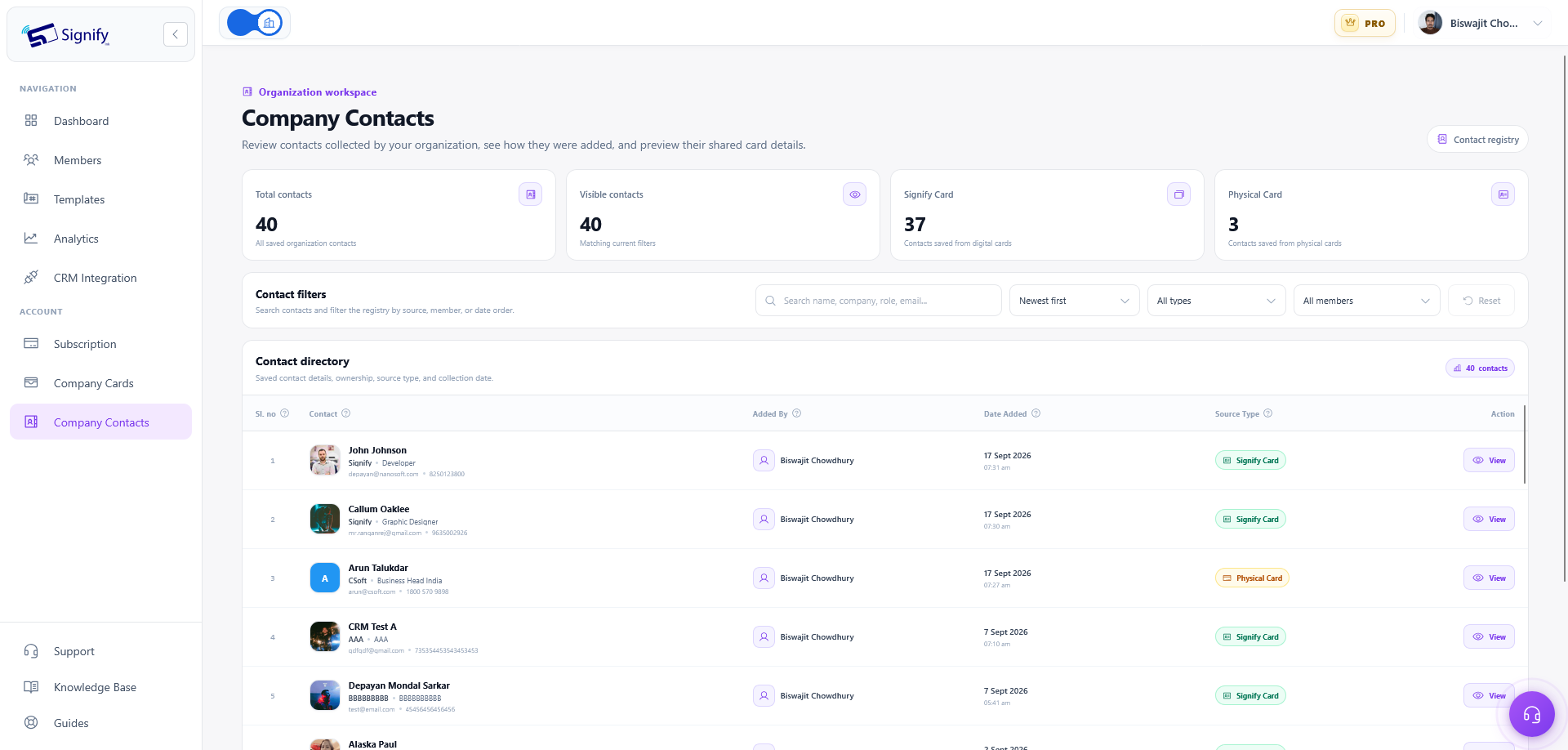
Get a shared view of contacts saved by team members. Organize company contacts using notes and tags, and manage company cards from a central place.
Team Analytics
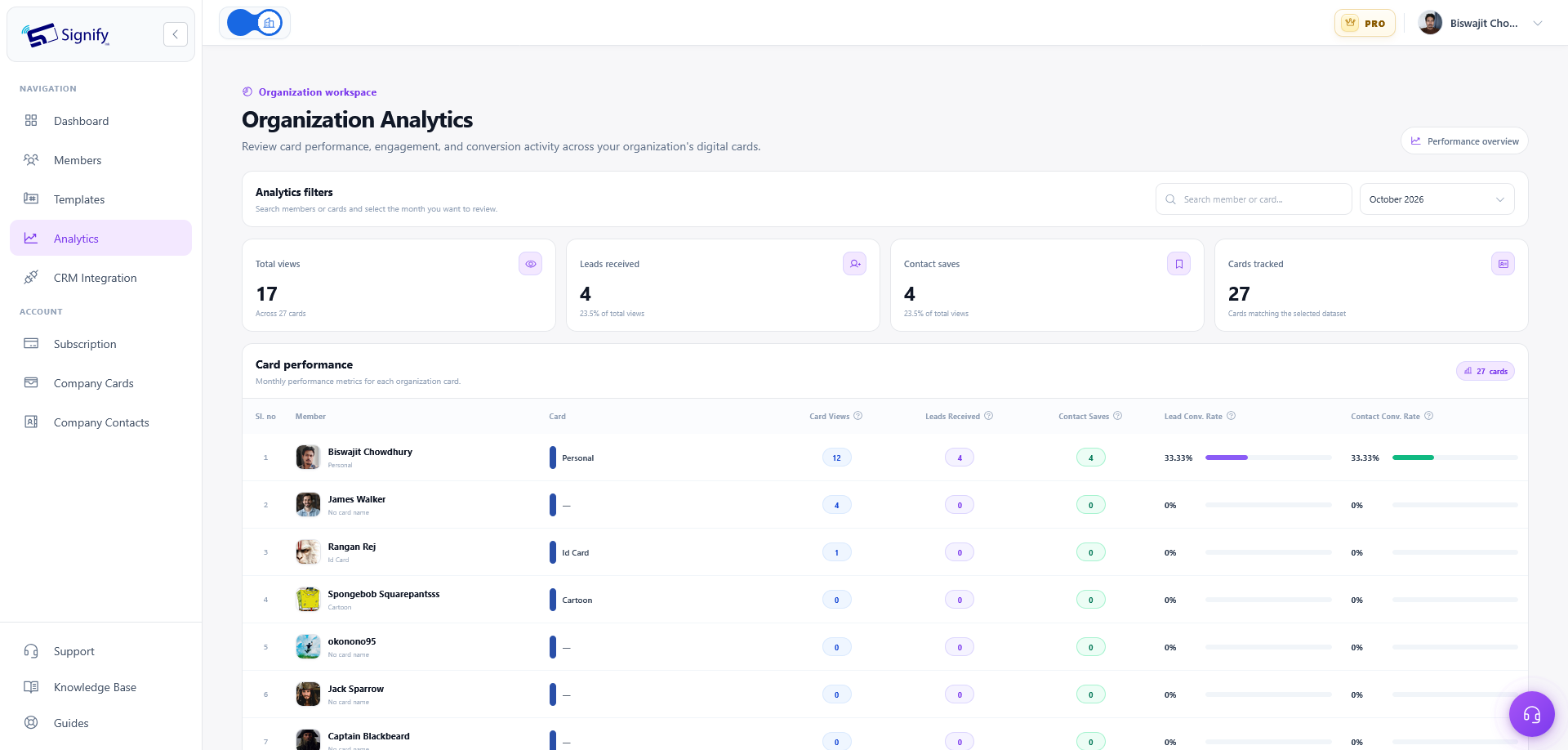
Review digital business card views, saves and leads. Analyze performance by card or team member to better understand how your organization's digital cards are being used.
Zoho CRM Integration
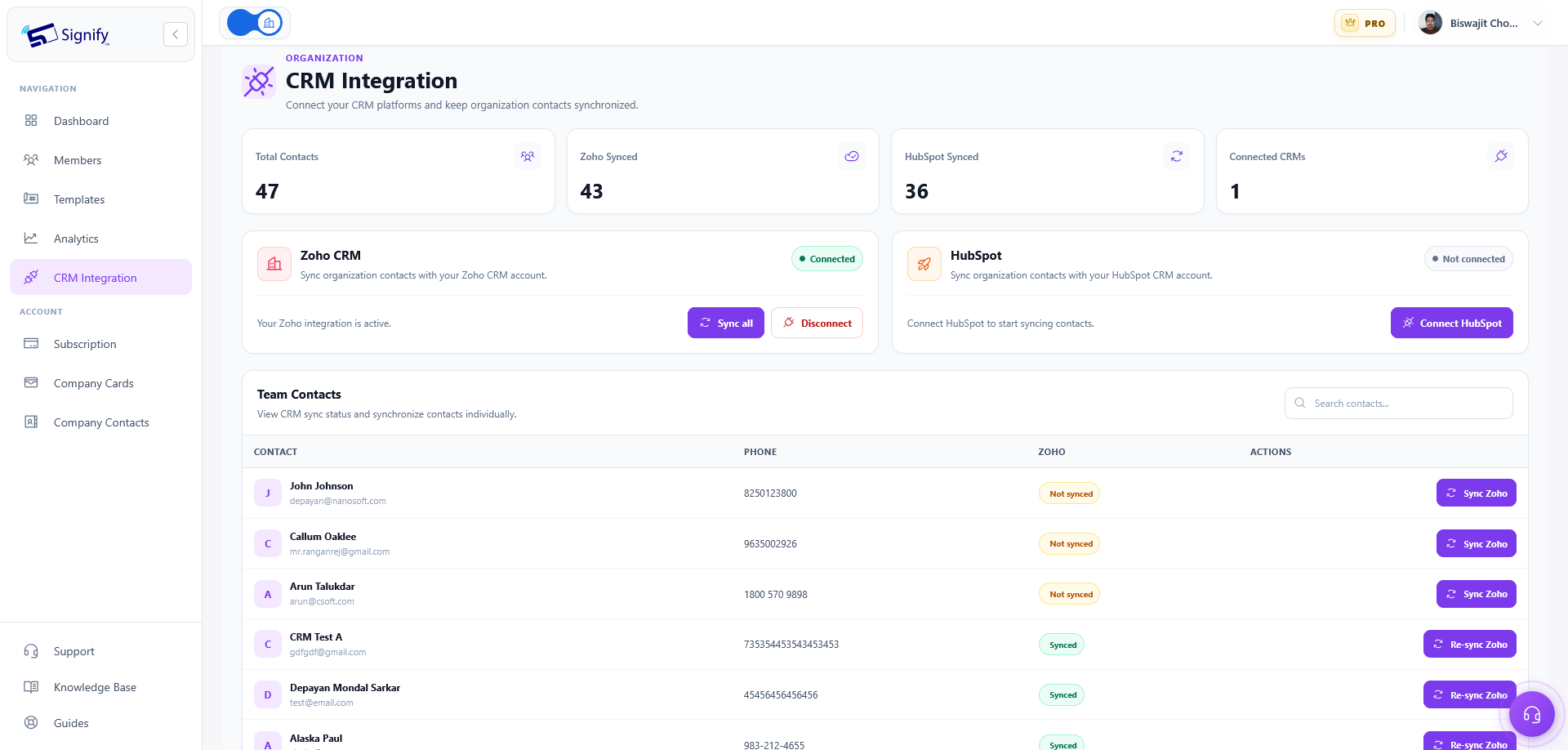
Sync contacts with Zoho CRM and re-sync updated contact details when information changes. This helps keep your contact information aligned with your CRM workflow.
Support Requests
Submit support requests and track their progress through the dashboard, giving your organization a central place to follow up on support needs.
Team Roles and Access Management
Signify Teams includes four organization roles to help structure responsibilities and access. Assign roles according to how each person participates in managing your team.
Owner
The primary role associated with the organization.
Admin
An administrative role for organization management.
Manager
A role for team coordination and management.
Member
A role for employees participating in the team.
The exact permissions available to each role depend on the access configured in Signify Teams. Assign roles carefully to reflect the responsibilities of each team member.
How to Get Started with Signify Teams
Setting up your organization's workspace begins with creating a team, choosing a subscription and inviting your employees.
- Sign in to Signify. Access your account and select Create Your Team.
- Enter your organization details. Provide your organization name, choose a billing cycle and select the number of seats required for your team.
- Start the seven-day free trial. Begin with the trial period without being charged during those seven days. Billing begins after the trial.
- Set up company branding. Configure your company details and branding to establish a consistent identity for your organization's digital cards and email signatures.
- Invite your team. Add team members and assign the appropriate roles.
- Start managing your workspace. Team members can create and share their digital business cards while administrators manage seats, contacts, templates and analytics.
Signify Teams Pricing
Signify Teams offers monthly and annual billing. Choose the billing cycle that suits your organization and select the number of seats you need, from 5 to 100. The displayed subscription price is calculated using your selected seat count.
Monthly Billing
$2.50Per seat, per month.
A flexible option for organizations that prefer monthly billing.
Annual Billing
$2.00Per seat, per month, billed annually.
Displayed as 20% savings compared with monthly billing.
Example: Pricing for Five Seats
| Billing Cycle | Price per Seat | Total for 5 Seats |
|---|---|---|
| Monthly | $2.50 per month | $12.50 per month |
| Annual | $24 per year | $120 per year |
About the free trial: The seven-day free trial does not incur a charge during the trial period. Billing begins afterward. The five-seat examples above show the subscription rates after the trial; annual billing is charged yearly.
Before proceeding, review the displayed price and selected seat count during team setup so the subscription matches your organization's needs.
Manage Your Organization in One Place
After creating your team, use the available dashboard tools to manage your organization's digital business card workflow. Invite new employees, manage seats and roles, configure branding, organize shared contacts and review networking performance.
If your organization uses Zoho CRM, you can sync contacts and re-sync updated details. You can also submit and follow support requests through the dashboard.
Frequently Asked Questions
What is Signify Teams?
Signify Teams is a subscription tier for organizations that need to manage employee digital business cards, company branding, shared contacts, analytics and related workflows through a central dashboard.
How many seats can I purchase?
You can select between 5 and 100 seats during team setup. The displayed subscription price is calculated according to the number of seats selected.
How much does Signify Teams cost?
Monthly billing is $2.50 per seat per month. Annual billing is $2.00 per seat per month, billed annually, and is shown as 20% savings. Five seats cost $12.50 per month or $120 per year, respectively, after the seven-day free trial.
Is there a free trial?
Yes. Signify Teams offers a seven-day free trial. You are not charged during the trial, and billing begins afterward.
Which roles are available in Signify Teams?
The available roles are Owner, Admin, Manager and Member. These roles help organize responsibilities and access within the organization.
Can we keep employee business cards consistent with our brand?
Yes. Signify Teams supports company branding and role-based templates for digital business cards and email signatures, helping your organization maintain a consistent professional identity.
Can Signify Teams sync contacts with a CRM?
Signify Teams supports syncing contacts with Zoho CRM and re-syncing updated contact details.
What analytics can an organization review?
Teams analytics includes card views, saves and leads. Performance can be reviewed by individual card or team member.
Can team members manage their own digital business cards?
Yes. Team members can create and share their digital business cards, while administrators manage organization-level areas such as seats, contacts, templates and analytics.