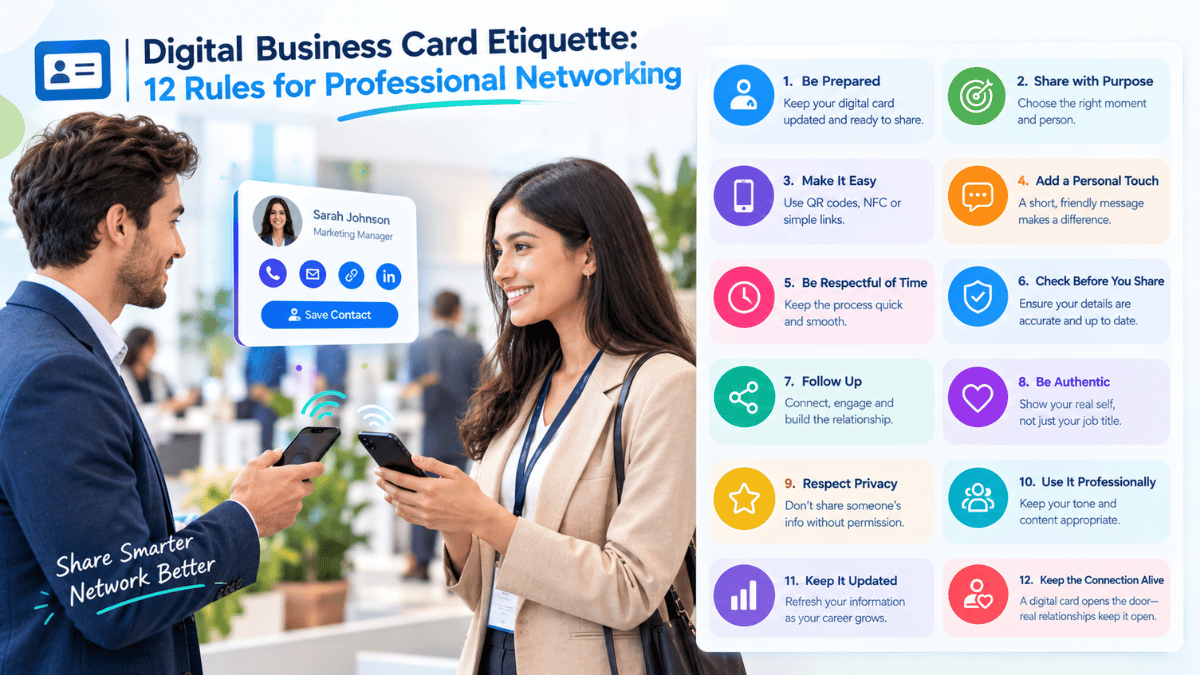

Digital Business Card Etiquette: 12 Rules for Professional Networking
Share your professional identity with confidence, respect people's time, and turn a quick exchange into a meaningful connection.
Good Etiquette Makes Digital Networking Feel Natural
Technology has changed how professionals exchange contact information, but good networking etiquette hasn't disappeared.
A QR code, NFC card, or digital profile can make sharing dramatically easier—but only when it is used at the right moment and in the right way.
Digital networking should feel convenient, professional, and respectful.
Here are 12 practical rules for using digital business cards effectively.
The 12 Rules of Digital Business Card Etiquette
Small, thoughtful choices can make every professional interaction easier and more memorable.
Don't Interrupt the Conversation to Share Your Card
The conversation should come first.
Wait for a natural point to exchange contact information rather than immediately pushing a QR code toward someone.
Make Your Card Easy to Open
Whether you're using QR, NFC, or a direct link, the process should require minimal effort.
The recipient should not have to create an account just to access your professional information.
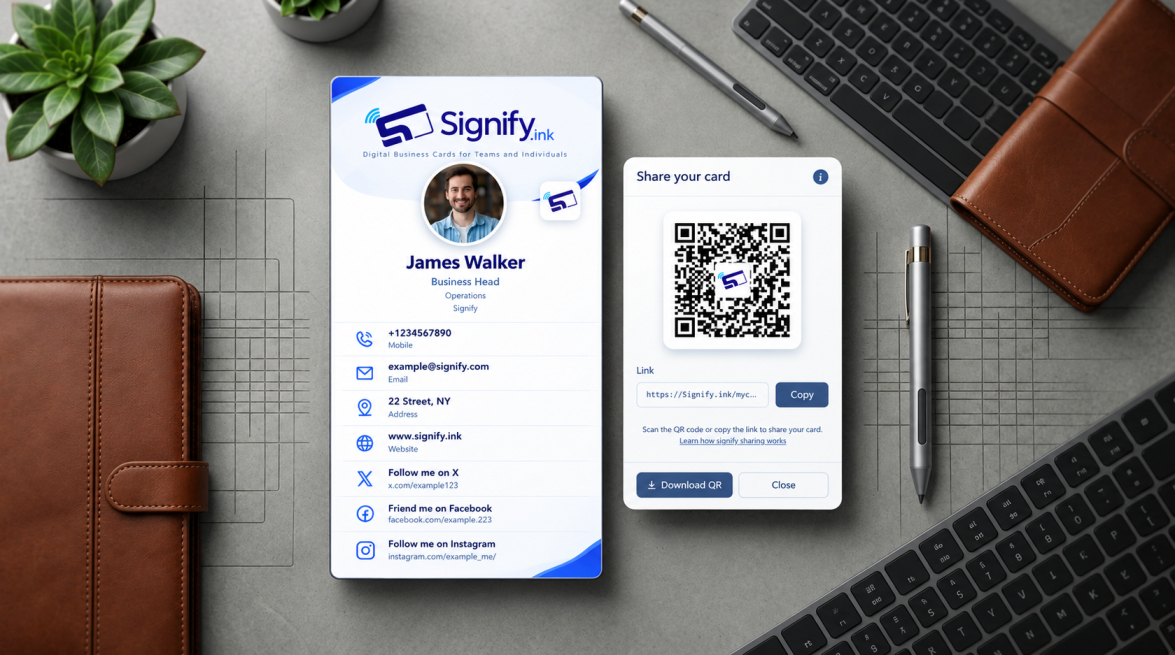
Signify's website states that recipients can view cards through a web browser without downloading the app.
Keep Your Information Current
A digital card is only useful if its information is accurate.
Review these details regularly:
- Phone number
- Email address
- Job title
- Company
- Website
- Social links
Don't Overload the Profile
More information doesn't automatically mean more value.
Prioritize the details most relevant to your audience.
- A potential client may need your services and portfolio.
- A recruiter may need your résumé and LinkedIn.
- A conference contact may need your company and contact details.
Use a Professional Photo
Your photo can help people remember who they met.
Choose a clear, professional image that matches your personal brand.
Give People a Reason to Reconnect
Your profile should offer something beyond your phone number.
Consider including:
- Portfolio
- Website
- Calendar
- Case studies
- Social profiles
- Product information
- Company information
Don't Force Someone to Connect
Sharing your digital card is an invitation—not an obligation.
Let the other person decide whether they want to save your contact information or continue the relationship.
Respect Privacy
Only share information that is appropriate for professional networking.
Avoid publishing personal information unnecessarily.
Match the Card to the Audience
Different audiences have different expectations.
- A designer's card might emphasize visual work.
- A consultant might emphasize expertise and booking.
- A salesperson might prioritize products and contact options.
- A recruiter might emphasize career opportunities.
Don't Send the Same Follow-Up to Everyone
The digital card makes sharing easier, but follow-up should still be personal.
Reference the actual conversation.
Instead of: “Nice meeting you. Let's connect.”
Try: “It was great discussing your expansion plans at the conference. I’d be happy to continue our conversation about the project.”
Update Your Card When Your Role Changes
One of the biggest advantages of digital networking is flexibility.
When your title, company, website, or contact details change, update your digital profile instead of continuing to circulate outdated information.
Make the Next Step Obvious
Every strong professional profile should answer:
What should I do next?
- Contact me
- Book a meeting
- View my portfolio
- Visit my website
- Connect on LinkedIn
A clear next step turns a profile visit into a potential relationship.
A Reminder for Every Interaction“The conversation should come first.”
Technology should make networking feel convenient and respectful, while the human connection remains at the center.
The Golden Rule of Digital Networking
Technology should make networking feel more human—not less.
The best digital business card is not the one with the most features.
It is the one that helps two people move naturally from one stage to the next.
Conclusion: Let Etiquette Lead the Technology
Digital business cards have made exchanging professional information faster and more flexible.
But good networking still depends on timing, relevance, personalization, and respect.
Use QR codes and NFC when they make the interaction easier. Keep your information current. Give people useful reasons to reconnect. Most importantly, remember that technology is only the tool—the relationship is the real goal.
Where Signify Fits In
Signify can serve as the digital layer behind that relationship, giving professionals a modern way to share their identity while keeping their information accessible and up to date.