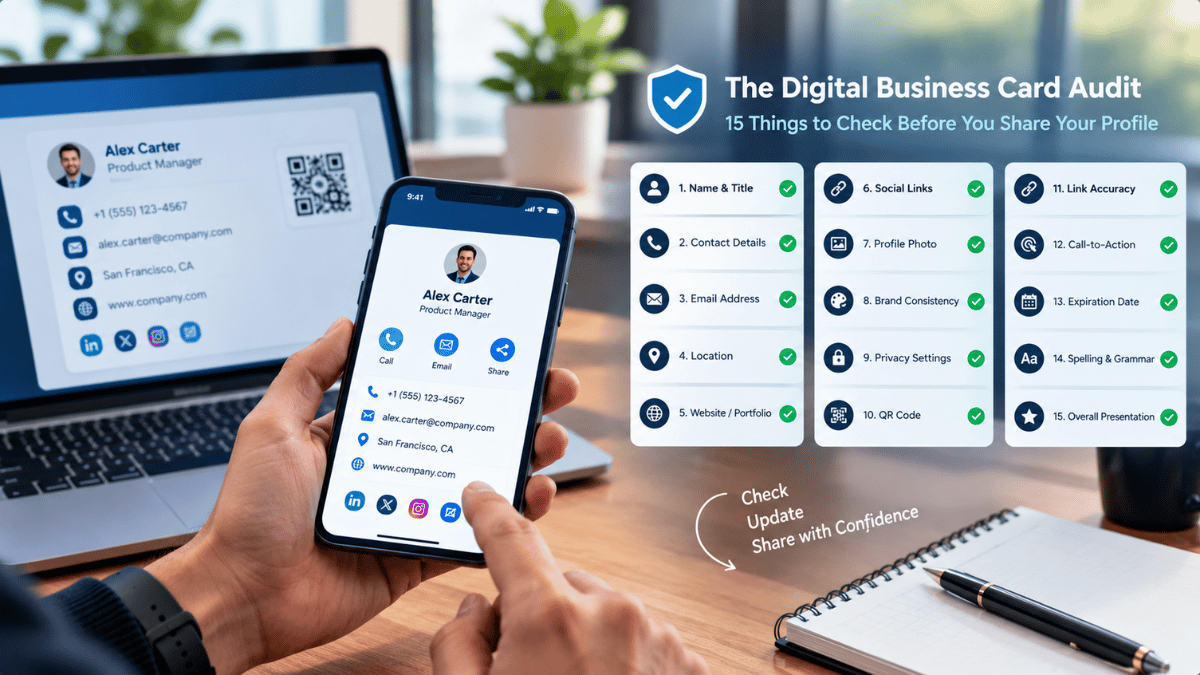

The Digital Business Card Audit: 15 Things to Check Before You Share Your Profile
Before your digital business card reaches a client, colleague, or potential partner, take a moment to review it. Accurate details, working links, readable design, and appropriate privacy settings can help create a more reliable first impression.
A Good Profile Needs Regular Maintenance
Creating a digital business card is only the first step. Before sharing it with clients, colleagues, or potential partners, professionals should verify that the information is accurate, the design is readable, and every link works as intended.
A short review helps catch small issues before they create confusion or make it harder for someone to get in touch.
The 15-Point Digital Card Checklist
Work through each item and confirm that your profile is accurate, functional, readable, and suitable for the audience you intend to reach.
Your full name is correct.
Your current job title is displayed.
Your company name is accurate.
Your profile photo is clear and professional.
Your logo is current.
Your phone number works.
Your email address is correct.
Your website opens properly.
Your social media links point to the right profiles.
Your service description is easy to understand.
Your contact-saving option works, where available.
Your QR code opens the correct profile.
Your profile is readable on mobile devices.
Your design has sufficient text contrast.
Your contact and privacy information is appropriate for public sharing.
Test Before Sharing
A profile may look correct on your own screen but behave differently on another device or browser. Test the complete experience from the recipient's point of view.
Check that people can open the profile, understand the information, and reach the right destination without unnecessary steps.
Establish a Maintenance Routine
Your digital business card should reflect your current professional identity. Review it whenever an important detail changes instead of waiting for someone to discover an outdated link or old contact information.
A quick review after major updates helps keep your profile dependable over time.
- You change your job title, role, or company.
- Your phone number or email address changes.
- Your branding, logo, or service offering is updated.
- Your website or social media destinations change.
- Your contact-sharing or privacy preferences need review.