 Digital Card

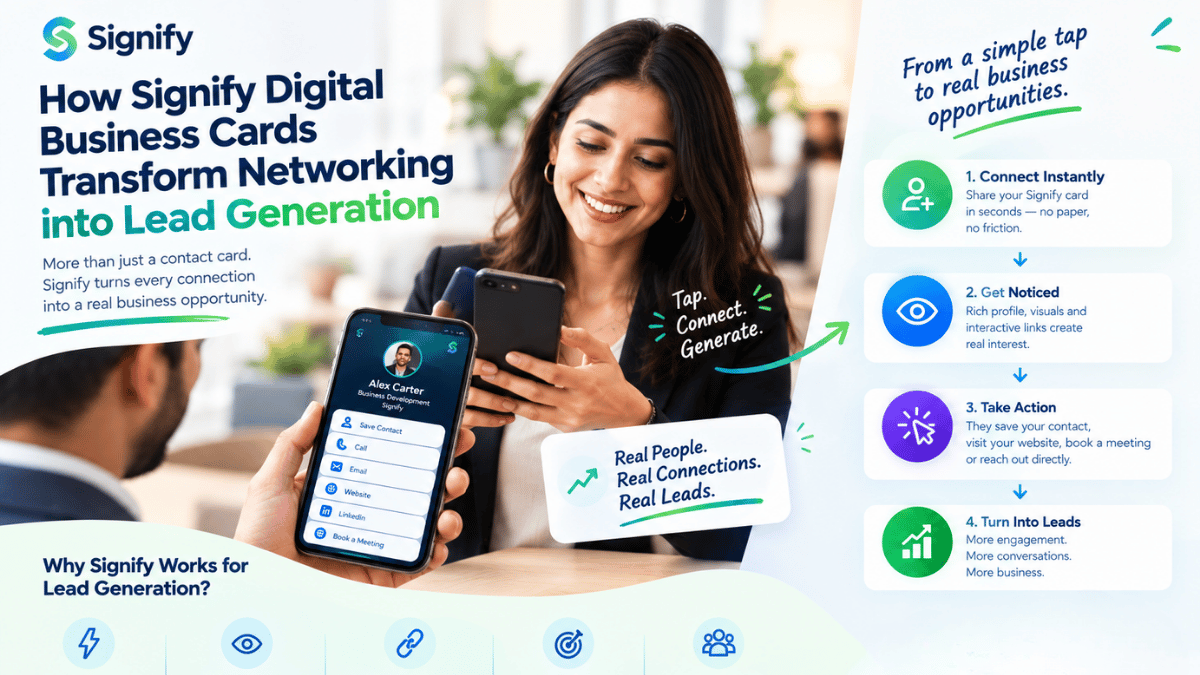
In sales, every handshake is a pipeline moment. The problem is what happens next. A paper card creates a data black hole: it gets lost, goes out of date, and never makes it into the CRM. Signify digital business cards close that gap. Instead of a static rectangle, every sales rep gets a live profile that captures leads at the point of contact, syncs to the CRM automatically, and tracks every view, save, and scan. This guide breaks down how the lead-capture architecture works, why it produces a 3X higher conversion rate than paper, and how sales leaders roll it out across a team with Signify Teams.
The benchmark is not theoretical. Signify analyzed over 10,000 face-to-face interactions across enterprise sales teams and found that paper cards convert roughly 12% of handshakes into a CRM contact, while digital cards convert over 36% — a three-fold increase driven by removing manual entry and prompting a two-way exchange at the moment of highest engagement[reference:3]. For a team doing 50 meetings a month, that is the difference between 90 leads and 270 leads from the same networking effort.
The friction of paper networking
Traditional networking is a three-step failure. First, the card is handed over and no digital footprint is created. Second, roughly 88% of paper cards are discarded within a week[reference:4]. Third, the surviving 12% require manual CRM entry, which introduces delays and typos — and that is before the rep has even had a chance to follow up.
The structural problem is cognitive load. When a prospect receives a paper card, they are implicitly tasked with preserving the artifact, remembering the context of the conversation, and eventually entering the data. In a noisy conference hall or a packed networking event, that task gets deprioritized. The connection dies before it becomes a lead.
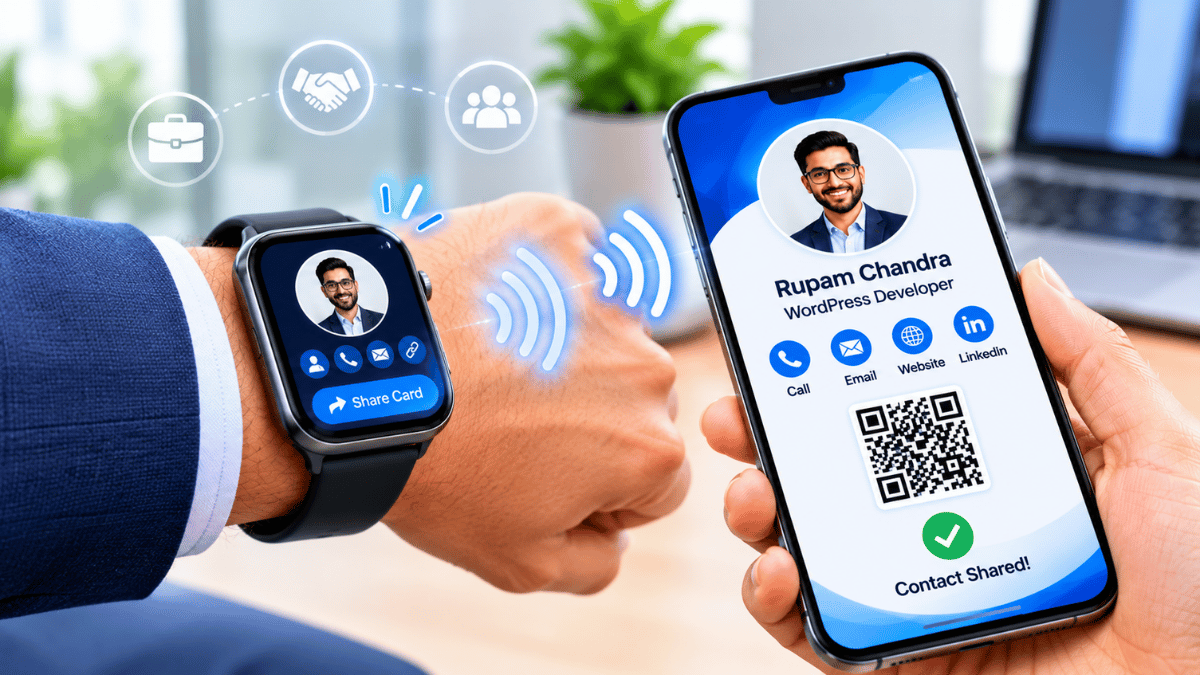
A Signify digital business card reverses the dynamic. The rep taps an NFC card or the prospect scans a QR code, and an optimized landing page opens instantly on their phone — no app required[reference:5]. At that exact moment of highest engagement, the lead-capture form appears. The prospect shares their details in exchange for the rep’s contact file. The data routes to the CRM automatically. The follow-up is triggered before the conversation is even over.
Lead capture: the 3X multiplier
The lead-capture form is the engine that turns a networking interaction into a pipeline entry. It is a two-way exchange: the prospect gets the rep’s full contact profile, and the rep gets a verified lead with context attached.
The 68% form-completion figure matters because it reflects the principle of reciprocity. When the prospect taps the card on their own device, they receive value first — a branded profile, a booking link, a downloadable contact file. Providing their own details becomes a natural next step rather than a request from a salesperson. Signify’s analysis shows that form completion is significantly higher when the attendee initiates the interaction, compared to passive badge-scanning workflows[reference:6].
For the rep, the lead arrives already tagged. Signify allows contextual notes, voice memos, and lead scores to be added at the moment of capture, so the follow-up can be personalized rather than generic. The leads integration routes the data into the CRM — Salesforce, HubSpot, or Zoho — via webhook, so the rep does not have to export a CSV or retype a single field[reference:7].
The personal landing page
The card is the gateway; the landing page is what converts. With Signify, the moment a prospect taps or scans, they land on a branded profile that represents the rep’s professional identity — and, by extension, the company’s.
What goes on the page
- Profile photo and company logo — immediate visual trust signals.
- Direct contact links — phone, email, and messaging options, all one tap away.
- Social and portfolio links — LinkedIn, a booking calendar, or a relevant case study.
- A lead-capture form — the two-way exchange that turns a view into a contact.
The page is customizable with themes and templates, and for teams, Signify Teams enforces a shared brand template so every rep’s card looks like it belongs to the same organization[reference:8]. That consistency matters in sales: a prospect who meets three reps from the same company should see three profiles that reinforce the same brand, not three unrelated designs.
The result is a higher recall rate and a stronger first impression. A well-designed landing page gives the prospect a reason to save the contact, click a link, or book time — all actions that move the relationship forward without the rep having to chase.
Analytics that sales teams actually use
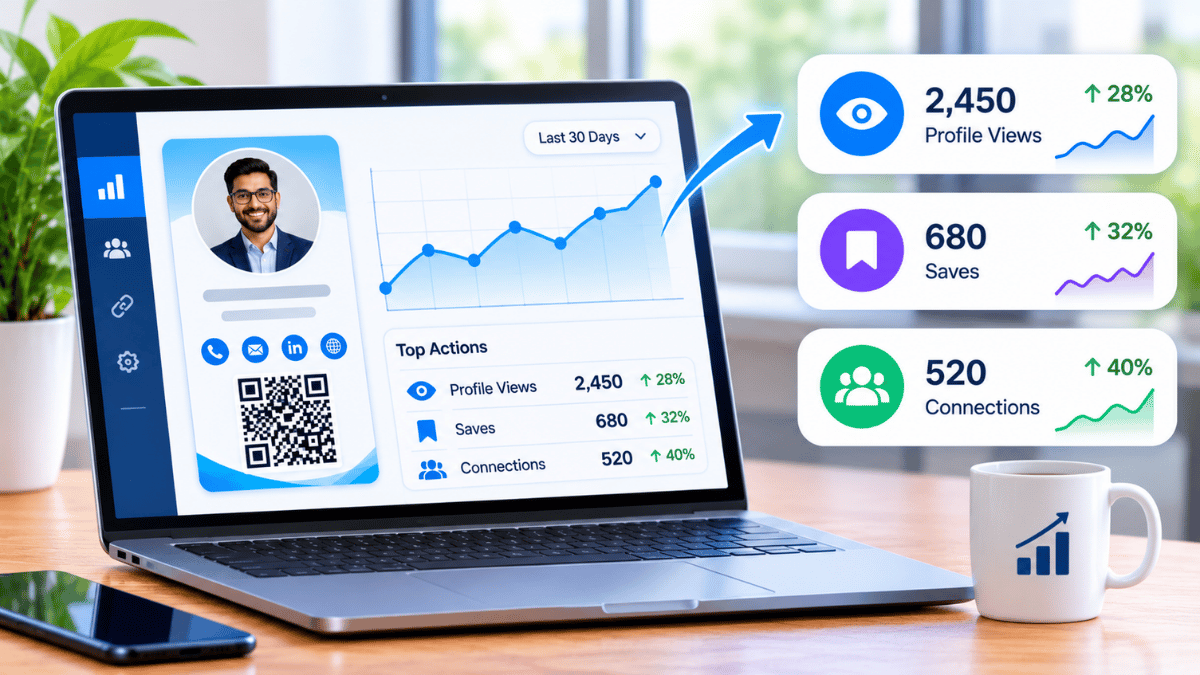
Paper networking is a black box. Once the card is handed over, the rep has no idea whether it was viewed, saved, or thrown away. Signify’s analytics dashboard turns that black box into a feedback loop.
What you can track
- Profile views — how many people opened the card.
- Contact saves — how many downloaded the VCF or saved the contact.
- Lead conversion rate — the percentage of views that resulted in a lead[reference:9].
- Engagement source — which QR code, event, or channel drove the interaction.
For individual reps, this data answers a simple question: which networking activities are actually producing leads? For sales leaders, Signify Teams aggregates the numbers across every card, so you can compare performance by rep, by event, or by month[reference:10]. Instead of guessing which conference was worth the travel budget, you can see which cards generated views, which views turned into leads, and where follow-up should be focused.
The analytics layer also supports timing. If a prospect views a card three times in a week but never fills out the lead form, that is a signal to follow up with a direct message or a calendar link. If a card from a trade show gets zero engagement, the rep knows to adjust the pitch or the profile before the next event.
Rolling out across a sales team
A single rep with a digital card is an improvement. A sales team with a coordinated rollout is a structural advantage. Signify Teams provides the governance layer: centralized seat management, branded templates, shared contacts, and team-wide analytics.
Brand consistency without micromanagement
Organization card templates let a sales leader lock the logo, theme colors, and required fields, while each rep fills in their own name, title, photo, and contact details[reference:11]. Every card reflects the company’s visual identity without requiring a design review for every new hire.
Seamless onboarding
When a new rep joins, they can be invited to the team workspace, assigned a seat, and given a branded template in minutes. No print order, no waiting for cards to arrive, no outdated collateral. Signify Teams supports seat counts from 5 to 100 and includes a seven-day free trial[reference:12].
Shared contacts and CRM sync
All contacts saved by any team member appear in a shared directory, with notes and tags. For sales teams where multiple reps may meet the same prospect at different events, this prevents duplication and missed follow-up. Contacts sync to Zoho CRM, with bulk sync and re-sync on updates[reference:13].
Current plans and per-seat pricing are on the Signify pricing page.
Financial and environmental ROI
The financial case is straightforward. Paper cards are a recurring cost: design, print, reprint, shipping, and storage. A digital card replaces that cycle with a one-time setup and unlimited sharing. For an organization, the savings compound across every rep, every role change, and every rebrand.
The environmental case is equally concrete. The paper business card industry prints an estimated 10 billion cards annually, and roughly 7.2 million trees are cut down each year to produce them[reference:14]. With 88% discarded within a week, the vast majority of that resource consumption produces nothing. A Signify digital card eliminates the print cycle entirely — a single smart card replaces roughly 1,500 paper cards per employee per year[reference:15].
For sales organizations with ESG reporting requirements, replacing paper cards is a low-effort, high-visibility win. It removes a recurring waste stream, reduces procurement spend, and gives the sales team a tangible way to participate in corporate sustainability goals — while producing a measurable improvement in lead conversion.
Security and professional trust
Capturing prospect data requires trust. Signify encrypts data in transit with TLS 1.2+ and at rest with AES-256, and it hosts on infrastructure that holds ISO 27001, ISO 27017, and SOC 1/2/3 certifications. The Security Policy documents the controls in detail.
For sales teams, two practical controls matter most. First, field-level visibility lets a rep decide which contact details appear on their public card — a direct line can be hidden while a booking link remains visible. Second, remote logout allows a rep to invalidate a session if a phone is lost, so a misplaced device does not become a compromised pipeline. The Privacy Policy confirms that Signify does not sell personal data to advertisers or data brokers.
Frequently asked questions
How does Signify capture leads at a networking event?
A prospect taps the rep’s NFC card or scans a QR code. The rep’s profile opens in the prospect’s browser — no app required — and a lead-capture form prompts them to share their details in exchange for the rep’s contact file. The lead is then routed to the CRM automatically.
What is the actual conversion rate compared to paper cards?
Signify’s analysis of over 10,000 face-to-face interactions found that paper cards convert roughly 12% of handshakes into a CRM contact, while Signify digital cards convert over 36% — a 3X increase[reference:16]. The gain comes from removing manual entry and prompting a two-way exchange at the moment of highest engagement.
Does the prospect need to download an app?
No. The card opens in a standard web browser on any smartphone, tablet, or computer. That is critical for sales, because a prospect on an unfamiliar device or a locked-down corporate phone can still view the profile and complete the lead form.
Can Signify sync leads to our CRM?
Yes. Signify supports CRM integration, including Zoho CRM, with automated sync and re-sync when contact details change. Sales teams can also add contextual tags, notes, and lead scores at the point of capture, so the follow-up is personalized rather than generic.
What analytics does a sales team get?
You can track profile views, contact saves, leads received, and lead conversion rates by card, by rep, or by month. Signify Teams aggregates these metrics across the organization, so sales leaders can compare performance and identify which events or reps are generating the most engagement[reference:17].
Can we enforce brand consistency across the sales team?
Yes. Organization card templates let you lock the company logo, theme colors, and required fields, while each rep personalizes their name, title, photo, and contact details. Every card reflects the same visual identity without requiring a design review for every new hire[reference:18].
How many seats does Signify Teams support?
Signify Teams supports seat counts from 5 to 100 and includes a seven-day free trial. You can invite members, assign roles (Owner, Admin, Manager, Member), and manage seats from a central dashboard[reference:19][reference:20].
What happens when a rep leaves or changes roles?
The card updates once, and every saved copy reflects the change. No reprints, no outdated contact details in circulation. For teams, administrators can remove the seat and reassign the contact records through the shared contacts directory.
Is Signify secure enough for enterprise sales data?
Signify encrypts data in transit with TLS 1.2+ and at rest with AES-256, and it hosts on ISO 27001/27017 and SOC 1/2/3 certified infrastructure. It supports field-level visibility controls and remote logout. Organizations should still conduct their own vendor risk assessment before rollout; the Security Policy is the document to share with IT and compliance.
What is the first step to rolling this out for a sales team?
Create a free Signify card to test the lead-capture flow, then start a Signify Teams trial to deploy branded templates and a central dashboard across your reps.
Turn every handshake into a tracked lead
Give your sales team a card that captures leads, syncs to the CRM, and measures what actually works — without reprinting a single card.
Create a free digital card