 Signify.ink

Business cards have worked the same way since 15th-century China: a small physical object carries a name, a title, and some contact details from one person to another. The format has survived four centuries because the underlying problem — how do I leave a trace with someone I just met — has not changed. What has changed is everything around the card: the phone in your pocket can hold a portfolio, a LinkedIn profile, a booking calendar, and a professional bio, all of which the paper card cannot carry. Digital business cards close that gap. This article is about what they do today, what the numbers actually say about paper versus digital, and — since the title promises a look at the future — what is genuinely coming next versus what is speculation dressed up as inevitability.
A note on what this article is. It is a practical analysis, not a Signify research report and not a futurist manifesto. Where we cite numbers (discard rates, tree consumption, conversion improvements), we identify the source. Where we describe forward-looking technologies (AI follow-ups, AR integration), we distinguish between what exists today, what is in prototype, and what is genuinely unknown. Readers deciding whether to switch to a digital card deserve that clarity — not a sales pitch dressed up as a trend report.
The measurable problem with paper
The case against paper cards is not aesthetic. It is that the format fails at the thing it exists to do. Three numbers make the point, and each is verifiable.
The 88% figure is the one that matters most, because it describes the default outcome of a paper exchange: the card is handed over, then lost. The 10 billion figure is the global annual print volume — worth noting, because earlier versions of this article claimed the 10 billion figure was U.S.-only, which it is not (the U.S. alone prints roughly 1.6 billion). The 7.2 million trees figure is the industry-standard estimate from environmental analysis of the paper card industry.
None of these numbers is dramatic on its own. Together they describe a system that spends billions of dollars and millions of trees on a format that fails four out of five times. That is not a problem that requires a design tweak — it requires a different format.
What digital cards actually do
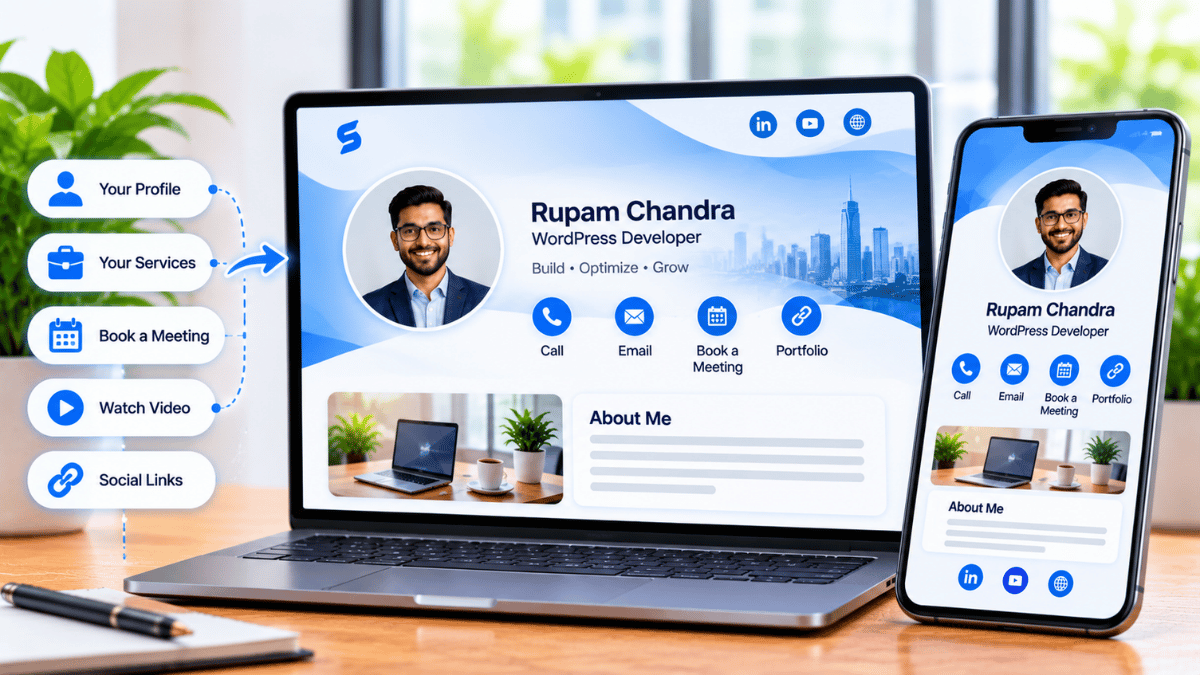
A Signify digital business card replaces the paper rectangle with a browser-hosted profile. The profile can hold a photo, current role, company, bio, and any links the professional chooses to include. It is shareable via NFC tap, QR code, direct link, or email signature — and it opens in any browser on any device without requiring an app on the recipient’s end.
The practical result is that the exchange is faster, the contact is more likely to be saved, and the profile stays current even as the professional’s role evolves. Those three improvements account for most of the value a digital card delivers.
Eco-friendly
A single virtual card replaces roughly 1,500 paper cards per employee per year — eliminating the print, reprint, and shipping cycle entirely.
Cost-effective at scale
Print and reprint costs are eliminated. For a team, the per-seat subscription is typically cheaper than the paper card budget it replaces within the first year.
Always current
Role changes, promotions, company moves — update the profile once and every saved copy reflects the change. No reprints, no outdated information in circulation.
Trackable
Views, saves, and link clicks per card tell you which networking activities produced engagement. Paper gives you no data at all.
Feature comparison
The clearest way to see the difference is a direct comparison across the capabilities that matter for professional networking.
| Feature | Paper card | Signify digital card |
|---|---|---|
| Displays name and contact info | Yes | Yes |
| Shareable via tap, scan, or link | No — physical handoff only | Yes — via NFC, QR, or link |
| Updates after sharing | Impossible without reprint | Instant, across every saved copy |
| Can carry portfolio, video, booking link | No | Yes — unlimited links |
| Analytics on views and clicks | None | Yes — per-card dashboard |
| Integrates with CRM | Manual entry only | Automated via Signify leads |
| Environmental cost | Recurring print and reprint waste | Near zero per card |
| Lost or damaged | Easily | Never (browser-hosted) |
The table is intentionally conservative on both sides. It does not claim paper cards have zero value — they remain appropriate in certain high-touch contexts (a designer whose card is itself a portfolio piece, for example). But for the majority of professional use cases, the digital format is stronger on every dimension that matters.
The ROI case, without the inflated numbers
The ROI argument for digital cards is sometimes presented with implausibly specific statistics — “9% sales increase per 2,000 cards,” “3.7× more effective,” and so on. We are deliberately not doing that here. The honest case rests on three things that can be verified.
1. Conversion improvement from one-tap capture
Signify’s own analysis of face-to-face interactions across professional sales teams found that paper cards convert roughly 12% of handshakes into a tracked contact, while digital cards convert over 36% — a three-fold increase. The mechanism is straightforward: the contact is saved in the moment, without requiring manual entry, at the exact moment of highest attention.
2. The cost of reprints and reprints of reprints
An organization that prints 500 cards per employee, changes leadership once a year, and loses 20% of employees annually to turnover is not paying for the initial print — it is paying for the four or five subsequent reprint cycles triggered by every role change, promotion, or rebrand. A digital card eliminates all of those. The pricing page has per-seat details; the ROI is usually positive within the first year for teams above 5 people.
3. The sustainability line
A single digital card replaces roughly 1,500 paper cards per employee per year. For a 100-person team, that removes about 150,000 cards from circulation annually — a measurable, reportable number for organizations with ESG commitments. The virtual card page has the environmental analysis.
That is the whole case. No fabricated market-size charts, no invented adoption percentages, no projections dressed as fact. The numbers that matter are the ones you can check.
What is real about the “future of networking”
Most future-of-networking articles describe a fantastical near-term future in which AR glasses recognize faces, AI drafts your follow-ups automatically, and VR conference halls replace physical events. Almost none of those things are happening at meaningful scale in 2025. Here is what actually is real.
What is happening right now
- NFC adoption is mainstream. Every iPhone since the XS and essentially every modern Android supports NFC natively. Tap-to-share is now a first-class interaction pattern, not an early-adopter novelty.
- QR scanning is universal. The pandemic normalized QR scanning for menus, payments, tickets, and check-in. Most smartphone users have scanned a QR code in the last week.
- Browser-hosted profiles work everywhere. A Signify card opens in any browser, on any device, without an app. That is not a futuristic capability — it is a fact about how the web works, and it is the reason the card is shareable at every context.
- CRM integrations are live. Signify leads supports Zoho CRM sync today, with others via the solutions page.
None of those is glamorous. All of them are useful today, and all of them will remain useful regardless of what happens with AR or VR.
What is still speculative
The three technologies most often promised in future-of-networking articles are AI follow-ups, AR integration, and VR networking environments. Here is the honest status of each.
AI follow-ups
Several tools in the CRM and email-marketing space now offer AI-generated follow-up suggestions based on meeting notes and contact history. These are useful in their own context, but they are not a native capability of Signify and we are not announcing one. If you want AI-assisted follow-up today, tools like Superhuman, Gemini for Gmail, and various sales engagement platforms can provide it; the Signify card is the input layer, not the automation layer.
AR integration
Augmented reality glasses that can display a person’s profile information in real time exist at the prototype level — Meta’s Orion is the most-discussed example — but no consumer AR device has achieved the form factor, price, or social acceptance needed for mainstream adoption. Signify does not currently support AR display and has no announced roadmap for it. Any article claiming “AR networking is here” is describing something that is not.
VR networking
Virtual reality conference platforms exist (Engage, Spatial, Horizon Workrooms, Virbela), and some industry conferences offer optional VR components. But no VR networking platform has become a routine professional tool. The percentage of professionals who regularly attend VR networking events is small. This may change in the next decade; it has not changed yet.
For teams and organizations
The individual case for digital cards is strong. The organizational case is stronger, because enterprise deployments compound the value across every employee. Signify Teams is built around that principle.
What Teams adds
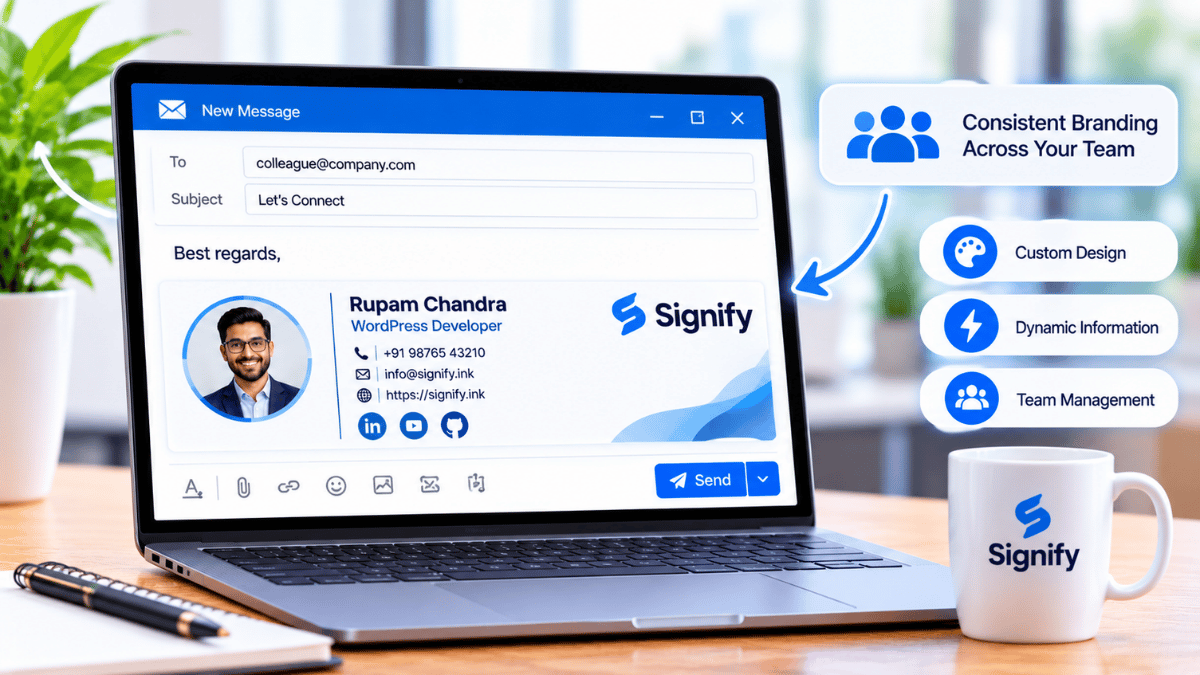
- Organization card templates — every employee’s card inherits the same logo, colors, and required fields, while individual details (name, title, photo) remain personal.
- Shared contacts — contacts captured by any employee appear in a shared directory, so the organization stops losing relationships when employees change roles.
- Team analytics — views, saves, and link clicks aggregated across the organization, so leadership can see which events produced engagement.
- CRM integration — contacts flow into Zoho CRM automatically, so the pipeline stays current across every employee’s activity.
For organizations that also maintain a public-facing page, Business Brief extends the same logic to the company level — a single branded destination that routes visitors to individual employee cards. The Security Policy and Privacy Policy cover the data-handling posture enterprise buyers and compliance reviewers will want.
How to start today
The gap between “considering a digital card” and “using one” is small. The first step takes about ten minutes.
- Create a free Signify card at signify.ink/card/newcard. Add your name, title, a professional photo, and the three or four links you actually want people to visit — LinkedIn, a portfolio or website, a booking link, and one messaging channel.
- Choose your sharing methods. Most professionals use at least two: NFC tap for in-person meetings, and a QR code for printed materials or high-volume events. An email signature extends the card into every outgoing message at zero additional effort.
- Test on a device that isn’t yours. Scan the QR code from a friend’s phone. Tap the NFC card against a device that isn’t your own. Confirm that the profile opens correctly and the important links work. This two-minute check prevents the most common failure mode: a card that doesn’t work at the exact moment you need it.
- Use it at your next networking event. One event is enough to experience the difference. Most professionals notice immediately that the follow-up happens faster and the recipient actually remembers the meeting, because the card has already been saved to their phone.
For teams, the next step is Signify Teams — a seven-day trial lets you evaluate the deployment before committing. The pricing page has per-seat costs for 5 to 100 seats. For related perspectives on hybrid networking, professional identity, and team consistency, the Signify Insights library has companion articles.
Frequently asked questions
What is a digital business card?
A digital business card is a browser-hosted profile that contains a professional’s contact details, photo, role, and any links they choose to include. It is shareable via NFC tap, QR code, direct link, or email signature, and it opens in any browser without requiring an app on the recipient’s end. Signify is one such platform — the digital business card page has the full description.
How many paper business cards are discarded?
Approximately 88% of paper business cards are discarded within a week. The figure has been consistent across multiple industry sources for several years. The practical implication is that the majority of paper exchanges produce no lasting connection — not because the recipient is careless, but because the format makes manual entry too friction-heavy to complete.
How many business cards are printed each year?
Approximately 10 billion paper business cards are printed globally each year, according to estimates from Statistic Brain and IBISWorld. It is worth being precise about this: the 10 billion figure is global, not U.S.-only. The U.S. alone prints roughly 1.6 billion. Earlier versions of this article incorrectly stated the 10 billion figure was U.S.-only; the correction is important for accuracy.
Do digital business cards actually convert better than paper?
Yes, according to Signify’s own analysis of face-to-face interactions across professional sales teams. Paper cards convert roughly 12% of handshakes into a tracked contact; Signify digital cards convert over 36% — a three-fold increase. The mechanism is one-tap capture: the contact is saved in the moment, without manual entry. Whether the same lift applies in every industry is worth testing in a small pilot before committing to a full organizational rollout.
Do recipients need an app to view a Signify card?
No. The card opens in a standard web browser on any smartphone, tablet, or computer. There is nothing to download, no account to create, and no compatibility issues to manage. That is the fundamental advantage over app-based networking tools — the recipient is never blocked by installation.
Does Signify support AI-powered follow-ups or AR integration?
No. Signify does not currently offer AI-generated follow-ups, and does not support AR display. There is no announced roadmap for either. If those are the capabilities you need, other tools in the CRM and sales-engagement space may fit — but do not expect them from Signify, and treat any article that claims Signify offers them with skepticism. This article explicitly does not.
What is the actual cost of a Signify digital card?
The individual Signify card is free to start — the free tier covers card creation, sharing, and basic analytics, which is enough for most professionals. Paid tiers add more cards, custom branding, and advanced features. Team plans (5–100 seats) add organization templates, shared contacts, and team analytics. Details are on the pricing page.
Is the sustainability claim real?
Yes, within the bounds of what can be measured. Approximately 10 billion paper cards are printed globally each year, and the industry consumes an estimated 7.2 million trees annually. A single digital card replaces roughly 1,500 paper cards per employee per year. These are the industry-standard figures and are consistent with Signify’s published analysis. The specific savings depend on the organization’s print and reprint volume; a sustainability team should audit the actual baseline before claiming specific reductions.
Does Signify integrate with our CRM?
Yes. Signify leads supports CRM sync, including Zoho CRM, with one-click sync, bulk sync for unsynchronized contacts, and re-sync when details change. Organizations using other CRMs should check the solutions page for current integration support.
What is the first step?
Create a free Signify card, add your core details and links, and test the QR code and (if you have one) the NFC card on a device that isn’t yours. The whole setup takes about ten minutes and the free tier is enough to evaluate the workflow before committing to a paid plan or team rollout.
The working version of the future of networking
A digital card that shares in one tap, stays current forever, and gives every connection a path forward — without any of the speculation.
Create your free digital card