 Signify.ink

Hiring events still work. University career fairs, industry conferences, and community job days produce something that online applications do not: real conversations, in real time, with candidates who are actually interested enough to show up. But the value of those conversations is often lost within a week — not because the recruiters did a bad job, but because the follow-up is slow, manual, and easy to postpone. A Signify digital business card is designed to close that gap. It gives every recruiter a profile that candidates can save in one tap, and it gives the team a shared contact record so the candidates who were met at an event do not disappear into individual inboxes. This guide explains the specific workflow, what it does and does not do, and what a realistic implementation looks like.
What actually goes wrong at hiring events
The failure at most hiring events is not the event itself. It is what happens afterward. Three specific problems recur across recruiting teams, and each one is well-documented in talent-acquisition practice — even if the exact figures vary by industry and study.
The first 24 hours are where candidates decide
Candidate experience research consistently shows that response time matters enormously in early recruitment stages. A candidate who meets a recruiter at a fair is evaluating the company in real time — the interaction at the booth, the follow-up they receive, and how quickly they hear anything. If the follow-up arrives two weeks later, the candidate has usually already accepted another offer or mentally moved on. The friction of manual data entry between the event and the follow-up is what causes most of this delay.
Paper resumes and cards disappear into the pile
The traditional workflow at a career fair: recruiter collects resumes and cards, brings them back to the office, drops them on a desk, and a hiring coordinator enters them into the ATS over the following days or weeks. By the time the candidate is in the system, the interview window has often closed. The candidate is not at fault, the recruiter is not at fault — the workflow is the problem.
There is no shared record across recruiters
At a large event, multiple recruiters from the same company often meet the same candidates at different booths. Because each recruiter's notes live in their own notebook or inbox, the team has no way to know that a candidate has already been spoken to. The candidate experiences this as disorganization. The team experiences it as duplicated effort. And the leadership team has no way to know which candidates were actually met at an event versus sourced elsewhere.
What a digital card actually does
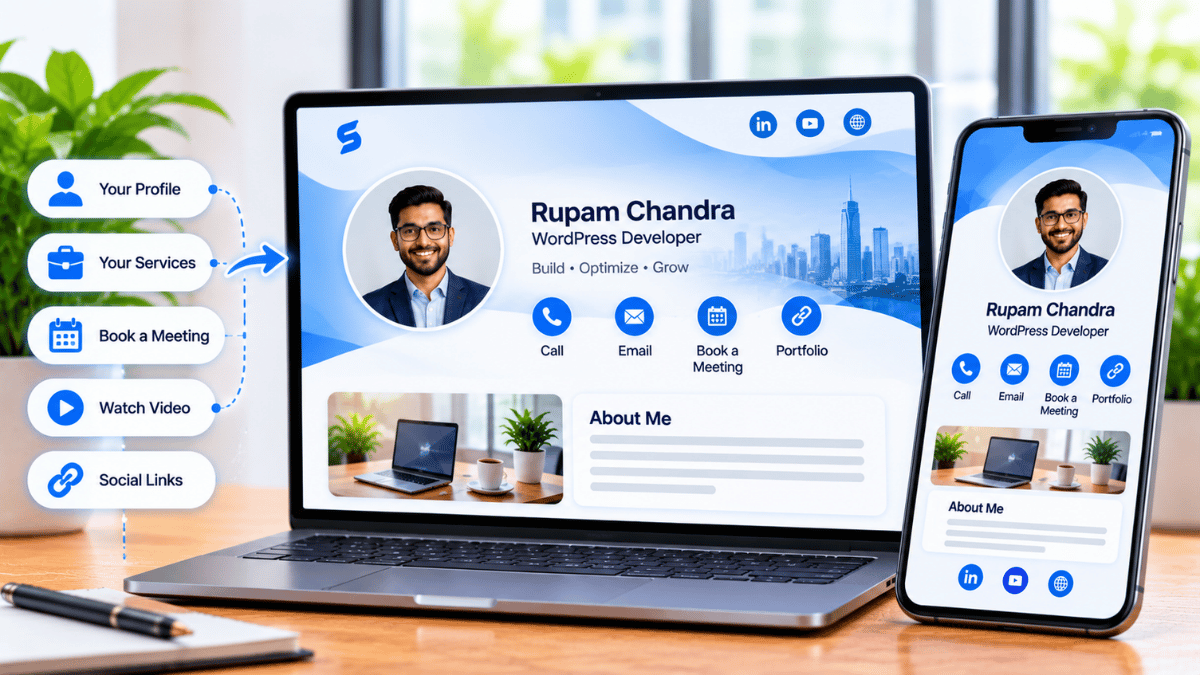
A Signify digital business card is a browser-hosted profile that a recruiter shares at events. It is not a candidate-management system — that remains the ATS — but it addresses the specific bottleneck that sits between the event and the ATS.
One-tap contact save
The candidate scans a dynamic QR code or taps a Signify NFC card, and the recruiter's profile opens. The candidate can save the recruiter's contact in one tap — no app, no account.
Useful links in one place
The recruiter's profile can link to the careers page, the specific roles currently open, and the recruiter's LinkedIn. The candidate who is interested knows exactly where to apply — no googling required.
Optional lead capture
Signify’s lead-capture form lets the candidate share their name, email, and a short note in exchange for the recruiter’s profile. That lead is captured at the event and can flow into the CRM.
Shared directory across recruiters
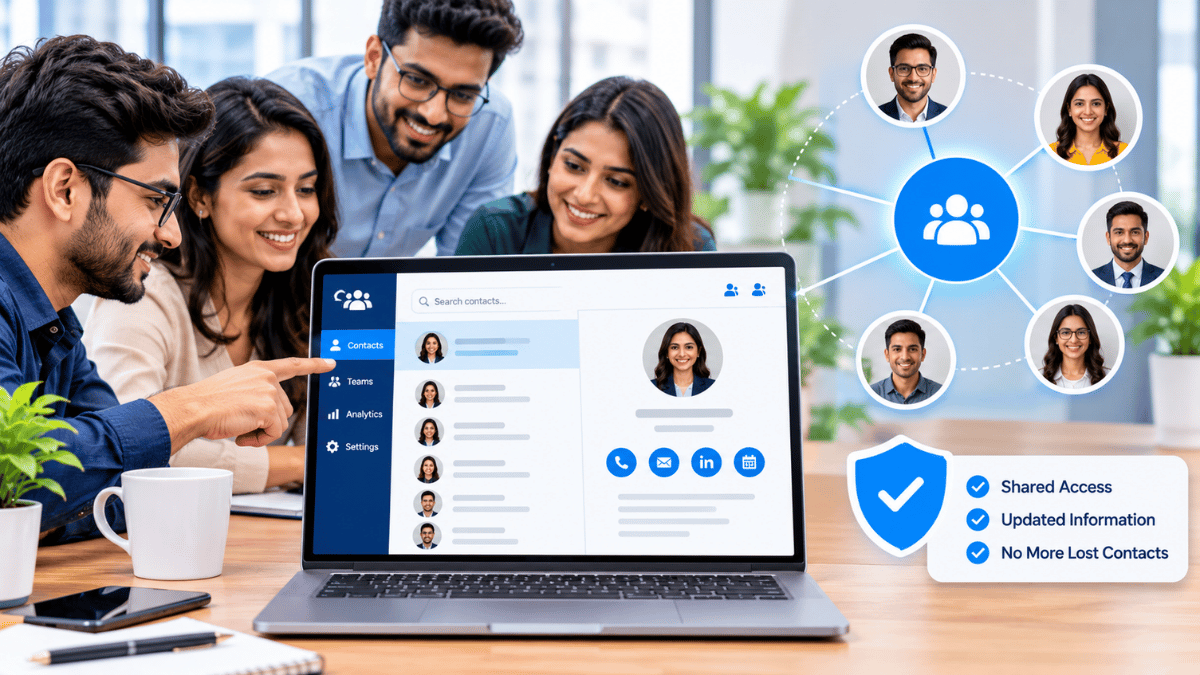
Signify Teams puts every lead captured by any recruiter into a shared contacts directory, so the team sees a candidate that any teammate has already met.
Event-level analytics
Views, saves, and lead captures per recruiter card — so the team can see which events and which recruiters produced engagement, rather than guessing after the fact.
Updates after the event
If a candidate saved the recruiter's card and the recruiter's role changes three months later, the candidate sees the update. The relationship stays current even after the event has ended.
The capture-to-follow-up workflow
The workflow is straightforward, and it is the workflow that turns an event conversation into a candidate who is in the system before the event ends.
- Recruiter shares the card. At the booth or in a conversation, the recruiter presents a QR code on their phone, on a tabletop sign, or on the booth display. Candidates scan with their own phone camera.
- Candidate sees the profile. The recruiter's Signify profile opens in the candidate's browser — name, role, company, and the links the recruiter has made visible (careers page, open roles, LinkedIn).
- Candidate saves the recruiter's contact. One tap, and the recruiter is in the candidate's phone. This is the inverse of the traditional card — the recruiter is the one being saved, which is what enables the candidate to follow up if they want to.
- Optional: candidate shares their own details. If the recruiter has enabled the lead-capture form, the candidate can optionally share their name, email, and a note. This is a two-way exchange rather than a one-way share.
- Lead flows into the CRM. Signify’s leads integration routes captured contacts into Zoho CRM automatically, so the team has a record of the candidate without manual data entry.
- Follow-up happens the same day or the next morning. The recruiter or hiring coordinator reaches out while the conversation is still fresh — not two weeks later after a stack of resumes has been processed.
The critical difference from a paper-based workflow is that the candidate data is captured at the moment of interaction, not afterward. That timing is what changes the follow-up rate. It is not a new feature of the workflow — it is the removal of a step that caused delays.
What a digital card does not do
It is easy to overstate what a digital card can do for a recruiting team. The article that this one replaces made several such overstatements, and they are worth naming explicitly so that no one buys Signify expecting capabilities it does not have.
The practical implication is that a recruiting team adopting Signify for events should not expect it to change anything upstream or downstream of the event itself. It does not replace the careers site, the job application form, the ATS, or the interview scheduling. What it replaces is the paper card and the manual data entry that sits between the event and the ATS. That is a small, specific, and worthwhile improvement — but it is only that.
Paper vs. digital at a hiring event
The comparison is worth making concrete, because the differences are subtle and they add up.
| Criteria | Paper card / resume | Signify digital card |
|---|---|---|
| Candidate capture at the event | Manual, retrospective — depends on entering data after the event | Captured at the moment of interaction via lead-capture form |
| Recruiter contact saved by candidate | Candidate receives a paper card and may or may not keep it | Candidate saves recruiter's contact in one tap |
| Links to careers page, open roles, LinkedIn | Not possible on the card; candidate must search separately | Direct links on the recruiter's profile |
| Shared record across recruiters | None — each recruiter's stack is separate | Signify Teams shared directory |
| Updates after the event | Requires reprint and redistribution | Updates propagate to every saved copy |
| Event-level analytics | None | Views, saves, lead captures per recruiter |
| Environmental cost | Recurring print waste | Near zero per share |
The comparison is not a claim that paper is useless. Paper resumes remain standard at many events, and many candidates will bring them regardless of what the recruiter is using. The point is not that Signify replaces the resume — it is that Signify replaces the contact card workflow, which is a different and smaller problem that has been surprisingly resistant to modern solutions.
What you can actually measure
Any tool that claims to improve hiring events should be able to say what it measures. Signify’s analytics measure the engagement side of the event — not the hiring side. The distinction matters.
What the analytics show
- How many times each recruiter’s card was viewed
- How many candidates saved the recruiter’s contact
- How many candidates filled out the lead-capture form
- Which links (careers page, open roles, LinkedIn) were clicked
- Which sharing method produced the view (QR scan, NFC tap, direct link)
What the analytics do not show
- Cost per hire — that lives in the ATS and the finance system
- Time to fill — that lives in the ATS
- Quality of hire — that lives in performance reviews, months later
- Which candidates ultimately converted to hires — that lives in the CRM and the ATS together
The honest framing is that Signify’s analytics give the recruiting team a leading indicator — engagement at the event — not a trailing indicator of hiring outcomes. If the engagement numbers are healthy and the hiring numbers are not, the problem is downstream of the event. If the engagement numbers are low, the event setup or the recruiter presentation is worth reviewing. That is a useful, narrow signal, and it should be used for what it is.
Multiple recruiters, one shared directory
The organizational value of Signify at hiring events compounds when there are multiple recruiters involved. Signify Teams provides three capabilities that matter specifically for recruiting.
Organization card templates
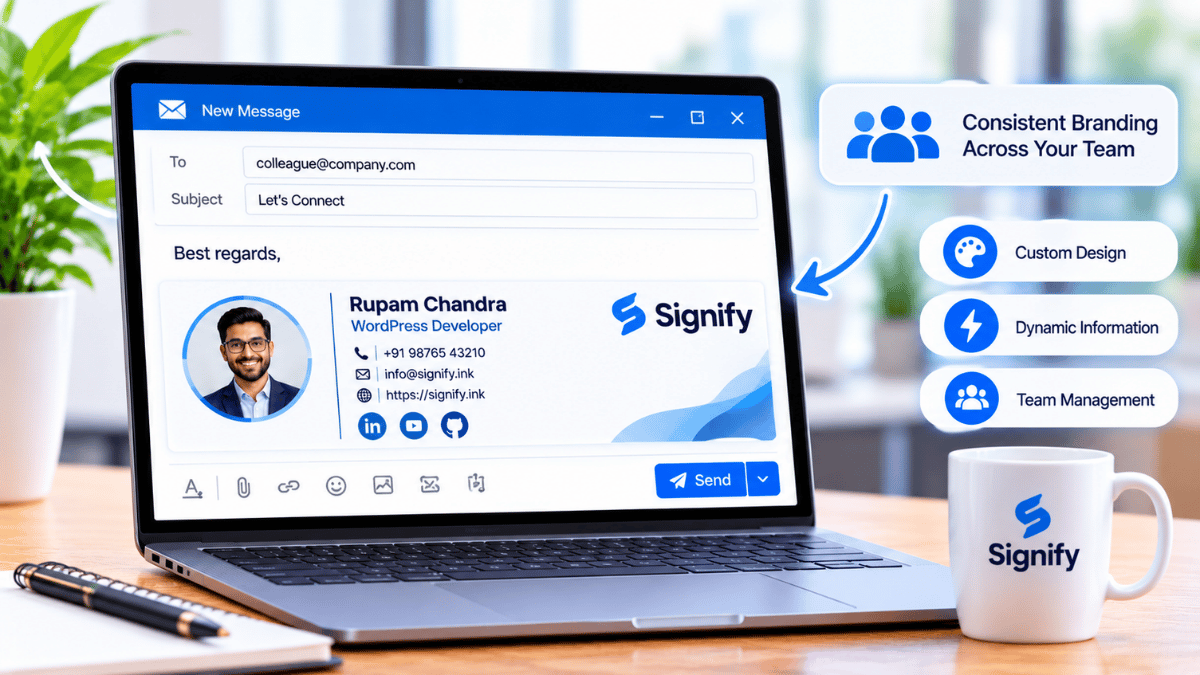
Every recruiter's card inherits the company logo, colors, and required fields — so that candidates who meet three recruiters from the same company at the same event see three cards that clearly belong to the same organization. That consistency matters for employer brand more than most recruiting teams realize.
Shared contacts
Every lead captured by any recruiter appears in a shared directory. When a candidate is met by recruiter A at the university fair and by recruiter B at the industry conference three weeks later, the team sees the full history — not two separate, disconnected records.
Team analytics
Views, saves, and lead captures aggregated across the recruiting team, so that leadership can see which events produced engagement and which recruiters were most effective. This is a baseline measurement — the kind most recruiting teams currently lack entirely for the event channel.
For organizations that also maintain a public-facing page, Business Brief extends the same identity to the company level — a single branded destination that can route candidates to the careers page and to individual recruiter cards. The pricing page covers per-seat costs for the team deployment, and the Security Policy and Privacy Policy are the documents that a hiring team's legal and compliance reviewers will want to see before deploying.
Best practices for recruiters
The tool is only as effective as the practice around it. These are the specific habits that make a measurable difference at hiring events.
- Add the careers page link and the open roles. A card that only carries the recruiter's contact information is a paper card with extra steps. The value is in the links — the candidate should be one tap from applying.
- Test the QR code before the event. Scan it from a phone that is not yours. Confirm that the profile opens correctly and the important links work. A two-minute check catches every failure mode before the event starts.
- Enable lead capture for high-traffic events. The two-way exchange is what captures candidate details at the moment of meeting. For a smaller event with deeper conversations, it may be optional; for a large fair, it is the difference between a stack of contacts and a real record.
- Follow up within 24–48 hours. The capture enables fast follow-up; the team has to actually do it. A generic "great to meet you" email is worse than no email — it signals that the recruiter does not remember the candidate. Reference the specific conversation.
- Share the leads with the hiring team the same day. The whole point of the two-way capture is that the lead exists in a shared system rather than in an individual's memory. The hiring manager should see the qualified candidates by the following morning.
- Review the analytics after each event. Views, saves, and lead captures per recruiter. The patterns reveal which events and which presentations were most effective, so the next event can be improved.
How to set it up
Setting up a Signify card for a hiring event takes about ten minutes per recruiter. For a team, the deployment takes a few days.
- Create a free Signify card at Signify’s card editor. Add your name, role, a professional photo, and the links to the careers page and the currently open roles.
- Enable lead capture if the event warrants it. The form prompts candidates to share their contact details in exchange for your profile.
- Choose your sharing method. A dynamic QR code works on a booth display or a tabletop sign. An NFC card works for one-to-one conversations. Most recruiters use both.
- Test on a device that isn’t yours. Scan the QR code and tap the NFC card against a colleague's phone. Confirm that the profile opens correctly and the careers link works.
- For a team, deploy through Signify Teams. Create an organization card template, add each recruiter as a member, and confirm that captured leads flow into the shared directory. A seven-day free trial lets you test the deployment before committing.
For related reading on the broader hiring-and-networking picture, the Signify Insights library has companion articles on professional networking workflows and the relationship between digital cards and CRM systems.
Frequently asked questions
Does Signify replace an applicant tracking system (ATS)?
No. Signify is a professional-identity tool for sharing a recruiter’s contact information at events, not a candidate-management system. It does not process resumes, integrate natively with an ATS, score or match candidates, or manage interview scheduling end-to-end. Those capabilities belong to the ATS. Signify handles the capture layer between the event and the ATS.
Can candidates upload a resume through a Signify card?
No. Signify’s lead-capture form captures text fields — name, email, phone, and a short note — but does not accept file uploads. Resume collection happens through the careers page or the ATS application form, which the recruiter can link to from their Signify card.
How does Signify integrate with a CRM?
Signify leads supports CRM sync, including Zoho CRM, with one-click sync, bulk sync, and re-sync on updates. Organizations using an ATS rather than a traditional CRM should check the solutions page for current integration support.
Do candidates need an app to view a recruiter’s Signify card?
No. The card opens in a standard web browser on any smartphone, tablet, or computer. There is nothing for the candidate to download, no account to create, and no compatibility issue to manage.
Can a candidate save the recruiter’s contact information?
Yes. The candidate can save the recruiter’s contact with one tap after viewing the profile. This is the inverse of the traditional card — the recruiter is the one being saved, which is what enables the candidate to follow up if they want to.
How many recruiters can be part of a Signify Teams deployment?
Signify Teams supports seat counts from 5 to 100 in the standard plan. Current pricing is on the pricing page, and a seven-day free trial lets you evaluate the deployment before committing.
Do multiple recruiters see each other’s captured candidates?
Yes — that is one of the primary value propositions of Signify Teams. Every lead captured by any recruiter appears in a shared contacts directory, so the team sees the full history of a candidate who was met at multiple events.
What analytics does Signify show?
Views, contact saves, link clicks, and the source that produced each view. The analytics do not identify individual candidates — they report aggregate engagement. For candidate-level records, the CRM or ATS is the system of record.
Is Signify secure enough for candidate contact information?
Signify encrypts data in transit with TLS 1.2+ and at rest with AES-256, hosts on ISO 27001/27017 and SOC 1/2/3 certified infrastructure, and supports field-level visibility controls and remote logout. The Security Policy and Privacy Policy are the documents that legal and compliance reviewers will want to see.
What is the first step?
For an individual recruiter: create a free Signify card, add your details and the careers page link, and test the QR code on a device that is not yours. For a team: start a Signify Teams trial, deploy a shared template to a pilot group, and expand once the pilot has produced engagement data.
Make the follow-up as strong as the conversation
Give every recruiter a card that captures candidates at the event, and a shared directory that keeps the team coordinated after it.
Create a free recruiter card