 Signify.ink

Traditional contact management is broken. For decades, professionals have collected business cards, typed names into spreadsheets, and built static databases that sit idle until someone needs a phone number. But a list of names and emails is not a network; it is just a digital filing cabinet.
With Signify Analytics, your contact database becomes a dynamic, intelligent engine. By leveraging the data generated from your Signify digital business card, you can track engagement, identify top contacts, measure networking ROI, and optimize your team’s performance with unprecedented precision.
This guide explores how Signify.ink transforms a simple interaction—sharing a digital business card—into a powerful data-gathering opportunity. We will break down the core metrics, explain how the analytics engine works, and show you how to use this data to drive better business outcomes.
Why Traditional Contact Databases Fail
The traditional CRM (Customer Relationship Management) or address book relies on manual input. You meet someone, you collect their information, and you (or an assistant) type it into a system. This process is inherently flawed.
- Data Decay: People change jobs, phone numbers, and email addresses constantly. A traditional database is outdated the moment it is created unless someone actively maintains it.
- Lack of Context: A database might tell you that you met "John Smith" at a conference in 2024, but it won't tell you which of your portfolio pieces he looked at, or whether he saved your contact info to his phone.
- Manual Entry Errors: Typing in names and numbers is prone to typos, leading to bounced emails and lost opportunities.
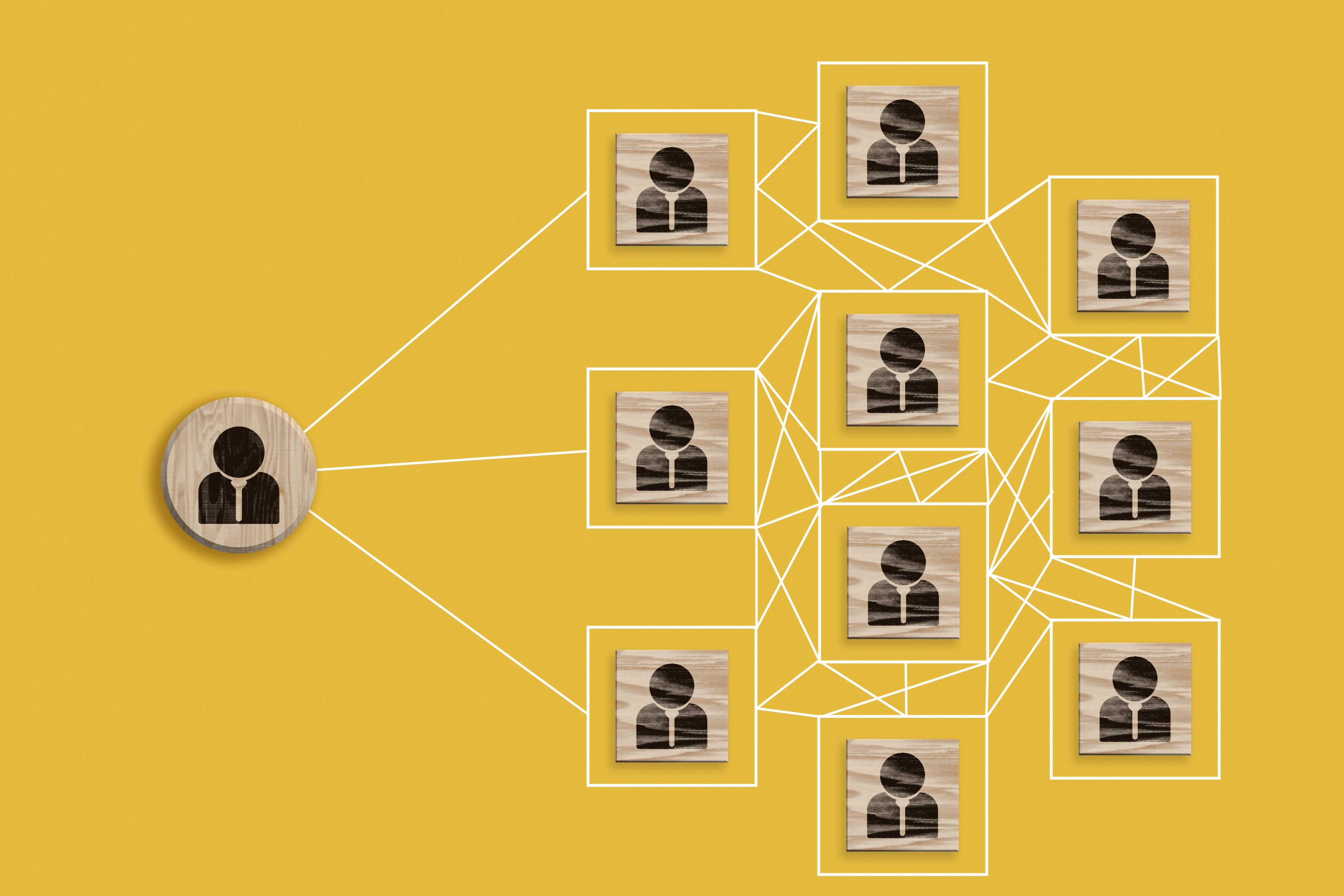
A Signify digital business card solves this by shifting the database from a static list to an active network. Because the contact information is saved instantly via vCard (VCF), the data is always accurate. More importantly, the digital interaction leaves a trail of behavioral data that you can actually use.
The Signify Analytics Solution
Analytics is the discovery and communication of meaningful patterns in data. In the context of networking, Signify Analytics tells you exactly how your professional identity is performing in the wild.
Instead of guessing which events were worth attending or which sales reps are the most effective, the Signify Analytics dashboard provides hard numbers. You can see how many times your card was viewed, which team members are generating the most engagement, and which links on your profile are the most popular.
Turn Contacts into Relationships
By understanding who is actively engaging with your Signify.ink profile, you can stop treating your database as a list of cold names and start treating it as a prioritized pipeline of warm leads.
The Core Metrics You Need to Track
What gets measured gets managed. The Signify dashboard focuses on four key performance indicators (KPIs) that provide a complete picture of your networking health.
| Metric | What It Measures | Why It Matters |
|---|---|---|
| Total Card Views | The total number of times your digital cards were opened. | Indicates your overall reach and the effectiveness of your networking efforts at events or online. |
| Unique Contacts | The number of distinct individuals who viewed your card or saved your details. | Helps you measure true network growth, rather than just repeat views from the same person. |
| Top Clicked Link | Which specific link on your profile (e.g., Website, LinkedIn, Portfolio) received the most clicks. | Reveals what your audience is most interested in. If your portfolio is getting clicked heavily, you know what to highlight. |
| Most Engaged Contact | Calculates an "Engagement Score" based on views, clicks, and saves per contact. | Identifies your hottest leads. A contact who views your card 5 times and clicks your pricing page is likely a serious prospect. |
How the Smart Contact Database Works
The process is seamless and automated. It transforms a simple interaction into an enriched, data-backed contact profile.
Step 1: Share & Connect
You share your digital business card via a smart QR code, an NFC tap, or a direct link. Every time your card is shared, a new potential data point is created.
Step 2: Track Interactions
When the recipient opens your card, Signify anonymously tracks their behavior. Did they just glance at your name, or did they click through to your case studies? Did they save your contact information? All of this is recorded.
Step 3: Analyze & Score
The system aggregates this data and assigns an "Engagement Score" to each contact. A simple view might add 2 points, a click adds 5, and saving the contact adds 10. This algorithmic approach automatically surfaces your most valuable connections.
Step 4: Build Intelligently
Your contact database is no longer a static list; it is a ranked leaderboard of potential opportunities. When you have 10 minutes to follow up, you don't have to guess who to call—you just sort by Engagement Score and start from the top. For larger teams, integrating this data directly into your Signify CRM ensures your sales pipeline is always prioritized.
Real-World Use Cases
A smarter contact database isn't just about having more data; it's about using that data to drive better business outcomes.
Prioritize Hot Leads
Stop guessing and start knowing. If you have 50 new contacts from a conference, use Signify Analytics to instantly see which 5 contacts are most interested in your services. Focus your immediate follow-up efforts on the prospects who have repeatedly viewed your card or explored your portfolio.
Personalize Follow-Ups
Craft more effective communication. If your analytics show that a specific contact has clicked on your "Case Studies" link, you can tailor your follow-up email to discuss relevant projects. This level of personalization dramatically increases response rates and builds stronger relationships.
Measure Team Networking ROI
For managers using Signify for Teams, the analytics dashboard provides visibility into team performance. Compare the quality of contacts generated from different events or sources. Understand which team members are the most effective networkers and share their best practices across the organization.
Best Practices for Data-Driven Networking
To get the most out of your smart contact database, integrate these habits into your networking routine.
- Always use your Signify card: Every time you use a paper card instead of your Signify digital business card, you lose a data point.
- Review analytics weekly: Don't wait until the end of the quarter. Review your engagement metrics after every major event or networking push to capitalize on momentum.
- Optimize your links: If analytics show that no one is clicking a specific link on your profile, consider removing it or replacing it with something more compelling.
- Train your team: Ensure everyone in your organization knows how to read the analytics and use the Engagement Score to prioritize their follow-ups.
- Sync with your CRM: For the best results, connect Signify directly to your CRM using the Signify CRM integration so all data flows into one centralized system.
Frequently Asked Questions
What is an Engagement Score in Signify?
The Engagement Score is a proprietary metric calculated by Signify Analytics. It assigns points based on user actions: viewing the card, clicking links, and saving contact information. This score helps you quickly identify which contacts are the most interested in your professional profile.
Does Signify track who viewed my card?
Signify tracks engagement data (views, clicks, saves). For contacts who choose to save your information or send you a lead, you will see their details. For anonymous views, the data helps you understand overall traffic patterns without compromising individual privacy.
Can I see which links are performing best?
Yes. The "Top Clicked Link" metric in the Analytics dashboard shows you exactly which links on your digital business card are receiving the most attention, allowing you to optimize your profile for better results.
How does this help my sales team?
By identifying the "Most Engaged Contact" from a trade show or event, your sales team knows exactly who to call first. This lead generation strategy replaces cold calling with highly targeted, data-driven outreach.
Can I export this data to my CRM?
Yes. If you are using Signify for Teams, you can integrate your account with Zoho CRM or HubSpot. The system will automatically sync contacts and engagement data, ensuring your sales pipeline is always up to date.
Stop Guessing. Start Knowing.
Turn your contact database into a powerful engine for business growth. With Signify Analytics, you have the data you need to prioritize leads, personalize follow-ups, and measure the true ROI of your networking efforts.
Upgrade your contact management strategy today.
Explore Signify Analytics