 Signify.ink

Employee onboarding sets the tone for a new hire's entire experience with your company. In the digital age, relying on outdated spreadsheets, printed manuals, or manual data entry creates immediate friction. Signify digital business cards transform this process. By giving new hires instant, secure access to a centralized team directory, you reduce HR admin tasks and help employees connect with the right people from day one.
This guide explores how traditional onboarding methods slow down early-stage integration and how a Signify.ink team directory solves these issues. You will learn how dynamic digital profiles keep contact information accurate, how to streamline access for remote or in-office teams, and how Signify integrates into your existing HR workflows to improve productivity and security.
The Disconnect in Modern Onboarding
Traditional methods of sharing team contacts are broken. They create friction for new employees and administrative headaches for HR, slowing down crucial early-stage integration. In a hybrid or remote work environment, the challenge is even greater.
Outdated Spreadsheets and Static Lists
Static lists are rarely current. A new hire might receive a PDF directory on their first day, but by the end of the month, two people have changed departments and one has left the company. This leads to confusion, wasted time, and emails sent to the wrong people.
Manual Data Entry
New hires waste their first days manually adding contacts to their phones, a tedious and error-prone process. Expecting a new employee to type in dozens of phone numbers and email addresses distracts them from their actual job training and immediate onboarding goals.
Information Silos
Contact details are often scattered across emails, internal wikis, and HR systems, making it difficult to build a complete, unified team directory. Without a single source of truth, cross-departmental collaboration suffers.
Meet Signify: Your Team, Connected
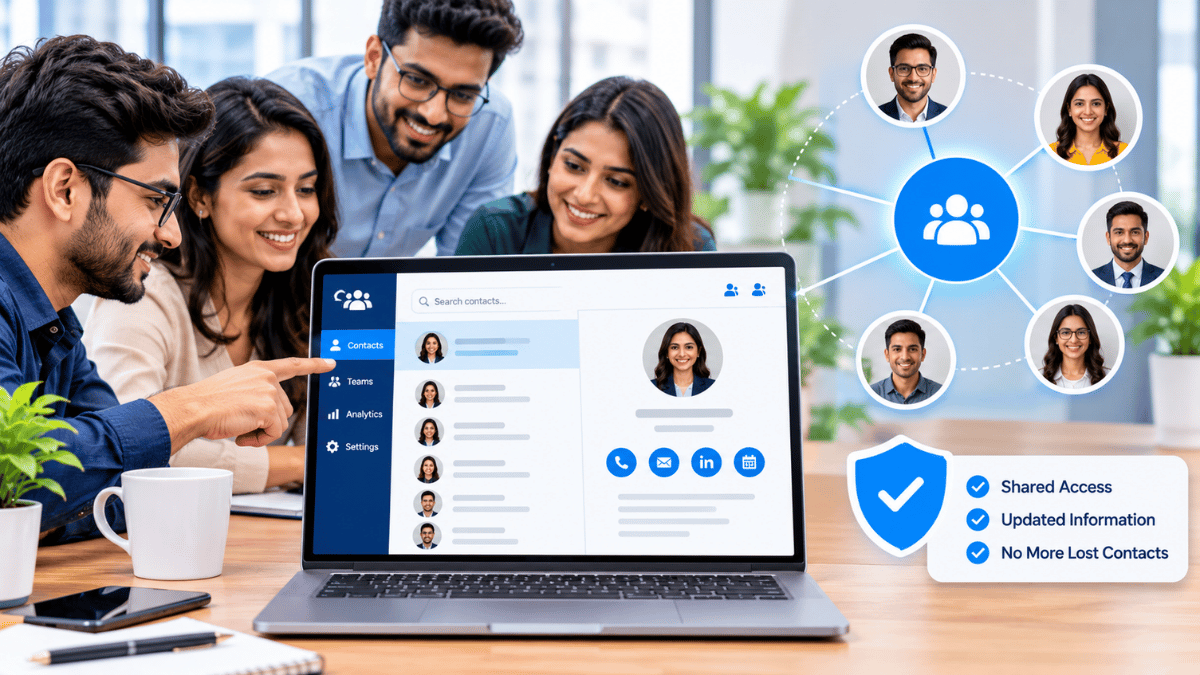
A Signify digital business card provides a centralized, dynamic, and beautiful directory for your entire organization. Instead of sending static files, you share a single secure link with new hires, giving them instant access to everyone they need to know.
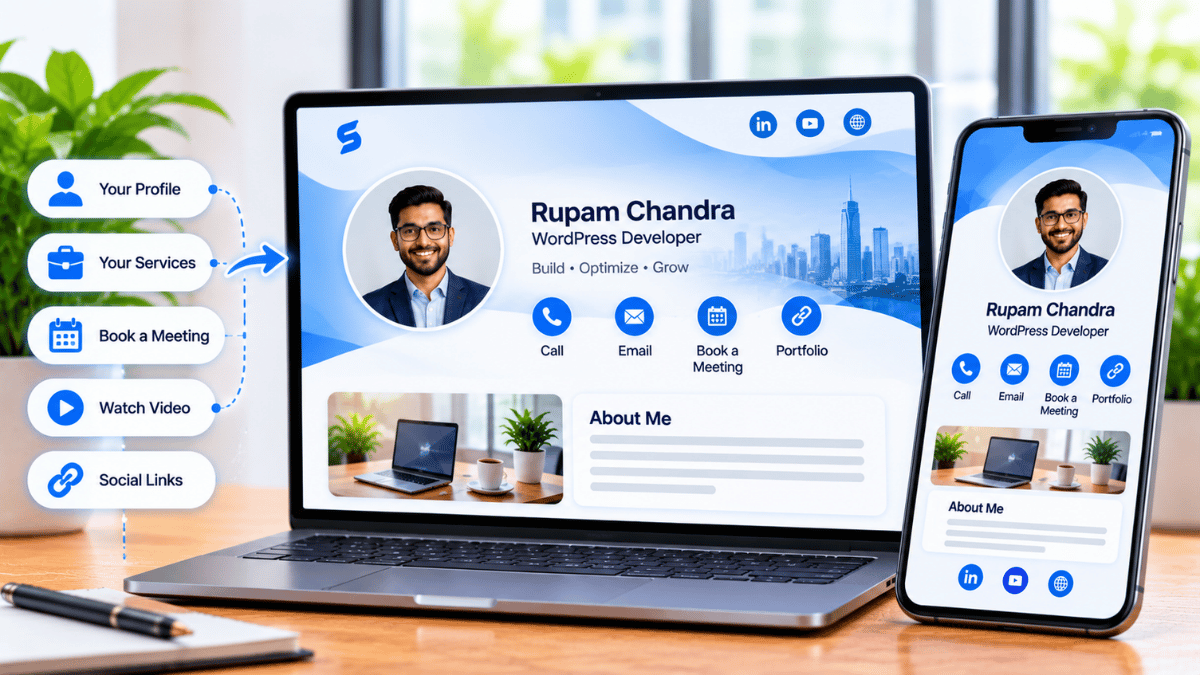
Each employee gets their own professional Signify.ink profile. From there, colleagues can view accurate contact information, book meetings, or instantly use the one-tap Save to Contacts functionality to download a vCard (VCF) directly to their phone.
 }})
For organizations looking to scale this across hundreds or thousands of employees, Signify for Teams provides the administrative backbone to manage profiles, enforce brand guidelines, and control access.
Powerful Features for HR and IT
Signify is built to be effortlessly powerful, integrating seamlessly into your existing workflows while providing an exceptional user experience for your team.
Dynamic Team Directories
Create custom directories for departments, projects, or office locations. When an employee's details change (e.g., new phone number, title change), it updates instantly for everyone. No more resending spreadsheets or outdated contact cards.
Seamless HRIS Integration
Explore the Signify solutions to connect with your existing Human Resource Information System (HRIS). Automatically create and deactivate digital business cards as employees join or leave the company. This drastically reduces manual admin work, ensures data accuracy, and improves security by revoking access to company directories the moment an employee departs.
Eco-Friendly and Modern
Eliminate the waste and cost of paper business cards. By adopting a Signify digital business card, you present your company as a modern, tech-forward, and environmentally conscious organization from the very first day of a new hire's journey.
Centralized Admin Dashboard
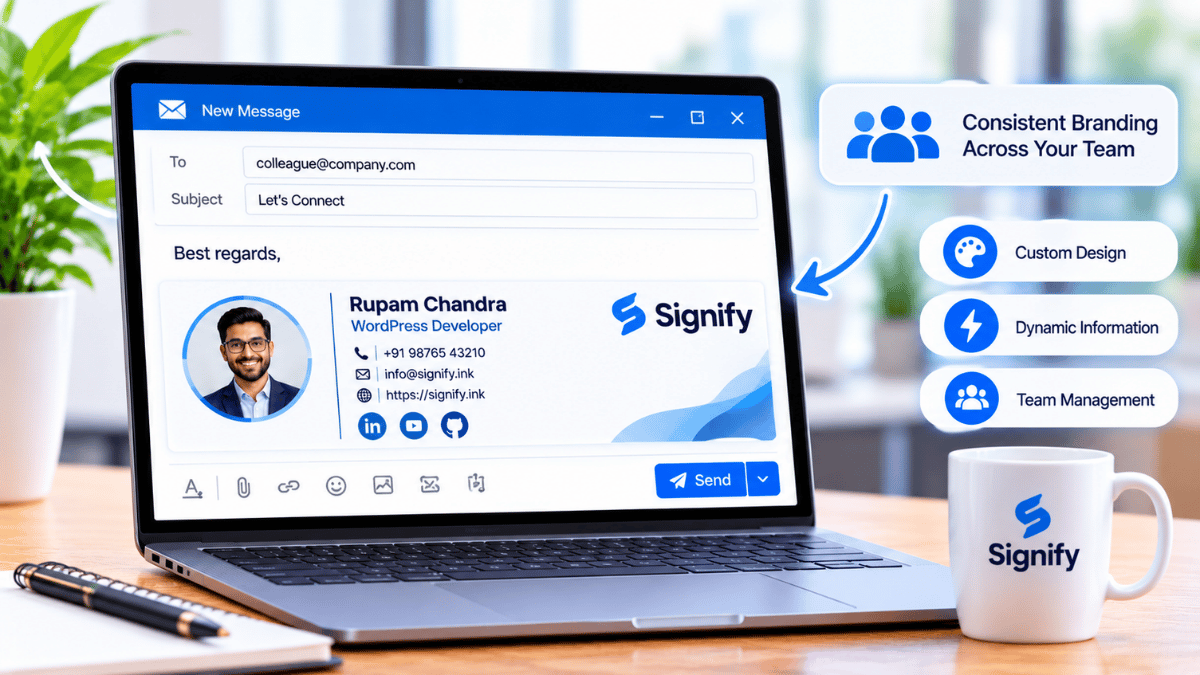
From a single, intuitive dashboard, administrators can manage all employee cards, control which fields are visible, and organize team directories. Full control, zero complexity, ensuring your brand identity remains consistent across every employee profile.
Measurable Onboarding Improvements
By eliminating manual tasks and providing instant access to information, Signify accelerates new hire productivity and significantly reduces administrative overhead. The data below illustrates the typical improvements organizations see when switching to a digital-first team directory.
| Metric | Before Signify | With Signify |
|---|---|---|
| Time to full team connection | ~5 Days | ~0.5 Days |
| Weekly HR admin time on contact updates | ~4 Hours | ~0.2 Hours |
| First-week productivity | 55% | 85% |
Implementing Signify for Your Team
Rolling out a Signify digital business card directory across an organization is a straightforward process. Here is the standard workflow.
- Set up your Team account: Review the Signify plans and pricing to choose the right tier for your organization's size.
- Claim your company domain: Secure a branded link (e.g., signify.ink/yourcompany) to ensure trust and professionalism.
- Invite your employees: Send out bulk invitations so team members can claim and customize their individual profiles.
- Integrate your HRIS: Link your HR system so new hires are automatically provisioned with a Signify card the moment they sign their contract.
- Share the directory link: Add the master directory link to your employee handbook, Slack/Teams channels, and onboarding emails.
Best Practices for Digital Onboarding
To get the most out of your digital directory, pair Signify.ink with a thoughtful onboarding strategy.
- Encourage profile completion: Ask employees to add a professional photo, their preferred contact methods, and a brief bio to their Signify digital business card.
- Standardize branding: For client-facing roles, use the admin dashboard to ensure the company logo and brand colors are consistent on all Signify profiles.
- Promote security: Explain that using a centralized directory is safer than sharing personal phone numbers or outdated spreadsheets.
- Link to other tools: Connect employee cards to their company LinkedIn profiles, Microsoft Teams, or calendar booking links to streamline communication.
- Collect feedback: Check in with new hires after their first month to see if they found the Signify directory easy to use.
Frequently asked questions
Do new hires need to download an app?
No. The Signify digital business card opens in any standard mobile web browser. New hires can view the directory and use the "Save to Contacts" button without installing anything.
Can we restrict who sees the company directory?
Yes. With Signify for Teams, administrators can control access to the directory, ensuring that internal contact details remain secure and are only visible to authorized employees.
What happens when an employee leaves the company?
When an employee leaves, an admin can deactivate their Signify profile. This ensures that any old links or printed QR codes no longer direct people to outdated or unmonitored information.
Can employees still have personal paper cards?
Yes, but many organizations choose to replace paper cards entirely with NFC digital business cards. Employees can tap their physical card to immediately share their Signify profile, ensuring the recipient always gets the most up-to-date information.
Where can I learn more about Signify?
Visit Signify.ink or the Signify digital business card overview to see how our platform can modernize your networking and onboarding.
Ready to modernize your onboarding?
Give your new hires the tools they need to succeed from day one. Explore Signify for Teams to set up a dynamic, secure digital directory for your entire organization.
Explore Signify for Teams