 Signify.ink

HR teams rarely own the paper business card line item directly — but they are the ones who field the requests, chase the reprints, and manage the fallout when a card goes out with a title that changed six months ago. That maintenance burden is small on a per-employee basis and enormous in aggregate. Signify Teams was built to remove it: one organization card template, an employee roster, and per-employee personalization that stays in sync with the brand. This article explains what Signify Teams actually does for HR teams — the onboarding flow, the brand control, the analytics, and the shared contact directory — and what it does not do, so that an HR leader evaluating the platform knows exactly what they are buying.
The HR problems that card inconsistency creates
The card itself is a small artifact. But the workflow around it — deciding on a template, ordering prints, distributing them, handling reprints after role changes, chasing down employees who are still carrying old cards — is a recurring administrative burden that nobody wants to own. Three specific problems show up across HR teams of every size.
1. Reprint cost is a moving target
A business card that lists a title is out of date the moment that title changes. For a company with any meaningful turnover — whether from growth, restructuring, or natural attrition — the print-and-reprint cycle becomes an ongoing expense that HR is often responsible for but cannot easily budget. The specific number varies enormously by organization and print vendor, but the pattern is consistent: the recurring cost of reprints dwarfs the cost of the original batch.
2. Brand drift across employees
When each employee is responsible for ordering their own cards (or when local offices handle it independently), the result is a slow, quiet drift: different logos, different color palettes, different fonts, different titles. A customer who meets three employees from the same company sees three different cards. That inconsistency is not a design failure of any single card — it is the absence of a system.
3. Event follow-through cannot be measured
When recruiters attend a career fair or salespeople attend a conference, the team has no way to know whether the event produced any engagement. The cards were handed over, the event ended, and the outcome is invisible. Without measurement, the decision to attend next year’s event defaults to whether it “felt productive,” which is a very weak signal for a five-figure investment.
What Signify Teams actually does
Signify Teams is an organizational layer on top of the individual Signify digital business card. It provides four concrete capabilities, each of which maps to one of the HR problems above.
Organization card templates
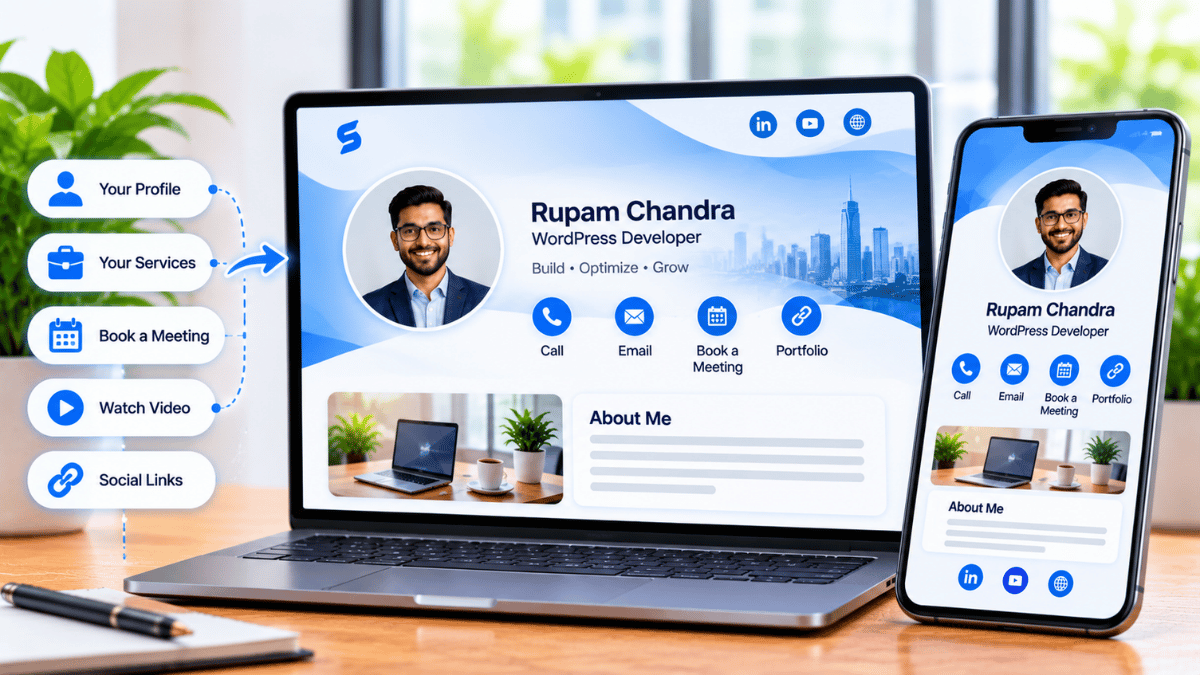
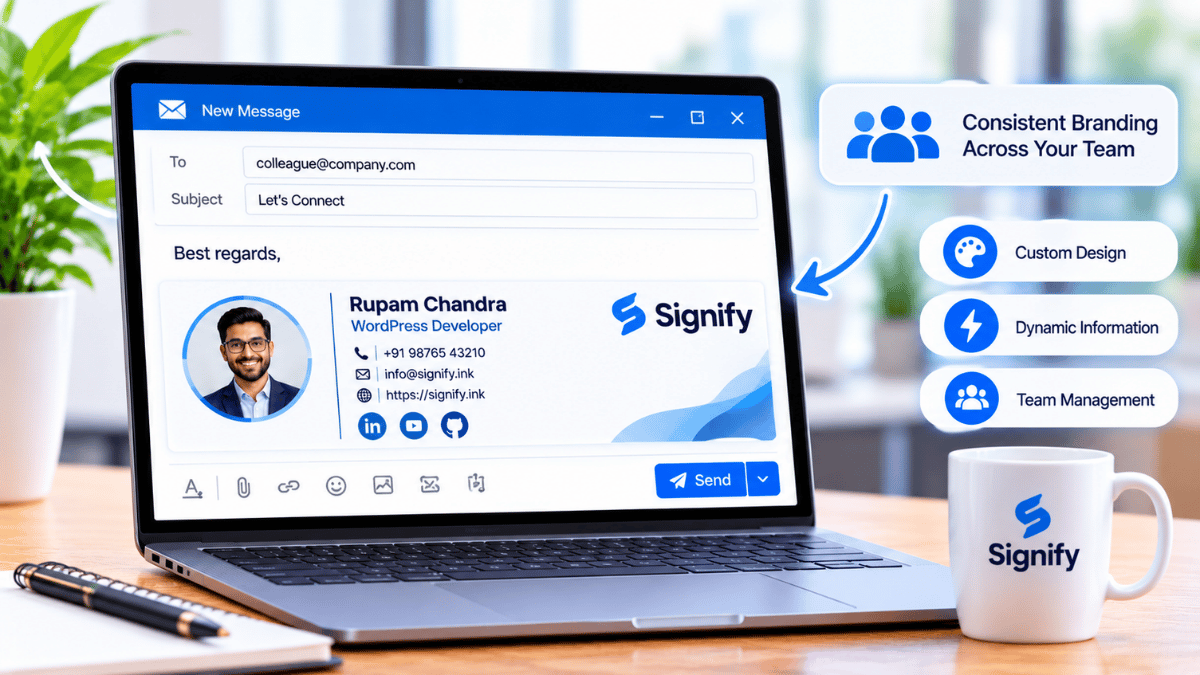
An admin designs a single template — logo, theme, colors, required fields — that every employee card inherits. Personal details (name, title, photo, contact info) remain per-employee. When the brand changes, the template is updated once and the change propagates across every card.
Self-serve card creation
Employees create their own cards from the template in a few minutes — no HR intervention, no print order, no waiting for IT. The onboarding step becomes “create your card” rather than “fill out this form and wait two weeks.”
Shared contacts directory
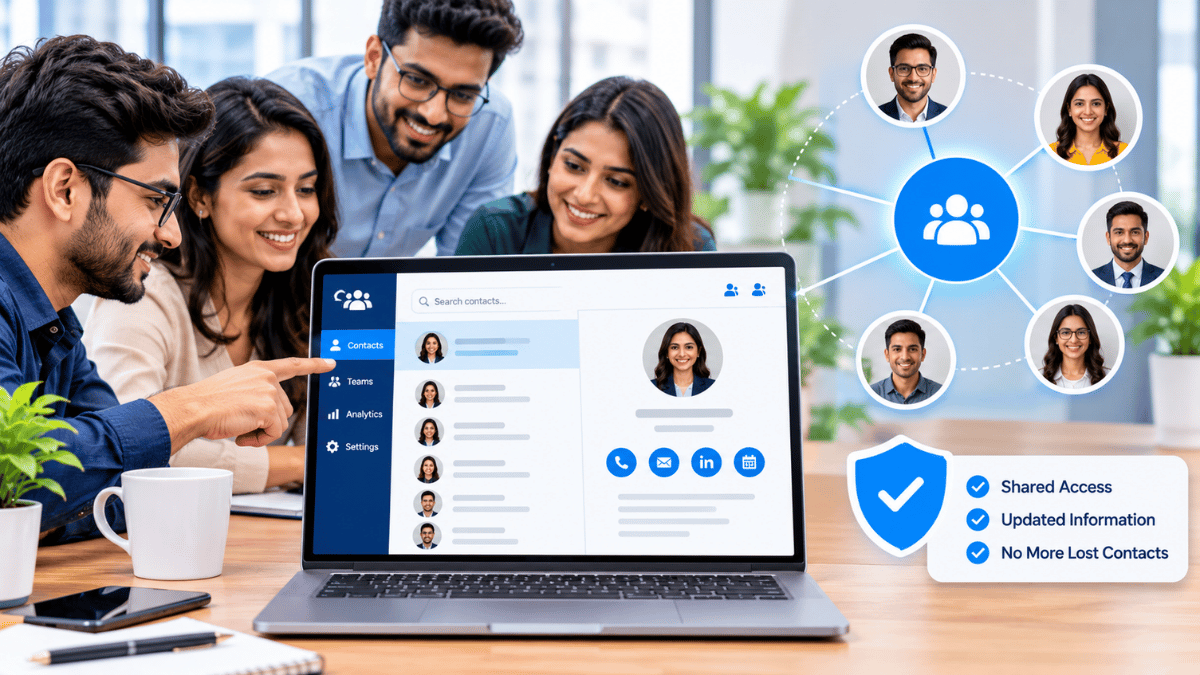
Contacts captured by any employee appear in a shared directory. When multiple employees meet the same prospect at different events, the team sees the full history rather than two disconnected records.
Team analytics
Views, saves, and link clicks aggregated across the organization — so that leadership can see which events and which employees produced engagement, and use that data to guide future investment.
Each of those is a real capability of the product. What is not a capability — and what the article this one replaces implied — is a per-employee HR assignment dashboard, an HRIS integration, an “issuance in under a minute” workflow from an admin panel, or ATS integration. Those are capabilities of HR software, and Signify is not HR software.
Onboarding: template-driven, self-serve
The specific value of Signify for onboarding is that it removes an administrative step rather than adding one. Once an organization template is set up, a new employee can complete their card in a few minutes. HR does not need to be involved in the individual card creation, because the individual card creation is self-serve.
This matters because onboarding is a period of high administrative load for both the employee and the HR team. Employee onboarding research from the general onboarding literature consistently shows that new hires form their impression of the company during the first weeks — and that administrative friction during this period has a measurable effect on that impression. Every step that requires the new hire to wait for someone else to complete a task is a step where momentum is lost.
The Signify contribution to that is small but real: a digital card is available immediately rather than ordered and shipped. It is not a substitute for the broader onboarding experience — payroll, system access, training, team introductions all happen elsewhere — but it is one fewer thing that requires waiting.
Brand consistency at scale
The organization template is the mechanism that solves the brand-drift problem. An admin designs the template once — logo, theme, accent color, cover photo, company name, website — and locks those elements. Employees personalize the fields that are theirs: name, title, profile photo, phone, email, personal social links. The resulting cards all look like they belong to the same organization, but no two are identical.
When the organization rebrands — new logo, new color palette, new name — the admin updates the template and the change propagates across every employee card automatically. The cards that were saved by contacts three months ago now show the new branding. There is no print run to coordinate, no individual employee outreach, no wasted inventory.
For an HR team, the brand-consistency argument has two parts. The first is the obvious external one: consistent cards reflect a consistent brand. The second is less obvious but equally important — consistent cards remove a source of HR work. The current state of fragmented cards and reprints requires someone to coordinate; the Signify Teams state requires one template update per brand change.
Event follow-through across the team
When a team attends a conference, a career fair, or a trade show, the follow-up is where the value either compounds or evaporates. Signify Teams helps with the follow-up in three specific ways.
One-tap capture at the event
Every employee’s card can be shared via QR code, NFC tap, direct link, or email signature. The recipient opens the profile in their browser — no app required — and can save the contact in one tap. The capture happens at the event, not in a data-entry session afterward.
Shared record across employees
When multiple employees attend the same event, or when employees from different teams meet the same external contact at different events, the shared directory shows the full history. The customer experiences one coordinated relationship rather than two disconnected ones. The HR team, if it is managing the event, sees the same record.
CRM sync where appropriate
Contacts captured through Signify can flow into Zoho CRM automatically, with one-click sync and re-sync on updates. For recruiting events specifically, the leads can be routed into the team’s candidate pipeline. Note that this is a CRM integration, not an ATS integration — organizations using a dedicated ATS for candidate management would still do the final routing through their own systems.
What the analytics measure
Signify Teams analytics provide visibility into engagement at the individual and team level. The specific metrics are the same ones the individual card provides, aggregated across the organization.
What is measured
- Views per card (how many times a profile was opened)
- Contact saves (how many recipients saved the contact)
- Link clicks (which links on each card were clicked, and how often)
- View source (QR scan, NFC tap, email signature, direct link)
- Aggregation by employee, by team, or by event period
What is not measured
- Individual viewer identity — the analytics report aggregate counts, not who specifically viewed a card
- Business outcome attribution — a card view cannot be tied to a closed deal or a hired candidate without cross-referencing the CRM or ATS
- Cost per hire, cost per lead, time to fill — these live in the HR and finance systems
The honest framing is that Signify analytics give the HR or marketing team a leading indicator: engagement at the event, not hiring outcomes. If the engagement numbers are healthy and the outcomes are not, the issue is downstream of the card. If the engagement numbers are low, the card or the event setup is worth reviewing. That is a useful, narrow signal — not a substitute for outcome data.
What Signify Teams does not do
The original article presented Signify as a lightweight HR platform. It is not. It is a digital business card platform with an organizational management layer. The distinction matters for anyone evaluating it as a replacement for existing HR tooling.
The practical implication is that an HR leader evaluating Signify Teams should think of it as an add-on to the existing HR stack, not a replacement. It solves a specific, narrow problem — the professional-identity card that every employee carries — and it does not attempt to solve the broader HR problems. That focus is what makes it useful; it is also what makes the “HR platform” framing misleading.
A realistic rollout
A Signify Teams rollout typically takes a few weeks, and it involves coordination between HR, marketing, and IT. The rollout sequence below is the one that most organizations follow successfully.
- Design the template with marketing. Marketing should own the visual identity — logo, colors, and required fields. HR should confirm which fields are required and which are optional. The template is a design artifact, not an HR artifact.
- Pilot with a small client-facing group. Sales teams, recruiters, or business development people who attend events frequently make good pilot groups because the value is most visible there. A 20-person pilot produces usable analytics within a couple of weeks.
- Roll out by team, not by employee. Rolling out one employee at a time creates confusion about what the product is for. Rolling out by team produces a wave of adoption that each team can learn from.
- Integrate with the CRM where relevant. If the team uses Zoho CRM, enable the leads sync so that captured contacts flow into the existing pipeline. If the team uses a different CRM, check the solutions page for current integration support.
- Measure after 60–90 days. Review views, saves, and lead captures by team and by event. Use the data to decide where to expand the rollout and where to refine the template.
For organizations that also maintain a public-facing page, Business Brief extends the same identity to the company level — a single branded destination that routes visitors to the team directory. The Signify widget can also be embedded on the company website so that the team is browsable from the site itself.
Pricing and trial
Signify Teams is priced per seat, with seat counts supported from 5 to 100 in the standard plan. A seven-day free trial lets an HR or IT team evaluate the deployment before committing. The current pricing is on the pricing page.
For organizations with stricter compliance requirements, the Security Policy and Privacy Policy are the documents IT and legal will want to review. Signify encrypts data in transit with TLS 1.2+ and at rest with AES-256, hosts on ISO 27001/27017 and SOC 1/2/3 certified infrastructure, and supports field-level visibility controls and remote logout.
For related reading on the broader enterprise-networking picture, the Signify Insights library has companion articles on team identity consistency and hybrid networking workflows.
Frequently asked questions
What is Signify Teams?
Signify Teams is the organizational layer on top of the individual Signify digital business card. It provides organization card templates (so every employee’s card inherits the same branding), a shared contacts directory, team analytics, and CRM integration. It is designed for organizations that want consistent professional identity across all client-facing employees.
Does Signify Teams replace our HRIS or ATS?
No. Signify Teams does not integrate with an HRIS (Workday, BambooHR, Rippling), manage employee records, handle onboarding workflows beyond the card, process applications, or integrate with an ATS (Greenhouse, Lever, Workday Recruiting). Those capabilities belong to HR and talent software. Signify Teams handles one specific surface: the professional-identity card that each employee carries.
How does Signify Teams help with onboarding?
Once the organization template is set up, a new employee can complete their card in a few minutes — self-serve, without HR intervention. HR does not need to coordinate an individual print order or wait for a card to arrive. The card is available immediately. It is a small but real reduction in the administrative load of the first week.
How does brand consistency work at scale?
The organization template locks the shared branding fields — logo, theme, accent color, cover photo, company name, website — while employees personalize their own details. When the company rebrands, the admin updates the template once and the change propagates across every employee card automatically. There is no print run and no individual employee outreach.
Can multiple employees share the same contact?
Yes. Contacts captured by any employee appear in a shared directory. This means that if two employees meet the same prospect at different events, the team sees a unified record rather than two disconnected ones. That is one of the primary value propositions of Signify Teams over individual cards.
What analytics does Signify Teams provide?
Views, contact saves, link clicks, and view source (QR scan, NFC tap, email signature, direct link). Analytics can be aggregated by employee, by team, or by event period. The analytics do not identify individual viewers, and they do not attribute engagement to specific business outcomes — those attributions live in the CRM or ATS.
Does Signify Teams integrate with our CRM?
Yes, for Zoho CRM. Signify leads supports one-click sync, bulk sync, and re-sync on updates. Organizations using other CRM systems should check the solutions page for current integration support. For candidate-management workflows, the CRM or ATS remains the system of record.
How many seats does Signify Teams support?
Seat counts from 5 to 100 in the standard plan. A seven-day free trial is available for evaluation. For larger deployments, contact Signify directly — current details are on the pricing page.
Is Signify Teams secure enough for enterprise use?
Signify encrypts data in transit with TLS 1.2+ and at rest with AES-256, hosts on ISO 27001/27017 and SOC 1/2/3 certified infrastructure, and supports field-level visibility controls and remote logout. The Security Policy and Privacy Policy are the documents that IT and legal reviewers will want to see.
What is a realistic rollout timeline?
Most organizations complete the initial rollout in 3–4 weeks. The sequence that works: template design with marketing (1 week), pilot with a small client-facing team (2 weeks), broader rollout by team after the pilot produces usable analytics (1–2 weeks). The ongoing administration is minimal after that — mostly template updates when the brand changes.
Give every employee a card that stays current
One organization template, per-employee personalization, and a shared directory that keeps the team coordinated. Signify Teams, starting at 5 seats.
Explore Signify Teams