 Signify.ink

QR codes have become almost invisible through ubiquity — printed on restaurant tables, parking meters, event badges, package labels, and increasingly on business cards. The format is remarkably simple: a two-dimensional barcode that any modern phone camera can decode in under a second, opening a URL in the browser. For professional networking, that simplicity is what makes it powerful. But the same simplicity is what makes QR codes dangerous when misused — they are used in phishing scams because users scan without thinking, and the destination is not visible until after the scan. This article covers what QR codes actually are, where they fit in modern networking, where the security risks are real, and what a working setup looks like.
What is a QR code?
A QR (Quick Response) code is a two-dimensional barcode invented in 1994 by the Japanese automotive company Denso Wave, originally to track vehicle parts during manufacturing. The format was released publicly the following year, and became widely adopted over the following two decades for everything from inventory tracking to consumer marketing. The Denso Wave history page has the primary source on the invention; the Wikipedia entry on QR codes provides a technical overview of the encoding.
Unlike a traditional one-dimensional barcode that stores data in a line of variable-width bars, a QR code stores data in a grid of black and white squares. That grid allows it to hold significantly more information — up to 7,089 numeric characters or 4,296 alphanumeric characters depending on the version — and to be scanned from any direction, including upside down. The format also includes built-in error correction, meaning a QR code can still be read even if up to about 30% of it is obscured or damaged.
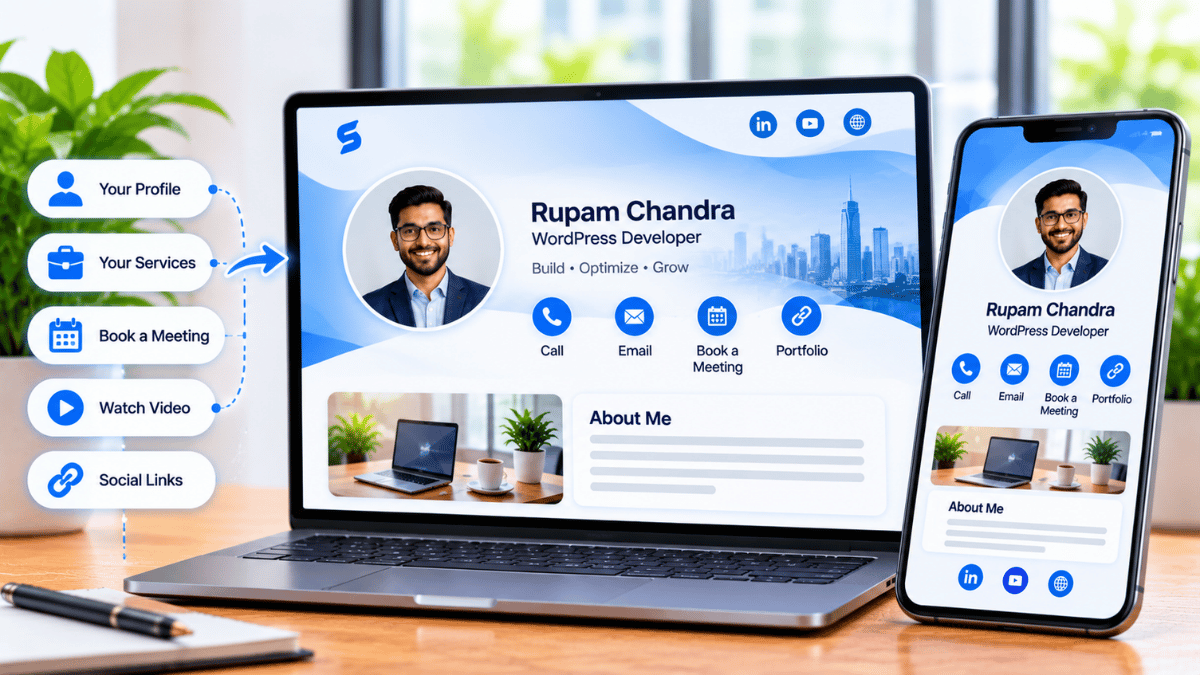
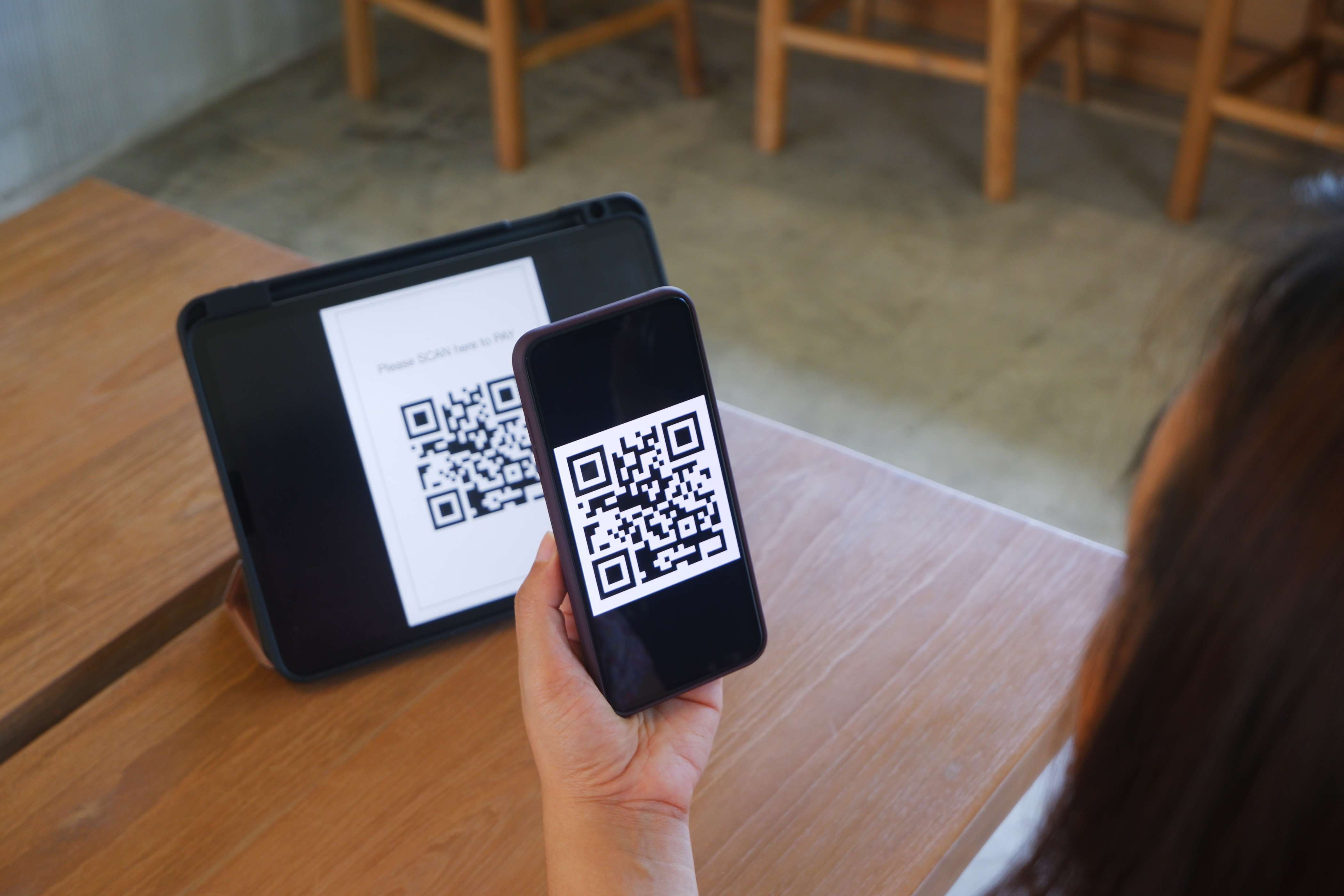
For networking, the practical consequence is simple: a QR code can encode a URL that opens your digital business card. A recipient scans it with a phone camera, the browser opens, and your profile appears. No app, no account, no manual entry.
Anatomy of a QR code
Understanding the structure of a QR code is useful because it explains both why the format works so reliably and why some QR codes fail to scan. Three elements matter most.
Finder patterns
Three large square patterns at the top-left, top-right, and bottom-left corners of the code. These tell the scanner where the code is and how it is oriented — which is why a QR code can be scanned from any angle, including upside down. Without these, the scanner would not know which edge is the top.
Data and error correction
The main area of the code contains the encoded information (usually a URL) plus redundant error-correction data. The error correction is what allows a QR code to remain readable even if part of it is smudged, obscured by a logo, or physically damaged. The trade-off is that higher error correction means less data can be stored in the same physical area.
Quiet zone
A blank margin around the code, typically at least four modules wide, which isolates it from surrounding visual elements. Without a quiet zone, scanners can fail to distinguish the code from whatever surrounds it. This is why a QR code printed too close to a busy background often does not scan — the quiet zone is not there.
Why some QR codes fail
The most common causes of a QR code that will not scan are: a damaged or missing quiet zone, insufficient contrast between the modules and the background, printing at too small a size for the camera to resolve, or a physical obstruction like a sticker placed over the code. If you are printing a QR code on business materials, verifying all four of these factors before the print run is the difference between a card that works and one that does not.
Where QR codes are used
Beyond networking, QR codes appear across dozens of everyday contexts. Understanding the range helps explain why users have become comfortable scanning them without hesitation — which is exactly what makes the security risks worth understanding.
Wi-Fi access
A QR code can encode a network SSID and password, so guests can connect without typing a long password. Common in cafes, hotels, and offices.
Contact sharing (vCard)
A QR code can encode a vCard that adds the contact to the recipient’s address book. The most common format for digital business cards.
Event check-in
Attendees present a QR code from their registration email to be scanned at the door. Faster than checking names against a list.
Payments
Mobile payment systems in many markets use QR codes to transfer funds between phones or to pay merchants. Common in Asia and increasingly in other regions.
Marketing links
A QR code on a poster, packaging, or print ad directs viewers to a campaign page, product details, or a social profile.
Menu and info
Restaurants, museums, and public venues use QR codes to serve menus, exhibit information, or audio guides without printed materials.
The range of applications matters for networking because it explains the behavioral baseline. Users scan QR codes without asking what is on the other side — because in 99% of cases, they have been trained that the answer is something useful and benign. That is precisely what makes phishing attacks effective.
QR codes in professional networking
For professional networking specifically, QR codes serve three distinct functions, and most professionals use all three.
In-person sharing without a physical handoff
When you meet someone at a conference or event, you can display a QR code on your phone screen for the other person to scan. The digital business card opens in their browser. This is faster than handing over a paper card and hoping the recipient enters the information later, and it eliminates the manual data entry step entirely.
Printed materials that stay current
A QR code printed on a conference badge, a tabletop sign, a slide deck, or a flyer can point to a dynamic profile that updates as your details change. Unlike a printed phone number that becomes stale within a year, the QR code stays valid forever — because it encodes a redirect URL, not the final data.
Email signatures and bios
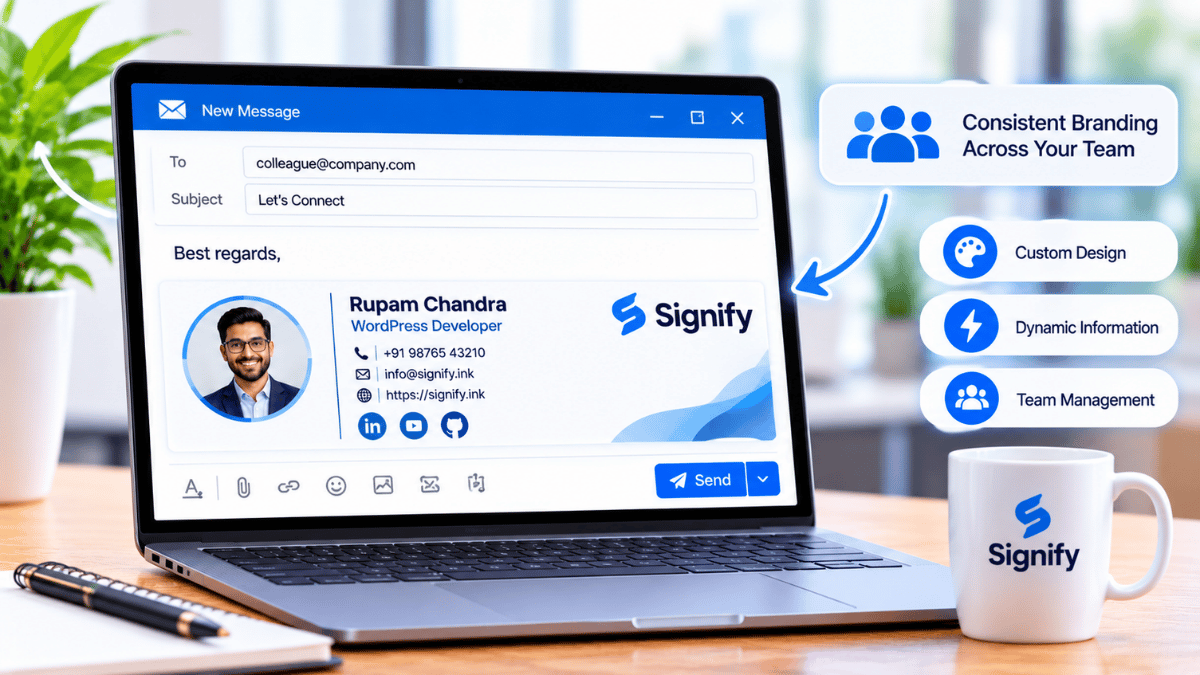
Adding a QR code to an email signature or a social media bio gives recipients who prefer to scan rather than click a native way to save your contact. This is a small touch that produces measurable engagement over months of outgoing messages.
The common thread is that QR codes remove friction at the exact moment the recipient decides to connect. A paper card asks them to do work later; a QR code lets them act immediately, on the phone they are already holding.
Dynamic vs. static QR codes
This distinction matters more than most users realize, because it determines whether a printed QR code stays useful over time.
| Type | How it works | Business card implication |
|---|---|---|
| Static QR | Encodes the final destination directly in the image. The URL is baked into the pattern. | If your profile changes, you need to print a new QR code. Printed materials become stale. |
| Dynamic QR | Encodes a short redirect URL that points to your profile. The redirect can be updated on the backend. | Printed QR codes stay valid forever. You can change what they open without reprinting anything. |
A Signify QR code is dynamic. That has two practical consequences worth naming. First, a QR code on a printed sign, badge, or flyer in January still works correctly in December — even if you changed jobs, rebranded your company, or updated your contact details in between. Second, the platform can track scan events because the redirect passes through Signify’s servers before opening the profile.
If you are generating a QR code for a business card and you want it to remain useful for more than a few months, choose a dynamic generator. The difference is invisible to the recipient but matters enormously to you.
The real security risks
QR codes have a well-documented security problem, and it is worth understanding it clearly rather than either dismissing it or panicking about it. The technology itself is not vulnerable — the pattern of user behavior around QR codes is.
QR phishing (quishing)
The most common attack is phishing via QR code. An attacker places a malicious QR code where users expect a legitimate one — a sticker over a restaurant table code, a fake event badge, a poster in a public place — and the code directs the user to a credential-harvesting page designed to look like a real login screen. Because the URL is not visible until the code is scanned, the user does not have the same visual check they would have for a clickable link. The FBI’s Internet Crime Complaint Center (IC3) has published a public service announcement warning about malicious QR codes, specifically citing credential theft and payment redirects as the primary threats.
Malware and unintended actions
A QR code can also initiate actions the user did not intend — opening a URL that triggers a malware download, composing an email to an attacker-controlled address, or adding a fraudulent contact. On most modern phones, these actions require user confirmation before they execute, but a user who has been trained to tap through prompts without reading is a viable target.
What actually protects users
The defense is simple and worth teaching to anyone who scans QR codes regularly:
- Check the destination URL before interacting. Most phone cameras show a preview of the URL before opening it. If the preview looks wrong — a domain you do not recognize, a slightly misspelled version of a known domain — close it.
- Never enter credentials on a page reached by a QR code. If you scanned a code and land on a login screen, close it. A legitimate business card or menu never requires authentication to view.
- Be wary of QR codes placed in public, unmonitored locations. A code on a sticker that could have been placed by anyone is a code worth verifying with the venue before scanning.
None of this requires avoiding QR codes. It requires applying the same discipline you would apply to an email link — check the destination before you act.
Best practices
For professionals designing a QR code as part of a card or a printed material, these practices make the difference between a code that gets scanned and one that does not.
- Provide a clear call to action. A QR code with no label is a code that gets ignored. “Scan to view my profile” or “Scan to connect” tells the recipient what to expect. In practice, this single change measurably increases scan rates.
- Ensure the destination is mobile-friendly. QR codes are scanned on phones. If the destination is a desktop-only page that requires horizontal scrolling or pinch-zooming, the experience is broken before it starts. A Signify profile is designed as mobile-first by default.
- Test with multiple devices. Scan the code on an iPhone and an Android device, and from a few different distances. A code that works on one device but not another has a compatibility problem worth fixing before printing thousands of cards.
- Use dynamic QR codes when the content will change. Any printed material that carries a QR code should use a dynamic generator unless the destination is truly permanent.
- Respect the quiet zone. Leave enough blank space around the code so scanners can isolate it. Do not place a QR code directly against a busy background, and never crop it into a corner without a margin.
- Do not obscure the code with branding. Logos placed over the center of a QR code can be tolerated if they are small enough and the error correction level is high enough — but this is a risk not worth taking for most business card designs.
- Check for tracking. If you are using a third-party QR generator, verify what analytics they collect and whether they own the redirect. With Signify, the redirect is owned by Signify, and the analytics go to your dashboard — not to a third party.
What Signify does
Signify uses dynamic QR codes as one of the four ways to share a digital business card (the others are NFC tap, direct link, and email signature). The QR code is generated automatically when you create a card, and it points to your profile. The code itself never changes, but the profile behind it does — so printed materials remain valid indefinitely.
For teams, Signify Teams manages QR codes at the organization level — every employee has a code, brand consistency is enforced through shared templates, and the analytics on scan events aggregate at the team level. The CRM integration routes contacts captured via QR scans into Zoho CRM automatically.
If you are looking for a QR code that is safe for recipients to scan, the key property is predictable destination. A Signify QR code always opens a Signify-hosted profile at signify.ink — never a third-party page, never a login prompt, never a download. That predictability is what makes the code trustworthy in the hands of a cautious recipient.
How to get started
Building a QR code that works for professional networking takes a few minutes. The steps are straightforward, but each one matters for reliability.
- Create a digital business card. Use Signify’s card editor to build a profile with your name, title, a photo, and the links you actually want to share.
- Download the QR code. Once your card is saved, download the QR code at high resolution for print, and a separate version for digital use (slides, email signatures, social bios).
- Test on a second device. Scan the code with a phone that is not yours. Confirm that the profile opens correctly and the important links work. This two-minute test catches every failure mode before you print anything.
- Place it where people will scan it. Conference badges, tabletop signs, laptop stickers, email signatures, slide decks, and physical cards are all high-value placements. Each context has a different expected scan distance.
- Review the analytics monthly. Signify reports scan counts, profile views, and contact saves. Reviewing the data over time reveals which placements are working and which are not.
For organizations, the next step is Signify Teams — a seven-day trial lets you evaluate the deployment before committing. Per-seat pricing is on the pricing page, and the Security Policy and Privacy Policy cover the data-handling posture enterprise buyers and compliance reviewers will want to review.
Frequently asked questions
What is a QR code, and where did it come from?
A QR (Quick Response) code is a two-dimensional barcode invented in 1994 by Denso Wave, a Japanese automotive company, originally for tracking vehicle parts. It stores data in a grid of black and white squares, can be scanned from any direction, and includes built-in error correction. The Denso Wave history page has the primary source on the invention.
How do QR codes work in professional networking?
A QR code printed on a business card, badge, slide, or email signature can encode a URL that opens a digital business card. When the recipient scans it with a phone camera, the browser opens to your profile — no app, no account, no manual entry. This is the fastest way to transfer contact information from a printed material to a phone.
What is the difference between static and dynamic QR codes?
A static QR code encodes the final destination directly in the image, so any change requires a new code. A dynamic QR code encodes a redirect URL, so the destination can be updated on the backend without changing the physical image. For printed business cards or badges, always use a dynamic code — the printed code stays valid forever even when the destination changes.
Are QR codes safe to scan?
The technology itself is safe — a QR code is just encoded data. The risk is user behavior: attackers sometimes place malicious QR codes in public places to redirect users to phishing pages. The FBI’s Internet Crime Complaint Center has published a warning about malicious QR codes. The defense is to check the destination URL before entering any information, and to treat a QR code like an email link — verify before you act.
What makes a QR code fail to scan?
The most common causes are: damaged or missing quiet zone (the blank margin around the code), insufficient contrast between the modules and the background, printing at too small a size for the camera to resolve, or an obstruction placed over the code. Testing on a real device before printing catches all of these.
Can I update my QR code after printing it?
Only with a dynamic QR code. Static codes encode the final destination and cannot be updated without generating a new image. A Signify QR code is dynamic — the printed code stays the same, but the profile it opens updates whenever you change your card details.
Should I put a logo in the middle of my QR code?
It depends. A small logo placed centrally can work if the QR code’s error correction level is high enough to tolerate the obstruction. But it is a risk: a logo that is too large, or a QR code with insufficient error correction, will fail to scan. For business cards where the code is the primary function, it is safer to keep the code clean and put the logo elsewhere on the card.
Do QR codes track the user who scans them?
QR codes themselves do not track users — they are static images. The analytics depend entirely on the platform the code points to. A dynamic QR code that routes through a redirect server (like Signify’s) can track scan events, but it should not track individual users. Signify reports scan counts and aggregated engagement, but not the identity of the person who scanned — which is the correct privacy posture.
How many QR codes should a professional have?
One is usually enough. A single Signify profile can be reached via the same QR code from a business card, a slide deck, an email signature, and a social media bio. The profile is the destination; the QR codes are the entry points. Having separate codes for each context is unnecessary unless you have genuinely separate profiles (e.g., different profiles for different roles or companies).
What is the first step?
Create a free Signify card, download the QR code, and test it on a device that isn’t yours. The whole process takes a few minutes, and the free tier is enough to evaluate the workflow before committing to a paid plan.
A QR code that works as a business card
Generate a dynamic QR code that points to a browser-hosted profile — no app for the recipient, updates forever behind the same printed code.
Create your free digital card