Signify.ink

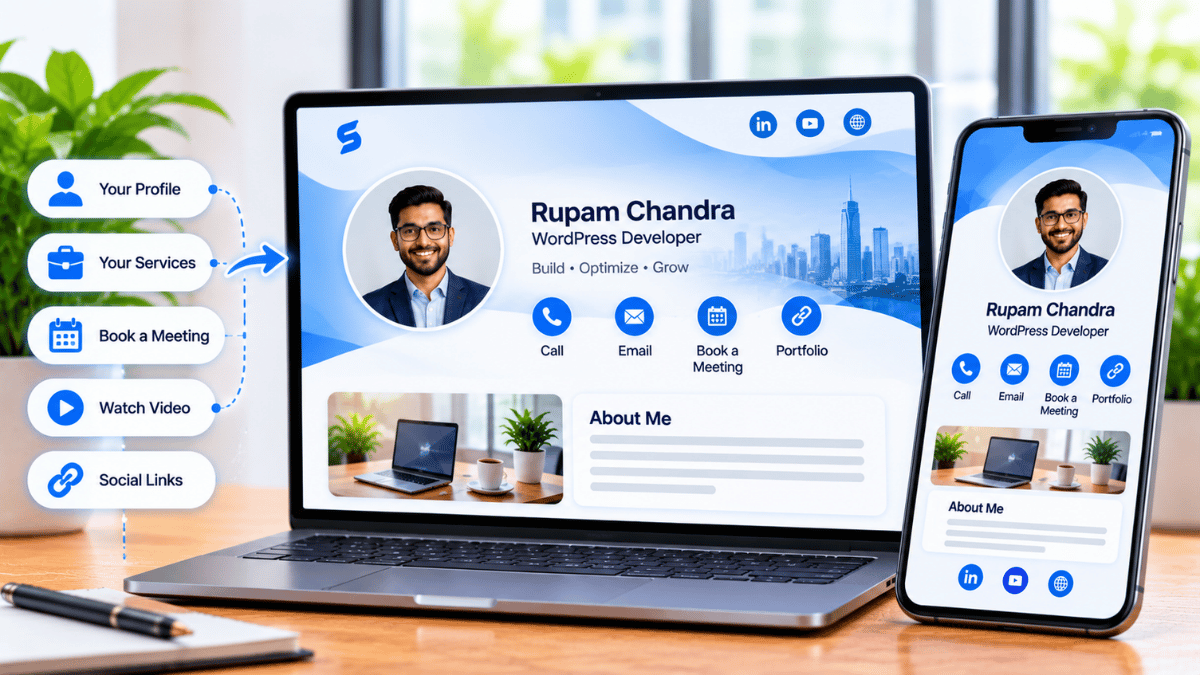
The QR code business card has moved from novelty to norm. In 2025, a static paper rectangle with a phone number is no longer how most professionals introduce themselves — a scannable code that opens a live, updatable profile is. Signify’s QR code business cards go one step further than a basic digital card: the code is dynamic, so the information behind it can change without regenerating the code, and the profile can capture leads, track engagement, and sync to your CRM. This guide explains why QR code cards became the standard, what separates a good one from a bad one, and how to set yours up in minutes.
The timing is not accidental. QR code scanning became a daily habit during the pandemic, and it never went back — diners scan menus, travellers scan boarding passes, shoppers scan payments. By 2025, roughly 60% of professionals report using some form of digital business card, and 37% of small businesses have already adopted them. The paper card has not disappeared, but it has moved from primary tool to supplementary object. A Signify digital business card is the tool that most professionals now reach for first.
Why QR code cards became the norm
Three forces converged to make 2025 the tipping point for QR-based networking. The first is behavioural: QR scanning is now a universal habit. The second is technological: every smartphone sold in the last five years can scan a QR code natively, with no app required. The third is economic: paper cards are expensive to print, reprint, and distribute, and they fail at the one job a networking tool is supposed to do — creating a saved contact.
The failure rate of paper is the strongest argument. An estimated 88% of paper business cards are discarded within a week, and fewer than one in ten ever make it into a CRM. A QR code card flips that equation. The recipient scans a code, the profile opens in their browser, and they save the contact with one tap. The friction that kills paper-based follow-up — manual data entry — disappears entirely.
The shift is not just about convenience. A QR code card is a measurement instrument. Every scan is a data point: who viewed your card, when, and which links they clicked. That feedback loop is what turns networking from a hopeful activity into a trackable one. The Signify analytics layer is built around that principle.
Static vs. dynamic QR codes
Not all QR codes are equal. The distinction that matters most for a business card is whether the code is static or dynamic.
| Type | How it works | Business card implication |
|---|---|---|
| Static QR code | Encodes a fixed URL or data payload directly in the image | If your details change, the code must be regenerated and reprinted. Printed materials become outdated. |
| Dynamic QR code | Encodes a short redirect URL; the destination can be changed on the backend | Update your profile anytime without changing the code. Printed signs, badges, and cards stay valid forever. |
A Signify Smart QR code is dynamic. That means a QR code printed on a conference badge, a tabletop sign, or a laptop sticker in January still works in December — even if you changed jobs, updated your phone number, or rebranded your company in between. The code is a permanent address; the content behind it is live.
The practical implication is significant for anyone who prints QR codes on physical materials. With a static code, every design change triggers a reprint. With a dynamic code, the print is a one-time cost. That difference alone often justifies the switch from paper to digital.
What makes a good QR business card
A QR code is only as useful as the page it opens. A well-designed QR business card has four characteristics: it opens fast, it works on any device, it carries the information the recipient actually needs, and it gives them a clear next step.
It opens fast
The profile should load in under two seconds on a mobile connection. Signify profiles are optimised for mobile performance, with responsive layouts and compressed imagery. A slow-loading profile is the digital equivalent of a card that gets fumbled — the recipient loses interest before the connection is made.
It works on any device
The recipient should not need to download an app, create an account, or switch browsers. A Signify card opens in a standard web browser on any smartphone, tablet, or computer. That matters at in-person events where the recipient may be using an unfamiliar device or a locked-down corporate phone.
It carries useful information
A QR code card can hold much more than a name and phone number. A well-designed card includes:
- A clear profile photo and a specific one-line bio
- Direct contact links (phone, email, messaging)
- Social profiles and a website or portfolio
- A booking link for scheduling meetings
- A lead-capture form for two-way exchange
It gives a next step
The card should make it obvious what the recipient can do next: save the contact, book a meeting, view a portfolio, or send a message. A card with no clear next step is a digital business card that behaves like a paper one — information without action.
Seven features that matter in 2025
The features that separate a basic digital card from a genuinely useful networking tool are the ones that close the gap between the handshake and the follow-up. These are the seven that matter most.
1. Dynamic QR updates
The code stays the same; the profile behind it changes. Update your role, company, or links without reprinting anything.
2. Engagement analytics
Track views, saves, and link clicks. See which introductions led to engagement and where follow-up should focus.
3. CRM integration
Contacts route into Zoho CRM or HubSpot automatically, with context attached. No manual data entry.
4. Lead capture
A two-way form prompts the recipient to share their details in exchange for your profile — turning a one-way share into a contact.
5. Universal sharing
QR code, NFC tap, direct link, or email signature — the same profile works across every channel.
6. Team brand control
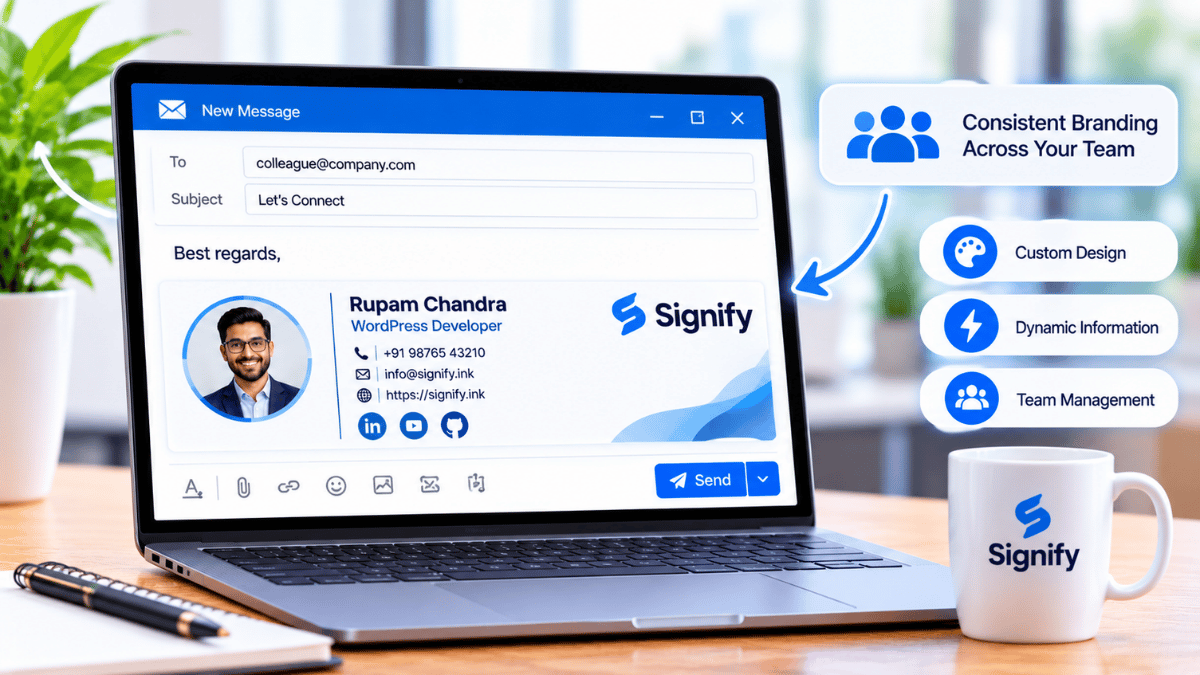
Signify Teams enforces branded templates across every employee card, with centralized seat management.
7. Enterprise security
TLS 1.2+, AES-256 encryption, field-level visibility controls, 2FA, and remote logout. The Security Policy covers the details.
The order matters. Dynamic updating is the foundation — without it, the card is just a digital version of paper. Analytics and CRM integration are what turn the card into a measurable tool. Lead capture is what turns a view into a contact. Universal sharing is what makes the card useful in every context. Team controls and security are what make the card deployable at organizational scale.
QR codes vs. NFC tap
QR codes and NFC are complementary, not competing. The right choice depends on the context — and most professionals use both.
When to use QR
A QR code is the universal fallback. It works with any phone camera, requires no hardware, and can be printed on any surface: a tabletop sign, a slide, a badge, a business card, or a laptop sticker. It is the best option for high-volume environments — conferences, trade shows, open houses — where speed and universal compatibility matter more than elegance.
When to use NFC
An NFC card is faster and more elegant for one-to-one introductions. Tap the card against a modern smartphone and the profile opens instantly — no camera angle, no lighting issues, no scanning delay. NFC is the best option for boardroom meetings, client dinners, and any situation where a physical object adds ceremony to the exchange.
Using both
The most common setup for professionals is both: an NFC card for in-person introductions, and a QR code for printed materials and high-volume events. Both point to the same Signify profile, so there is no duplication of effort. A Signify NFC card and a Signify QR code are two doors into the same room.
Setting up your QR business card
Building a QR code business card takes minutes, not hours. The sequence below produces a card that is immediately useful for networking.
- Create your card. Sign up and open the card editor via Create a Card.
- Add your core identity. A clear profile photo, your name, your role, and a one-line bio that tells a new contact exactly what you do.
- Add the links that matter. Include the channels where you actually respond: LinkedIn, a calendar booking link, a portfolio or website, and one messaging option.
- Enable lead capture. Turn on the two-way exchange form so recipients can share their details in return for your profile.
- Choose a theme. Pick a layout that reflects your professional style. Signify offers several themes and color options.
- Download your QR code. Export the code in high resolution for print, and save a version for digital use.
- Test on a second device. Scan the QR code with a phone that is not yours. Confirm that the profile opens correctly and the important links work.
Once the card is live, add the QR code to the places listed in the previous section. If you want a physical touchpoint, a Signify NFC card pairs with the same profile — you hand it over at meetings, and the recipient taps or scans to open the live version.
Security and privacy
QR codes have a well-known risk: they can be used for phishing. A malicious QR code can direct a recipient to a credential-harvesting page or a malware download. The defense is not to avoid QR codes — it is to use a trusted platform and apply the same scrutiny you would apply to a link.
Signify encrypts data in transit with TLS 1.2+ and at rest with AES-256, and it hosts on ISO 27001/27017 and SOC 1/2/3 certified infrastructure. It supports field-level visibility controls so you can hide personal contact details from your public profile, and remote logout so a lost phone does not become a compromised account. The Security Policy documents the full set of controls.
For recipients, the safety rule is simple: if a QR code opens a page that asks for a Microsoft, Google, or Apple password, close it. A legitimate Signify Smart QR code opens a public profile in a browser. It does not ask you to authenticate to view it.
For teams and organizations
A QR code card is useful for an individual. For an organization, the value comes from consistency: every employee’s card should reflect the same brand, and the organization should be able to manage cards centrally rather than relying on each employee to configure their own.
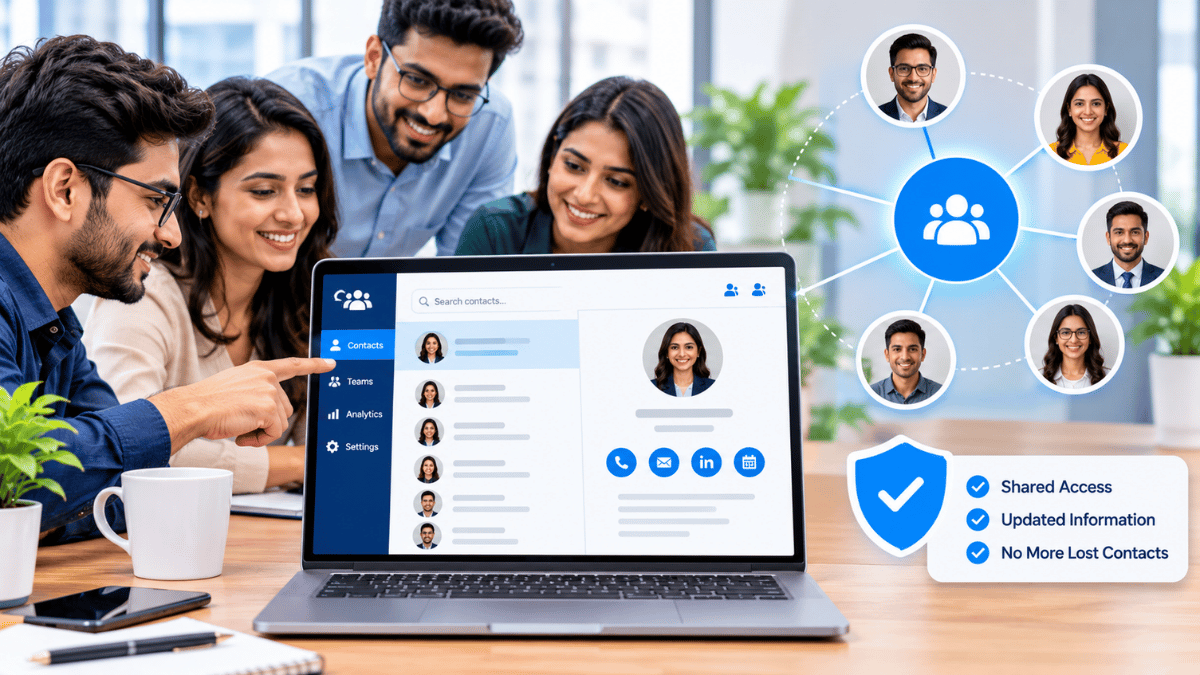
Signify Teams provides that control layer. Administrators can deploy branded templates, enforce logo and color guidelines, manage seat assignments, and review team-wide analytics. Contacts captured by any employee appear in a shared directory, and can sync to Zoho CRM or HubSpot via the CRM integration.
For organizations that also maintain a public-facing page, Business Brief extends the same logic to the company level — a single branded destination with contact options, office hours, and links to each employee’s card. Current plans and per-seat pricing are on the Signify pricing page.
Frequently asked questions
Do recipients need an app to scan my QR code business card?
No. The QR code opens your Signify profile in a standard web browser on any smartphone, tablet, or computer. There is nothing to download, which makes the exchange frictionless at in-person events.
What is the difference between a static and a dynamic QR code?
A static QR code encodes a fixed URL directly in the image, so any change requires regenerating and reprinting the code. A dynamic QR code encodes a redirect URL, so the destination can be changed on the backend without altering the printed code. Signify QR codes are dynamic.
Can I update my information after sharing the QR code?
Yes. Update your Signify profile once, and everyone who scans the same QR code will see the latest version. No reprints, no need to generate a new code. That is one of the core advantages of a dynamic QR card.
Does a QR code card work internationally?
Yes. The card is web-based, so it works anywhere the recipient has a browser and an internet connection. The QR code itself is device-agnostic and does not depend on the sender’s location.
How is a QR code card different from an NFC card?
A QR code is universal and requires only a camera; an NFC card is faster and more elegant for one-to-one introductions but requires a physical card and a device with NFC. Most professionals use both: QR for printed materials and high-volume events, NFC for in-person meetings.
What analytics does a QR code card provide?
You can track profile views, contact saves, and link clicks. For teams, Signify Teams aggregates analytics across every employee card, so you can compare performance by event, by rep, or by month.
Can a QR code card capture leads?
Yes. Signify’s lead-capture form prompts the recipient to share their details in exchange for your profile. The lead lands in your dashboard with contextual notes, and can sync to a CRM via the leads integration.
Is a QR code card secure?
Signify encrypts data in transit with TLS 1.2+ and at rest with AES-256, and hosts on ISO 27001/27017 and SOC 1/2/3 certified infrastructure. Field-level visibility controls and remote logout are supported. For recipients, the safety rule is to check the destination URL before entering any credentials — a legitimate Signify card never asks for a third-party password.
Can my organization enforce a consistent brand across QR cards?
Yes. Signify Teams uses a shared organization template that locks the company logo, theme color, and required fields, while each employee personalizes their name, photo, and contact details.
What is the first step to creating a QR code business card?
Create a free Signify card, add your details and links, download the QR code, and test it on a second device. The whole process takes a few minutes and does not require any technical skill.
Make every handshake a scanned connection
Create a Signify QR code business card that updates in real time, captures leads, and works on any phone — without an app.
Create your free QR card