 Signify.ink

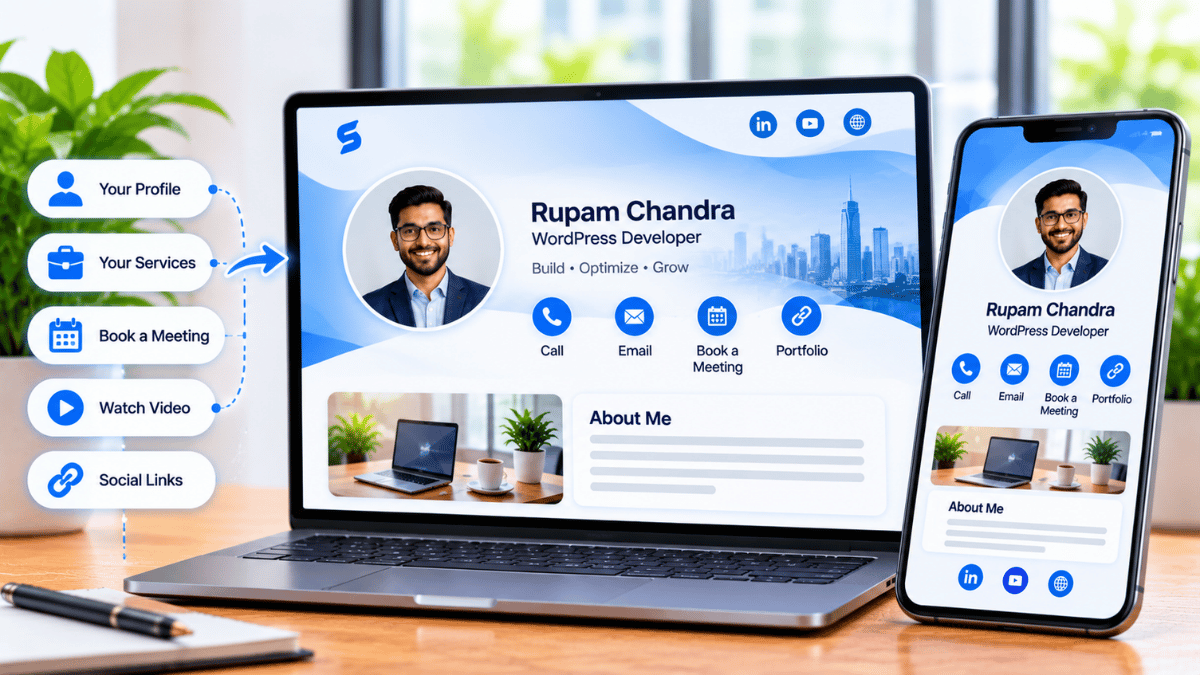
Real estate runs on relationships, but the paper business card has always been a weak link in the chain. Agents hand out cards at showings, open houses, and closings — and most of those cards disappear before they ever produce a lead. A Signify digital business card replaces that exchange with a live profile that shares listings, captures contact details, and tracks engagement. It is the same handshake, but with a follow-up mechanism built in. This guide explains how real estate professionals are using digital cards to win more listings, convert more buyers, and stay top of mind long after the open house ends.
The math is not subtle. NAR’s 2025 Member Profile shows that nearly 90% of home buyers would use their agent again, but only 25% actually do. The gap is not a satisfaction problem — it is a follow-up problem. Buyers meet an agent, exchange a card, and then lose track of them. A digital card closes that gap by making the agent the person who is easiest to reach, not just the one who happened to be at the last open house. The Signify digital business card was built around that insight.
Why real estate networking is changing
Real estate is a high-trust, high-consideration industry. A client is not just buying a house — they are making one of the largest financial decisions of their life, and they are doing it with someone they met a few weeks ago. That makes first impressions, follow-through, and professionalism disproportionately important.
The reality is that most agents lose clients not because of a bad transaction, but because they are not the agent the client remembers first when they are ready to act. The NAR statistic — 90% willing to rehire, 25% actually doing so — is the clearest expression of this. Agents who stay top of mind win repeat and referral business; agents who fade out don’t.
The implication is straightforward: real estate agents do not need a better card; they need a better system for being remembered. A digital card is the closest thing to a one-click system for staying current with every contact. It lives in the buyer’s phone, updates automatically, and turns every handshake into a potential follow-up.
What breaks with paper cards
Paper cards fail at four points in a real estate transaction — and each failure costs the agent a lead.
They disappear
An agent who hands out 50 cards at an open house is doing well if 5 of them ever make it into a phone. The card is a physical object, and physical objects get lost — in a coat pocket, a handbag, a car, or a recycling bin. A Signify online business card lives in the buyer’s phone from the moment they save it.
They go out of date
A real estate agent’s inventory changes weekly. A paper card that says “luxury condos in the Pearl District” is obsolete the moment the agent starts listing in a new neighborhood. Digital cards update once and every saved copy reflects the change — no reprints, no stale listings.
They carry no context
A paper card tells a buyer the agent’s name and phone number. It cannot tell them about the agent’s recent sales, active listings, client testimonials, or average days on market. A Signify digital card can carry all of it, in a format the buyer can browse in seconds.
They cannot be measured
An agent who hands out 100 cards at an open house has no idea how many were saved, viewed, or acted upon. A digital card tracks views, saves, and clicks — turning every open house into a measurable event with a real ROI.
At showings and open houses
Showings and open houses are the moments where a real estate agent makes the strongest impression — and where the paper card is weakest. Most of the traffic is walk-in, most of the visitors are not yet ready to commit, and most of the follow-up happens days or weeks later. A digital card is the natural fit for that rhythm.
Instant contact sharing
A QR code on a tabletop sign, a flyer, or a business card lets visitors save your profile in seconds. No fumbling, no running out, no paper waste.
NFC tap at the door
A Signify NFC card taps against any modern phone and opens your profile instantly — ideal for in-person introductions where a QR code is awkward.
Listing links built in
Your card can link to active listings, virtual tours, neighborhood guides, and school data — so a buyer can explore the property in their own time.
View counts per event
See how many visitors opened your card, saved your contact, and clicked a listing. That is your open house ROI, in numbers.
A practical setup for open houses: print a QR code on a small card or tabletop sign with the text “Save my contact”. Place it near the sign-in sheet. Any visitor who scans it gets your full profile — including your listings — and lands in your digital contact list. No manual data entry for you, no paper to lose for them.
In client meetings
A client meeting is where a real estate agent moves from “someone I met at an open house” to “someone I might hire.” The card matters less than what it conveys — credibility, professionalism, and an easy next step. Digital cards are designed around exactly those three things.
Credibility at first contact
A digital card can link to your recent sales, client testimonials, brokerage profile, licensing information, and any professional designations. A buyer who can verify your credentials in two clicks is more likely to trust you with a six-figure transaction.
Rich media that paper cannot hold
Walkthrough videos, 3D tours, and photo galleries can all be linked from the card. For a seller deciding between two agents, a digital card with a polished portfolio and a curated listing reel is a stronger signal than a card with a phone number.
Calendar and booking integration
Link a booking tool so a client can schedule a follow-up meeting or a showing directly from your card. That removes the most common friction point in the transaction — the “let me check my calendar and get back to you” delay that loses momentum.
Site visits and inspections
Real estate is not a solo sport. A single transaction involves a buyer’s agent, a seller’s agent, a mortgage broker, an inspector, a contractor, an appraiser, and sometimes a title officer. Site visits and inspections are where those professionals meet — and where a digital card saves a tremendous amount of time.
Connecting with multiple professionals at once
On a single site visit, an agent may need to exchange contact details with a contractor, an inspector, and a stager. Three paper exchanges mean three lost cards. Three QR scans from a shared digital card mean three saved contacts in under a minute.
Weather and site conditions
A paper card that has been rained on, dropped in mud, or crushed in a pocket is useless. A digital card works in any condition — the phone is the carrier, not the card.
Follow-up planning on the spot
After the visit, the professionals involved usually need to coordinate next steps — scheduling inspections, arranging repairs, finalizing paperwork. A lead-capture flow attached to the card means the contact details are already in the system, with context attached to each interaction.
Capturing and converting leads
The lead-capture feature is the most important part of a digital card for real estate agents, because it changes the dynamic from a one-way handoff to a two-way exchange. When a buyer scans your card, they are prompted to share their own details in return — name, email, phone, and often a short note about what they are looking for. That lead lands in your analytics dashboard, ready for follow-up.
This matters more in real estate than in almost any other industry because the buyer journey is long and unpredictable. A buyer may look at five properties over six months before making a decision. Every one of those visits is an opportunity to capture a lead — but only if the agent has a system for turning a handshake into a contact.
For a solo agent, the follow-up is manual: review the leads, pick the ones that look promising, reach out. For a brokerage, Signify Teams aggregates leads across every agent’s cards, so the team can see the full pipeline and assign follow-ups accordingly. Contacts can sync to CRM via the leads integration, so the transaction record is complete from the first meeting.
For brokerages and teams
A brokerage with 40 agents has 40 different cards, 40 different brand palettes, and 40 different levels of professionalism. That inconsistency undermines the brokerage brand, and it makes it harder for a buyer to know whether they are working with “the firm” or just a collection of individuals.
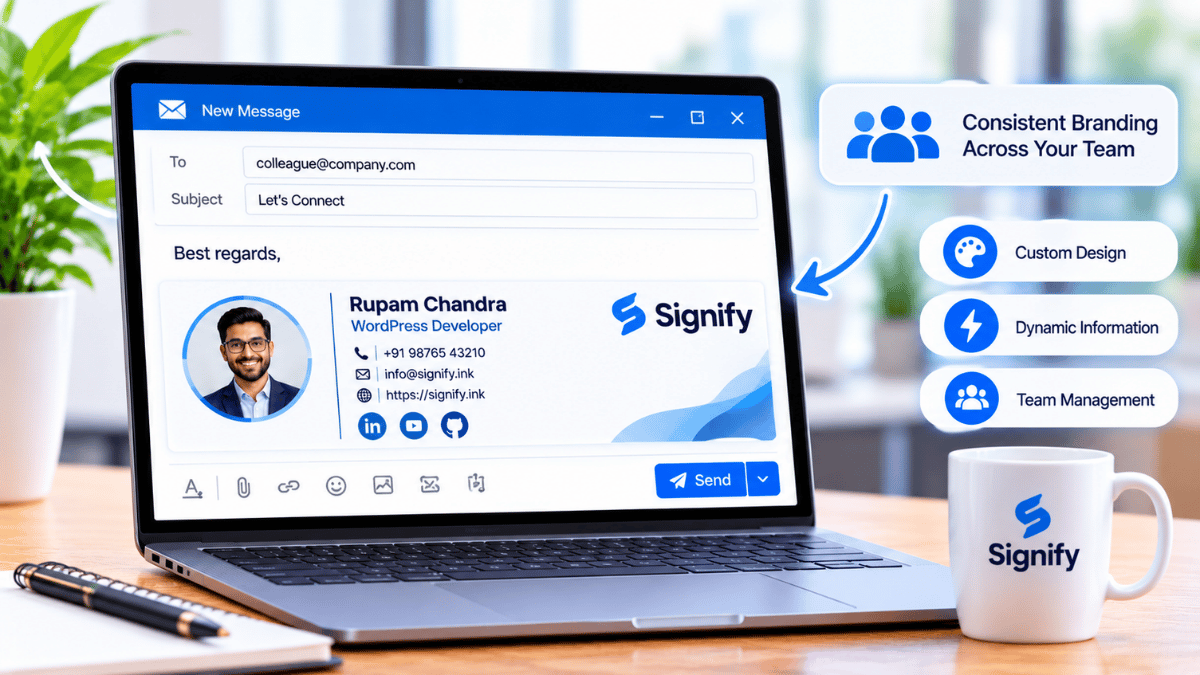
Signify Teams solves this by enforcing a shared brand template across every agent while preserving each agent’s individual contact details, photo, and listing links. The broker controls the visual identity; the agents control their professional identity.
What Teams adds
- Branded templates — consistent logo, colors, and layout across every agent’s card.
- Centralized seat management — add and remove agents as they join or leave the brokerage.
- Shared contacts — a unified directory of every lead captured by any agent.
- Team analytics — engagement metrics by agent, by listing, or by event.
- CRM sync — contacts flow into the brokerage’s Zoho CRM automatically.
For brokerages that also maintain a public-facing page, Business Brief extends the same logic to the company level — a single branded destination with contact options, office hours, and links to each agent’s card. Current plans and per-seat pricing are on the Signify pricing page.
Setting up your agent card
A digital card is only useful if it is set up well. For real estate agents, the setup should be optimized around the two things buyers care about most: what you sell and how to reach you.
- Create the card. Sign up and open the card editor via Create a Card.
- Add your core identity. A clear professional headshot, your name, your brokerage, and a one-line bio that tells a buyer exactly what you do — e.g. “Residential agent for first-time buyers in North Austin.”
- Add your listings and portfolio. Link to your active listings, recent sales, and any virtual tours. If your brokerage has a shared listing page, link to that instead.
- Add a booking link. Calendar integration is the highest-value feature for real estate. Let a client book a showing or a consultation without an email exchange.
- Choose a theme. Match your brokerage brand or your personal style. Signify offers several themes and color options.
- Test the QR and NFC. Scan your card on a second device and tap an NFC card against a phone that is not yours. Confirm that the profile opens correctly before you hand it out at a showing.
Once the card is set up, add the QR code to every physical touchpoint: tabletop signs at open houses, the back of flyers, the bottom of listing printouts. If you have an NFC card, keep it in the same pocket as your keys — it should be ready to tap at every introduction.
Frequently asked questions
Do clients need an app to view my Signify card?
No. Your card opens in a standard web browser on any smartphone, tablet, or computer. That matters for real estate because buyers often scan a card on the spot, and a download prompt would kill the connection.
Can I share my listings from the card?
Yes. A Signify card can link to your active listings, virtual tours, neighborhood guides, and any property information hosted on your brokerage’s site or a third-party platform. You can update the links whenever your inventory changes.
How does the lead-capture form work?
When a buyer scans your card, they are prompted to share their contact details in exchange for your profile. That lead lands in your Signify dashboard, with contextual notes, and can be exported or synced to a CRM. For brokerages, Signify Teams aggregates leads across every agent.
What analytics does a Signify card provide?
You can track profile views, contact saves, listing link clicks, and lead conversion rates. For open houses, that means you can see how many visitors engaged with your card and which listings got the most attention.
Can I update my card when my listings change?
Yes. Update the card once and every saved copy reflects the change. That is one of the structural advantages of a digital card over paper — no reprints, no stale listings, no outdated contact details.
How do I share my card in person at a showing?
Two methods: a Smart QR code on a tabletop sign or on your phone screen, or an NFC card tapped against the buyer’s phone. Both are instant and require nothing on the buyer’s end.
Can my brokerage enforce a consistent brand across agents?
Yes. Signify Teams uses a shared organization template that locks the company logo, theme color, and required fields, while each agent personalizes their name, photo, and listings. The brokerage controls the brand; the agent controls their professional identity.
How much does Signify cost for a solo agent?
Signify offers a free tier for individual professionals that includes card creation, sharing, and basic analytics. Paid plans add more cards, custom branding, and team features. See the pricing page for current details.
What is the fastest way to get started?
Create a free Signify card, add your headshot, brokerage, listings, and a booking link, then test the QR code on a second device. The whole process takes a few minutes and does not require any technical skill.
Is Signify secure for client contact information?
Signify encrypts data in transit with TLS 1.2+ and at rest with AES-256, and it hosts on ISO 27001/27017 and SOC 1/2/3 certified infrastructure. It supports field-level visibility controls and remote logout. For brokerages with stricter data requirements, the Security Policy documents the controls.
Turn every showing into a tracked lead
Give every open house, showing, and site visit a digital card that captures leads, links to your listings, and makes follow-up effortless.
Create a free agent card