 Signify.ink

A freelancer’s professional identity is not a job title. It is a body of work — the portfolio, the case studies, the published pieces, the client list. That is a fundamentally different thing from the identity a salaried professional carries, and it changes what a digital business card needs to do. For a freelancer, the card is not a contact-exchange object. It is a proof-of-work artifact. It is the link you send after a discovery call, the QR code on a conference badge, and the one URL that stands in for the portfolio, the calendar, and the “about me” page all at once.
This guide is for freelancers and creators who are evaluating whether a digital card is worth the effort. It covers what personal branding actually means for someone selling work rather than a job title, the specific costs a paper card imposes on a freelancer, the “one link in bio” problem that most creator profiles solve badly, and the six practices that make a card useful instead of ornamental. If you want the product-specific version first, the online business card page is the place to start.
- For a freelancer, a card is not a contact record — it is a portfolio entry point.
- Roughly 88% of paper cards are thrown away within a week, cited by the American Bar Association — and a freelancer’s card is usually the only record of a prospective client.
- The “one link in bio” pattern is often worse than no link: it points to a directory of directories, not to the work itself.
- A live card replaces the directory pattern with a single, up-to-date profile that carries the portfolio, the booking link, and the contact in one place.
What personal branding means for a freelancer
The term “personal branding” is often used to describe a set of surface attributes — a consistent colour palette, a clever bio, a professional headshot. For a freelancer, that is the least important part. Personal branding is not what your card looks like. It is whether a prospective client can find the work you claim to do, verify that you did it, and contact you in under thirty seconds.
That is a functional test, not an aesthetic one. A portfolio link that does not resolve is a branding failure. A card that still lists an old agency as the client is a branding failure. A “contact” page with a broken form is a branding failure. The freelancers who get this right are the ones who treat their public presence as a product — maintained, updated, and tested — rather than as a static description.
The Wikipedia entry on personal branding frames it as the process by which individuals differentiate themselves in a market. That is a reasonable definition, but it understates the operational side. For a freelancer, personal branding is the discipline of keeping the surface that clients actually visit in a state that matches the claims made about it.
The paper cost, for someone selling work
The general case against paper cards applies to freelancers too, but three specific costs hit harder for someone whose income depends on a small number of client relationships rather than a fixed salary.
Every reprint is a real cost
A rebrand, a new service line, a new portfolio piece, a new phone number — each one triggers a new print order, and each order competes with the tools a freelancer actually needs. The Signify pricing page frames the alternative: a fixed subscription replaces a recurring print cost, and the card updates in place rather than requiring a new order.
The discarded card is a lost prospect
The American Bar Association and UPrinting both cite the widely used figure that roughly 88% of paper business cards are thrown away within a week. For a salaried professional, a discarded card is a missed connection. For a freelancer, it is a lost client relationship — and the cost of replacing that prospect through paid acquisition is usually higher than the card itself.
There is no back office to fix version drift
A large company can update a card across hundreds of employees through a single reprint order. A freelancer has to catch every version of their own identity — the website, the social profiles, the old PDF, the paper card in a drawer — and keep them consistent. A live profile is the only way to guarantee that every version of your identity is the same version, because there is only one.
The “one link in bio” problem
Most creators and freelancers solve the multi-link problem with a link aggregator — a single URL that hosts a list of links to the portfolio, the shop, the newsletter, and the social profiles. It is a reasonable solution to a real problem, and it works better than nothing. But it has three specific weaknesses that a digital business card does not.
It adds a click before the work
A link aggregator sends the visitor to a second page of links. The portfolio is one click deeper than it needs to be. A card can carry the portfolio link directly, so the visitor reaches the work in one hop.
It is a directory, not an identity
A link list gives the visitor a choice of destinations but no sense of the person behind them. A card carries the role, the visual identity, and the framing that tells the visitor who they are dealing with — not just where to go next.
It does not work as a physical handoff
A link aggregator is designed for a screen. It does not translate to a tap-to-share or a QR code on a business card at a conference. A digital card works in both contexts with the same underlying profile.
It usually has no analytics
Most link aggregators show basic page views but not which links were clicked, which portfolio pieces were opened, or which contact method was used. The Signify card tracks those actions individually.
The honest framing is not that link aggregators are bad. They solve a real problem for people who need one URL across many platforms. The case for a digital card is that it solves the same problem with fewer steps, more identity, and better data — which for a freelancer whose income depends on being found and taken seriously is the difference between a business tool and a utility.
What a live card actually changes
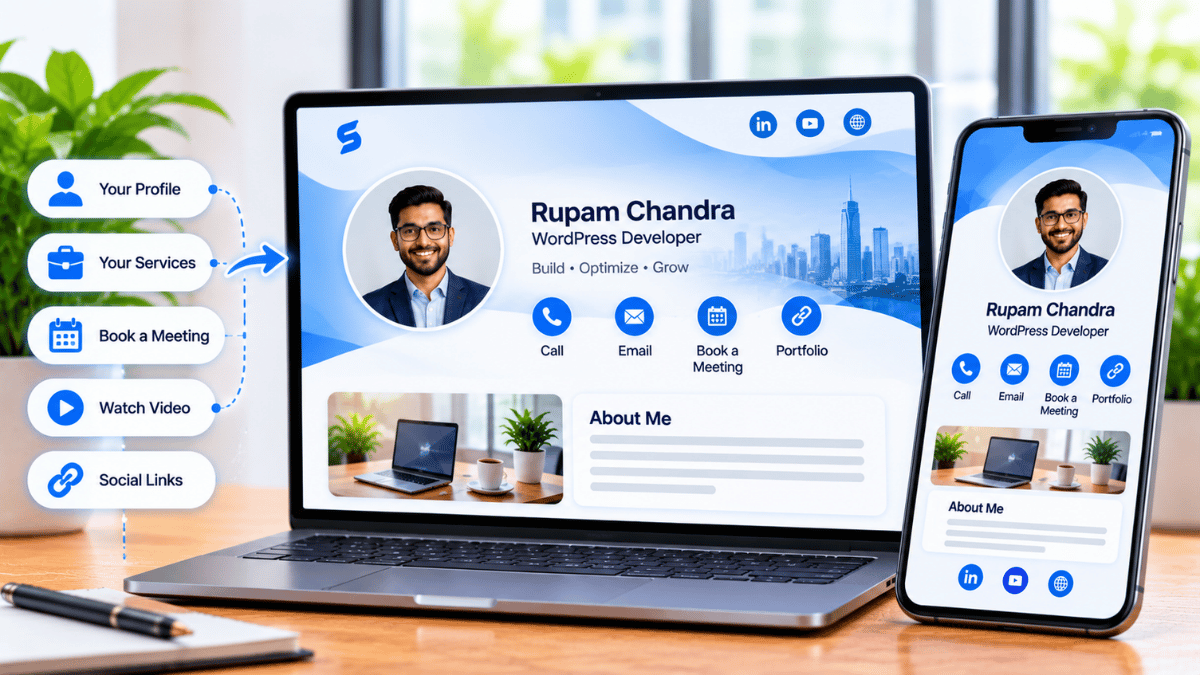
A digital business card designed for freelancers is not a contact-exchange object. It is the surface a client sees when they want to verify that you are who your outreach email said you were. That framing changes what matters about the card itself.
-
The portfolio is the primary field, not a secondary link. The card should send visitors to the work first, and the contact details second. The online business card page covers the field ordering.
-
The card updates when the work does. A new case study, a new client, a new service line — update once, and every recipient who saved the link sees the new version. No reprint, no version drift.
-
The contact path is one tap. A VCF download so the recipient can save the contact in one action, not type it. For a freelancer, the follow-up is where the relationship starts.
-
The analytics are specific. Views, saves, and link clicks — not just page visits. That tells you which portfolio pieces are being opened, which links are being clicked, and which outreach channels are actually converting.
-
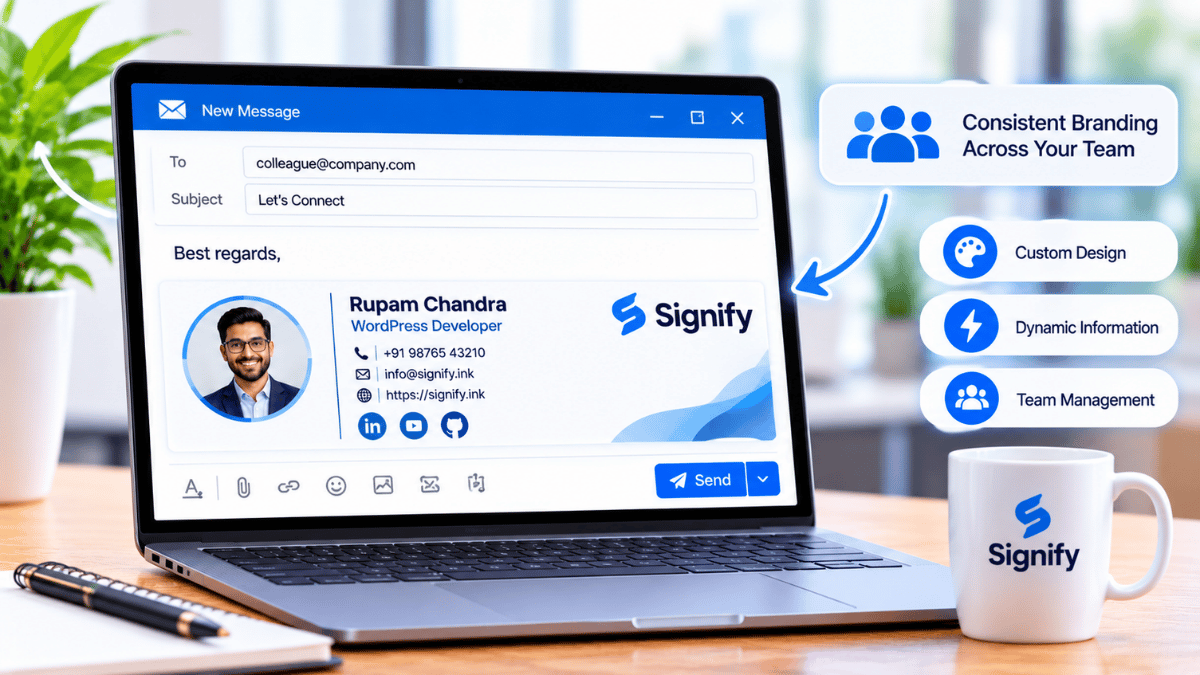
The card is discoverable alongside the work. The home-screen widget puts the QR code one tap away on your phone. The email signature feature puts the card in every outgoing message. The business brief gives the card a one-link company profile that sits alongside the freelancer’s individual card.
Paper card vs link-in-bio vs digital card
The three formats people actually use to share a freelancer’s professional identity are paper cards, link aggregators, and digital business cards. They are not interchangeable, and the comparison below shows where each one fits.
| Dimension | Paper card | Link-in-bio | Digital card |
|---|---|---|---|
| Reaches portfolio in | One typed URL, or never | Two clicks | One click |
| Carries identity | Name, title, contact | Links, minimal framing | Role, brand, portfolio, contact in one view |
| Works in person | Yes | No | Yes — QR or NFC tap |
| Updates when the work does | Reprint required | Links can be updated; framing is static | Card updates in place, all saved links follow |
| Analytics | None | Page views only | Views, saves, and per-link clicks |
| Contact save | Manual entry | Manual entry | One-tap VCF |
For a freelancer, the meaningful comparison is not “digital vs paper”. It is “which surface carries the identity and the work in one step”. A link aggregator is closer to the right answer than a paper card, but a digital business card closes the remaining gap by carrying the identity directly and putting the portfolio one click away instead of two.
Sources: American Bar Association and UPrinting (88%).
Six practices that make the card useful
A freelancer’s card is not automatically useful just because it exists. The practices below are the ones that separate a card that gets used from one that gets abandoned after a month.
-
Put the portfolio first. The first link on the card should be the work, not the “about me”. Clients want to see what you have done before they read who you are.
-
Keep the card current with the work. A portfolio piece that is two years old and still listed as the most recent project is a signal that the freelancer has not shipped anything since. Update the card whenever the portfolio changes.
-
Add a booking link. A card that sends the visitor to a calendar is a card that converts. A card that only sends the visitor to a contact form is a card that hopes.
-
Use the analytics to prune. The card tracks which links are clicked. If a link has not been clicked in a month, remove it. A card with four links the visitor actually uses is better than one with twelve they scroll past.
-
Hide what is not for sale. Not every field has to be public. Field-level visibility on the paid plans lets you share a portfolio and a booking link without exposing a personal phone number.
-
Use the card in every follow-up. A card is not a thing you only share at events. The email signature and the send-a-card flow put the card in every outgoing message, which is where most of a freelancer’s client relationships actually start.
The single highest-leverage habit is the portfolio-first framing. Most cards lead with the name and title, because that is what a paper card had room for. A freelancer’s card should lead with the work, because that is what a client is trying to verify. The role and the contact details are the closing argument, not the opening one.
Frequently asked questions
Do freelancers actually need a digital business card?
Not because “digital” is fashionable, but because a freelancer’s identity changes more often than a printed card can track. A new portfolio piece, a new service line, a new client name — each one makes the previous version of the card wrong. A live profile updates in place, so the card the client saved three months ago still reflects who you are today.
How is this different from a “link in bio”?
A link aggregator sends the visitor to a second page of links. A digital business card carries the identity and the portfolio link in one view, so the visitor reaches the work one click sooner. It also works as a physical handoff — a QR code or an NFC tap — which a link aggregator does not.
Is the “88% of business cards are thrown away” statistic reliable?
It is the most widely cited figure in the category and is consistently traced to a 2017 Statistic Brain study. It is cited by the American Bar Association and by UPrinting. As with any single-source survey, the exact number should be treated as directional rather than precise.
Can I show a portfolio directly on the card?
Partially. A Signify card carries links to your portfolio, your case studies, and your published work rather than hosting the media itself. For a designer, this means the card links to a Behance, a personal site, or an Instagram portfolio. For a writer, it links to published pieces. The card is the hub, not the gallery.
Do clients need the Signify app to view the card?
No. The card opens in a browser, and the client can save the contact as a VCF file without downloading anything. The send-a-card feature attaches the VCF directly to the follow-up email so the client can save the contact in one tap.
Is a free plan enough for a freelancer?
For a solo freelancer sharing a card by link or QR code, the free tier covers the core use case. The paid plans add field-level visibility, additional themes, and analytics depth. The pricing page compares them. A creator with a growing portfolio will usually want the paid plan within a few months.
Can I use the card for a small studio or collective?
Yes. Signify Teams provides shared brand templates, central seat management, and deactivation for departing members — which matters for a collective where members come and go. The home-screen widget can also display a carousel of every member’s card, so a visitor can browse the studio in one place.
How do I get started?
Open Create a Card in Signify, put the portfolio link first, add a booking link, and set the fields you are comfortable making public. Share the card by link, QR code, or NFC tap, and add it to your email signature so every outgoing message carries it.
One card that carries the work
Portfolio first, contact one tap away, updated when the work changes — no reprints, no version drift, no link aggregator in the way.
Create your Signify card